1. Product Overview
This manual provides essential information for the safe and effective use of your uwant V100 Cordless Vacuum Cleaner Replacement Battery. This battery is designed specifically for the uwant V100 cordless vacuum cleaner, ensuring optimal performance and compatibility.
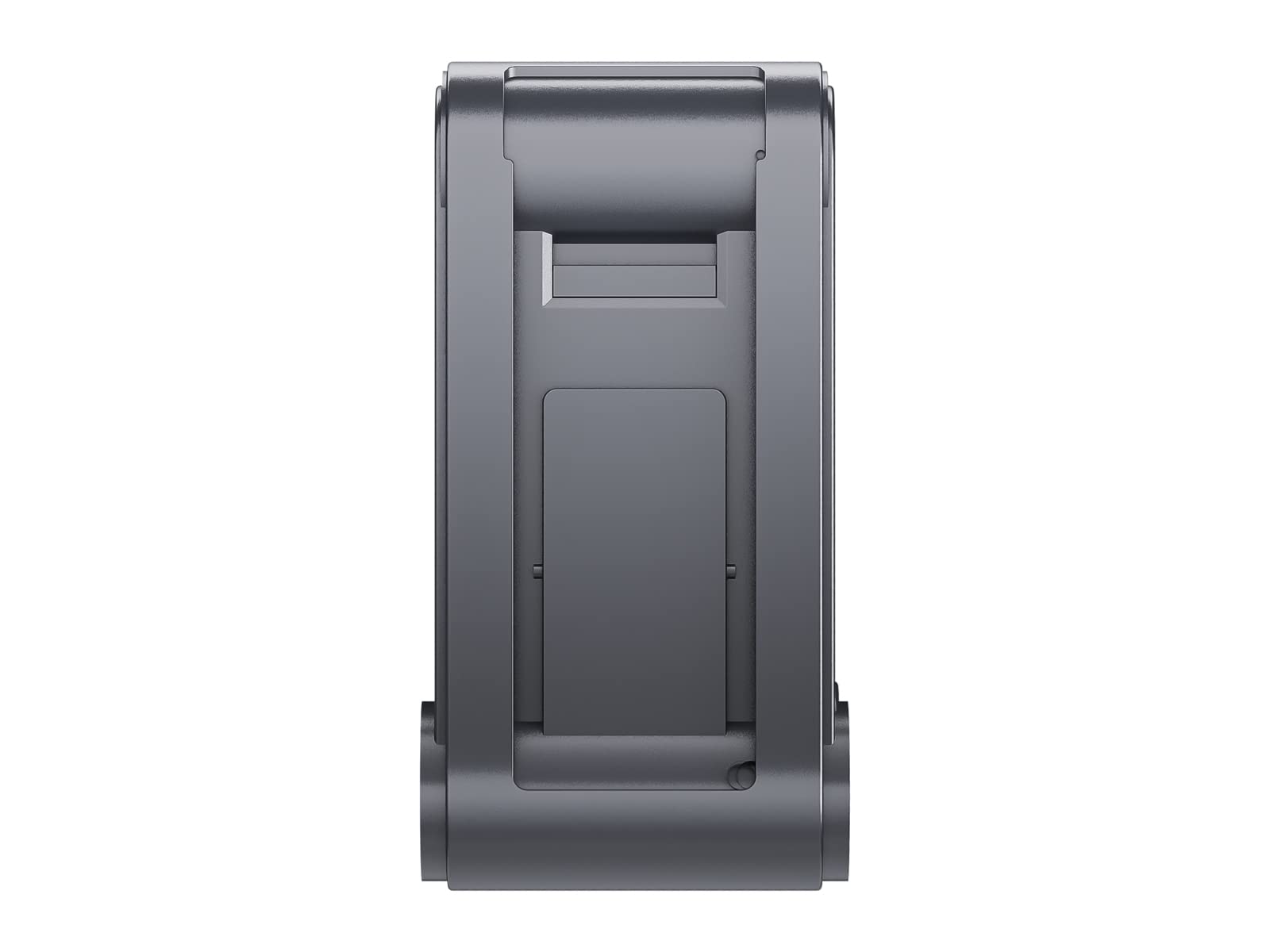
Image: The uwant V100 Cordless Vacuum Cleaner Replacement Battery, a 28.8 Volt, 2500 mAh Lithium-Ion battery pack.
2. Safety Information
Please read and understand all safety instructions before using or handling the battery. Failure to follow these instructions may result in electric shock, fire, or serious injury.
- Use Only with Compatible Devices: This battery is exclusively designed for the uwant V100 Cordless Vacuum Cleaner. Do not attempt to use it with any other device or charger.
- Charging: Only use the original uwant V100 charger or a charger specifically approved by uwant for this battery. Improper charging can lead to overheating, fire, or explosion.
- Avoid Damage: Do not disassemble, crush, puncture, or short-circuit the battery. Avoid dropping the battery or exposing it to strong impacts.
- Temperature: Do not expose the battery to extreme temperatures (above 60°C/140°F or below 0°C/32°F) or direct sunlight. Keep away from heat sources, open flames, and flammable materials.
- Water Exposure: Do not immerse the battery in water or other liquids. Keep it dry.
- Disposal: Dispose of the battery responsibly according to local regulations. Do not dispose of it in household waste or by incineration.
- Children and Pets: Keep the battery out of reach of children and pets.
- Leakage: If battery fluid leaks, avoid contact with skin and eyes. Rinse immediately with plenty of water and seek medical attention.
3. Installation
Follow these general steps to replace the battery in your uwant V100 Cordless Vacuum Cleaner. Always refer to your vacuum cleaner's specific user manual for detailed instructions and diagrams.
- Power Off and Unplug: Ensure the vacuum cleaner is completely powered off and unplugged from its charger before attempting battery replacement.
- Locate Battery Compartment: Identify the battery compartment on your uwant V100 vacuum cleaner. This is typically secured with screws or a latch.
- Remove Old Battery: Carefully unfasten any screws or latches holding the old battery in place. Disconnect any connectors and remove the old battery.
- Insert New Battery: Align the new uwant V100 replacement battery with the compartment. Ensure the connectors are properly aligned and securely attach them.
- Secure Battery: Place the new battery into the compartment and secure it with the screws or latches previously removed. Ensure it is firmly seated.
- Test: After installation, connect the vacuum cleaner to its charger to confirm proper charging, then attempt to power it on.
4. Charging Instructions
Proper charging is crucial for battery longevity and performance.
- First Use: Fully charge the battery before its first use.
- Compatible Charger: Always use the original uwant V100 charger or an authorized replacement charger.
- Charging Process: Connect the vacuum cleaner (with the new battery installed) to its charger. The charging indicator on the vacuum cleaner will typically show the charging status (e.g., blinking while charging, solid when fully charged).
- Charging Time: Refer to your uwant V100 vacuum cleaner manual for estimated charging times.
- Avoid Overcharging/Deep Discharging: While modern batteries have protection circuits, it is best practice to disconnect the charger once fully charged and avoid completely draining the battery before recharging.
5. Maintenance and Storage
To maximize the lifespan and performance of your replacement battery, follow these maintenance and storage guidelines:
- Regular Charging: If the vacuum cleaner is not used for an extended period, charge the battery at least once every 3-6 months to prevent deep discharge.
- Storage Conditions: Store the battery in a cool, dry place, away from direct sunlight, moisture, and extreme temperatures. The ideal storage temperature is between 10°C and 25°C (50°F and 77°F).
- Clean Contacts: Periodically inspect and clean the battery contacts on both the battery and the vacuum cleaner with a dry cloth to ensure good electrical connection.
- Avoid Full Discharge: Do not store the battery in a fully discharged state for long periods, as this can reduce its capacity and lifespan.
6. Troubleshooting
If you encounter issues with your replacement battery, consider the following common troubleshooting steps:
- Battery Not Charging:
- Ensure the charger is properly connected to both the vacuum and a working power outlet.
- Check for any visible damage to the charger cable or adapter.
- Verify that the battery is correctly installed in the vacuum cleaner.
- Clean the battery contacts.
- Short Run Time:
- Ensure the battery is fully charged before use.
- Battery capacity naturally degrades over time with repeated charge cycles.
- Operating the vacuum in high-power modes will consume battery faster.
- Vacuum Not Powering On:
- Confirm the battery is fully charged.
- Check if the battery is correctly installed and secured.
- If the issue persists, consult the uwant V100 vacuum cleaner's main manual for further troubleshooting or contact customer support.
7. Specifications
| Feature | Specification |
|---|---|
| Model Compatibility | uwant V100 Cordless Vacuum Cleaner |
| Battery Type | Lithium Ion |
| Voltage | 28.8 Volt |
| Capacity | 2500 mAh |
| Product Dimensions | 3.4 x 1.7 x 7.3 inches |
| Item Weight | 1 pound |
8. Warranty and Support
For warranty information or technical support regarding your uwant V100 Cordless Vacuum Cleaner Replacement Battery, please refer to the warranty card included with your original purchase or visit the official uwant website. You may also contact uwant customer service directly for assistance.
uwant Customer Service: Please refer to your product packaging or the uwant official website for current contact information.


