
AILE A608
AILE A608 Blood Glucose Monitor Kit User Manual
Brand: AILE | Model: A608
1. Introduction and Overview
This manual provides detailed instructions for the proper use and maintenance of your AILE A608 Blood Glucose Monitor Kit. This device is designed for self-testing of blood glucose levels at home, offering a fast and accurate method for monitoring blood sugar. Please read this manual thoroughly before first use to ensure safe and effective operation.
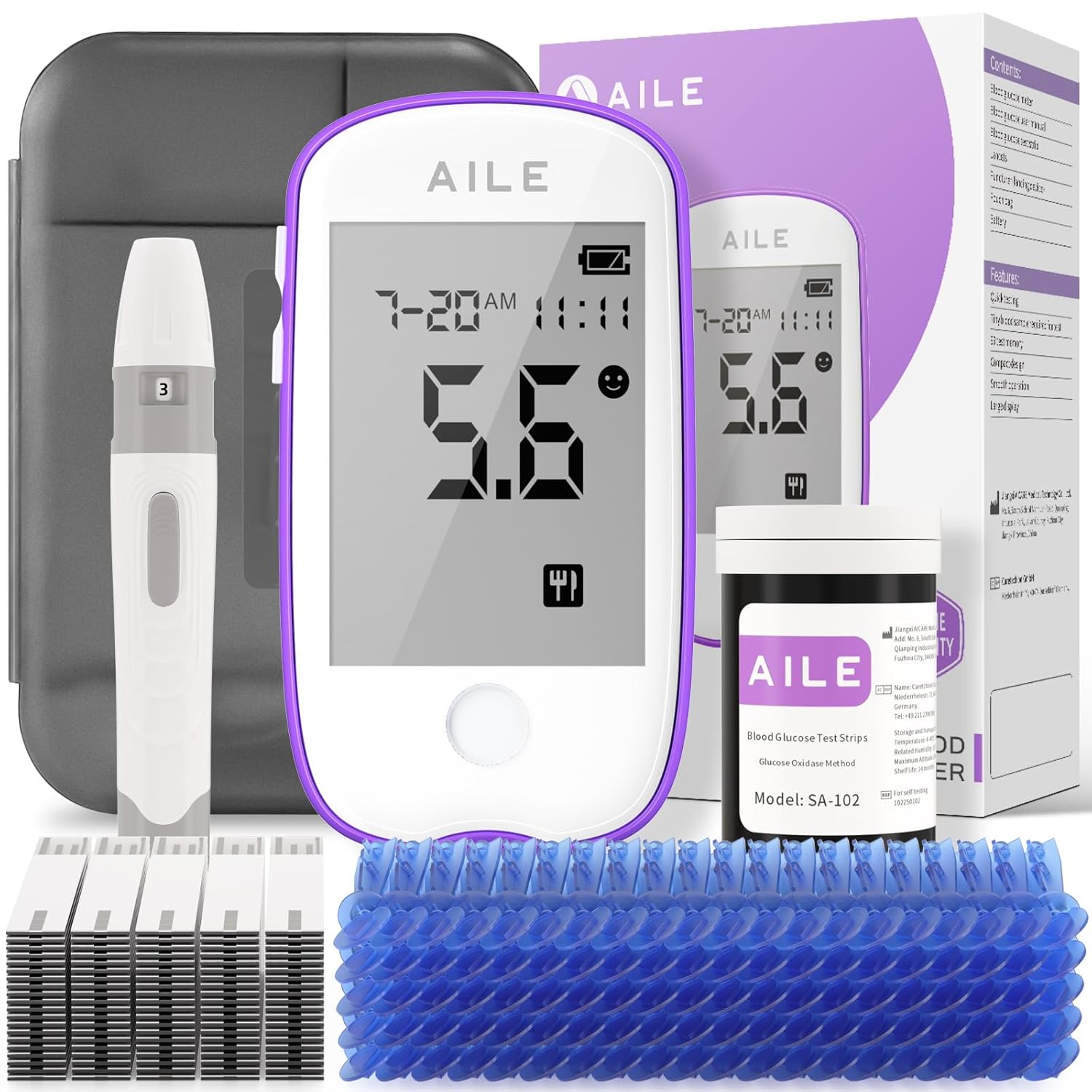
Figure 1.1: Complete AILE A608 Blood Glucose Monitor Kit.
2. Safety Information
Always follow basic safety precautions when using this product to reduce the risk of injury or damage. This device is for in vitro diagnostic use only. Do not use for diagnosis of diabetes or screening of general population. Consult your healthcare professional before making any changes to your medication or treatment plan based on test results.
- Keep out of reach of children.
- Do not use expired test strips or lancets.
- Dispose of used lancets and test strips properly in a sharps container.
- Avoid extreme temperatures and humidity for storage.
- Do not disassemble the device.

Figure 2.1: Caution symbols and storage conditions as indicated on the product packaging.
3. Package Contents
Your AILE A608 Blood Glucose Monitor Kit typically includes the following components:
- 1 x AILE Blood Glucose Monitor (Model A608)
- 50 x Blood Glucose Test Strips
- 50 x Lancets
- 1 x Lancing Device
- 1 x Storage Box / Carrying Case
- 1 x User Manual (this document)

Figure 3.1: The AILE A608 kit, designed for convenient home use.
4. Setup
4.1 Battery Installation
The AILE A608 monitor requires 1 C battery (not included). Open the battery compartment on the back of the device and insert the battery, ensuring correct polarity. Close the compartment securely.
4.2 Initial Device Settings
Upon first power-on, you may need to set the date and time. Refer to the specific instructions in the included quick start guide for navigation through the menu. The device is factory-calibrated and features a "no code" design, meaning no manual coding is required for test strips, simplifying the setup process.

Figure 4.1: The monitor utilizes SOC chip technology and a no-code design for test strips.
5. Operating Instructions
Follow these steps to perform a blood glucose test:
- Prepare the Lancing Device: Insert a new lancet into the lancing device. Adjust the depth setting (1-5) according to your skin type; a lower number for shallower penetration, a higher number for deeper.
- Insert Test Strip: Remove a test strip from its vial and immediately close the vial cap tightly. Insert the test strip into the test strip port of the blood glucose monitor. The monitor will automatically turn on.
- Obtain Blood Sample: Clean the chosen test site (e.g., fingertip) with an alcohol swab and allow it to air dry. Press the lancing device firmly against the skin and press the release button to prick the finger. A small drop of blood will form.
- Apply Blood Sample: Gently touch the tip of the test strip to the blood drop. The strip will draw the blood into the reaction area. Do not apply blood to the top of the strip.
- Read Results: The monitor will display the blood glucose reading in approximately 5 seconds. The large LCD screen ensures clear readability.

Figure 5.1: Step-by-step guide for performing a blood glucose test.

Figure 5.2: The lancing device features 5 adjustable depth settings for comfort.
The monitor can display average blood glucose values for 7, 14, and 30 days, assisting in tracking trends over time.
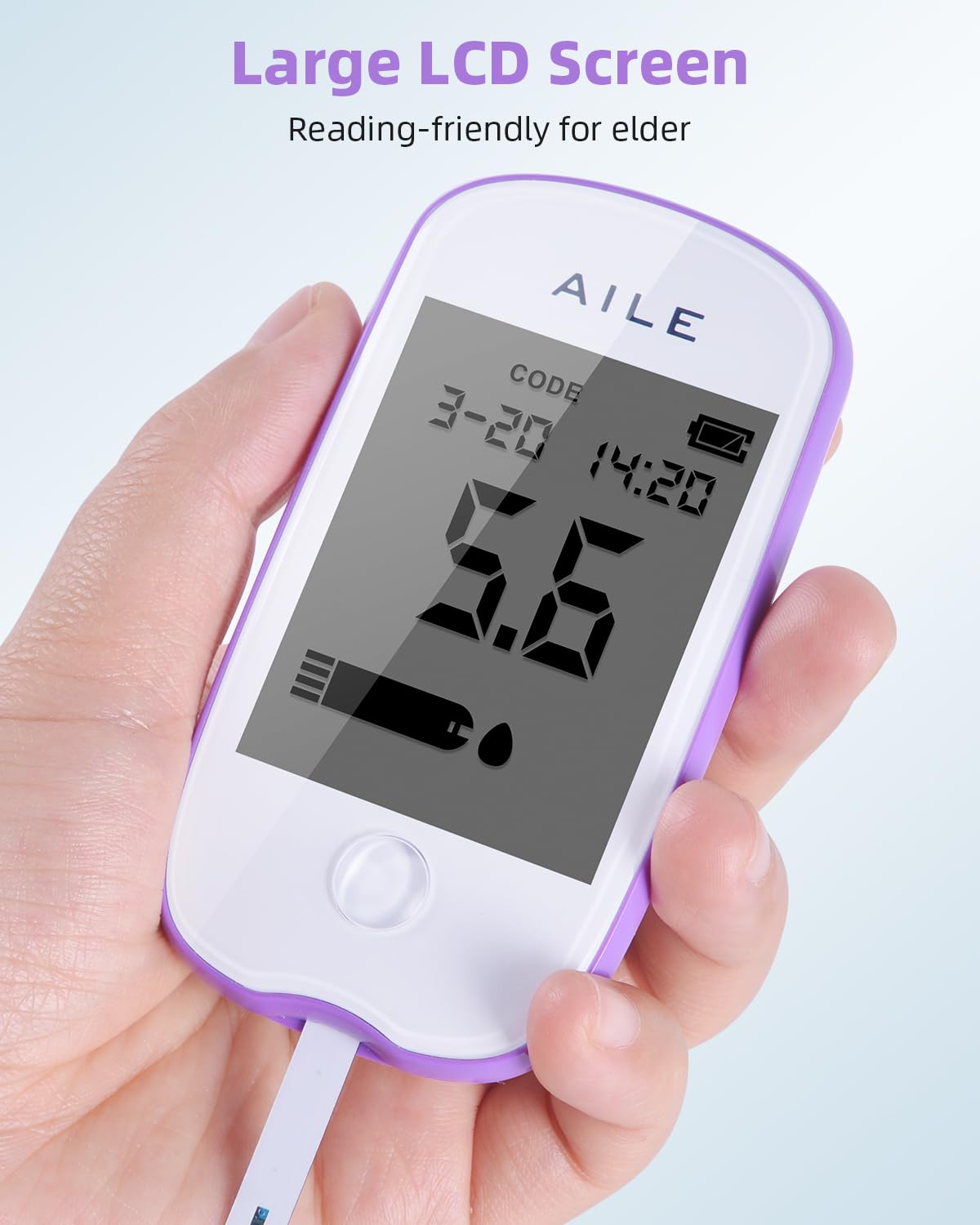
Figure 5.3: The large LCD screen provides clear and easy-to-read results.
6. Maintenance and Care
6.1 Cleaning the Monitor
Wipe the exterior of the blood glucose monitor with a soft, damp cloth. Do not immerse the device in water or use harsh cleaning agents. Ensure the test strip port is free of debris.
6.2 Storage
Store the blood glucose monitor and test strips in a cool, dry place, away from direct sunlight and extreme temperatures. Test strips should be stored in their original vial with the cap tightly closed, at temperatures below 30°C (86°F). Keep all components in the provided storage box when not in use.
7. Troubleshooting
If you encounter issues with your AILE A608 Blood Glucose Monitor, refer to the following common problems and solutions:
| Problem | Possible Cause | Solution |
|---|---|---|
| Monitor does not turn on. | Low or dead battery; incorrect battery installation. | Replace battery; ensure correct polarity. |
| Error message displayed. | Test strip inserted incorrectly; insufficient blood sample; expired test strip. | Reinsert test strip correctly; apply more blood if prompted; use a new, unexpired test strip. |
| Inconsistent or unexpected results. | Improper blood sample application; contaminated test site; test strip exposed to air/humidity. | Ensure proper blood application; clean and dry test site thoroughly; ensure test strip vial is tightly closed after use. |
| Lancing device not pricking effectively. | Incorrect depth setting; dull lancet. | Adjust to a deeper setting; use a new lancet for each test. |
If problems persist, please contact AILE customer support.
8. Specifications
| Feature | Detail |
|---|---|
| Model Name | A608 |
| Operating Time | 5 Seconds |
| Power Source | 1 C battery (required) |
| Battery Cell Composition | Lithium |
| Item Weight | 99.8 g |
| Product Dimensions | 18 x 5 x 16.5 cm |
| Measurement Unit Options | mg/dl & mmol/l (user selectable) |
| Memory Capacity | Stores multiple readings with average values for 7, 14, and 30 days. |
| Technology | Advanced Biosensor Technology, SOC Chip Technology |
| Calibration | Automatically calibrated at factory, no manual coding required. |
9. Warranty
AILE is committed to providing reliable products. The AILE A608 Blood Glucose Monitor Kit comes with a Lifetime Warranty. Please retain your proof of purchase for warranty claims. For specific terms and conditions, refer to the warranty information included with your product packaging or contact customer support.

Figure 9.1: The product packaging highlights the Lifetime Warranty.
10. Customer Support
For any questions, technical assistance, or warranty inquiries, please contact AILE customer support:
- Email: support@AILE.COM
- AILE is dedicated to providing quality products and efficient service.
Ask a question about this manual
Ask about setup, troubleshooting, compatibility, parts, safety, or missing instructions. Manuals+ will review the question and use this page’s manual context to help answer it.