
Introduction
The VOCOlinc Key Finder VT2201 is a compact and lightweight smart tracker designed to help you locate your valuable items. Utilizing Bluetooth technology and the Apple Find My network, this device allows you to track keys, wallets, luggage, and other personal belongings directly from your iOS device. It features a replaceable CR2032 battery with up to one year of life and an IP65 water-resistant design for durability. The integrated NFC function enables others to contact you if your item is found and placed into Lost Mode.
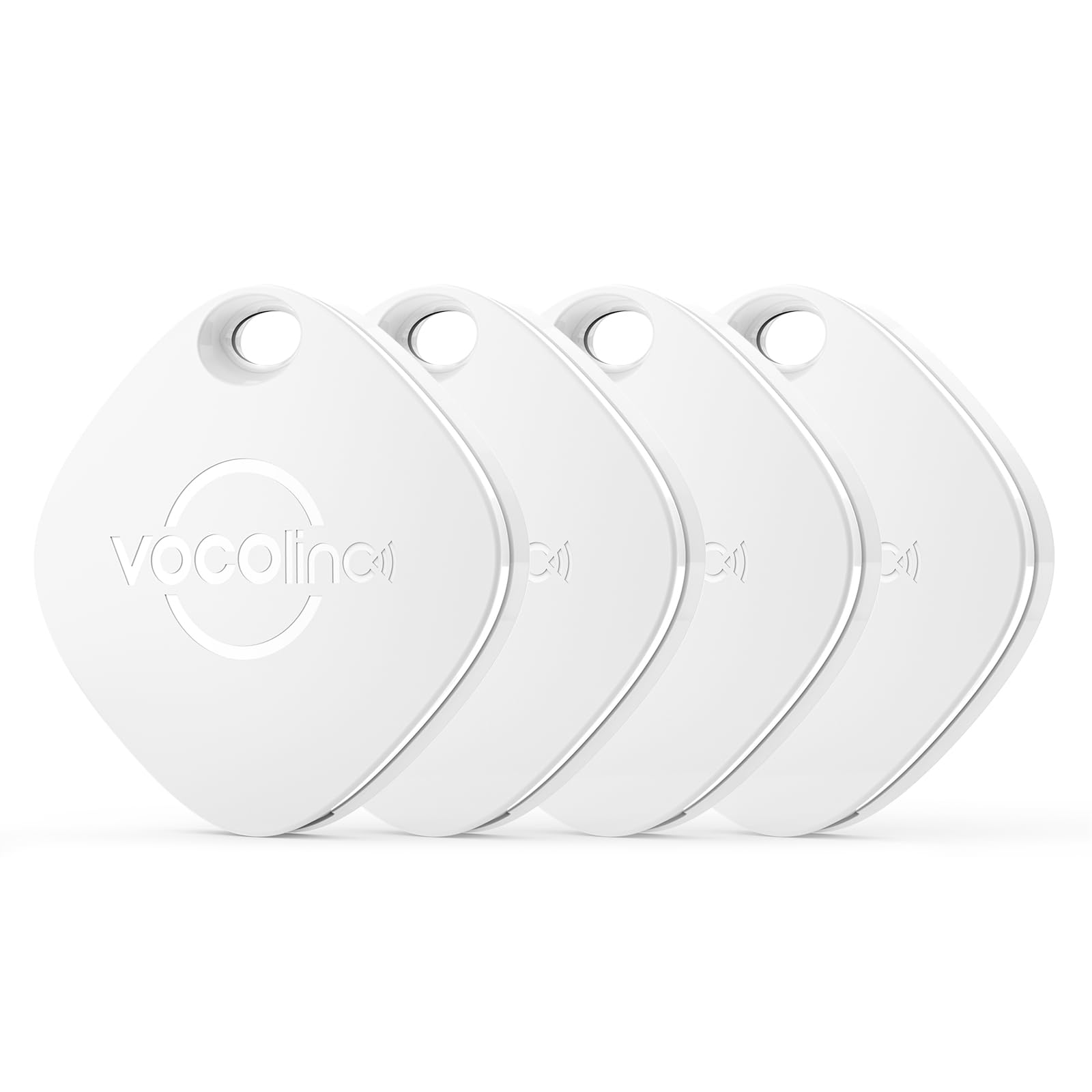
Image: VOCOlinc Key Finder with iPhone displaying Find My app. This image illustrates the product's compatibility with Apple Find My, privacy protection, replaceable battery, and Siri support.
Setup
Follow these steps to pair your VOCOlinc Key Finder with your iOS device:
- Ensure Bluetooth is enabled on your iOS device and open the Apple "Find My" app.
- In the "Find My" app, tap the "+" icon and select "Add Other Item".
- Press and hold the center button on your VOCOlinc Key Finder for 10 seconds until you hear a confirmation sound. This action resets the tag and prepares it for pairing.
- Your iOS device will detect the VOCOlinc Key Finder. Follow the on-screen prompts in the "Find My" app to name your tag and complete the registration process. Pairing should be completed within 30 seconds.

Image: Step-by-step pairing instructions for VOCOlinc Key Finder using the Apple Find My app. This visual guide demonstrates the process from enabling Bluetooth to completing registration.
Operating Instructions
Finding Items Nearby
When your VOCOlinc Key Finder is within Bluetooth range (up to approximately 60 meters), you can use the "Find My" app to play a loud sound (80-100 dB) from the tracker. This helps you quickly locate misplaced items like keys under a sofa cushion or a wallet in another room.

Image: Finding a lost item nearby with sound. The image shows a hand holding a smartphone with the Find My app, and a VOCOlinc tag under a sofa cushion emitting sound waves to indicate its location.
Tracking Items at a Distance
If your item is outside of Bluetooth range, the Apple Find My network can help. Hundreds of millions of Apple devices worldwide anonymously and securely detect your VOCOlinc Key Finder and report its location to you. You can view the last known location on a map within the "Find My" app and receive directions to it.

Image: Tracking a lost item's location on a map. A person holds a smartphone displaying a map with the tracker's location, illustrating how the Find My network helps locate items far away.
Lost Mode and NFC Functionality
If you lose your item, activate "Lost Mode" in the "Find My" app. You can add your contact information, such as a phone number or email address. If someone finds your VOCOlinc Key Finder, they can tap their NFC-enabled smartphone on the tag to retrieve your contact details and return your item. All communication within the Find My network is anonymous and encrypted to protect your privacy.
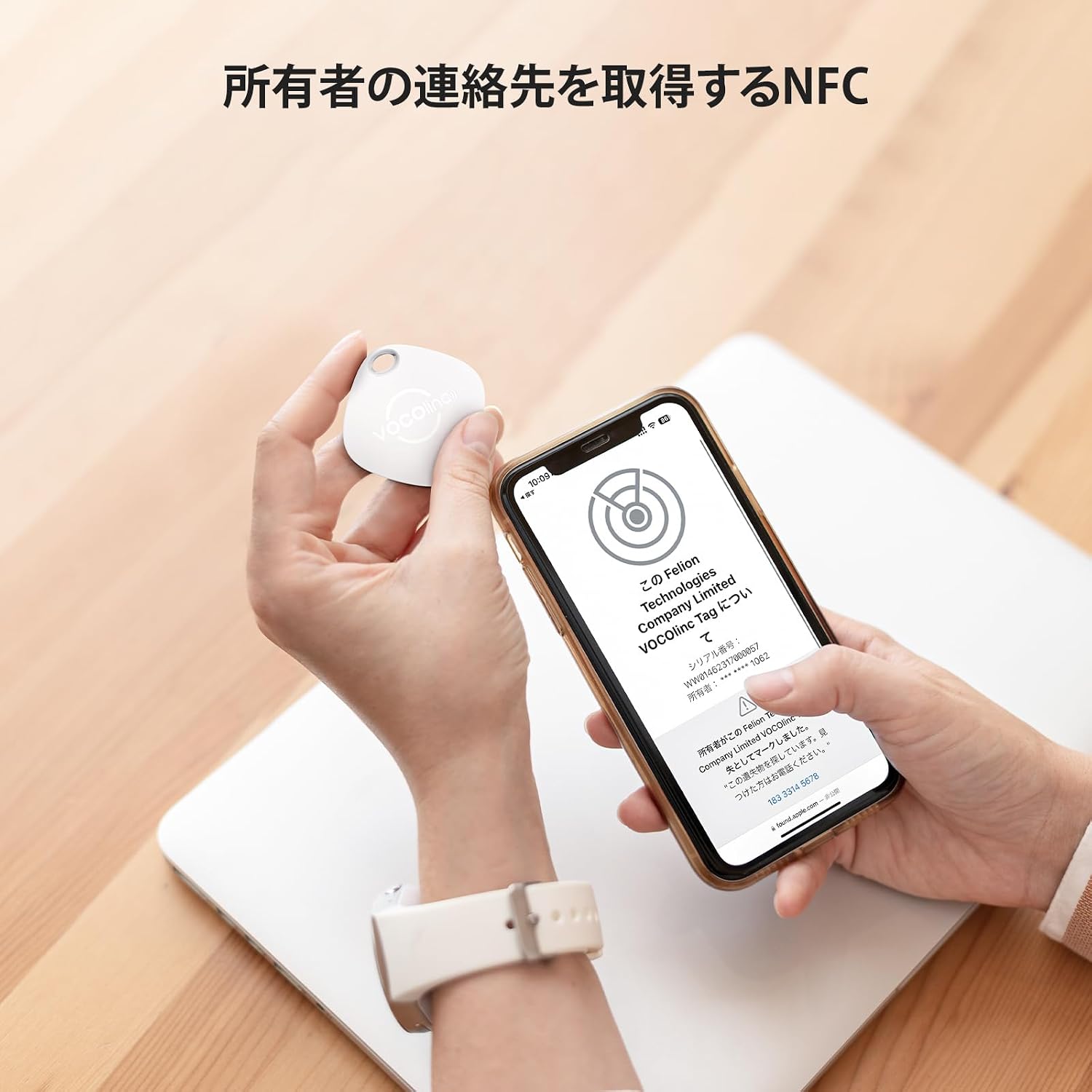
Image: Using NFC to retrieve owner's contact information. The image shows a hand holding the VOCOlinc tag near a smartphone displaying contact information that can be accessed via NFC when the tag is in Lost Mode.
Maintenance
Battery Replacement
The VOCOlinc Key Finder uses a standard CR2032 coin cell battery, which can last up to one year. To replace the battery:
- Locate the small notch on the side of the tracker.
- Carefully open the tracker using a small tool or your fingernail at the notch.
- Remove the old CR2032 battery.
- Insert a new CR2032 battery with the positive (+) side facing up.
- Align the two halves of the tracker and press firmly until they click securely into place.

Image: VOCOlinc Key Finder with replaceable CR2032 battery. The image shows the tracker opened to reveal the CR2032 battery, demonstrating the ease of replacement.
Water Resistance
The VOCOlinc Key Finder has an IP65 rating, meaning it is protected against dust ingress and low-pressure water jets from any direction. It is suitable for everyday use and can withstand splashes or light rain. However, it is not designed for submersion in water. Avoid exposing the device to heavy rain or prolonged water contact.
Troubleshooting
- Device Not Responding/Connecting: If the tracker does not respond or connect to your iOS device, ensure Bluetooth is active and the "Find My" app is open. Try replacing the CR2032 battery. If the issue persists, attempt to re-pair the device following the setup instructions.
- Sound Not Playing: If the tracker's sound does not play when activated, check the battery level in the "Find My" app. Ensure there are no obstructions blocking the speaker on the device.
- Inaccurate Location Tracking: For accurate location tracking, ensure your iOS device has a stable internet connection and location services are enabled for the "Find My" app. The accuracy of location updates depends on the density of the Apple Find My network in the area.
- NFC Not Working: Ensure the finding device is NFC-enabled and that you are tapping the VOCOlinc Key Finder correctly. The tag must be in Lost Mode for contact information to be accessible via NFC.
Specifications
| Brand | VOCOlinc |
| Model Number | VT2201 |
| Connectivity Technology | Bluetooth |
| Compatible Application | Apple Find My |
| Included Components | Main unit, CR2032 battery, Instruction manual |
| Battery Type | CR2032 |
| Average Battery Life | 1 Year |
| Compatible Devices | Mobile phones (iOS only) |
| Product Dimensions | 36 x 36 x 7 mm |
| Water Resistance Rating | IP65 |
Warranty and Support
Warranty Information
The VOCOlinc Key Finder VT2201 comes with a 1-year manufacturer's warranty from the date of purchase. This warranty covers defects in materials and workmanship under normal use. It does not cover damage caused by misuse, accidents, unauthorized modifications, or normal wear and tear.
Customer Support
For technical assistance, warranty claims, or any questions regarding your VOCOlinc Key Finder, please refer to the contact information provided in the product packaging or visit the official VOCOlinc website. Our customer service team is dedicated to providing support for our products.


