
Introduction
Thank you for choosing the TNICER N1 Motorcycle Helmet Bluetooth Headset. This manual provides detailed instructions for the proper installation, operation, and maintenance of your device. Please read this manual thoroughly before use to ensure optimal performance and safety.
Product Features
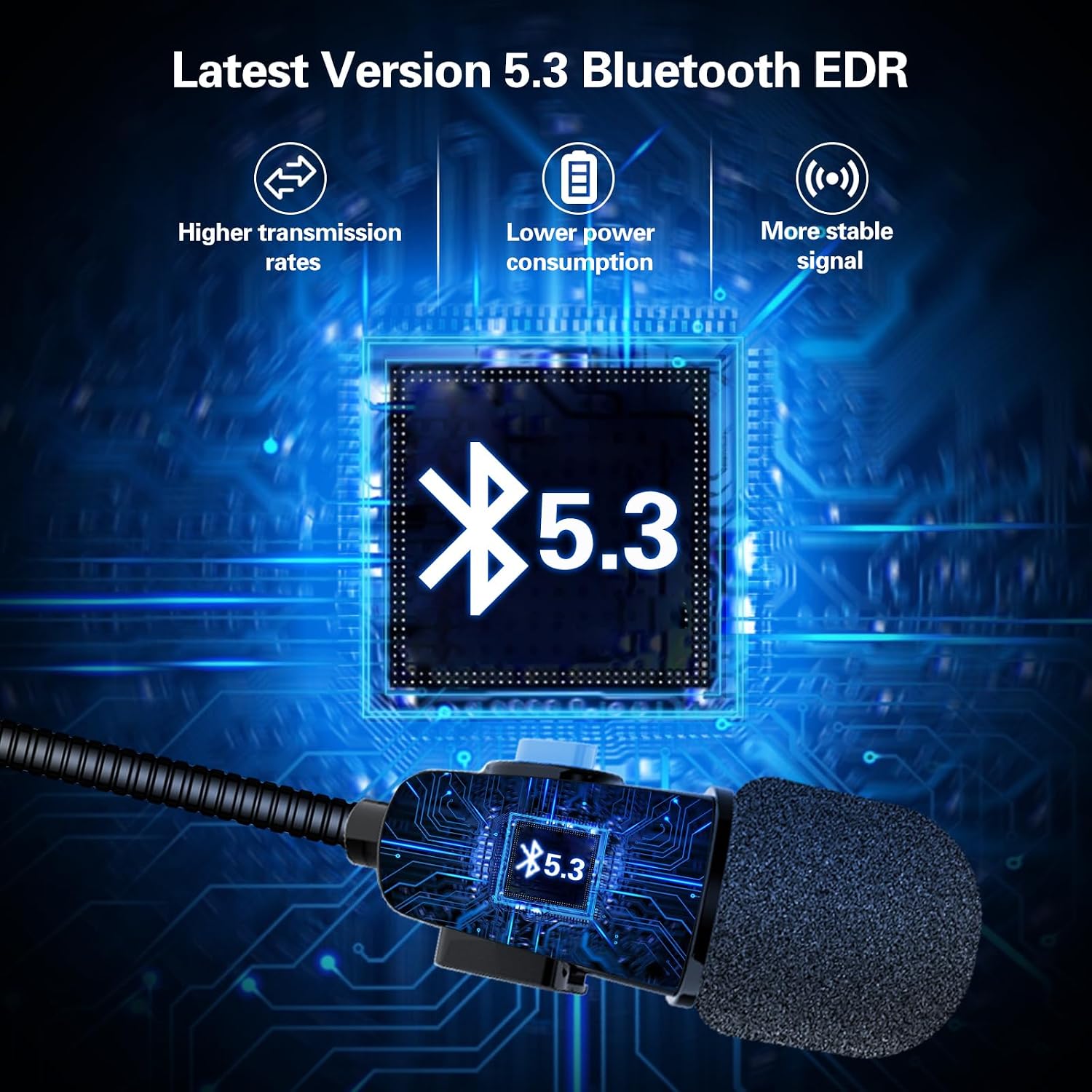
- Bluetooth 5.3 Technology: Ensures faster, more stable signal transmission with ultra-low power consumption.
- DSP Noise Suppression: Enhances sound quality for clear stereo music and communication.
- Automatic Call Answering: Incoming calls are answered automatically after 8 seconds, enhancing safety during rides. Manual hang-up is possible within 8 seconds.
- User-Friendly Controls: Three raised control buttons for easy operation, even with gloves.
- Long Battery Life: Up to 8 hours of continuous work and 300 hours of standby time on a 1.5-hour charge.
- Durable Design: Anti-sweat and dustproof sealing for extended product lifespan.
- Universal Fit: Designed for easy mounting on most helmets.
Product Overview and Components


Setup and Installation
1. Checking Helmet Compatibility
Before installation, measure the speaker recess section within your helmet. The TNICER N1 speakers have a thickness of 0.44 inches (approximately 11.17 mm) and diameters of 40mm and 35mm. Ensure there is adequate space for proper fitment.
2. Mounting the Headset
- Identify suitable locations inside your helmet for the speakers and microphone. The headset is designed for easy and firm mounting.
- Attach the speakers to the helmet's interior, typically within the ear recesses, using the provided adhesive pads or Velcro.
- Position the microphone near your mouth for clear voice pickup. Ensure it does not obstruct your vision or helmet closure.
- Route the cables neatly within the helmet padding to avoid interference and ensure comfort.
3. Charging the Device
- Connect the charging cable to the headset's charging port and to a standard USB power source.
- A full charge takes approximately 1.5 hours.
- The device will indicate charging status (e.g., LED indicator). Refer to the device's LED behavior for specific charging signals.
4. Bluetooth Pairing
- Ensure the headset is powered off.
- Press and hold the power button until the LED indicator flashes alternately in red and blue, indicating pairing mode.
- On your smartphone or other Bluetooth device, enable Bluetooth and search for available devices.
- Select "TNICER N1" from the list of found devices.
- Once paired, the LED indicator will typically show a solid blue light or flash slowly.
Operating Instructions
1. Power On/Off
- Power On: Press and hold the power button for approximately 3 seconds until you hear an audible prompt and the LED indicator lights up.
- Power Off: Press and hold the power button for approximately 5 seconds until you hear an audible prompt and the LED indicator turns off.
2. Call Management
- Automatic Answering: Incoming calls will be answered automatically after 8 seconds.
- Manual Hang Up: During the 8-second automatic answering period, you can manually press the appropriate button (refer to device controls) to hang up the call.
- Redial Last Number: Double-press the power button to redial the last dialed number.
3. Music Playback
- Play/Pause: Press the central control button (often the power button) once to play or pause music.
- Volume Up: Press the '+' button to increase volume.
- Volume Down: Press the '-' button to decrease volume.
- Next Track: Press and hold the '+' button for 2 seconds to skip to the next song.
- Previous Track: Press and hold the '-' button for 2 seconds to go to the previous song.
4. Voice Assistant
- Activate Voice Assistant: Triple-press the power button to activate your smartphone's voice assistant (e.g., Siri, Google Assistant).
Maintenance
- Cleaning: The N1 speaker is sealed to prevent sweat and dust. Wipe the device with a soft, damp cloth. Do not use harsh chemicals or abrasive cleaners.
- Storage: Store the headset in a cool, dry place away from direct sunlight and extreme temperatures when not in use.
- Battery Care: To prolong battery life, avoid fully discharging the battery frequently. Charge the device regularly, even if not in constant use.
Troubleshooting
| Problem | Possible Cause | Solution |
|---|---|---|
| Device does not power on. | Low battery. | Charge the device for at least 1.5 hours. |
| Cannot pair with smartphone. | Headset not in pairing mode; Bluetooth off on phone; device too far. | Ensure headset is in pairing mode (flashing red/blue LED). Turn on phone's Bluetooth. Keep devices within 1 meter. |
| No sound or low volume. | Volume too low; device not connected; speakers improperly placed. | Increase volume on headset and phone. Re-pair the device. Adjust speaker position in helmet. |
| "Low battery" warning. | Battery level is critically low. | Recharge the headset immediately. |
Specifications
| Feature | Detail |
|---|---|
| Model Name | N1 |
| Brand | TNICER |
| Bluetooth Version | 5.3 |
| Battery Charge Time | 1.5 Hours |
| Battery Average Life (Music/Talk) | 8 Hours |
| Standby Time | 300 Hours |
| Water Resistance Level | Waterproof (Anti-sweat and dustproof) |
| Speaker Thickness | 0.44 inches (approx. 11.17 mm) |
| Speaker Diameter | 40mm and 35mm |
| Microphone Cable Length | 43cm |
| Speaker Cable Length | 15cm |
| Ear Placement | On Ear |
| Form Factor | Over Ear |
| Compatible Devices | Smartphone, Laptop, Personal Computer, Tablet, Gaming Console |
| Material | Plastic |
Warranty and Support
For warranty information or technical support, please refer to the product packaging or contact TNICER customer service directly. Keep your purchase receipt for warranty claims.


