
1. Introduction
Thank you for choosing the Serounder Bluetooth Speaker. This portable speaker features Bluetooth 5.0 connectivity, vibrant RGB lighting, mechanical control buttons, and an IPX5 water-resistant rating. It is designed to provide high-quality stereo sound for your smartphone, tablet, or laptop. Please read this manual carefully before use to ensure proper operation and to maximize your listening experience.

Image: The Serounder Bluetooth Speaker showcasing its compact, one-piece design with integrated RGB lighting.
2. Package Contents
Please check the package for the following items:
- 1 x Serounder Bluetooth Speaker
- 1 x Type-C Charging Cable
- 1 x Instruction Manual (this document)
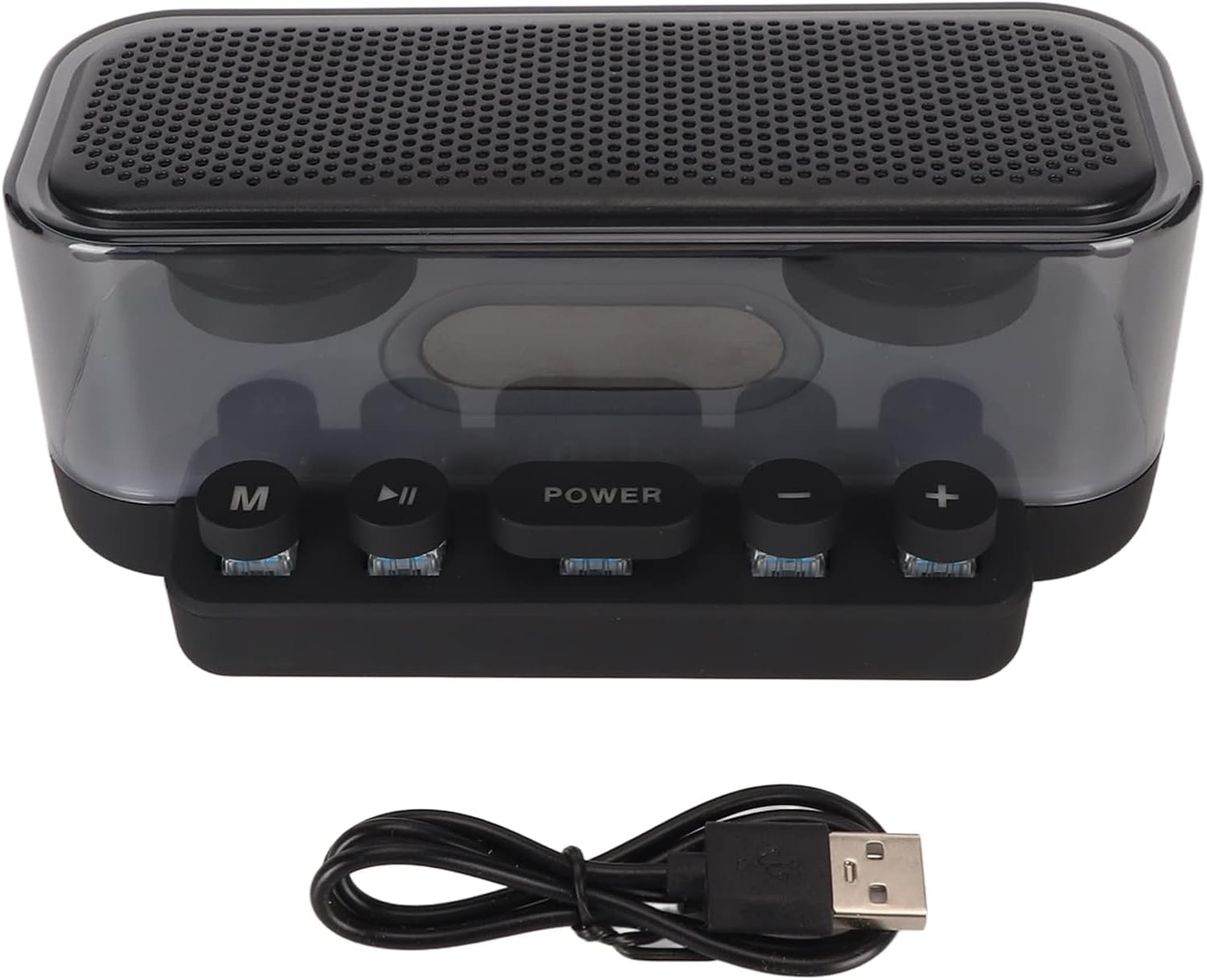
Image: The Serounder Bluetooth Speaker shown alongside its included Type-C charging cable.
3. Safety Information
- Do not expose the speaker to extreme temperatures or direct sunlight for extended periods.
- While the speaker is IPX5 water-resistant, it is not fully waterproof. Do not immerse it in water.
- Use only the provided Type-C charging cable or a certified equivalent.
- Do not attempt to disassemble, repair, or modify the speaker. This will void the warranty and may cause damage or injury.
- Keep out of reach of children.
4. Setup
4.1 Charging the Speaker
Before first use, fully charge the speaker. Connect the Type-C charging cable to the speaker's charging port and the other end to a USB power adapter (not included) or a computer's USB port.
- The charging indicator light will show the charging status.
- A full charge typically takes approximately 2-3 hours.
4.2 Powering On/Off
To power on the speaker, press and hold the POWER button for a few seconds until the RGB lights illuminate and you hear an audible prompt. To power off, press and hold the POWER button again.
4.3 Bluetooth Pairing
- Ensure the speaker is powered on and in Bluetooth pairing mode (indicated by a flashing light or audible prompt).
- On your device (smartphone, tablet, laptop), enable Bluetooth and search for available devices.
- Select "Serounder Speaker" (or similar name) from the list of devices.
- Once connected, you will hear a confirmation sound, and the speaker's indicator light will become solid.
5. Operating Instructions
5.1 Button Functions
The speaker features mechanical keyboard-style buttons for intuitive control:

Image: A detailed diagram illustrating the function of each mechanical button on the speaker.
- M Button (Mode): Short press to switch between available modes (e.g., Bluetooth, USB, Micro Storage Card, Radio if supported).
- Play/Pause Button: Short press to play or pause audio playback.
- POWER Button: Long press to power on/off. Short press to cycle through RGB light modes (breathing light, flashing light, pop light).
- Volume Down (-): Short press to decrease the volume.
- Volume Up (+): Short press to increase the volume.
5.2 RGB Lighting
The speaker features full RGB high color gamut design. Short press the POWER button to switch between different light effects, including breathing, flashing, and pop light modes, to match your mood or environment.
5.3 HD Call Function
With a built-in HD noise-canceling microphone, the speaker allows for clear hands-free calls. When a call comes in during Bluetooth connection, the music will automatically pause, enabling you to answer the call directly through the speaker.
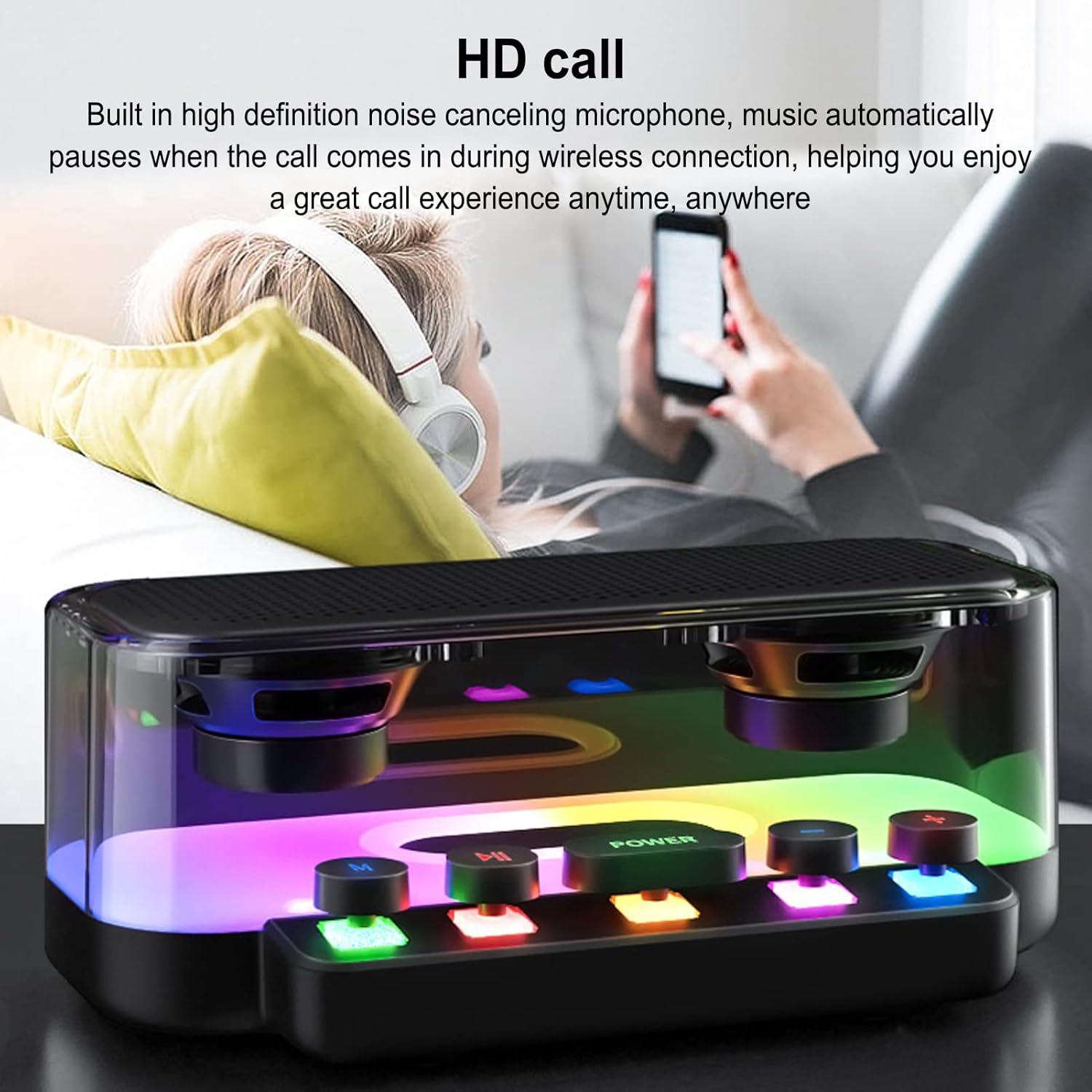
Image: The speaker in a home setting, illustrating its use for HD calls and general audio playback.
5.4 Enhanced Sound Performance
The speaker is designed with a resonance principle to deliver crisp and loud stereo sound with outstanding treble performance, enhancing sound penetration and overall volume.

Image: The speaker with a visual representation of its enhanced sound output and volume capabilities.
5.5 Multi-Scene Playback
In addition to Bluetooth, the speaker supports audio playback via USB and Micro Storage Card slots (supports up to 128GB, memory card not included), allowing for versatile use in various scenarios.

Image: The rear panel of the speaker, highlighting the MicroSD, USB, and Type-C ports for diverse connectivity options.
Video: A short demonstration of the Serounder Bluetooth Speaker, showcasing its RGB lights and general use.
6. Maintenance
- Cleaning: Use a soft, dry cloth to clean the speaker's surface. Do not use abrasive cleaners or solvents.
- Storage: Store the speaker in a cool, dry place away from direct sunlight and extreme temperatures when not in use for extended periods.
- Water Resistance: The IPX5 rating means the speaker can resist a sustained, low-pressure water jet spray. Do not submerge the speaker in water or expose it to high-pressure water. Ensure the charging port cover is securely closed to maintain water resistance.
7. Troubleshooting
7.1 Speaker Does Not Power On
- Ensure the speaker is fully charged. Connect it to a power source using the Type-C cable and allow it to charge for at least 30 minutes before attempting to power on again.
- Press and hold the POWER button for 3-5 seconds.
7.2 Cannot Pair via Bluetooth
- Make sure the speaker is in Bluetooth pairing mode (indicator light flashing).
- Ensure Bluetooth is enabled on your device and it is within 10 meters (33 feet) of the speaker.
- Turn off and then turn on both the speaker and your device's Bluetooth.
- If previously paired, try forgetting the device on your phone's Bluetooth settings and re-pairing.
7.3 No Sound or Low Volume
- Increase the volume on both the speaker (using the + button) and your connected device.
- Ensure the speaker is properly connected via Bluetooth or other input source.
- Check if the audio source is playing correctly.
8. Specifications
| Item Type | Bluetooth Speaker |
| Brand | Serounder |
| Model Number | Serounder1dwm0io7cf |
| Material | ABS (Acrylonitrile Butadiene Styrene) |
| Bluetooth Version | V5.0 |
| Wireless Distance | Up to 10 meters (33 feet) |
| Speaker Size | Approx. 57mm / 2.2in (2 Pcs) |
| Charging Interface | Type-C |
| Light Effect | RGB |
| Water Resistance Rating | IPX5 |
| Signal-to-Noise Ratio (SNR) | ≥75dB |
| Other Interfaces | USB and Micro Storage Card Slot (Supports up to 128GB) |
| Battery Type | 1200mAh Lithium Ion Battery (Built-In) |
| Audio Output Mode | Stereo |
| Control Method | Mechanical Buttons |
9. Warranty and Support
9.1 Limited Warranty
This Serounder product comes with a limited warranty. Please refer to the warranty card included in your package or contact Serounder customer support for specific terms and conditions.
9.2 Customer Support
For technical assistance, troubleshooting, or warranty inquiries, please contact Serounder customer support. Contact information can typically be found on the official Serounder website or on the product packaging.