
1. Product Overview
The SupeRun Walking Pad is a versatile 3-in-1 portable treadmill designed for walking and light jogging in both office and home environments. Featuring a powerful yet quiet 2.5 HP motor, it supports users up to 250 lbs. Its compact and space-saving design, coupled with built-in wheels, allows for easy storage under desks, beds, or sofas. The integrated LED display and smart PitPat APP provide real-time fitness data tracking, including calories burned, speed, time, and distance.
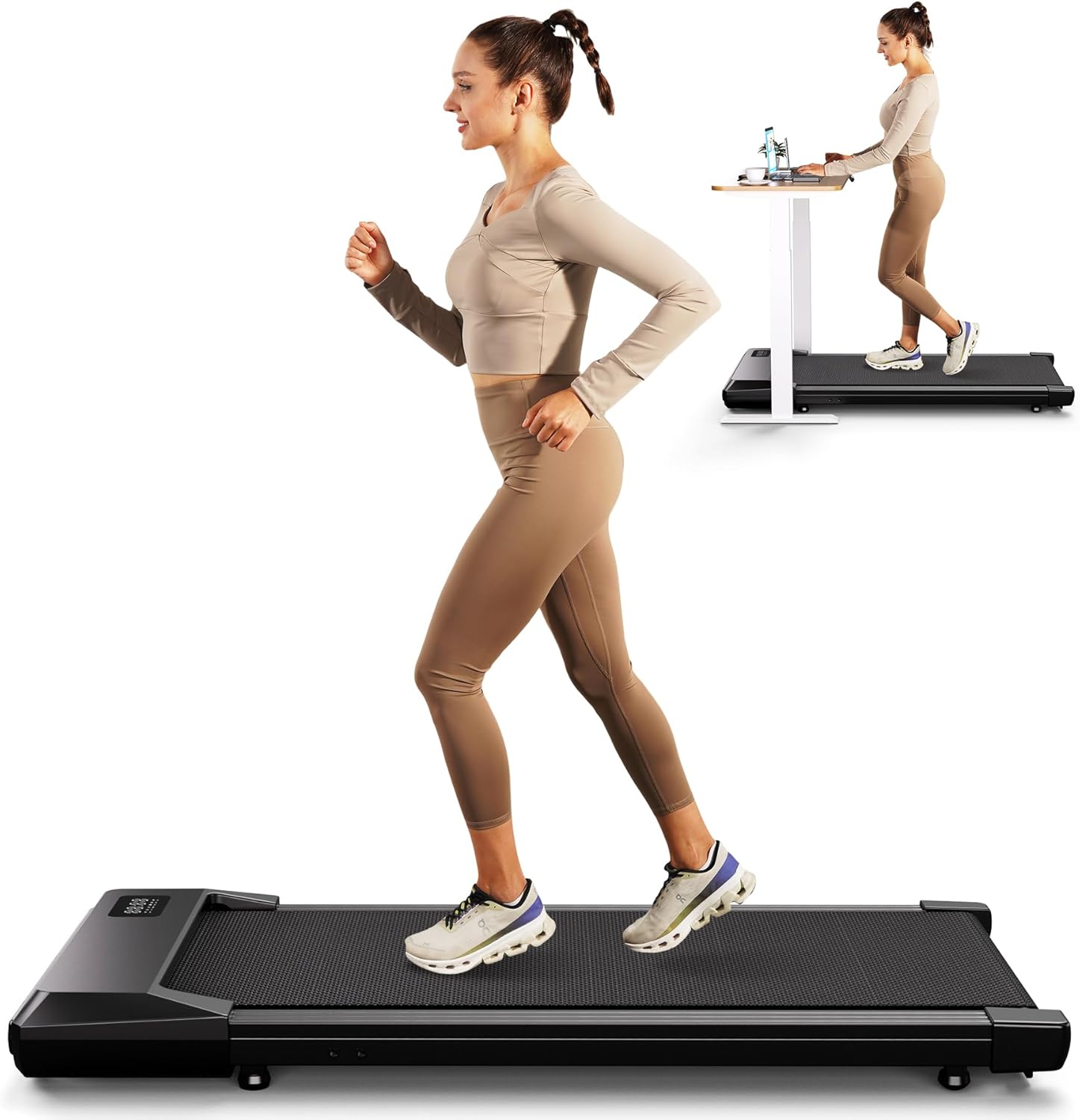
Figure 1: SupeRun Walking Pad in typical usage scenarios.
2. Setup Guide
The SupeRun Walking Pad arrives fully assembled, requiring no complex installation. Follow these steps for initial setup:
- Unpacking: Carefully remove the walking pad from its packaging. Ensure all components, including the remote control, lubricating oil, 5# wrench, user manual, and power cord, are present.
- Placement: Place the walking pad on a flat, stable surface. Ensure there is adequate clear space around the unit for safe operation.
- Power Connection: Connect the power cord to the walking pad and then to a standard electrical outlet.
- App Activation: This walking pad requires the PitPat app for activation and full functionality. Download the PitPat app from your device's app store (App Store / Google Play). Follow the in-app instructions to connect and activate your device. If you encounter issues, please refer to the troubleshooting section or contact customer support.

Figure 2: Walking Pad ready for use under a desk.

Figure 3: PitPat App integration for smart control and tracking.
3. Operating Instructions
The SupeRun Walking Pad is controlled primarily via the included remote control and the PitPat app.
3.1 Remote Control Functions
- Power On/Off: Press the power button to turn the unit on or off.
- Start/Stop: Press the play/pause button to start or stop the walking belt.
- Speed Adjustment: Use the '+' and '-' buttons to increase or decrease the speed. The speed range is 0.6-2.5 MPH.
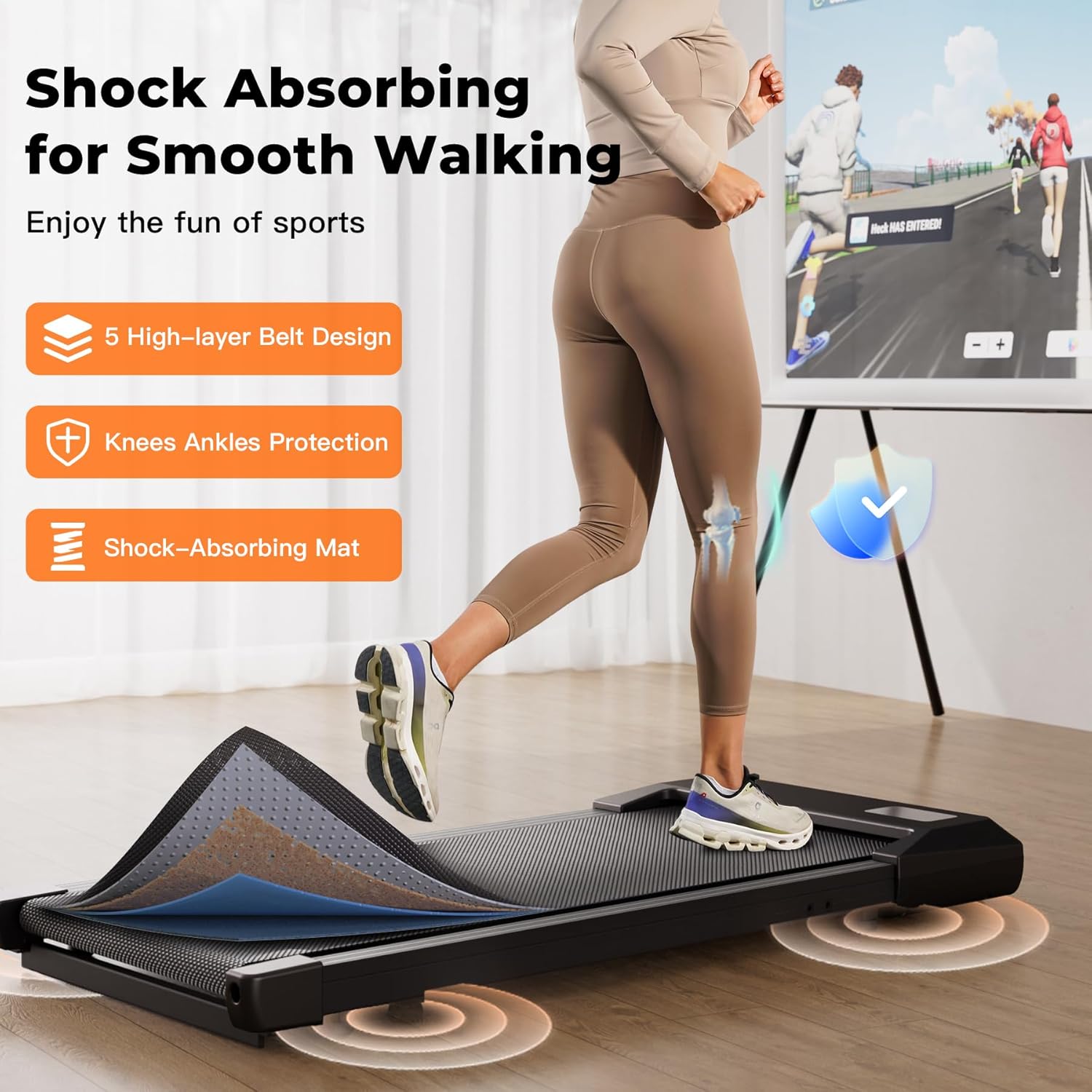
Figure 4: LED Display and Remote Control.
3.2 LED Display
The integrated LED display shows key workout metrics:
- Speed: Current walking speed.
- Calories: Estimated calories burned.
- Time: Duration of your workout.
- Distance: Total distance covered.
3.3 PitPat App Integration
The PitPat app enhances your exercise experience with features such as:
- Performance Tracking: Detailed tracking of your workout data.
- Training Programs: Access to various training routines.
- Events & Social Features: Participate in challenges and connect with other users.
- Entertainment: Enjoy content while you exercise.
3.4 Safety Guidelines
- Ensure the walking pad is on a level surface before starting.
- Do not exceed the maximum weight capacity of 250 lbs.
- Always step onto the belt after it has started moving at a low speed.
- Keep children and pets away from the walking pad during operation.
- The unit operates quietly (under 40 decibels), making it suitable for shared spaces.
4. Maintenance
Regular maintenance ensures the longevity and optimal performance of your SupeRun Walking Pad.
4.1 Cleaning
- Disconnect the power cord before cleaning.
- Wipe down the surface of the walking pad with a damp cloth. Avoid using abrasive cleaners or solvents.
- Regularly clean dust and debris from around the motor cover and belt edges.
4.2 Belt Lubrication
To maintain smooth operation and extend belt life, lubricate the running belt every 3-6 months, or after approximately 100 hours of use, using the provided lubricating oil. Consult the detailed instructions in the included user manual for the correct application procedure.
4.3 Belt Adjustment
If the running belt shifts to one side during use, it may need adjustment. Use the provided 5# wrench to make small, incremental adjustments to the rear rollers until the belt is centered. Refer to the user manual for specific instructions on belt centering.
5. Troubleshooting
If you encounter issues with your SupeRun Walking Pad, please refer to the following common solutions. For problems not listed here, contact customer support.
- Treadmill Not Starting:
- Ensure the power cord is securely plugged into both the unit and the wall outlet.
- Verify the power switch on the unit is in the 'ON' position.
- Confirm the PitPat app is downloaded and the device is activated as required.
- Unusual Noise:
- Check for any loose parts or foreign objects under the belt.
- Ensure the walking pad is on a level surface.
- The belt may require lubrication (refer to Section 4.2).
- Belt Slipping or Sticking:
- The belt may need lubrication (refer to Section 4.2).
- The belt tension may need adjustment. Consult the user manual for instructions.
- Display Not Working:
- Check power connection.
- Ensure the remote control batteries are not depleted.
6. Specifications
| Feature | Detail |
|---|---|
| Brand | Superun |
| Model Name | BA06 |
| Color | Black |
| Product Dimensions | 40"D x 20.4"W x 4.8"H |
| Item Weight | 40 Pounds |
| Material | Alloy Steel |
| Maximum Speed | 2.5 Miles per Hour |
| Minimum Speed | 0.6 Miles per Hour |
| Maximum Horsepower | 2.5 Horsepower |
| Maximum Weight Recommendation | 250 Pounds |
| Display Type | LED |
| Connectivity Technology | Bluetooth |
| Assembly Required | No |
| Included Components | Remote Control |
| Folded Size | 38.78"H x 20.17"W x 4.17"D inches |
7. Warranty and Support
The SupeRun Walking Pad comes with a 12-month warranty from the date of purchase, covering manufacturing defects and significant operational failures under normal use. Please retain your proof of purchase for warranty claims.
7.1 Customer Support
For any questions, technical assistance, or warranty inquiries, our dedicated customer service team is available to assist you. We offer 24-hour email and phone support to ensure you receive prompt and effective help.
- Email Support: Refer to your purchase documentation or the official SupeRun website for contact email.
- Phone Support: Refer to your purchase documentation or the official SupeRun website for contact number.
You can also refer to the official User Manual PDF for more detailed information: Download User Manual (PDF)


