1. Product Overview
The BAOFENG BF-888S is a professional multi-function walkie talkie designed for reliable communication. It features 16 preset channels, a rotary knob for quick channel selection, and various functions to enhance user experience.
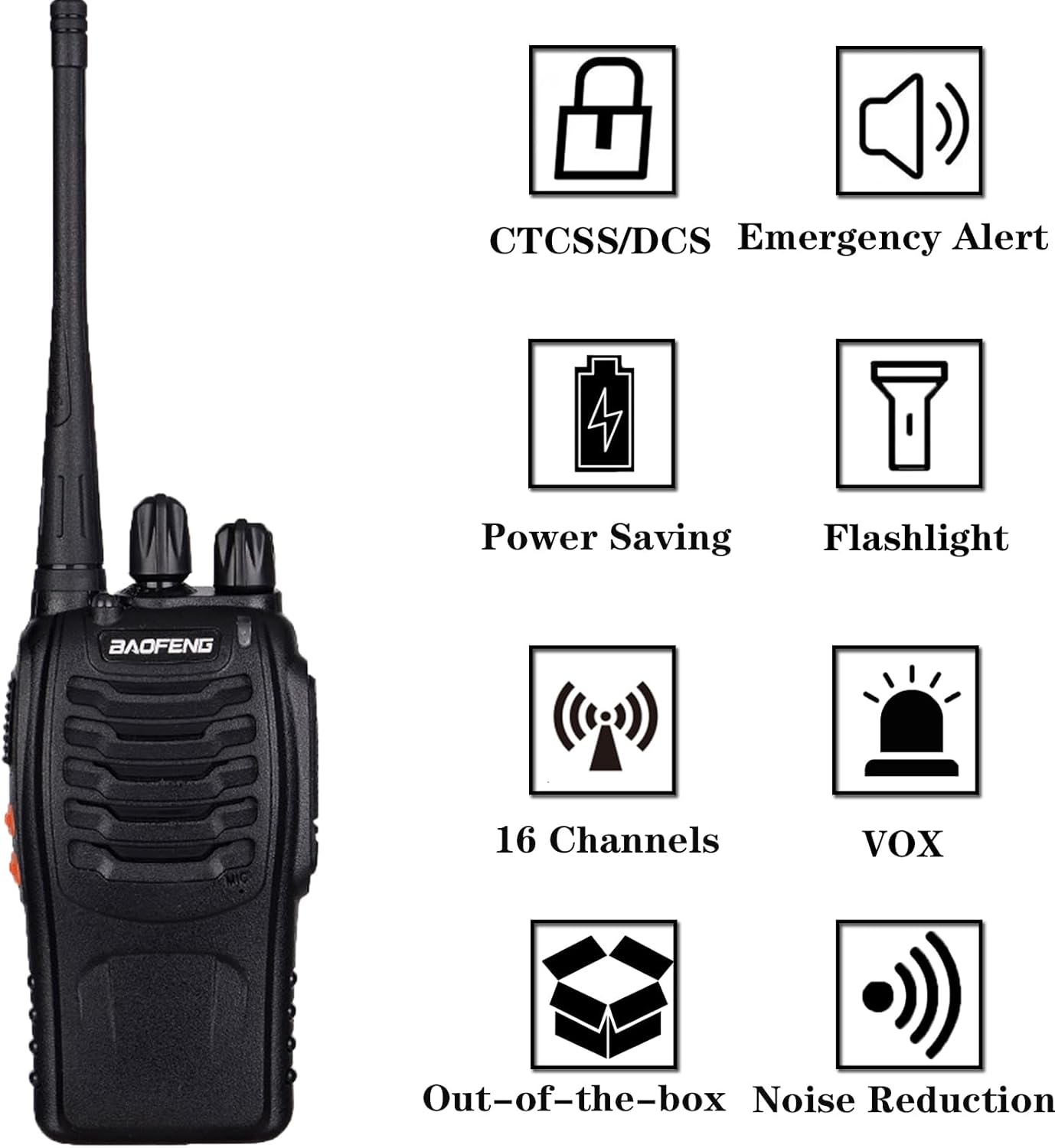
Image: Key features of the BF-888S walkie talkie, including CTCSS/DCS, emergency alert, power saving, flashlight, 16 channels, VOX, out-of-the-box functionality, and noise reduction.
Key Features
- 16 Preset Channels: Easy selection via rotary knob.
- CTCSS / CDCSS: 50 CTCSS and 105 CDCSS codes for enhanced privacy.
- VOX Function: Voice-operated transmission for hands-free communication.
- Scanning: Automatically scans active channels.
- Low Battery Alarm: Alerts when battery power is low.
- Integrated Flashlight: Provides illumination in low-light conditions.
- FCC Certified: FCC ID: 2AJGM-BF888S, ensuring compliance with regulations.
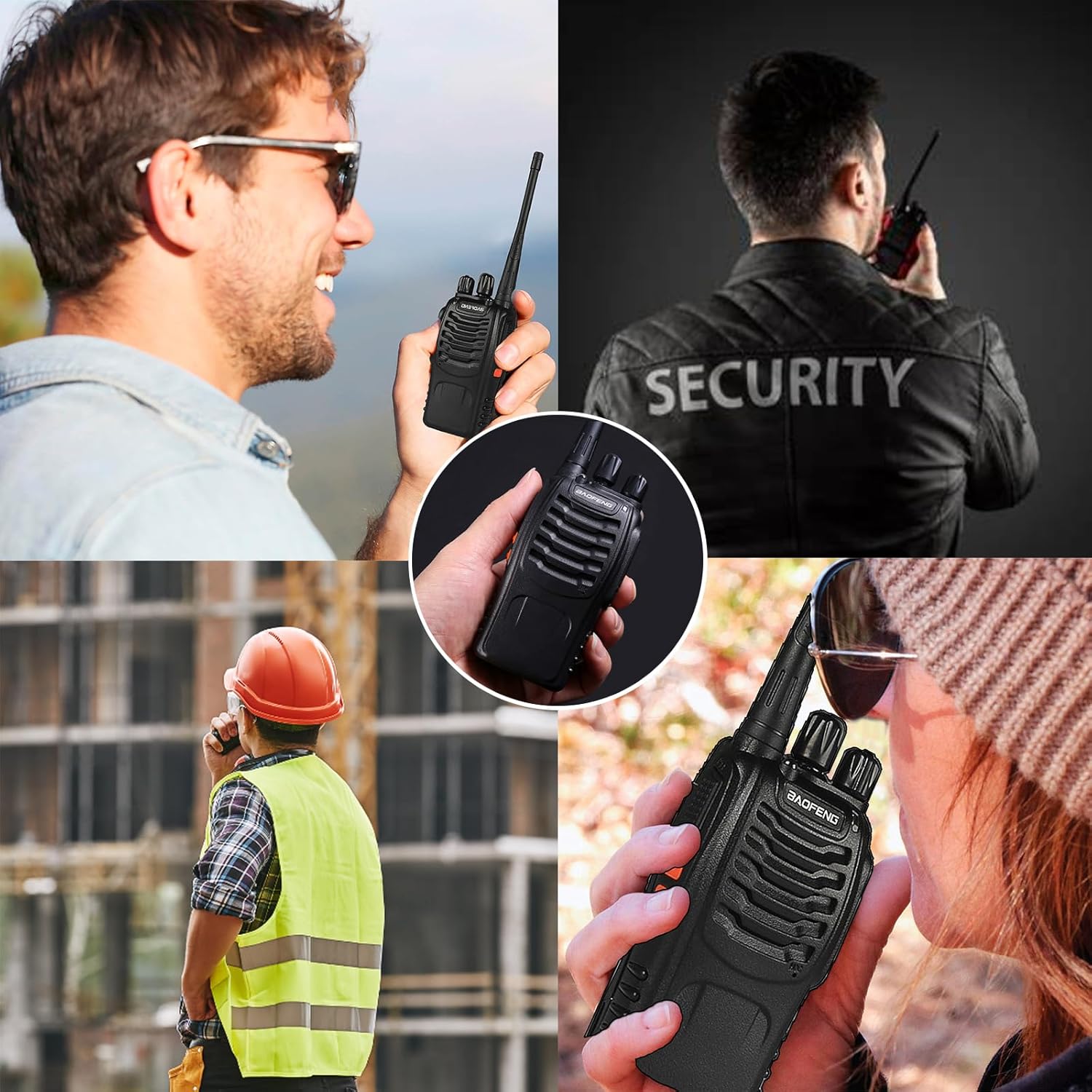
Image: Examples of the walkie talkie in use, including outdoor activities, security, and construction environments.
2. Package Contents
Please verify that all items are present in your package:
- 3 x BAOFENG BF-888S Radios
- 3 x Original Antennas
- 3 x 3.7V 1500mAh Li-ion Batteries
- 3 x Desktop Chargers
- 3 x Belt Clips
- 3 x Wrist Straps
- 3 x Earpieces (Headsets)
- 1 x User Manual
3. Getting Started
Battery Installation
- Align the battery pack with the grooves on the back of the radio.
- Slide the battery pack upwards until it clicks into place.
- To remove, press the battery release latch and slide the battery downwards.
Charging the Battery
The BF-888S uses a 1500mAh rechargeable lithium battery. A full charge typically takes 3-4 hours.
- Insert the radio (with battery installed) into the desktop charging base.
- Ensure the charging contacts on the radio align with those on the base.
- The indicator light on the charger will typically show red during charging and green when fully charged.

Image: The walkie talkie in its charging base, illustrating battery durability and charging specifications.
Video: A detailed view of the BF-888S walkie talkie, showcasing its design and various angles, useful for identifying components.
4. Basic Operation
Power On/Off and Volume Control
- To power on, rotate the Power/Volume knob (top-left knob) clockwise until you hear a click.
- Continue rotating the knob clockwise to increase the volume, and counter-clockwise to decrease it.
- To power off, rotate the knob counter-clockwise until you hear a click.
Channel Selection
- Rotate the Channel Selector knob (top-right knob) to choose one of the 16 available channels.
- Ensure all radios intended for communication are set to the same channel.
Transmitting and Receiving (PTT)
- To transmit, press and hold the Push-To-Talk (PTT) button on the side of the radio. Speak clearly into the microphone.
- Release the PTT button to stop transmitting and listen for a response.
- The LED indicator will typically glow red when transmitting and green when receiving a signal.
VOX Function (Voice Operated Exchange)
The VOX function allows for hands-free transmission. When activated, the radio will automatically transmit when it detects your voice.
- To activate/deactivate VOX, typically this is done via programming software. Refer to the full user manual for detailed programming instructions if you wish to customize this feature.
Flashlight Function
The BF-888S includes an integrated flashlight.
- Press the Side Key 1 (usually the top side button) to turn the flashlight on or off.

Image: A comprehensive view of the walkie talkie, highlighting its physical features and controls.
5. Advanced Features
CTCSS / CDCSS (Tone Squelch)
CTCSS (Continuous Tone Coded Squelch System) and CDCSS (Continuous Digital Coded Squelch System) are sub-audible tones that allow multiple groups to share the same channel without hearing each other's transmissions. Your radio will only open its squelch and receive audio when it detects a signal with the matching tone.
- These codes are typically programmed into each channel using specific software.
Scanning
The scanning feature allows the radio to monitor all programmed channels for activity.
- To activate scanning, typically this is done via programming software or a designated side key. When active, the radio will cycle through channels and stop on any active transmission.

Image: Illustration of the Gainer Antenna technology, emphasizing boosted coverage and enhanced reception range.

Image: Depiction of the independent chip, highlighting its anti-interference capabilities and frequency adjustment features.

Image: Visual representation of the clear sound quality feature, indicating optimized audio performance.
6. Maintenance and Care
- Cleaning: Use a soft, damp cloth to clean the radio's surface. Avoid harsh chemicals or abrasive cleaners.
- Battery Care: Do not overcharge or deep discharge the battery. Store batteries in a cool, dry place when not in use.
- Storage: Store the radio in a dry environment away from direct sunlight and extreme temperatures.
- Antenna: Handle the antenna carefully to prevent damage. Do not use the radio without its antenna.
7. Troubleshooting
| Problem | Possible Cause | Solution |
|---|---|---|
| No power | Battery is dead or not installed correctly. | Charge the battery or re-install it properly. |
| Cannot transmit or receive | Incorrect channel, low battery, or out of range. | Verify channel setting, charge battery, or move closer to other radios. |
| Poor audio quality | Weak signal, interference, or volume too low/high. | Adjust volume, move to a clearer area, or check antenna connection. |
| Radio continuously transmits (VOX issue) | VOX sensitivity is too high. | Adjust VOX sensitivity via programming software or disable VOX. |
8. Specifications
| Feature | Value |
|---|---|
| Item Weight | 2.18 pounds |
| Product Dimensions | 8.27 x 2.36 x 1.38 inches |
| Item Model Number | BAOFENG BF-888S |
| Batteries | 3 Lithium Ion batteries required (included) |
| Number of Channels | 16 |
| Special Feature | Integrated Flashlight |
| Frequency Range | UHF: 420-450MHz |
| Talking Range Maximum | 3 Kilometers (approx. 1.86 miles) |
| Voltage | 3.7 Volts |
| Water Resistance Level | Not Water Resistant |
9. Warranty and Support
For any questions or support regarding your BAOFENG BF-888S Walkie Talkies, please refer to the contact information provided with your purchase or visit the official BAOFENG website. Our professional team is available to assist you with any issues or inquiries.


