
1. Introduction
The Whirlpool® Refrigerator Ice and Water Filter 3 (model WHR3RXD1) is designed to provide clean, fresh-tasting water and ice from your compatible Whirlpool refrigerator. This filter is certified by NSF to reduce 73 contaminants, including lead, pesticides, and pharmaceuticals, ensuring high-quality water for your household. For optimal performance, it is recommended to replace the filter every 6 months or after filtering 200 gallons of water.
This filter replaces previous models P1WB2 and P1WB2L.

Image: Whirlpool Refrigerator Ice and Water Filter 3 (WHR3RXD1) in its retail packaging.
2. Installation Guide
Follow these steps to correctly install your new Whirlpool® Refrigerator Ice and Water Filter 3.
2.1. Prepare for Installation
- Verify Filter Compatibility: Ensure you have the correct filter number (WHR3RXD1) and color cap for your refrigerator model. Check your previous filter for identification.
- Remove Old Cap: If your old filter has a removable cap, remove it and set it aside for recycling.
- Prepare for Water Spillage: Have a cloth or towel ready, as some water may drip when removing the old filter. This is normal.

Image: The Whirlpool Refrigerator Ice and Water Filter 3, shown both in its packaging and as a standalone unit.
2.2. Replace the Filter
- Locate Filter Holder: The filter holder is typically located at the base of your refrigerator.
- Remove Old Filter: Gently pop out the old filter from its holder.
- Attach Cap to New Filter: Reapply the bottom cap (if applicable) from the old filter to the new WHR3RXD1 filter.
- Insert New Filter: Slide the new filter into the holder. You will hear a click when it is securely locked in place.

Image: A close-up view of the Whirlpool Refrigerator Ice and Water Filter 3, highlighting its design.
2.3. Activate the Filter
- Run Water: Thoroughly run your refrigerator's water dispenser for several minutes to activate the new filter and flush out any air or loose carbon particles.
- Air Pressure Sound: You may hear a loud air pressure sound during this process; this is normal and indicates the system is priming.
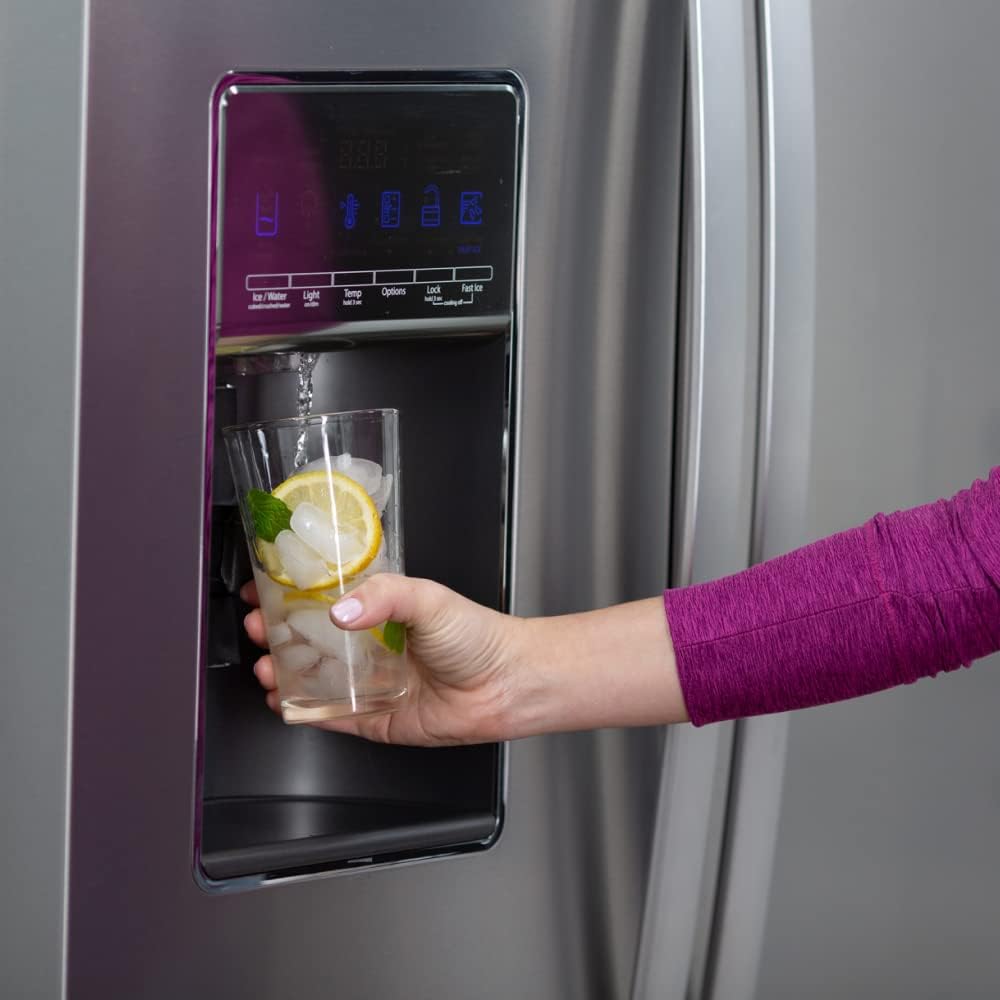
Image: A person dispensing filtered water from a refrigerator, demonstrating the use of the filter.
2.4. Installation Video
For a visual guide on installing your Whirlpool Refrigerator Ice and Water Filter 3, please watch the official installation video below.
Video: Official Whirlpool installation guide for the Filter 3, demonstrating each step of the replacement process.
3. Maintenance
To ensure continuous access to clean, fresh-tasting water and ice, it is crucial to maintain your filter regularly.
- Replacement Schedule: Replace your Whirlpool® Ice and Water Filter 3 every 6 months or after 200 gallons of water usage, whichever comes first. Regular replacement optimizes contaminant reduction and maintains water quality.
- Filter Indicator: Many Whirlpool refrigerators have a filter indicator light that will signal when it's time to replace the filter. Consult your refrigerator's manual for specific instructions on resetting this indicator.

Image: A visual reminder to replace the filter every six months for optimal water quality.
4. Troubleshooting
If you encounter any issues after installing your new filter, refer to the common solutions below.
- Slow Water Flow: If water flow is slower than usual, ensure the filter is correctly seated and locked into the holder. Also, run the dispenser for an extended period (5-10 minutes) to fully flush out air and carbon fines.
- Cloudy Water or Air Bubbles: This is common immediately after installation due to trapped air. Continue to dispense water until clarity improves, typically after a few gallons.
- Unusual Taste or Odor: If water has an unusual taste or odor, ensure the filter is genuine Whirlpool and properly installed. Flush several gallons of water through the dispenser. If the issue persists, the filter may be faulty or expired.
- Leaking: Check that the filter is fully inserted and twisted into the locked position. Ensure the O-rings on the filter are not damaged.
5. Product Specifications
| Model Number: | WHR3RXD1 |
| Brand: | Whirlpool |
| Material: | Plastic |
| Product Dimensions: | 2.6"D x 2.5"W x 13.5"H |
| Item Weight: | 0.85 Pounds (13.6 ounces) |
| External Testing Certification: | NSF |
| Product Benefits: | Removes lead and reduces other potentially harmful contaminants |
| Unit Count: | 1.0 Count |
| Included Components: | Refrigerator water Filter |
| UPC: | 883049632421 |

Image: Certification details for the Whirlpool filter, highlighting NSF certification.
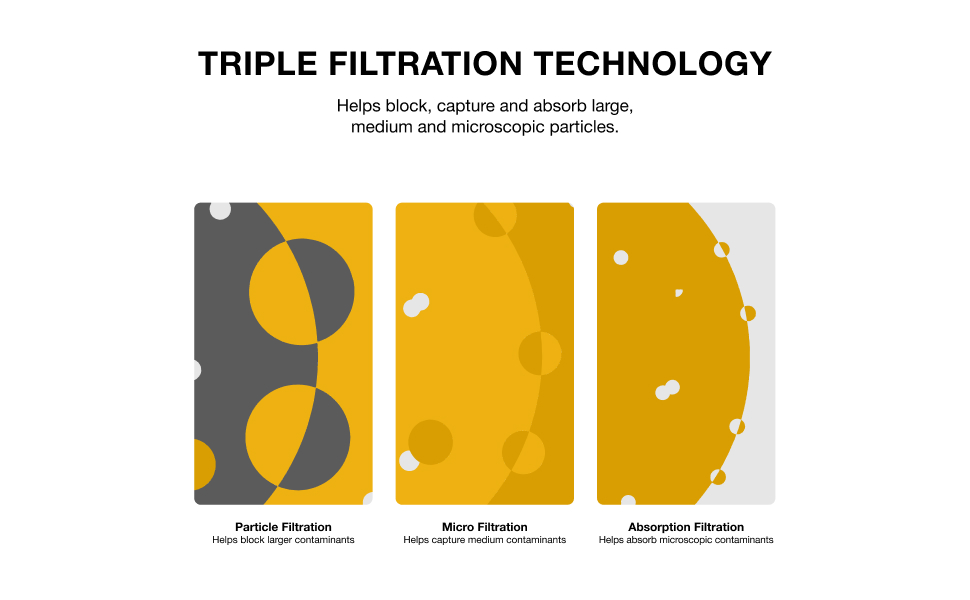
Image: Diagram explaining the triple filtration technology used in the filter.
6. Warranty and Support
For specific warranty information regarding your Whirlpool® Refrigerator Ice and Water Filter 3, please refer to the documentation included with your refrigerator or visit the official Whirlpool website. For technical support or further assistance, contact Whirlpool customer service.
Using genuine Whirlpool filters ensures compatibility and maintains your refrigerator's warranty. Imitation filters may not provide the same level of filtration and could potentially void your appliance warranty.

Image: Emphasizing the benefit of using genuine Whirlpool filters for your refrigerator.


