
1. Introduction
The UnionSine HD2510 is an ultra-slim portable external hard disk drive designed for reliable and fast data storage. Featuring USB 3.0 connectivity, it offers high-speed data transfers and broad compatibility with various devices, including PCs, laptops, gaming consoles, and smart TVs. Its compact design ensures portability, while internal safeguards protect your data.
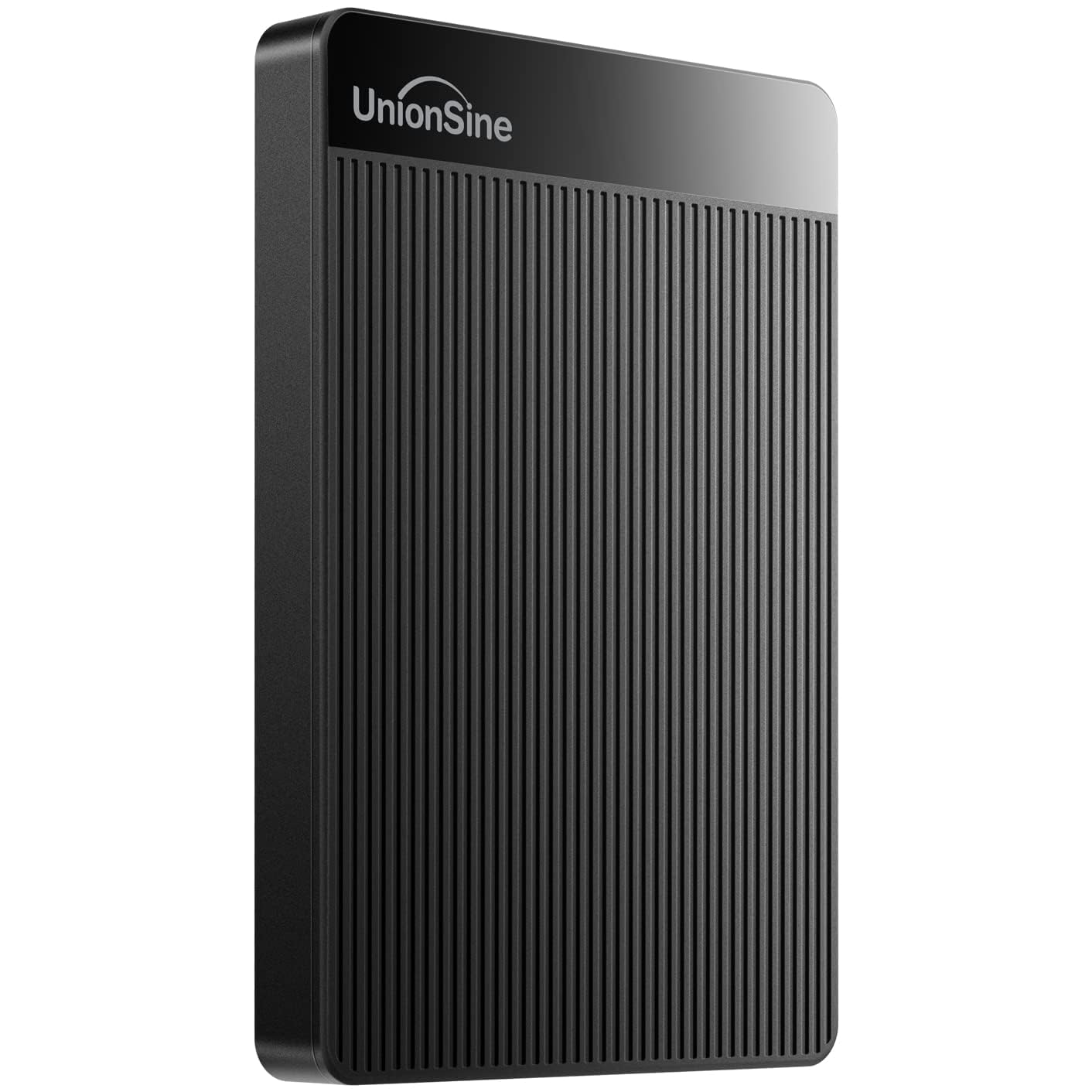
Figure 1: UnionSine HD2510 Portable Hard Drive, front view.
2. Package Contents
Verify that all items are present in your product package:
- 1 x UnionSine HD2510 Portable Hard Drive
- 1 x USB 3.0 Cable
- 1 x User Manual (this document)
3. Specifications
| Feature | Specification |
|---|---|
| Brand | UnionSine |
| Model Number | HD2510 |
| Digital Storage Capacity | 4 TB |
| Hard Drive Interface | USB 2.0/3.0 |
| Connectivity Technology | USB |
| Hard Disk Description | Mechanical Hard Disk |
| Hard Disk Rotational Speed | 5400 RPM |
| Form Factor | Portable (2.5 Inches) |
| Colour | Black |
| Product Dimensions (LxWxH) | 11.6 x 8.1 x 2 Centimeters |
| Item Weight | 220 g |
| Compatible Devices | Desktop, Gaming Console (PS4, Xbox One), Laptop, Television |

Figure 2: Dimensions of the UnionSine HD2510 Portable Hard Drive.
4. Setup Instructions
4.1 Connecting the Hard Drive
- Locate the included USB 3.0 cable.
- Connect the smaller end of the USB 3.0 cable to the port on the UnionSine HD2510 hard drive.
- Connect the larger end of the USB 3.0 cable to an available USB 3.0 port on your computer, gaming console, or compatible device.
The device is designed for plug-and-play functionality. Most operating systems will automatically detect and configure the drive upon connection.

Figure 3: USB 3.0 Cable.
4.2 Initial Formatting (If Required)
The hard drive is pre-formatted with EXFAT for broad compatibility. If your device does not recognize the drive or you wish to optimize it for a specific operating system, re-formatting may be necessary. Refer to the table below for compatible formats:

Figure 4: Compatible File System Formats.
CAVEAT:
- Some Xbox and PS devices require storage capacity greater than 250GB. For these devices, please use a 320GB or larger capacity drive to avoid unrecognized storage.
- Formatting the drive will erase all data. Back up any important files before proceeding with formatting.
5. Operating Instructions
5.1 Data Transfer
Once connected and recognized by your device, the UnionSine HD2510 functions like any other storage drive. You can drag and drop files, copy and paste, or use your system's backup software to transfer data.
- Ultra-Fast Data Transfers: The USB 3.0 interface provides theoretical read speeds up to 125MB/s-137MB/s and write speeds up to 103MB/s. Actual speeds may vary based on system configuration and file types.
- Stable Transmission: The hard disk chip includes a signal shielding layer and an aluminum anti-interference layer to enhance heat dissipation and ensure stable, undisturbed data transmission.
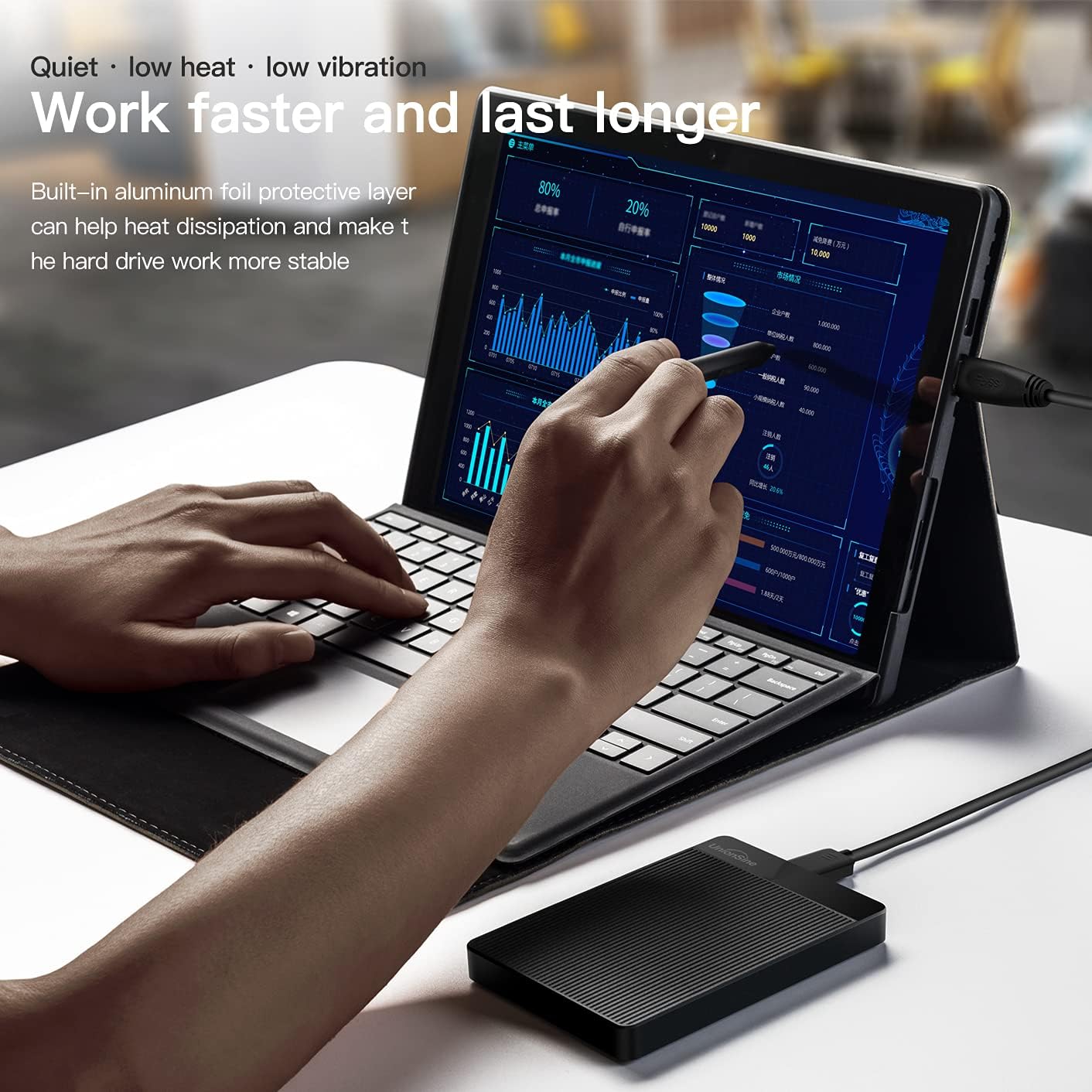
Figure 5: Hard Drive in use with a laptop.
5.2 Compatibility
The UnionSine HD2510 is compatible with a wide range of operating systems and devices:
- Windows (PC, Desktop, Laptop)
- Mac OS X (Mac)
- Linux
- Android
- Gaming Consoles (PS4, Xbox One)
- Smart Televisions
It provides stable and fast loading on game consoles, comparable to performance on a PC.
6. Maintenance
To ensure the longevity and optimal performance of your UnionSine HD2510 portable hard drive, follow these maintenance guidelines:
- Proper Disconnection: Always safely eject the hard drive from your operating system before physically disconnecting the USB cable. This prevents data corruption.
- Physical Protection: Avoid dropping the drive or subjecting it to strong impacts. While designed to be durable, excessive force can damage internal components.
- Environmental Conditions: Keep the drive in a dry environment and away from extreme temperatures. Avoid exposure to water or other liquids.
- Cleaning: Use a soft, dry cloth to clean the exterior of the drive. Do not use harsh chemicals or abrasive materials.
- Storage: When not in use, store the drive in a protective case or a safe place to prevent scratches and dust accumulation.
7. Troubleshooting
If you encounter issues with your UnionSine HD2510, refer to the following common solutions:
- Drive Not Detected:
- Ensure the USB cable is securely connected to both the hard drive and the device.
- Try connecting the drive to a different USB port on your device.
- Test the drive with a different USB cable if available.
- Connect the drive to another computer or compatible device to determine if the issue is with the drive or the original device.
- Drive Detected but Inaccessible/Unusable:
- The drive may require re-formatting for your specific operating system or device. Refer to Section 4.2 for compatible formats and instructions. Remember that formatting will erase all data.
- For Xbox and PS devices, ensure the drive capacity is 320GB or above, as smaller capacities may not be recognized.
- Slow Data Transfer Speeds:
- Ensure you are using a USB 3.0 port on your device. Connecting to a USB 2.0 port will result in slower speeds.
- Verify that the USB 3.0 cable is not damaged.
- Close any unnecessary applications running in the background that might be consuming system resources.
- Drive Making Unusual Noises:
- While the drive is designed to be quiet, persistent clicking, grinding, or loud whirring noises may indicate a potential issue. Back up your data immediately and contact customer support.
8. Warranty and Support
8.1 Warranty Information
The UnionSine HD2510 Portable External Hard Drive comes with a 3-year warranty from the date of purchase. This warranty covers manufacturing defects and ensures reliable operation under normal use. Please retain your proof of purchase for warranty claims.
8.2 Customer Support
For technical assistance, warranty claims, or any other inquiries, please contact UnionSine customer support:
- Email: unionsine@outlook.com
- Phone: +86-755-28305273
When contacting support, please provide your product model (HD2510) and a detailed description of the issue.