
WYZE WYZECPAN3
Contents
WYZE Cam Pan v3 Indoor/Outdoor Security Camera User Manual
Model: WYZECPAN3
1. Introduction
The WYZE Cam Pan v3 is a versatile indoor/outdoor security camera designed to provide comprehensive surveillance with its 360° pan and 180° tilt capabilities. This manual provides essential information for setting up, operating, and maintaining your camera, ensuring optimal performance and security.

Image: The WYZE Cam Pan v3, highlighting its 360° pan and 180° tilt range for extensive coverage.
Key features include 1080p HD video, vibrant color night vision, AI-powered motion tracking, IP65 weather resistance, two-way audio, and flexible storage options.
2. What's in the Box
Verify that all components are present in your package:
- WYZE Cam Pan v3 Camera
- Power Adapter
- USB Cable
- Mounting Kit (screws and wall anchors)
- Quick Start Guide

Image: A detailed view of the WYZE Cam Pan v3 camera unit.
3. Setup Guide
3.1. Download the WYZE App
Before beginning, download the official WYZE app on your smartphone or tablet. The app is available on both the Apple App Store and Google Play Store.
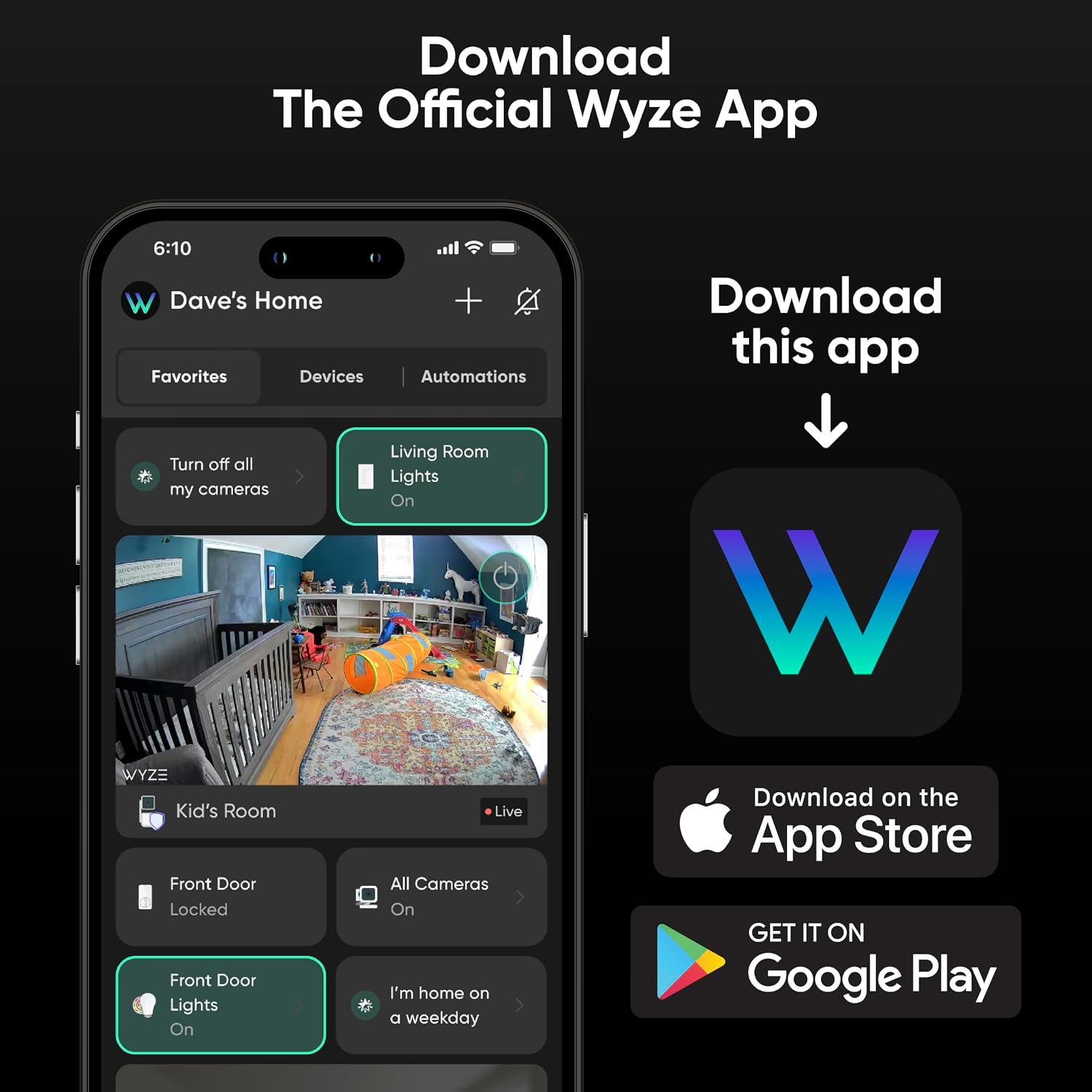
Image: Instructions to download the WYZE app from the App Store or Google Play.
3.2. Powering On Your Camera
- Connect the USB cable to the camera's power port.
- Plug the other end of the USB cable into the power adapter.
- Plug the power adapter into a standard electrical outlet.
- Wait for the camera's indicator light to begin flashing, indicating it is ready for setup.
3.3. Pairing with the WYZE App
- Open the WYZE app and log in or create a new account.
- Tap the "+" icon in the top right corner to add a new device.
- Select "WYZE Cam Pan v3" from the list of devices.
- Follow the on-screen instructions to connect your camera to your Wi-Fi network. The camera supports 2.4GHz Wi-Fi networks only (not 5G compatible).
- The app will guide you through scanning a QR code with the camera lens to complete the pairing process.
3.4. Mounting Your Camera
The WYZE Cam Pan v3 can be placed on a flat surface or mounted to a wall or ceiling. Use the included mounting kit for secure installation.
- For Wall/Ceiling Mount: Use the mounting plate as a template to mark drill holes. Insert wall anchors if necessary, then secure the plate with screws. Attach the camera to the mounting plate.
- Ensure the camera has a clear line of sight to the area you wish to monitor.

Image: An outdoor installation of the WYZE Cam Pan v3, showcasing its IP65 weather resistance.
4. Operating Your Camera
4.1. Live View and Pan/Tilt Control
Access the live feed from your camera through the WYZE app. Use the on-screen controls to pan the camera 360° horizontally and tilt it 180° vertically to view different areas.
- Pan: Rotate the camera left or right.
- Tilt: Move the camera up or down.
- Waypoints: Set up to 4 custom waypoints for automated monitoring of specific areas.

Image: The WYZE app displaying live camera feed with pan and tilt controls.
4.2. Color Night Vision
The camera features advanced color night vision, providing clear and detailed images even in low-light conditions. This enhances visibility compared to traditional black and white night vision.

Image: A visual comparison demonstrating the clarity of color night vision.
4.3. AI-Powered Motion Tracking
The camera can automatically detect and track movement, following subjects like pets or people within its field of view. You will receive real-time alerts for detected motion.
- Motion Zones: Define specific areas within the camera's view for motion detection to reduce false alerts.

Image: The camera's motion tracking feature following a dog.
4.4. Two-Way Audio
Utilize the built-in microphone and speaker for two-way communication. This allows you to speak to individuals near the camera or listen to audio from the camera's location.

Image: An illustration of the two-way audio feature in use.
4.5. Storage Options
The WYZE Cam Pan v3 offers both local and cloud storage solutions:
- Local Storage: Insert a microSD card (up to 512GB, sold separately) for continuous 24/7 local recording without a subscription.
- Cloud Storage: Opt for Wyze Cam Plus for cloud recording and additional features (subscription required).

Image: The camera setup showing the option for microSD card storage for continuous recording.
4.6. Privacy Mode
Activate Privacy Mode via the WYZE app to instantly disable the camera and point its lens downwards, blocking its view. This ensures your privacy when needed.

Image: The camera in Privacy Mode, with the lens directed downwards.
5. Maintenance
Regular maintenance helps ensure the longevity and optimal performance of your WYZE Cam Pan v3:
- Cleaning: Gently wipe the camera lens and body with a soft, damp cloth. Avoid abrasive cleaners or solvents.
- Firmware Updates: Regularly check the WYZE app for available firmware updates to ensure your camera has the latest features and security enhancements.
- Cable Inspection: Periodically inspect the power cable for any signs of wear or damage, especially if used outdoors.
- Environmental Protection: While IP65 rated, avoid submerging the camera in water or exposing it to extreme weather conditions beyond its operating limits.
6. Troubleshooting
If you encounter issues with your WYZE Cam Pan v3, refer to the following common solutions:
| Problem | Solution |
|---|---|
| Camera not connecting to Wi-Fi |
|
| No video feed / Offline status |
|
| Motion detection not working |
|
| Pan/Tilt controls unresponsive |
|
For more detailed troubleshooting, refer to the Troubleshooting Guide (PDF) available online.
7. Specifications
| Feature | Detail |
|---|---|
| Model Name | Pan Cam v3 |
| Connectivity Technology | Wired (Power), Wi-Fi (Data) |
| Wireless Technology | Bluetooth, Wi-Fi (2.4GHz) |
| Video Capture Resolution | 1080p HD |
| Pan/Tilt Range | 360° Pan, 180° Tilt |
| Special Features | Color Night Vision, 2-Way Audio, PTZ Technology, Motion Sensor, AI-Powered Motion Tracking |
| Indoor/Outdoor Usage | Indoor, Outdoor (IP65 Rated) |
| Waterproof Rating | IP65 |
| Power Source | Corded Electric (5V, 6W) |
| Memory Storage Capacity | Supports up to 512GB microSD card |
| Item Dimensions | 2.09 x 2.36 x 4.88 inches |
| Item Weight | 11.36 ounces |
8. Warranty Information
The WYZE Cam Pan v3 comes with a 1-Year Manufacturer Warranty. This warranty covers defects in materials and workmanship under normal use. For specific terms and conditions, please refer to the official warranty document.
Additional protection plans may be available for purchase:
- 2-Year Protection Plan
- 3-Year Protection Plan
- Complete Protect (monthly subscription)
For full warranty details, please consult the Warranty (PDF) document.
9. Customer Support
For further assistance, technical support, or inquiries regarding your WYZE Cam Pan v3, please visit the official WYZE support website or contact their customer service team.
- Online Support: Visit wyze.com/support
- User Guide: A detailed User Guide (PDF) is available for download.
Ask a question about this manual
Ask about setup, troubleshooting, compatibility, parts, safety, or missing instructions. Manuals+ will review the question and use this page’s manual context to help answer it.