
Introduction
This manual provides instructions for the safe and efficient operation of your iLiving 12-Inch Rechargeable Battery Operated Camping Floor Fan. Please read all instructions carefully before use and retain this manual for future reference.
Important Safety Instructions
- Always ensure the fan is placed on a stable, flat surface to prevent tipping.
- Do not insert fingers or any objects through the fan grilles when the fan is operating.
- Keep the fan away from water or excessive moisture. This product has an IPx4 rating for indoor and outdoor use, but should not be submerged.
- Do not operate the fan with a damaged cord or plug.
- Keep children and pets away from the fan during operation.
- Disconnect the power adapter when not in use or before cleaning.
- Use only the provided adapter for charging.
Package Contents
- iLiving 12-Inch Rechargeable Fan
- Power Adapter
- Owner's Manual
Product Overview
Familiarize yourself with the main parts of your iLiving fan.
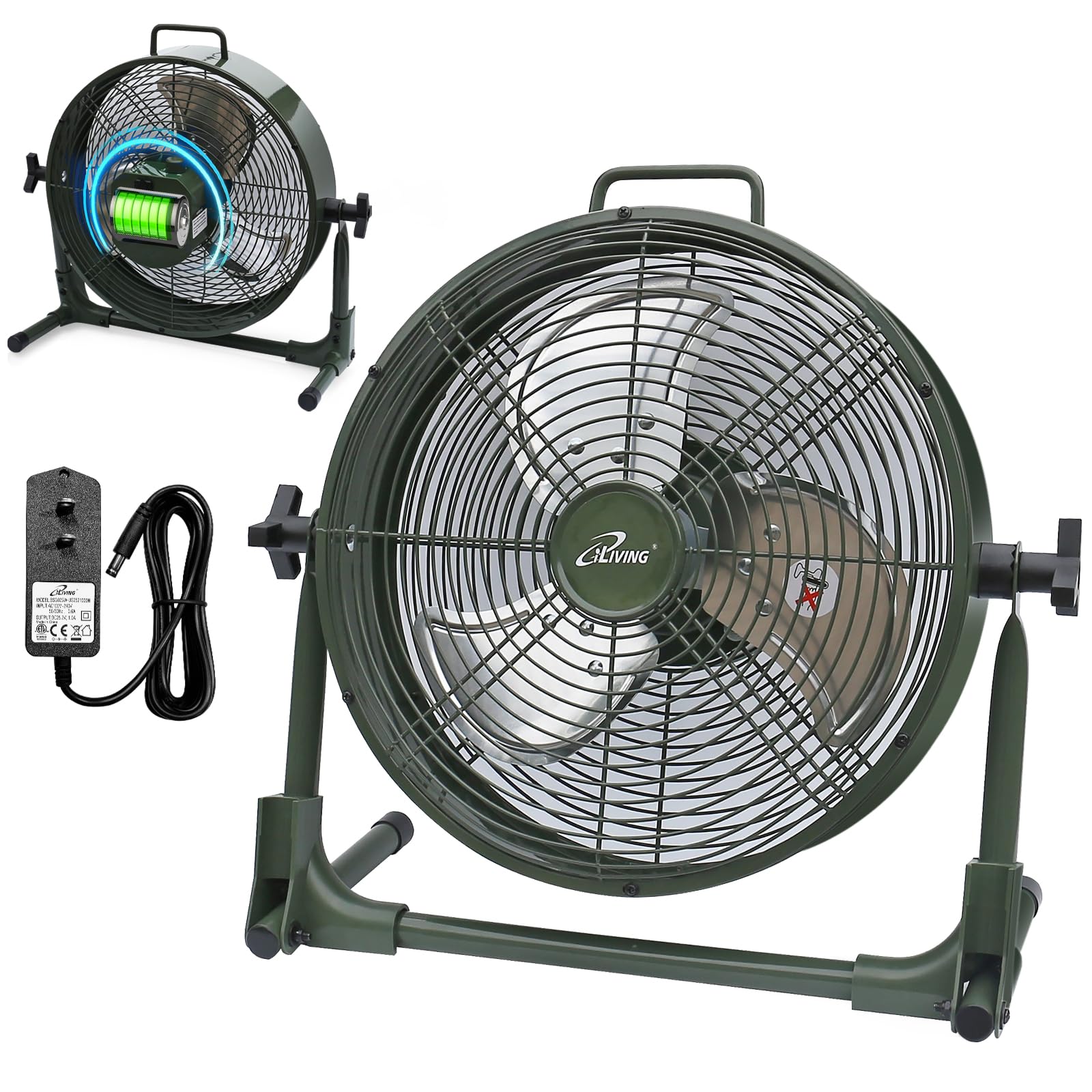
Setup
Your iLiving fan comes mostly pre-assembled. Follow these steps for initial setup:
- Unpack the fan and all accessories from the box.
- Place the fan on a stable, flat surface.
- Adjust the fan head to your desired angle by loosening the side knobs, tilting the fan, and then tightening the knobs.
- Before first use, fully charge the fan using the provided power adapter. Connect the adapter to the charging port on the fan and plug it into a standard electrical outlet. The battery indicator lights will show charging progress.
Operating Instructions
Turning On/Off and Adjusting Speed
The fan features a control knob located on the back for power and speed adjustment.
- To turn the fan on, rotate the control knob clockwise from the "OFF" position.
- Continue rotating the knob clockwise to increase the fan speed from "LOW" to "MAX".
- To decrease the fan speed, rotate the knob counter-clockwise.
- To turn the fan off, rotate the knob counter-clockwise until it reaches the "OFF" position.
Battery Indicator
The LED lights next to the control knob indicate the current battery level. When charging, these lights will illuminate to show progress.

Power Bank Function
Your iLiving fan can also function as a portable power bank to charge mobile devices.
- Locate the USB charging port on the back of the fan.
- Connect your mobile device's USB cable (not included) to this port.
- Press the "USB ON/OFF" button to activate the charging function.
- The fan's internal battery will provide power to charge your device.

Maintenance
Care and Cleaning
- Always unplug the fan before cleaning.
- Use a soft, damp cloth to wipe the exterior surfaces of the fan.
- To clean the fan blades, carefully remove the front grille (if removable, otherwise use a vacuum cleaner with a brush attachment). Ensure the fan is completely off and unplugged.
- Do not use abrasive cleaners or solvents, as these may damage the fan's finish.
- Store the fan in a cool, dry place when not in use.
Troubleshooting
Common Issues
| Problem | Possible Cause | Solution |
|---|---|---|
| Fan does not turn on. | No power or low battery. | Ensure the fan is charged or plugged into a working outlet. Check the power adapter connection. |
| Fan runs slowly or weakly. | Low battery or obstruction. | Charge the battery fully. Check for any obstructions around the fan blades or grilles. |
| USB charging port not working. | USB function not activated or low fan battery. | Press the "USB ON/OFF" button. Ensure the fan has sufficient battery charge to power external devices. |
| Unusual noise during operation. | Loose parts or foreign object. | Turn off and unplug the fan. Inspect for any loose parts or foreign objects within the fan grille. If the issue persists, contact customer support. |
Product Specifications
| Feature | Detail |
|---|---|
| Model Name | ILG8RX12 |
| Brand | iLiving |
| Product Dimensions | 7.25"D x 16"W x 15.25"H |
| Item Weight | 6.4 Pounds |
| Power Source | Rechargeable Battery Operated |
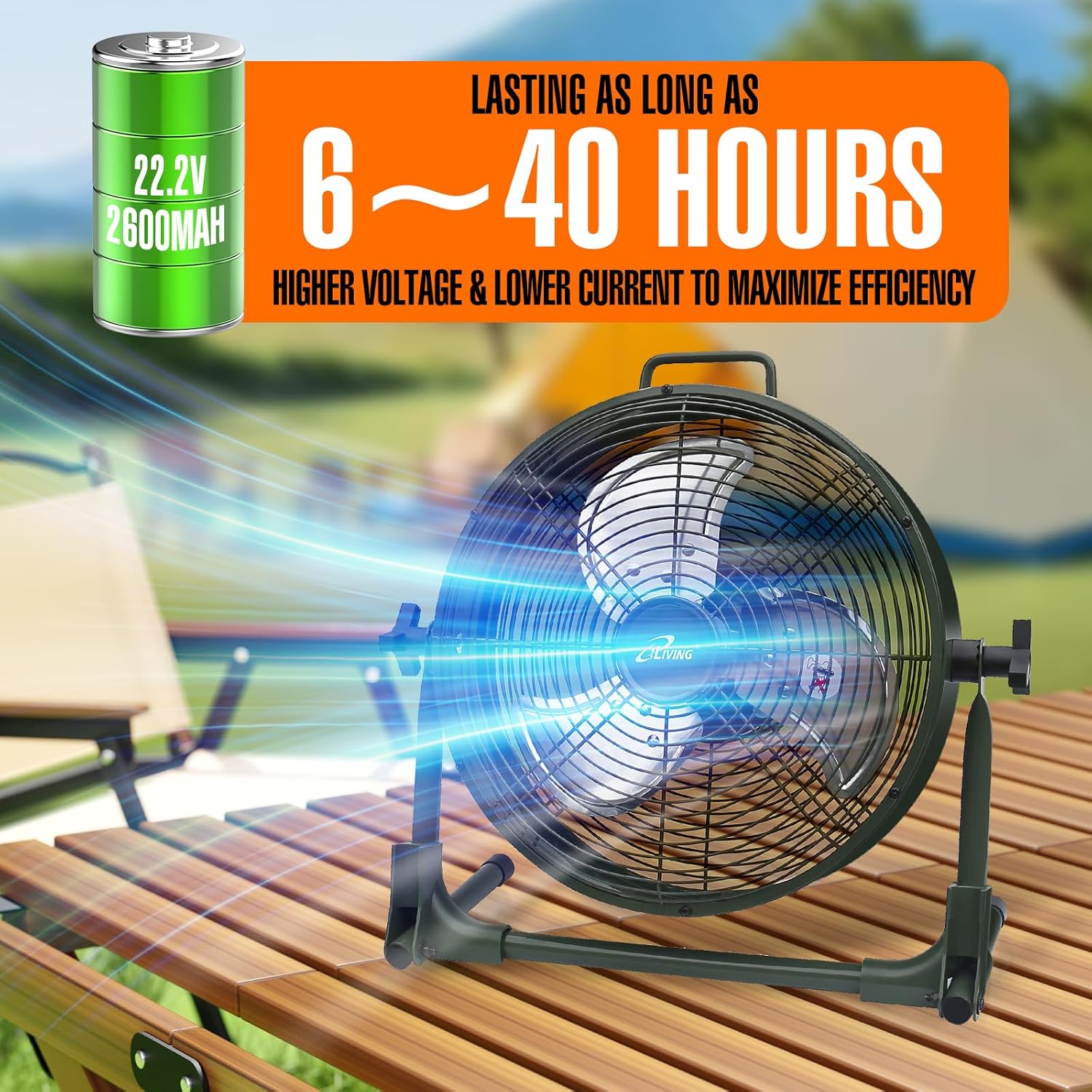
| Battery | 22.2V, 2600mAh Lithium-ion |
| Wattage | 13 watts |
| Speed | 1360 RPM |
| Noise Level | 58 Decibels |
| Material | Metal (casing), Plastic (blade) |
| Special Feature | Adjustable Tilt, Power Bank Function |
| Indoor/Outdoor Usage | Indoor, Outdoor |
| Water Resistance | IPx4 Rated |
| Included Components | Rechargeable Fan, Adapter, Owner's Manual |
| Certifications | UL, cUL |
Warranty Information
This iLiving product comes with a 1-Year Limited Component Warranty. For warranty claims or technical assistance, please contact iLiving customer service.
Customer Support
For any questions, concerns, or support needs, please visit the official iLiving website or contact their customer service department.
You can also leave a review for the product at Amazon Product Review Page.


