
1. Introduction
This manual provides detailed instructions for the installation, operation, and maintenance of your HTZSAFE Wireless Doorbell. Please read this manual thoroughly before using the product to ensure proper function and longevity. The HTZSAFE Wireless Doorbell system includes one receiver and one transmitter, designed for reliable and convenient use.
2. Package Contents
Verify that all items are present in your package:
- 1 x HTZSAFE Wireless Doorbell Receiver (White)
- 1 x HTZSAFE Wireless Doorbell Transmitter (White)
- 1 x 12V 23A Battery (for Transmitter)
- Mounting Hardware (screws, anchors, adhesive tape)
- User Manual
3. Product Overview
The HTZSAFE Wireless Doorbell system consists of two main components: the receiver and the transmitter. The receiver plugs into a standard electrical outlet, and the transmitter is battery-powered for flexible placement.

The receiver features volume controls and chime selection buttons, while the transmitter is designed for outdoor use with an integrated push button.
4. Setup
4.1 Transmitter Battery Installation
- Carefully open the transmitter casing.
- Insert the provided 12V 23A battery, ensuring correct polarity (+/-).
- Close the transmitter casing securely.
4.2 Receiver Installation
Plug the doorbell receiver into a standard electrical outlet in your desired indoor location. Ensure the outlet is easily accessible and not obstructed.
4.3 Transmitter Mounting
Choose a suitable location for the transmitter, such as near your front door. The transmitter can be mounted using the included screws and anchors or with the adhesive tape.
- Adhesive Mounting: Clean the mounting surface thoroughly. Peel off the protective film from the adhesive tape and firmly press the transmitter onto the desired location for at least 30 seconds.
- Screw Mounting: Mark the positions for the screw holes. Drill pilot holes if necessary, insert wall anchors, and then secure the transmitter with the provided screws.

The system is ready for use immediately after installation. The wireless range from the transmitter to the indoor receiver is up to 1000 feet (300m) in open areas, utilizing advanced wireless transmission technology (FSK+FHSS) to minimize interference.
5. Operating Instructions
5.1 Chime Selection
The receiver offers 35 optional melodies. To change the chime, press the 'Chime Selection' button on the receiver until you hear your preferred melody.
5.2 Volume Adjustment
There are 5 adjustable volume levels. Press the 'Volume' button on the receiver to cycle through the volume settings. This includes a mute mode.
5.3 Mute Mode
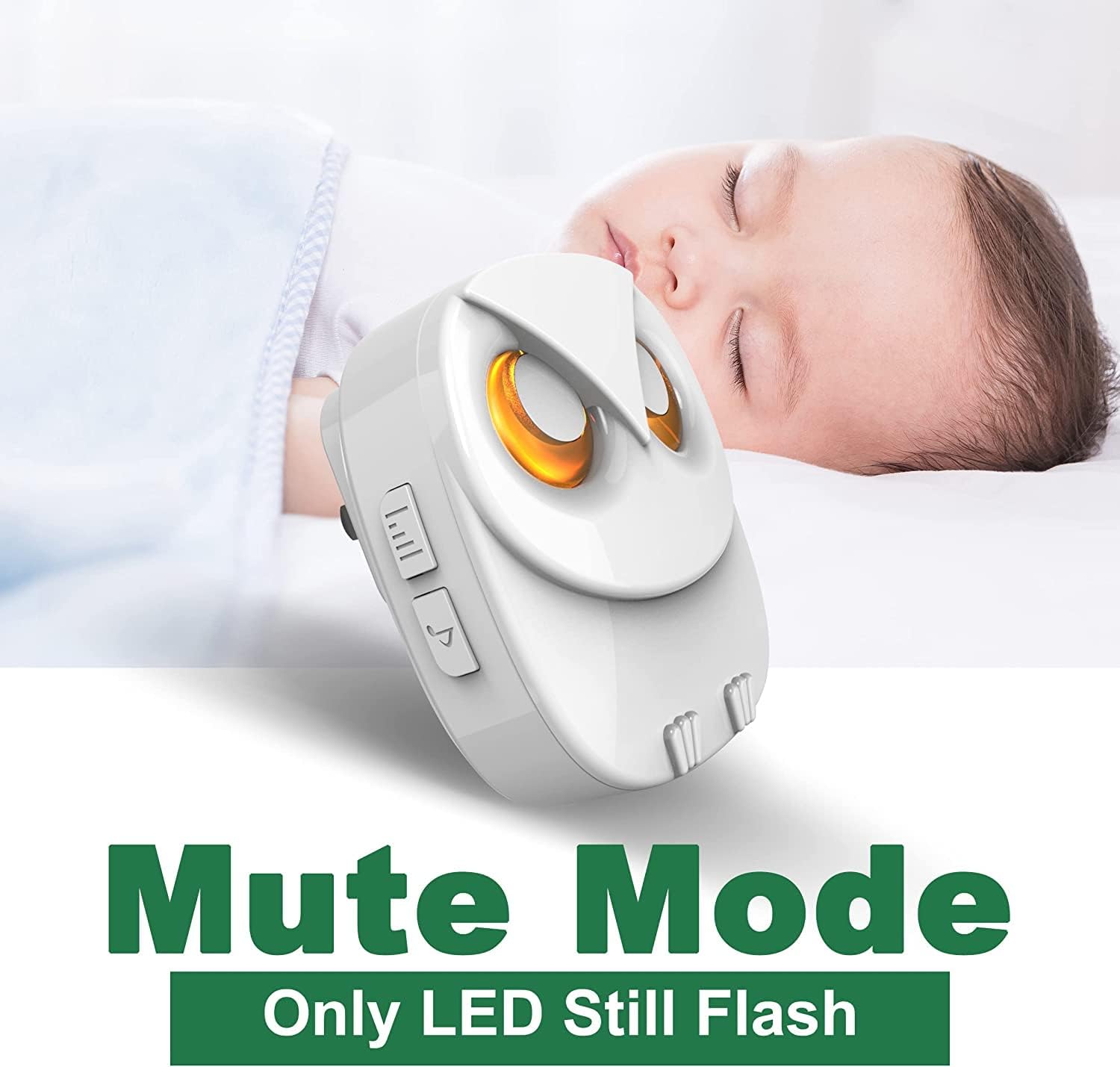
When the receiver is set to mute mode, it will not produce any sound. However, the LED indicator on the receiver will still flash to visually alert you of a visitor.
5.4 Expanding the System
The HTZSAFE Wireless Doorbell system is expandable. You can pair up to 32 additional HTZSAFE transmitters with a single receiver. Refer to the pairing instructions provided with additional transmitters for detailed steps.

6. Maintenance
6.1 Transmitter Battery Replacement
The 12V 23A battery in the transmitter has an estimated lifespan of 3 years under normal use. When the transmitter's performance degrades or it stops working, replace the battery by following the installation steps in Section 4.1.
6.2 Cleaning
Wipe the receiver and transmitter with a soft, dry cloth. Do not use abrasive cleaners or solvents, as these may damage the product's finish or internal components.
6.3 Environmental Conditions
The transmitter is rated IP55 dustproof and waterproof, making it suitable for outdoor use. It is designed to operate reliably in temperatures ranging from -4°F to 140°F (-20°C to 60°C).

7. Troubleshooting
If you encounter issues with your HTZSAFE Wireless Doorbell, refer to the following common solutions:
| Problem | Possible Cause | Solution |
|---|---|---|
| Doorbell does not ring | Receiver unplugged or power outage Transmitter battery depleted Receiver in mute mode Distance too far or excessive interference | Ensure receiver is plugged in and powered Replace transmitter battery Adjust receiver volume (not in mute mode) Relocate receiver or transmitter closer, away from large metal objects or strong electromagnetic fields |
| Short operating range | Obstructions (thick walls, metal structures) Interference from other wireless devices Low transmitter battery | Try different locations for receiver and transmitter Ensure no other devices are causing interference Replace transmitter battery |
| Receiver rings unexpectedly | Interference from other wireless devices Faulty transmitter | Change the chime melody to see if it resolves the issue Contact customer support if the issue persists |
8. Specifications
| Feature | Specification |
|---|---|
| Model | B0C3V9FF1G |
| Item Weight | 6.7 ounces |
| Package Dimensions | 3.82 x 3.58 x 3.35 inches |
| Wireless Range | Up to 1000 feet (300m) in open areas |
| Chime Options | 35 melodies |
| Volume Levels | 5 (including mute mode) |
| Transmitter Battery | 1 x 12V 23A Alkaline (included) |
| Battery Lifespan | Approximately 3 years |
| Waterproof Rating | IP55 (Transmitter) |
| Operating Temperature | -4°F to 140°F (-20°C to 60°C) |
| Expandability | Up to 32 transmitters per receiver |
| Date First Available | April 28, 2023 |
9. Warranty and Support
HTZSAFE is committed to providing reliable and durable products. For specific warranty information, technical support, or assistance with your product, please contact HTZSAFE customer service directly. Contact details can typically be found on the product packaging or the official HTZSAFE website.
