
1. Introduction
Thank you for choosing the Hisense 55A6K 4K Ultra HD Smart LED Google TV. This manual provides essential information for the safe and efficient use of your television. Please read it thoroughly before operating the device and retain it for future reference.
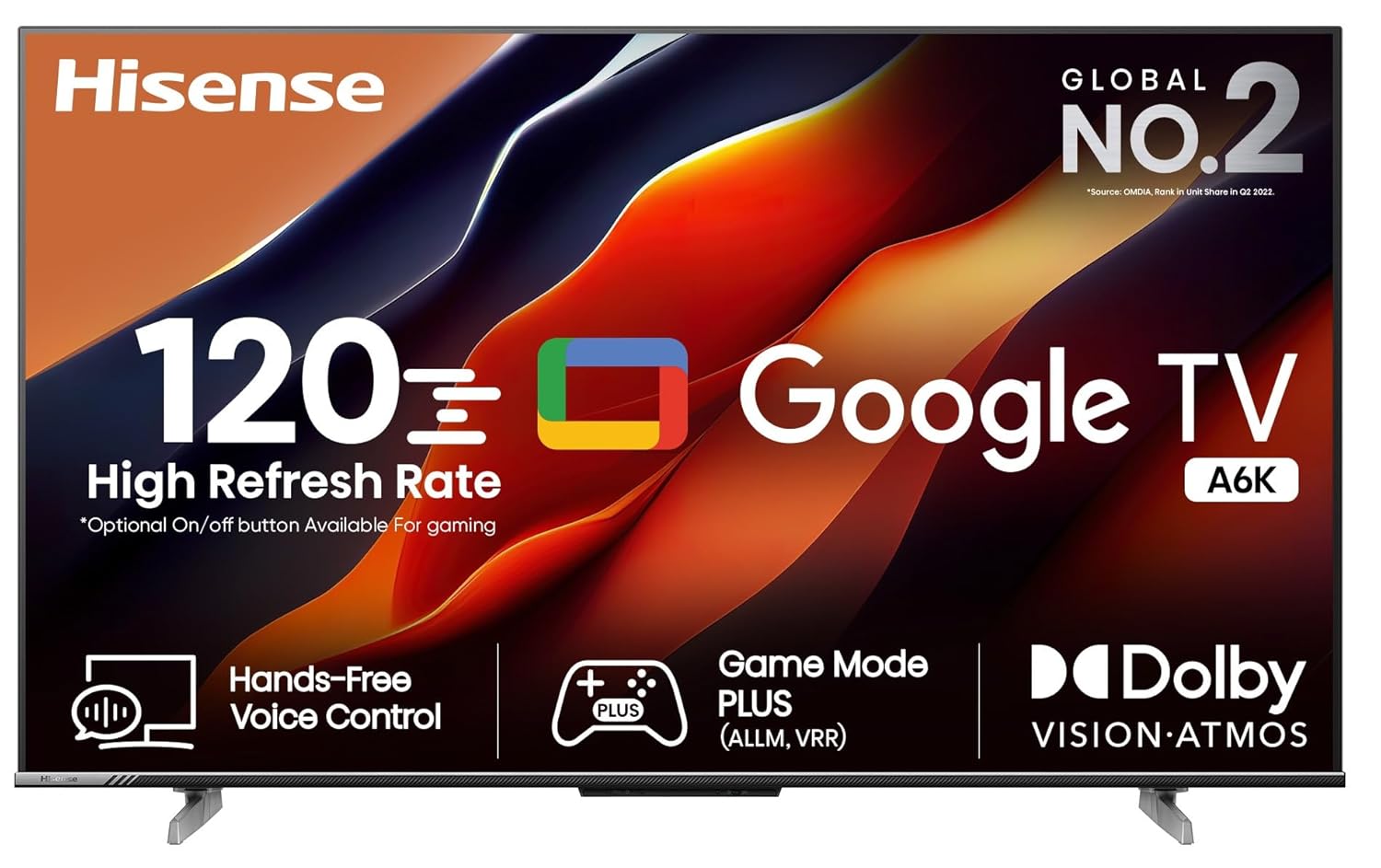
Front view of the Hisense 55A6K 4K Ultra HD Smart LED Google TV.
2. What's in the Box
Carefully unpack the box and ensure all items are present and undamaged. If any items are missing or damaged, contact your retailer immediately.
- 1 TV Unit
- 1 Remote Control
- 2 Table Top Stands
- 1 Wall Mount Bracket
- 2 AAA Batteries
- 1 User Manual (this document)
- 1 Warranty Card
3. Setup
3.1. Stand Installation
For tabletop placement, attach the included stands to the bottom of the TV. Ensure the stands are securely fastened to prevent the TV from tipping.
- Carefully place the TV face down on a soft, clean surface to prevent screen damage.
- Align each stand with the corresponding screw holes on the TV's bottom.
- Secure each stand using the provided screws.
- Carefully lift the TV to its upright position on a stable, level surface.

The Hisense 55A6K TV securely placed on its tabletop stands.
3.2. Wall Mount Installation
If you plan to wall-mount your TV, use the included wall mount bracket. Professional installation is recommended for safety.
3.3. Connecting Devices
The Hisense 55A6K offers multiple connectivity options for your external devices.
- HDMI Ports: Connect set-top boxes, Blu-ray players, gaming consoles, and other HDMI-enabled devices. This model features 3 HDMI ports, including HDMI 2.1 with ALLM and eARC support.
- USB Ports: Connect USB storage devices for media playback. Two USB 2.0 ports are available.
- Ethernet: For a stable wired internet connection.
- Wi-Fi: Supports Dual Band Wi-Fi (802.11 ac/b/g/n) for wireless internet access.
- Bluetooth: Connect wireless headphones, soundbars, or other Bluetooth devices (Bluetooth 5).
- Audio Out: Headphone jack and Digital Audio Out (Optical) for external audio systems.
- AV Input: For older devices using composite video and stereo audio.

Detailed view of the Hisense 55A6K TV's connectivity ports.
3.4. Power Connection
Connect the power cord to the TV's power input and then to a suitable electrical outlet. The TV operates on 230 Volts AC.
4. Operating Instructions
4.1. Initial Setup and Google TV
Upon first power-on, the TV will guide you through the initial setup process, including network connection, Google account login, and channel scanning. The Hisense 55A6K runs on Google TV, offering a personalized entertainment experience.
- Google TV: Unifies subscriptions and organizes content for easy access. Provides curated recommendations and powerful search across 10,000+ apps.
- Watchlist: Add movies and shows you want to watch later.
- Google Assistant: Use voice commands for navigation, content search, and smart home control.
- Chromecast built-in: Cast content from your mobile devices directly to the TV.
- Apple AirPlay & HomeKit: Seamlessly integrate with your Apple ecosystem for content sharing and smart home control.

The Google TV interface with popular streaming applications.
4.2. Remote Control
The included remote control features dedicated buttons for popular streaming services and Google Assistant for voice commands.

The Hisense TV remote control, featuring quick access buttons and voice control.
4.3. Picture and Sound Features
- 4K Ultra HD Resolution: Experience stunning clarity with 3840x2160 pixels.
- Dolby Vision, HDR10, HLG: Enhanced contrast and color with High Dynamic Range support.
- 10-bit Panel & 1 Billion Colors: Delivers a wider spectrum of colors for a more vibrant image.
- MEMC (Motion Estimation, Motion Compensation): Reduces motion blur for smoother fast-paced scenes.
- Dolby Atmos: Immersive audio experience with multi-dimensional sound.
- 24 Watts Output: Powerful integrated speakers for clear sound.
- Game Mode Plus (ALLM, VRR): Auto Low Latency Mode and Variable Refresh Rate for smoother gaming.
- 120Hz High Refresh Rate Panel: Provides fluid motion, especially beneficial for gaming.

Gaming features for an enhanced experience.

Experience immersive audio with Dolby Atmos.
5. Maintenance
5.1. Cleaning the Screen
To clean the screen, gently wipe it with a soft, lint-free cloth. For stubborn marks, lightly dampen the cloth with water or a specialized screen cleaner. Never spray liquid directly onto the screen.
5.2. Cleaning the Cabinet
Wipe the TV cabinet with a soft, dry cloth. Avoid using abrasive cleaners, waxes, or solvents as they can damage the finish.
5.3. Ventilation
Ensure adequate ventilation around the TV to prevent overheating. Do not block ventilation openings or place the TV in an enclosed space without proper airflow.
6. Troubleshooting
This section addresses common issues you might encounter. If the problem persists, please contact customer support.
| Problem | Possible Cause | Solution |
|---|---|---|
| No power | Power cord disconnected; no power from outlet | Check power cord connection; test outlet with another device |
| No picture, but sound is present | Incorrect input source selected; loose HDMI/AV cable | Press the 'Input' button on the remote to select correct source; ensure cables are securely connected |
| No sound, but picture is present | Volume muted or too low; external audio system issues | Unmute or increase volume; check connections to external audio devices |
| Remote control not working | Batteries depleted or incorrectly inserted; obstruction between remote and TV | Replace batteries; ensure correct polarity; remove obstructions; point remote directly at TV |
| Cannot connect to Wi-Fi | Incorrect password; router issues; TV too far from router | Verify Wi-Fi password; restart router; move TV closer to router or use Ethernet |
7. Specifications
Detailed technical specifications for the Hisense 55A6K TV.

Key dimensions of the Hisense 55A6K TV.
| Feature | Detail |
|---|---|
| Brand | Hisense |
| Model | 55A6K |
| Model Year | 2023 |
| Screen Size | 55 Inches (139 cm) |
| Resolution | 4K Ultra HD (3840x2160 Pixels) |
| Display Technology | LED, A+ Display Type |
| Refresh Rate | 60 Hz (120Hz High Refresh Rate Panel) |
| Operating System | Google TV |
| RAM Memory Installed Size | 2 GB |
| Memory Storage Capacity | 16 GB |
| Graphics Coprocessor | ARM Mali-G52 |
| Connectivity | 3 HDMI (HDMI 2.1 with ALLM, eARC), 2 USB 2.0, Ethernet, Wi-Fi (802.11 ac/b/g/n), Bluetooth 5, 3.5mm Audio, Digital Audio Out |
| Audio Output Power | 24 Watts |
| Speaker Configuration | Dolby Atmos |
| Power Consumption (On-mode) | 130 Watts |
| Product Dimensions (LxWxH) | 27.4 x 123.3 x 76.7 cm (with stand) |
| Item Weight | 11.5 kg |
| Viewing Angle | 178 Degrees |
| Remote Control | One Click Prime Video, Netflix, Youtube | Google Assistant | With Voice Assistant |
8. Warranty and Support
8.1. Warranty Information
This Hisense TV comes with a 2-year warranty provided by the manufacturer from the date of purchase. Please refer to the included warranty card for detailed terms and conditions.
8.2. Customer Support
For technical assistance, service requests, or any inquiries regarding your Hisense TV, please contact Hisense India Private Limited:
- Address: 009-010, Ground Floor, IHDP Business Park, Sector 127, Noida, Uttar Pradesh - 201301, India
- Contact Number: +91 800 266 1969
- Email: india@hisense.com