
Introduction
The SIVGA SO1 Open Ear Headphones are designed to provide a comfortable and secure audio experience, particularly for active lifestyles. Featuring an open-ear design, Bluetooth 5.3 connectivity, and a digital display charging case, these earbuds allow you to enjoy high-quality sound while remaining aware of your surroundings. This manual provides essential information for setting up, operating, and maintaining your SIVGA SO1 headphones.
Package Contents
Please check the package for the following items:
- SIVGA SO1 Open Ear Headphones (Left and Right)
- Charging Case with Digital Display
- USB-C Charging Cable
- User Manual

Image: Contents of the SIVGA SO1 headphone package.
Product Overview
The SIVGA SO1 headphones feature an ergonomic open-ear design with ear hooks for a secure fit during various activities. The charging case includes a digital display to show battery levels.

Image: SIVGA SO1 Open Ear Headphones and charging case.
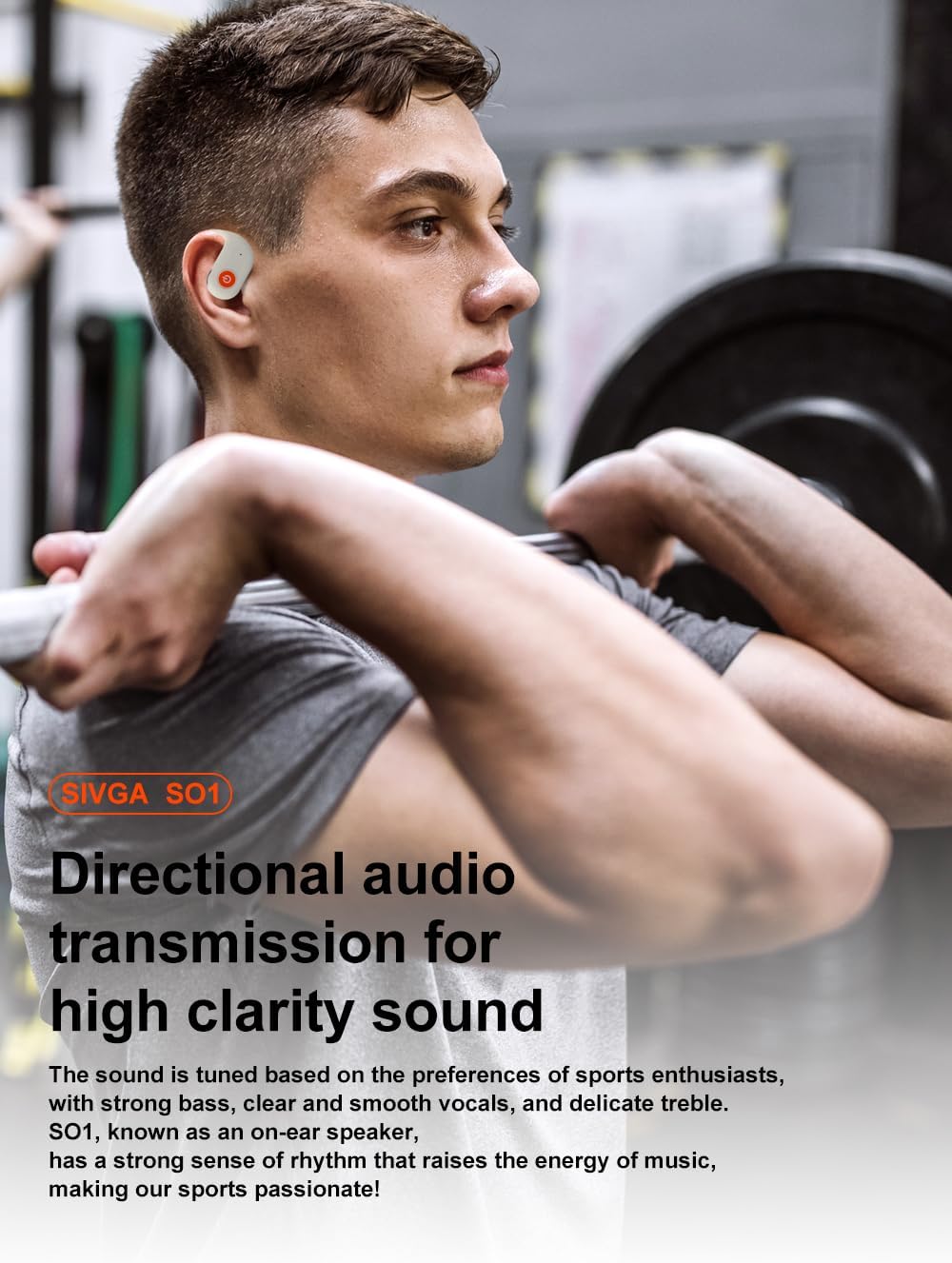
Image: Earbuds inside the charging case, showing the digital display.
Each earbud is equipped with a physical button for sensitive operation, even with sweaty hands during exercise. The earhook design ensures stability without compressing the ear cavity, providing comfort for extended wear.
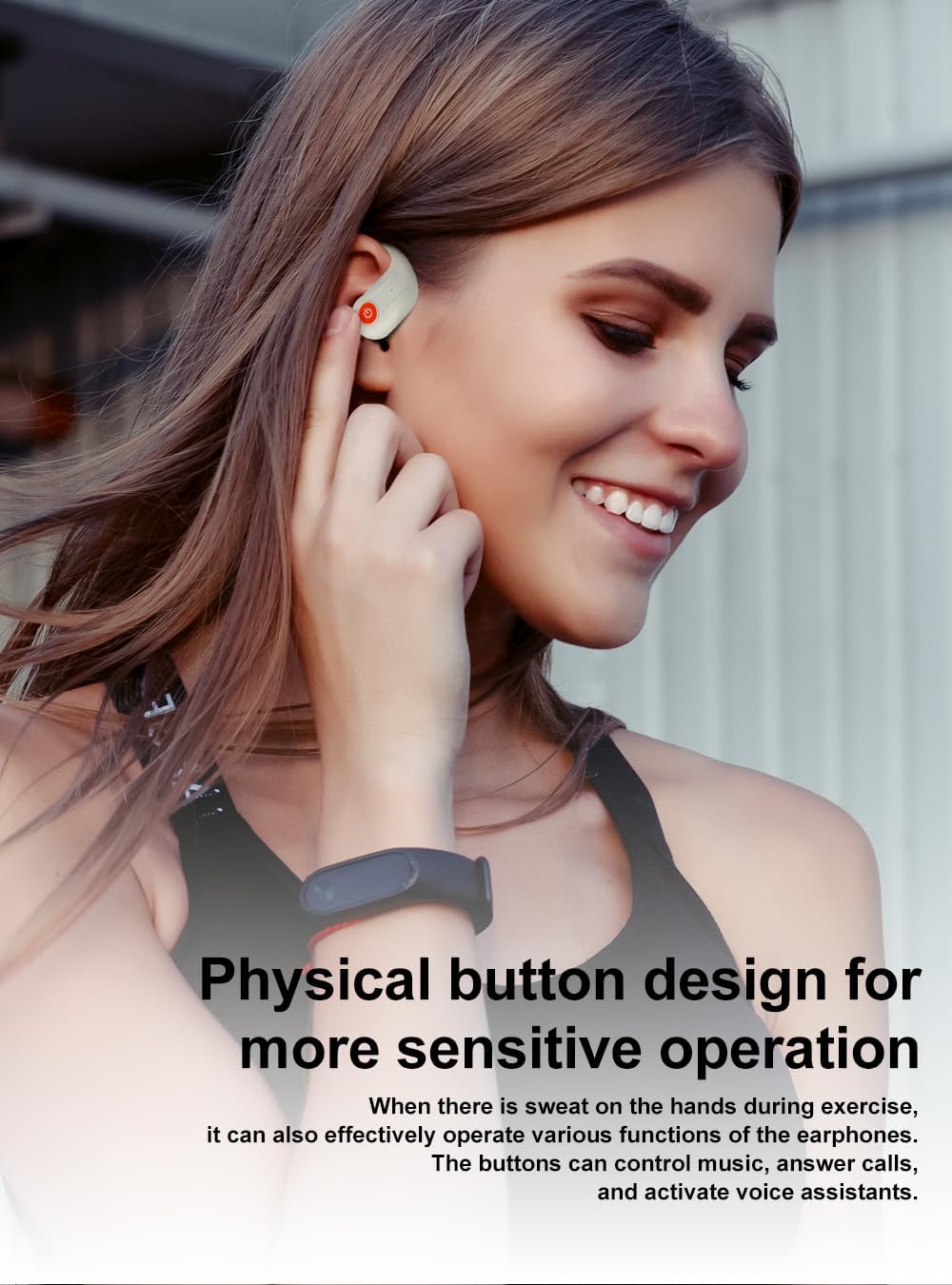
Image: SIVGA SO1 earbud on ear, showing the physical control button.
Setup
1. Charging the Headphones and Case
Before first use, fully charge the SIVGA SO1 headphones and their charging case.
- Using USB-C Cable: Connect the provided USB-C cable to the charging port on the case and to a power source. The digital display on the case will show the charging status.
- Wireless Charging: Place the charging case on a compatible wireless charging pad. (Wireless charger not included).
The earbuds will charge automatically when placed inside the powered charging case. The case has a 600mAh battery capacity, providing up to 46 hours of extended playback time, with individual earbuds offering 9 hours on a full charge.

Image: SIVGA SO1 charging case displaying battery information.
2. Bluetooth Pairing
To connect your SIVGA SO1 headphones to your device:
- Ensure the headphones are charged.
- Open the charging case. The earbuds will automatically enter pairing mode.
- On your device (smartphone, tablet, etc.), go to Bluetooth settings and turn Bluetooth on.
- Search for "SIVGA SO1" in the list of available devices and select it to connect.
- Once connected, you will hear an audio prompt, and the indicator light on the earbuds will change.
The SIVGA SO1 uses Bluetooth 5.3 for a faster and more stable connection, ensuring smooth music and call experiences.

Image: Bluetooth 5.3 connectivity for SIVGA SO1 headphones.
Operating Instructions
1. Wearing the Headphones
The SIVGA SO1 features an open-ear design with ear hooks. Place the earbud over your ear, ensuring the ear hook sits comfortably and securely behind your ear. The ergonomic curved surface is designed to fit without pressure, making it comfortable for long periods.

Image: Proper wearing of SIVGA SO1 open-ear headphones.
2. Button Controls
The physical multi-function buttons on each earbud allow for easy control of music playback, calls, and voice assistant functions.

Image: SIVGA SO1 button operation guide.
- Play/Pause: Double press the multi-function button during playback.
- Volume +: Press the right multi-function button once. (A notification sound "Du" indicates maximum volume).
- Volume -: Press the left multi-function button once.
- Previous Song: Press and hold the left multi-function button for 2 seconds.
- Next Song: Press and hold the right multi-function button for 2 seconds.
- Voice Assistant: Press the multi-function button 3 times.
- Call Answering/Canceling: Press the multi-function button once to answer or cancel a call.
- Incoming Call Reject/End Call: Press and hold the multi-function button for 2 seconds when a call is coming in or during a call.
3. Sound Quality and Noise Cancellation
The SIVGA SO1 headphones are equipped with 16.2mm biological composite diaphragm speakers and scientific software algorithms for directional audio transmission. This design delivers high-quality sound with strong bass, clear vocals, and delicate treble, optimized for sports enthusiasts.

Image: Directional audio transmission for clear sound.
Additionally, the headphones feature ENC (Environmental Noise Cancellation) intelligent noise cancellation technology, which effectively reduces external noise during calls, ensuring high-definition communication even in noisy environments.

Image: Bluetooth 5.3 chip and ENC noise cancellation.
4. Sport Features
With an IPX5 rating, the SIVGA SO1 headphones are protected against sweat and ordinary splashing water, making them suitable for various sports and workouts. The open-ear design allows you to stay aware of your surroundings, enhancing safety during outdoor activities like cycling, running, or walking.

Image: SIVGA SO1 headphones in use during sports, highlighting IPX5 and secure fit.
Key Features in Action (Videos)
Video: Demonstrates the SIVGA SO1 wireless sports headphones in various use cases, highlighting their suitability for active individuals.
Video: Showcases the SIVGA SO1 wireless sport earphones, focusing on their design and functionality during physical activity.
Video: An overview of the SIVGA SO1 Open-ear True Wireless Sports Earphone, detailing its features and benefits.
Maintenance
- Cleaning: Regularly wipe the earbuds and charging case with a soft, dry cloth. Avoid using harsh chemicals or abrasive materials.
- Storage: When not in use, store the headphones in their charging case to protect them from dust and damage.
- Battery Care: To prolong battery life, avoid fully discharging the headphones and case frequently. Charge them regularly, even if not in constant use.
- Water Exposure: While IPX5 rated for sweat and splashes, avoid submerging the headphones in water. Dry them thoroughly if they get wet.
Troubleshooting
| Problem | Possible Solution |
|---|---|
| Headphones not pairing |
|
| No sound or low volume |
|
| Charging issues |
|
| Earbuds frequently disconnect |
|
Specifications
| Feature | Detail |
|---|---|
| Brand | SIVGA |
| Model Number | SO1 |
| Color | White |
| Ear Placement | Open Ear |
| Form Factor | Open Ear |
| Bluetooth Version | 5.3 |
| Earphone Battery Capacity | 60mAh (approx.) |
| Charging Case Battery Capacity | 600mAh (approx.) |
| Playback Time (Earbuds) | Up to 9 hours |
| Total Playback Time (with case) | Up to 46 hours |
| Water Resistance | IPX5 |
| Charging Interface | USB-C, Wireless Charging |
| Control Type | Physical Button (Media Control) |
| Item Weight | 92 Grams |
Warranty and Support
SIVGA products are manufactured to high-quality standards. For warranty information, technical support, or customer service inquiries, please refer to the contact details provided on the SIVGA official website or your purchase platform. Keep your proof of purchase for warranty claims.

