
1. Introduction
The ETENWOLF T300 Digital Tire Pressure Gauge is designed for precise and reliable tire pressure measurement across a wide range of vehicles. This manual provides essential information for the proper setup, operation, and maintenance of your device to ensure optimal performance and longevity.
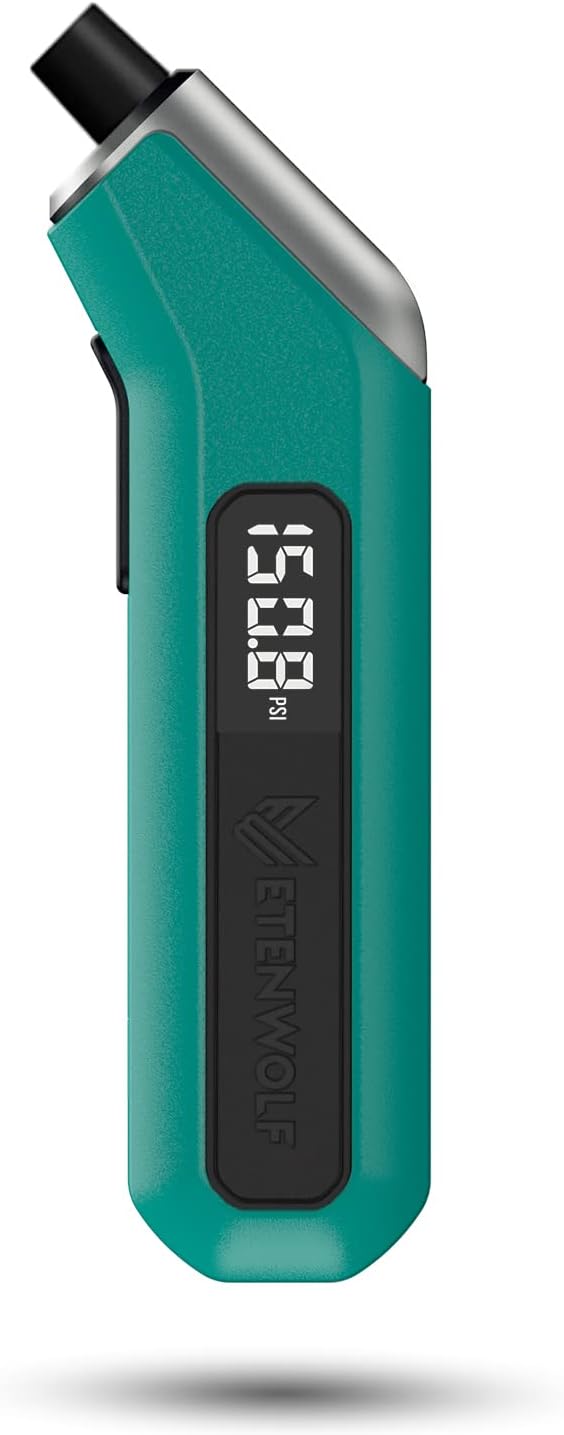
Image 1: ETENWOLF T300 Digital Tire Pressure Gauge. This image displays the dark cyan colored gauge from a side angle, highlighting its digital display and ergonomic design.
2. Package Contents
Verify that all items are present in the package:
- 1 x ETENWOLF T300 Digital Tire Pressure Gauge
- 2 x AAA Batteries (pre-installed or included separately)
- 1 x User Manual (this document)
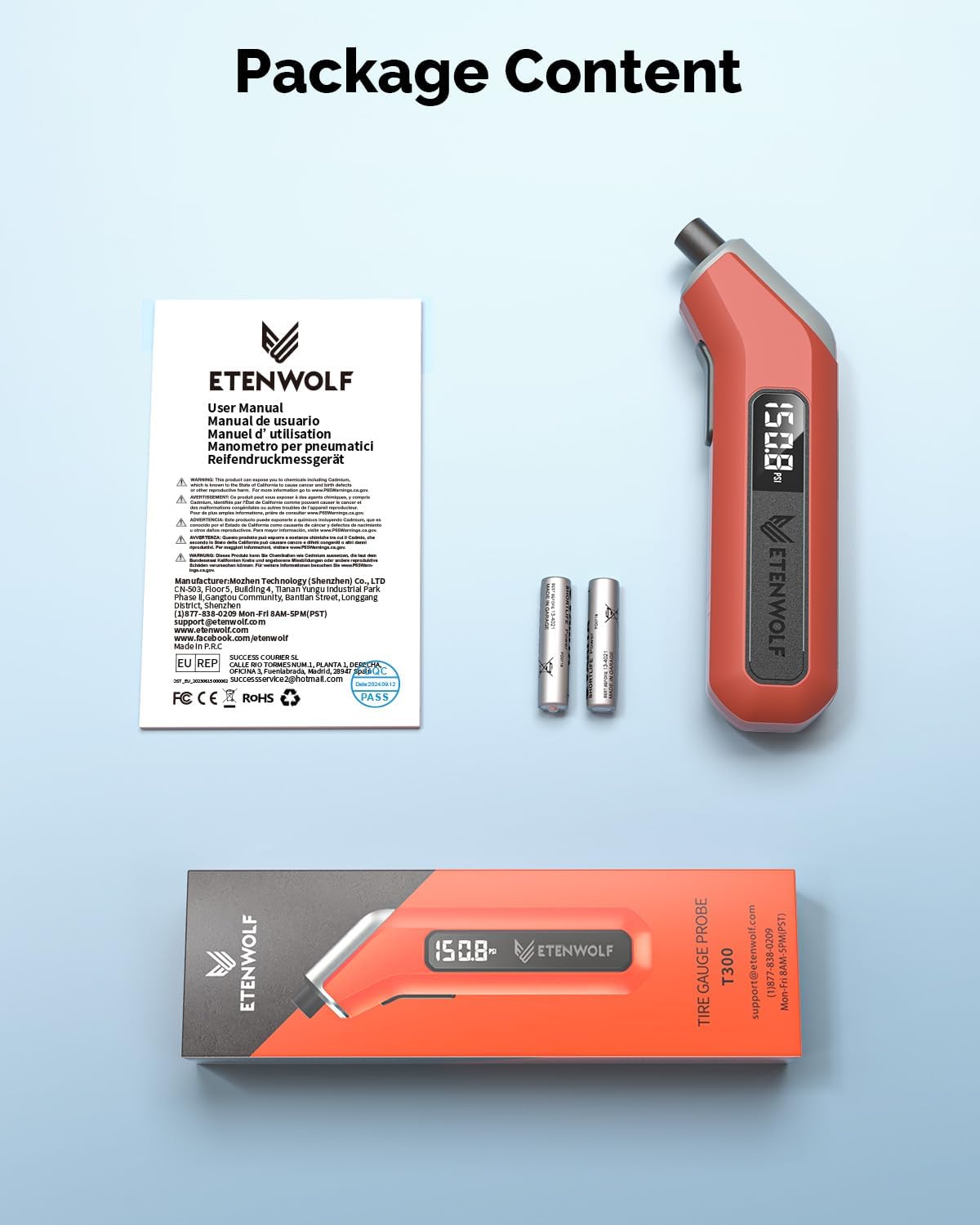
Image 2: Package Contents. This image shows the ETENWOLF T300 gauge, two AAA batteries, and the user manual, all neatly arranged next to the product packaging.
3. Product Features
- Process Level Accuracy: Calibrated to ANSI B40.7 Grade 2A (±0.5% of span), ensuring precise measurements.
- Wide Pressure Range: Measures tire pressure from 3 to 200 PSI, suitable for various vehicle types including pickups, RVs, and heavy-duty vehicles.
- Extreme Weather Performance: Features a built-in AI chip with thermal compensation, allowing normal operation in temperatures ranging from -4°F to 130°F (-20°C to 54°C).
- Replaceable AAA Batteries: Utilizes easily replaceable AAA batteries for extended lifespan and convenience.
- Integrated LED Light: Illuminates dark areas for easy tire pressure reading in low-light conditions.
- Durable Construction: Designed to withstand impacts and provide long-term reliable service.
- Automatic Shut-off: Powers off automatically after 30 seconds of inactivity to conserve battery life.

Image 3: Laboratory-Tested Precision. This image illustrates the gauge's accuracy, showing a table with accuracy grades and permissible errors, emphasizing its 2A Grade ANSI B40.7 calibration.
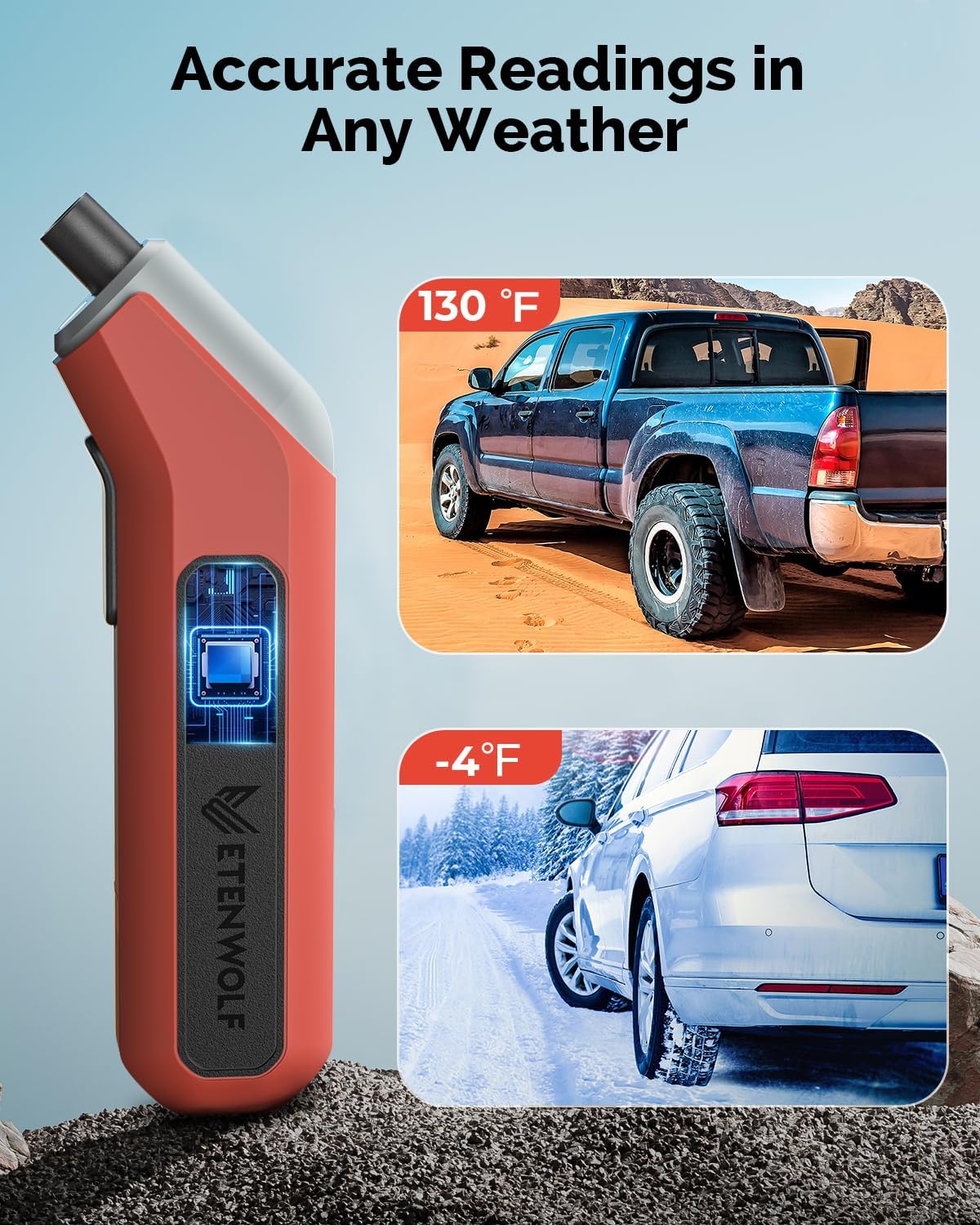
Image 4: Accurate Readings in Any Weather. This image depicts the gauge's ability to function reliably in extreme temperatures, showing a vehicle in a hot desert environment (130°F) and another in a cold, snowy environment (-4°F).
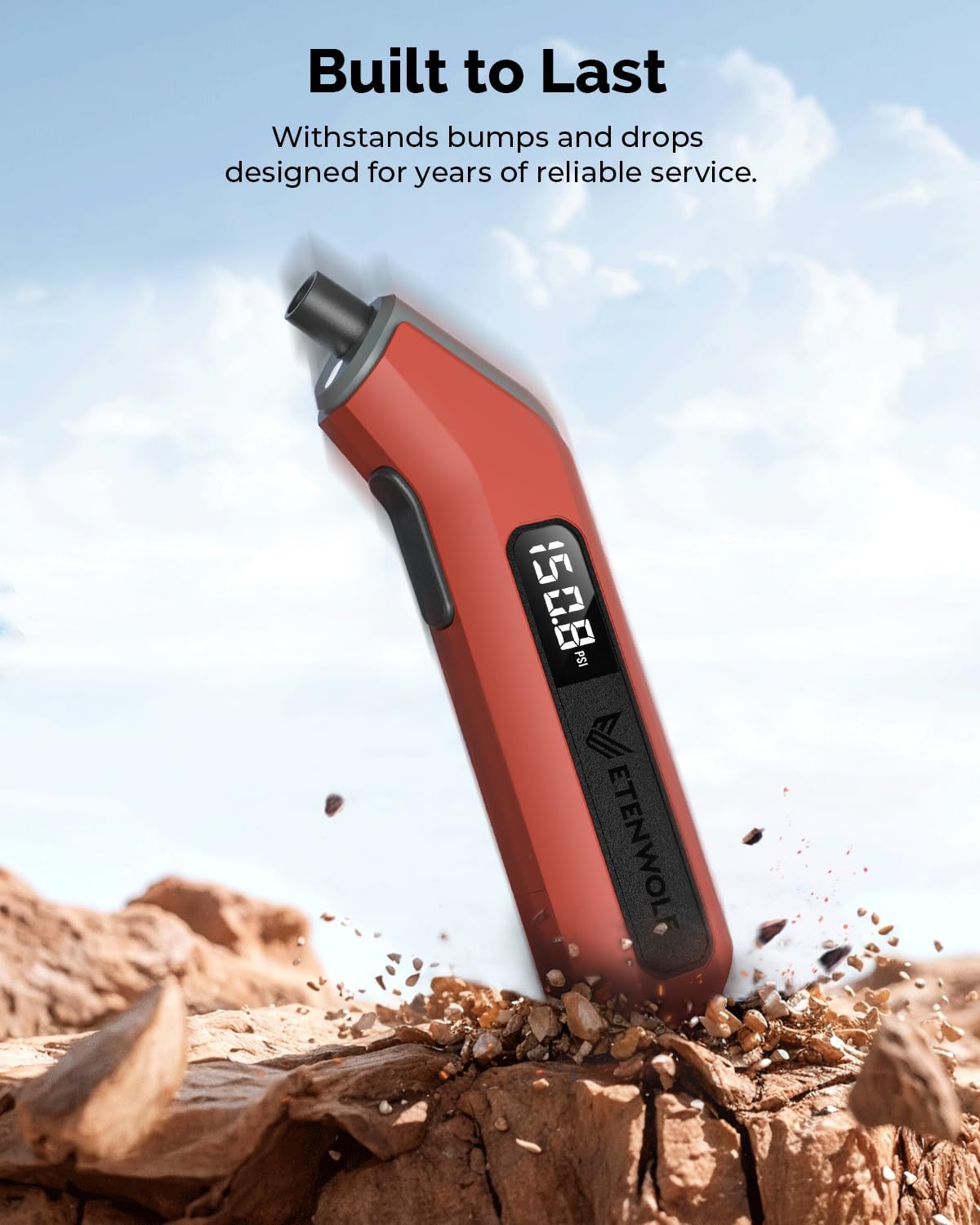
Image 5: Built to Last. This image visually represents the gauge's robust construction, showing it amidst rocks and debris, suggesting its durability against bumps and drops.
4. Setup
4.1 Battery Installation
The ETENWOLF T300 uses two AAA batteries. These may be pre-installed. If not, or if replacement is needed:
- Locate the battery compartment cover on the back of the device.
- Slide or unclip the cover to open.
- Insert two AAA batteries, ensuring correct polarity (+/-) as indicated inside the compartment.
- Replace the battery compartment cover securely.

Image 6: Long-Lasting Readiness. This image shows the transparent battery compartment of the gauge with two AAA batteries inserted, illustrating the ease of battery replacement.
4.2 Initial Power-On and Calibration
Upon first use or after battery replacement, the gauge will perform an automatic calibration.
- Press the power button to turn on the device.
- The display will show a calibration sequence.
- Wait for the display to show "0.0" (or similar indication of readiness) before use. Do not use the gauge until calibration is complete.
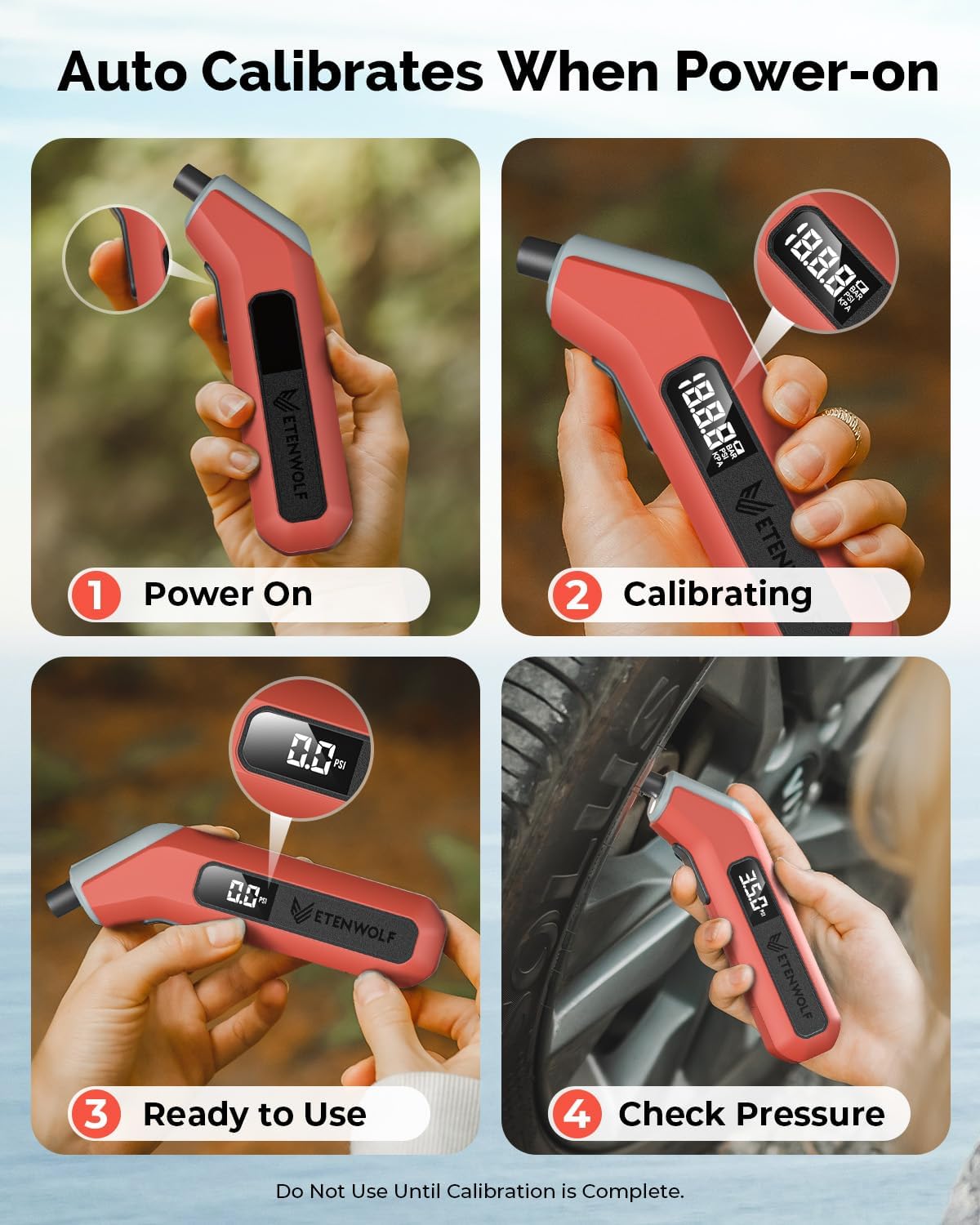
Image 7: Auto Calibrates When Power-on. This four-panel image visually guides the user through the power-on, calibration, readiness, and pressure checking steps of the gauge.
5. Operating Instructions
5.1 Checking Tire Pressure
- Ensure the gauge is powered on and calibrated (displaying "0.0").
- Remove the valve cap from the tire.
- Firmly press the nozzle of the gauge onto the tire valve stem. A brief hiss of air is normal. Maintain a tight seal.
- The digital display will show the tire pressure reading.
- Remove the gauge from the valve stem and replace the valve cap.
5.2 Reading the Display
The large backlit LCD provides clear pressure readings. The reading will remain on the screen for approximately 45 seconds after removal from the valve stem, allowing for easy viewing.

Image 8: Digital Pressure Reading. This image focuses on the gauge's digital display, showing a clear pressure reading in PSI, BAR, and KPA units, emphasizing its intuitive readability.
5.3 Changing Units of Measurement
The ETENWOLF T300 supports multiple units of measurement (PSI, kPa, Bar). To cycle through the units, press the power button briefly while the device is on and not actively measuring pressure. The current unit will be displayed on the screen.
5.4 Using the LED Light
The integrated LED light assists in checking tire pressure in dim light or at night. The light activates automatically when the gauge is powered on and positioned to measure pressure.

Image 9: Light Up Your Tire Checks. This image shows a hand holding the gauge, with its LED light illuminating the tire valve area, demonstrating its utility in low-light conditions.
6. Maintenance
6.1 Battery Replacement
When the display dims or the gauge fails to power on, replace the AAA batteries as described in Section 4.1. Always use fresh, high-quality AAA alkaline batteries.
6.2 Cleaning and Storage
- Clean the gauge with a soft, damp cloth. Do not use abrasive cleaners or immerse the device in water.
- Store the gauge in a cool, dry place, away from direct sunlight and extreme temperatures.
- If storing for an extended period, it is recommended to remove the batteries to prevent leakage.
7. Troubleshooting
- Gauge does not power on: Check battery installation and ensure batteries are fresh.
- Inaccurate readings: Ensure the gauge is properly calibrated (displays "0.0" before use). Verify a tight seal between the nozzle and the tire valve stem. Note that altitude and temperature can influence readings; the T300 shows 0.0 based on sea-level air pressure.
- Display is dim: Replace the AAA batteries.
- Presta Valve Adapter: A Presta valve adapter is not included with this model. If needed for bicycles, it must be purchased separately.
8. Specifications
| Feature | Specification |
|---|---|
| Model | T300 |
| Pressure Range | 3-200 PSI |
| Accuracy | ANSI B40.7 Grade 2A (±0.5% of span) |
| Operating Temperature | -4°F to 130°F (-20°C to 54°C) |
| Power Source | 2 x AAA Batteries |
| Automatic Shut-off | After 30 seconds of inactivity |
| Dimensions (L x W x H) | 6.3 x 1.46 x 1.06 inches |
| Item Weight | 3.88 ounces (110 Grams) |
| Material | Plastic |
9. Safety Information
- Keep the device out of reach of children.
- Do not attempt to disassemble or modify the gauge.
- Dispose of used batteries responsibly according to local regulations.
- Always check tire pressure when tires are cold for the most accurate readings.
10. Warranty and Support
ETENWOLF products are manufactured to high-quality standards. For warranty information, technical support, or service inquiries, please refer to the contact information provided on the product packaging or visit the official ETENWOLF website. Please retain your proof of purchase for warranty claims.

