
1. Introduction
Thank you for purchasing the COBY CPA905BK Bluetooth Party Speaker. This manual provides essential information for the safe and efficient operation of your device. Please read it thoroughly before use and retain it for future reference.

Image 1.1: The COBY CPA905BK Bluetooth Party Speaker, showcasing its vibrant multi-color LED lighting.
2. Important Safety Information
- Do not expose the speaker to water, moisture, or extreme temperatures.
- Avoid dropping or subjecting the speaker to strong impacts.
- Do not attempt to disassemble or repair the unit yourself. Refer all servicing to qualified personnel.
- Keep the speaker away from heat sources such as radiators, heat registers, stoves, or other apparatus that produce heat.
- Use only the provided charging cable.
- Clean only with a dry cloth.
- Prolonged listening at high volume levels may cause hearing damage. Adjust volume to a moderate level.
3. Package Contents
Please check the package for the following items:
- COBY CPA905BK Bluetooth Party Speaker
- Micro USB Charging Cable
- User Manual (this document)
4. Product Overview
Familiarize yourself with the various parts and controls of your COBY CPA905BK speaker.

Image 4.1: Top panel of the COBY CPA905BK speaker, illustrating the control buttons and ports.
Control Panel Functions:
- ON / OFF Switch: Powers the speaker on or off.
- Charging Port: Micro USB input for charging the speaker.
- Charging LED Indicator: Shows charging status.
- TF Card Slot: Insert a TF (microSD) card for direct music playback.
- USB Port: Insert a USB flash drive for direct music playback.
- LED Button: Cycles through different light modes.
- EQ Button: Activates or changes equalizer presets.
- Volume Control (VOL+ / VOL-): Adjusts the speaker's volume.
- Previous / Next Song Buttons: Skips to the previous or next track.
- Speaker Mode Button: Changes input mode (Bluetooth, USB, TF Card).
- Play / Pause / Scan Button: Plays or pauses music; initiates FM radio scan (if applicable).
- Handle: Integrated carrying handle for portability.
5. Setup and First Use
5.1 Charging the Speaker
Before first use, fully charge the speaker. Connect the Micro USB charging cable to the speaker's charging port (2) and the other end to a USB power adapter (not included) or a computer's USB port. The Charging LED Indicator (3) will illuminate during charging and turn off when fully charged. A full charge provides up to 7 hours of playtime.
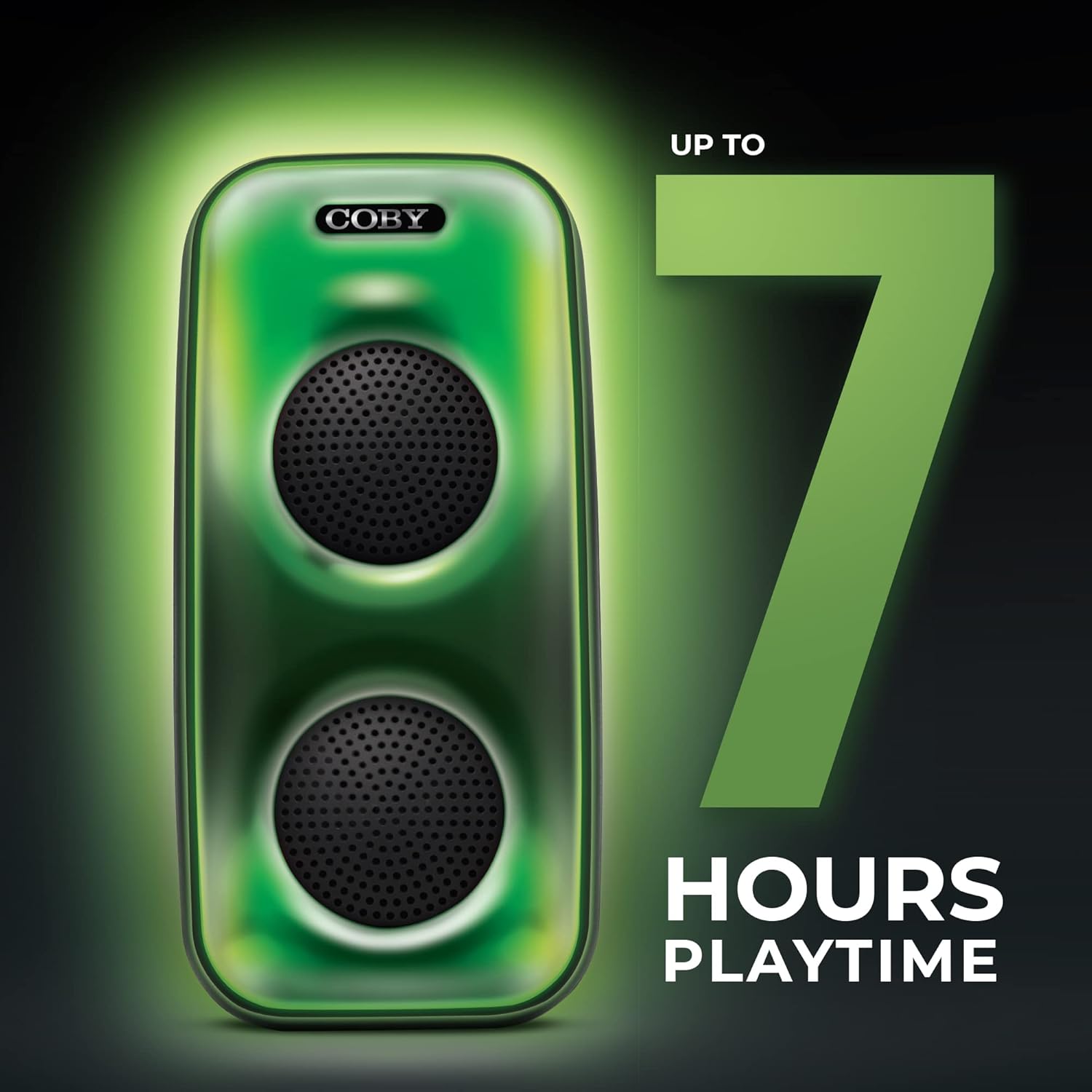
Image 5.1: The COBY CPA905BK speaker highlighting its battery life of up to 7 hours.
5.2 Powering On/Off
Slide the ON / OFF Switch (1) to the "ON" position to power on the speaker. Slide it to "OFF" to power off.
6. Operating Instructions
6.1 Bluetooth Connection
- Ensure the speaker is powered on and in Bluetooth mode. If not, press the Speaker Mode Button (10) until you hear a prompt indicating Bluetooth mode.
- Enable Bluetooth on your smartphone or other compatible device.
- Search for "COBY CPA905BK" in your device's Bluetooth settings.
- Select "COBY CPA905BK" to pair. A confirmation sound will indicate successful pairing.
- You can now play audio from your device through the speaker.

Image 6.1: Illustration of the COBY CPA905BK speaker establishing a quick and easy Bluetooth connection with a smartphone.
6.2 True Wireless Stereo (TWS) Pairing
To achieve a stereo sound experience, you can pair two COBY CPA905BK speakers together:
- Ensure both speakers are powered on and in Bluetooth mode, but not connected to any device.
- On one of the speakers (this will be the primary speaker), press and hold the Speaker Mode Button (10) for a few seconds until you hear a pairing tone.
- The two speakers will automatically search and pair with each other. A confirmation tone will sound once paired.
- Now, connect your smartphone or device to the primary speaker via Bluetooth as described in section 6.1. Audio will play through both speakers in stereo.

Image 6.2: Two COBY CPA905BK speakers demonstrating True Wireless Stereo (TWS) functionality for enhanced sound.
6.3 USB and TF Card Playback
The speaker supports direct playback from USB flash drives and TF (microSD) cards.
- Insert a USB flash drive into the USB Port (5) or a TF card into the TF Card Slot (4).
- The speaker will automatically switch to the corresponding mode and begin playing audio files. If not, press the Speaker Mode Button (10) to select the correct input.
- Use the Previous / Next Song Buttons (9) to navigate tracks and the Play / Pause Button (11) to control playback.
6.4 Light Modes
The speaker features three distinct light modes:
- Polychromatic: Displays a dynamic range of colors.
- Progressive: Colors transition smoothly.
- Pulse: Lights react to the rhythm of the music.
Press the LED Button (6) repeatedly to cycle through these light modes or to turn the lights off.

Image 6.3: The COBY CPA905BK speaker demonstrating its three distinct light modes.
6.5 Equalizer (EQ)
Press the EQ Button (7) to cycle through available equalizer presets, optimizing the sound for different music genres or personal preferences.
7. Maintenance
- Cleaning: Use a soft, dry cloth to clean the exterior of the speaker. Do not use liquid cleaners or aerosols.
- Storage: When not in use for extended periods, store the speaker in a cool, dry place away from direct sunlight.
- Battery Care: To prolong battery life, avoid fully discharging the speaker frequently. Charge it regularly, even if not in use.
8. Troubleshooting
| Problem | Possible Cause | Solution |
|---|---|---|
| Speaker does not power on. | Battery is depleted. | Charge the speaker using the provided Micro USB cable. |
| No sound from the speaker. | Volume is too low; incorrect input mode; device not paired. | Increase volume; press Speaker Mode Button (10) to select correct input; re-pair Bluetooth device. |
| Bluetooth device cannot find the speaker. | Speaker is not in Bluetooth pairing mode; speaker is already connected to another device. | Ensure speaker is in Bluetooth mode; disconnect from other devices; restart speaker and device. |
| TWS pairing fails. | Speakers are too far apart; one speaker is already paired to a device. | Ensure speakers are close to each other; disconnect both speakers from any Bluetooth devices before initiating TWS pairing. |
| USB/TF card playback not working. | Incorrect file format; card/drive not inserted correctly; speaker not in correct mode. | Ensure audio files are in a compatible format (e.g., MP3); reinsert card/drive; press Speaker Mode Button (10) to select USB or TF mode. |
9. Specifications
| Feature | Detail |
|---|---|
| Model Number | CPA905BK |
| Brand | Coby |
| Connectivity Technology | Bluetooth 5.3, USB, TF Card |
| Power Source | Battery Powered (1 Lithium Ion battery, included) |
| Playtime | Up to 7 hours |
| Audio Input | Bluetooth, USB, TF Card |
| Product Dimensions (L x W x H) | 5.52 x 5.52 x 11.43 inches |
| Item Weight | 2.3 pounds |
| Material | Metal, Plastic |
| UPC | 810071491368 |
10. Warranty and Support
For warranty information and technical support, please refer to the documentation provided with your purchase or visit the official Coby website. Keep your proof of purchase for warranty claims.
Manufacturer: Summit Electronics, LLC
Website: Visit the Coby Store on Amazon


