Introduction
This manual provides essential information for setting up, operating, and maintaining your Panasonic TX-50MX600E 50-inch 4K UHD Smart LED TV. The Panasonic MX600 TV, featuring Multi HD formats and a 4K Color Engine processor, ensures optimal performance regardless of the image source. Dolby Atmos® provides immersive home cinema sound. This easy-to-use Smart TV is ideal for all your favorite streaming content, offering compatibility with Amazon Alexa and Google Assistant, and access to popular apps like Netflix, Amazon Prime, and Twitch.
Setup
1. Unpacking and Placement
Carefully remove the TV from its packaging. Ensure the TV is placed on a stable, level surface or securely mounted to a wall using a compatible VESA mount (sold separately). Allow adequate ventilation around the TV.

Image: Front view of the Panasonic TX-50MX600E 50-inch TV, showing its overall dimensions (1120mm width, 706mm height, 235mm depth with stand).
2. Stand Installation
If using the included stand, attach it to the TV according to the instructions provided in the separate quick start guide. Ensure all screws are tightened securely.
3. Connecting Cables
Connect your external devices to the appropriate ports on the back of the TV. The TX-50MX600E features multiple connectivity options.
- Power Cable: Connect the power cable to the TV and then to a wall outlet.
- HDMI: Use HDMI cables for high-definition devices like Blu-ray players, game consoles, and set-top boxes. This TV supports HDMI 2.1 with eARC and ALLM.
- USB: Connect USB storage devices for media playback.
- Antenna/Cable: Connect your antenna or cable TV feed for broadcast channels.
- Network: Connect an Ethernet cable for a wired internet connection, or use the built-in Wi-Fi.

Image: Rear view of the Panasonic TX-50MX600E TV, illustrating the placement of various input and output ports for connectivity.
4. Initial Setup Wizard
Upon first power-on, the TV will guide you through an initial setup wizard. This includes language selection, network connection, channel scanning, and agreeing to terms and conditions for smart features.
Operating
1. Remote Control Overview
Familiarize yourself with the TV's remote control. It provides access to power, volume, channel selection, input switching, smart TV functions, and voice assistant activation.
2. Smart TV Features (Linux TV)
Your Panasonic TX-50MX600E operates on a Linux-based Smart TV platform, providing access to a wide range of streaming services and applications. Navigate the smart TV interface using the remote control to find your favorite content.
- Streaming Apps: Pre-installed applications include Netflix, Amazon Prime Video, YouTube, Twitch, and DAZN. Additional apps may be available for download.
- Media Playback: Use the built-in media player to view photos, play music, or watch videos from connected USB devices.
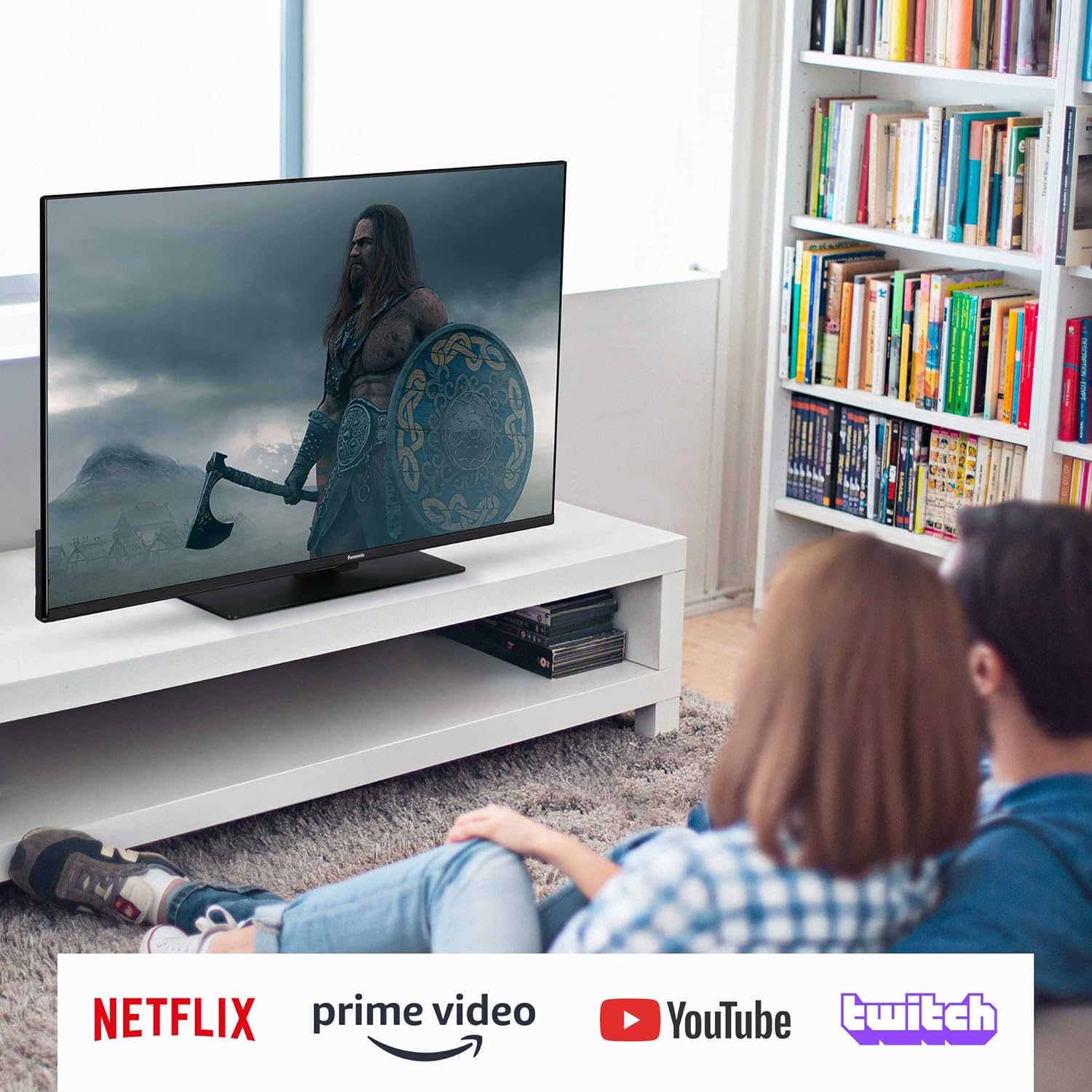
Image: A Panasonic TV displaying content with logos for Netflix, Prime Video, YouTube, and Twitch, indicating its smart TV capabilities.
3. Voice Assistants
The TV supports both Amazon Alexa and Google Assistant. Activate the voice assistant feature on your remote control and speak commands to control the TV, search for content, or manage smart home devices.
Image: A man watching the Panasonic TV, with a 'Works with Google Home' logo displayed, highlighting its compatibility with Google Assistant.
4. Picture and Sound Settings
Access the TV's settings menu to customize picture and sound. This model supports High Dynamic Range (HDR), including HDR10, Dolby Vision, and HLG, for enhanced visual quality. Dolby Atmos audio technology provides an immersive sound experience.
- Picture Modes: Select from various preset picture modes (e.g., Standard, Cinema, Game) or customize settings like brightness, contrast, and color.
- Sound Modes: Choose sound modes (e.g., Standard, Music, Movie) or adjust equalizer settings.
5. Optimal Gaming
For an optimal gaming experience, connect your game console to an HDMI 2.1 port. The TV's Auto Low Latency Mode (ALLM) will automatically reduce input lag for smoother gameplay.
Maintenance
1. Cleaning the TV
To clean the screen, gently wipe it with a soft, dry, lint-free cloth. For stubborn marks, slightly dampen the cloth with water. Do not use harsh chemicals or abrasive cleaners. Clean the TV's exterior with a soft, dry cloth.
2. Software Updates
Ensure your TV's software is up to date for optimal performance and security. The TV can automatically check for and install updates when connected to the internet. You can also manually check for updates in the settings menu.
Troubleshooting
If you encounter issues with your TV, refer to the following common solutions:
- No Power: Check if the power cable is securely connected to both the TV and the wall outlet. Ensure the outlet is functional.
- No Picture/Sound: Verify that the correct input source is selected. Check all cable connections (HDMI, antenna).
- Poor Picture Quality: Adjust picture settings. Ensure the source content is of high quality. For broadcast channels, check antenna connection and signal strength.
- Remote Control Not Working: Replace the batteries (2 AAA zinc-carbon batteries required). Ensure there are no obstructions between the remote and the TV's IR sensor.
- Smart TV/Internet Issues: Check your Wi-Fi or Ethernet connection. Restart your router and the TV.
- Slow Performance: If the processor feels slow or the TV freezes, try restarting the TV by unplugging it from the power outlet for a few minutes and then plugging it back in.
For further assistance, consult the full electronic manual or contact Panasonic customer support.
Specifications
| Feature | Detail |
|---|---|
| Brand | Panasonic |
| Model Number | TX-50MX600E |
| Screen Size | 50 Inches |
| Resolution | 4K (3840 x 2160 pixels) |
| Operating System | Linux |
| Refresh Rate | 60 Hz |
| Connectivity Technology | Wireless LAN (Wi-Fi), 3 x HDMI (HDMI 2.1 with eARC/ALLM), 2 x USB, Headphone Output |
| Special Features | Smart TV, Works with Alexa, Works with Google Assistant, Bluetooth, Gaming (ALLM HDMI 2.1/eARC), HDR (HDR10, Dolby Vision, HLG), Dolby Atmos |
| Supported Internet Services | DAZN, Disney Plus, Netflix, Prime Video, YouTube |
| Product Dimensions (with stand) | 23.5D x 112W x 70.6H centimeters |
| Included Components | Remote Control |
| Batteries Required | 2 AAA (Zinc-carbon) |

Image: Energy efficiency label for the Panasonic TX-50MX600E, showing an 'F' rating for SDR and 'G' for HDR, with energy consumption details. For more details, refer to the EPREL database (Registration Number: 1381251).
Warranty and Support
Panasonic provides comprehensive support for your TX-50MX600E TV.
- Product Support: Minimum guaranteed product support for 7 years.
- General Guarantee: Minimum duration of the general guarantee offered by the supplier is 7 years.
- Software Updates: Software and firmware updates are guaranteed for 8 years from the date the product is placed on the market.
- Spare Parts: Availability of spare parts is guaranteed for 7 years from the date the product is placed on the market.
For detailed warranty terms and conditions, please refer to the documentation included with your product or visit the official Panasonic support website.


