
1. Introduction
Thank you for purchasing the BlitzMax 480P Mini WiFi Projector. This compact and portable projector is designed to provide a versatile entertainment experience with its advanced DLP technology, Android 9.0 system, 5G WiFi, and Bluetooth connectivity. Please read this manual carefully to ensure proper setup, operation, and maintenance of your device.

Image 1.1: The BlitzMax Mini HD Projector providing an immersive visual experience.
2. Safety Information
- Do not look directly into the projector lens when the lamp is on.
- Ensure proper ventilation around the projector to prevent overheating.
- Keep the projector away from water, moisture, and flammable materials.
- Use only the provided power adapter.
- Do not attempt to disassemble or repair the projector yourself. Contact customer support for assistance.
- Keep out of reach of children.
3. Package Contents
Verify that all items are present in the package:
- BlitzMax Mini WiFi Projector
- Remote Control
- Power Adapter
- HDMI Cable
- User Manual (this document)

Image 3.1: Contents included in the BlitzMax Mini WiFi Projector package.
4. Product Overview
Familiarize yourself with the projector's components and interfaces.

Image 4.1: Front, rear, and top views of the projector highlighting ports and touch controls.
4.1. Interfaces
- USB 2.0: For connecting USB storage devices.
- IR: Infrared receiver for the remote control.
- DC IN: Power input port.
- HDMI-compatible: For connecting external devices like laptops, gaming consoles, or TV boxes.
4.2. Touch Control Panel
The top panel features sensitive touch controls for easy navigation and operation, even in low-light conditions due to its LED screen light.
- Menu: Access settings and options.
- Home: Return to the main interface.
- Volume: Adjust audio output level.
- Return: Go back to the previous screen.
5. Setup
5.1. Powering On/Off
- Connect the power adapter to the DC IN port on the projector and then to a power outlet.
- Press the power button on the projector or remote control to turn it on.
- To turn off, press the power button again and confirm shutdown.
5.2. Initial Setup (Android 9.0 System)
Upon first use, the projector will guide you through initial setup steps, including:
- Language Selection: Choose your preferred language.
- Network Connection: Connect to a 5G or 2.4G WiFi network for internet access and streaming.
- Time Zone: Set the correct time zone.
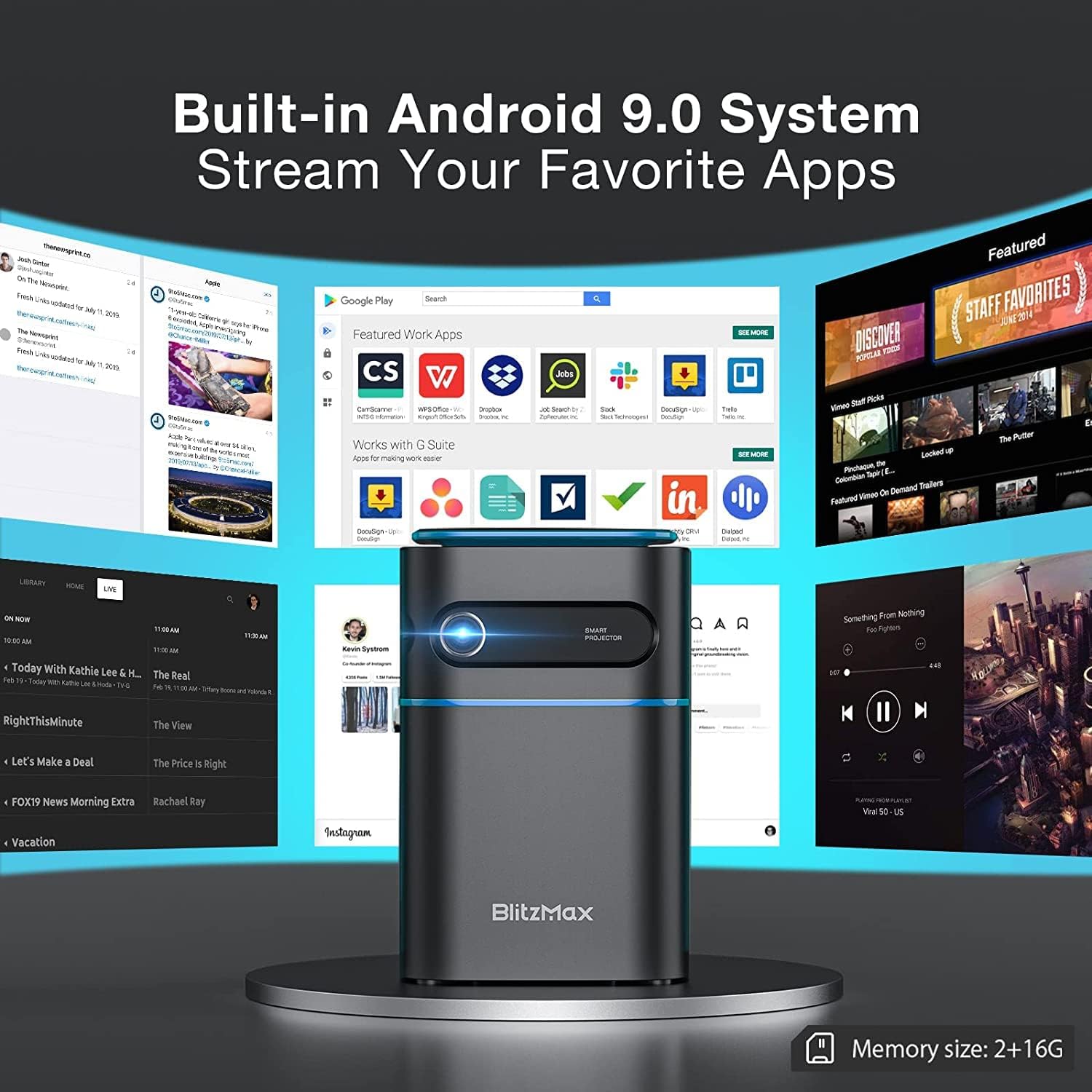
Image 5.1: The projector's built-in Android 9.0 system allows streaming of favorite apps.
5.3. Focus and Keystone Correction
Adjust the image for clarity and proper rectangular shape.
- Focus: Rotate the focus ring near the lens until the projected image is sharp.
- Keystone Correction: The projector supports ±40° keystone correction. Access this setting through the menu to adjust the image geometry if the projector is not perfectly perpendicular to the screen.

Image 5.2: Illustrating the ±40° keystone correction capability.
6. Operating
6.1. Connecting External Devices
The projector offers multiple connectivity options:
- HDMI: Connect devices like PCs, DVD players, PS3/PS4, or TV boxes using an HDMI cable. Select the HDMI input source from the projector's menu.
- USB: Insert a USB flash drive into the USB 2.0 port to play media files directly.
- Wireless Projection (WiFi): Connect your smartphone or tablet wirelessly via the 5G WiFi chip for screen mirroring. Ensure both devices are on the same network.
- Bluetooth: Pair with Bluetooth-enabled devices such as smartphones for audio output.

Image 6.1: Wireless projection and Bluetooth connectivity with a smartphone.
6.2. Using Touch Control
The intelligent touch control panel provides a sensitive and convenient operation experience.

Image 6.2: Demonstrating the touch screen control functionality.
6.3. Bluetooth Speaker Mode
The projector can function as a standalone Bluetooth speaker, providing clear and balanced sound.

Image 6.3: The projector operating in Bluetooth speaker mode.
7. Maintenance
7.1. Cleaning
- Lens: Use a soft, lint-free cloth specifically designed for optical lenses. Do not use abrasive cleaners.
- Exterior: Wipe the projector's exterior with a soft, dry cloth. For stubborn marks, slightly dampen the cloth with water.
- Ventilation Ports: Regularly check and clean the ventilation ports to ensure unobstructed airflow and prevent overheating. Use a soft brush or compressed air.
7.2. Storage
When not in use for extended periods, store the projector in a cool, dry place, away from direct sunlight and extreme temperatures. Use the original packaging or a protective case to prevent dust accumulation and physical damage.
7.3. Battery Care
The projector has a built-in battery with a working time of approximately 1.5 hours. To prolong battery life:
- Avoid fully discharging the battery frequently.
- Charge the battery regularly, even if not in use, to maintain its health.
- Store the projector with a partial charge (around 50%) if storing for a long time.
8. Troubleshooting
If you encounter issues with your projector, refer to the following common problems and solutions:
| Problem | Possible Cause | Solution |
|---|---|---|
| No image projected | Power issue, incorrect input source, lens cap on. | Check power connection, select correct input source (HDMI, USB, WiFi), remove lens cap. |
| Image is blurry | Out of focus. | Adjust the focus ring near the lens. |
| Image is distorted (trapezoid shape) | Projector not perpendicular to screen. | Use keystone correction feature in the settings menu. |
| No sound | Volume too low, incorrect audio output, external device muted. | Increase projector volume, check audio settings, unmute external device. |
| WiFi connection unstable | Signal interference, distance from router. | Ensure projector is within range of the WiFi router, minimize interference from other devices. |
| Projector freezes or bugs frequently | Software issue, insufficient memory, overheating. | Restart the projector. Ensure sufficient free storage. Check for firmware updates. Ensure proper ventilation. |
9. Specifications
Key technical specifications of the BlitzMax Mini WiFi Projector:
| Feature | Specification |
|---|---|
| Manufacturer | BlitzMax |
| Product Dimensions | 20 x 16 x 8 cm |
| Product Weight | 400 Grams |
| Display Resolution | 1920 x 1080 (1080P Compatible, Native 480P) |
| Brightness | 180 ANSI Lumens |
| Projection Distance | 0.5 - 8 meters |
| Projection Size | 40 - 300 inches |
| Aspect Ratio | 16:9 / 16:10 / 4:3 |
| Operating System | Android 9.0 |
| Wireless Connectivity | 5G WiFi, Bluetooth V4.2 |
| Battery Capacity | 7.4V 4000mAh (Approx. 1.5-2 hours working time) |
| Lamp Life | Up to 10,000 hours |
| Control Type | Remote Control, Touch Control |
| Compatible Devices | Smartphone, PC, DVD, PS3/4, Camera, TV Box, Laptop |

Image 9.1: Physical dimensions and weight of the projector.

Image 9.2: Projection distance, size, and aspect ratio capabilities.
10. Warranty and Support
For warranty information and technical support, please refer to the documentation provided with your purchase or contact BlitzMax customer service through their official website or the retailer where the product was purchased. Keep your purchase receipt as proof of purchase for warranty claims.