
ENJBRICK 1033
Contents
ENJBRICK Flowers City Hotel House Building Kit - Model 1033
Instruction Manual
Introduction
This instruction manual provides comprehensive guidance for assembling and maintaining your ENJBRICK Flowers City Hotel House Building Kit, Model 1033. This 1464-piece set is designed for enthusiasts aged 8 and up, offering a detailed and engaging building experience. Please read all instructions carefully before beginning assembly.
Safety Information
- Small Parts Warning: This kit contains small parts which may pose a choking hazard for children under 3 years old. Adult supervision is recommended during assembly, especially with younger builders.
- Material Safety: All building blocks are made from ABS plastic, which is durable, lightweight, and safe.
- Handling: Handle pieces carefully to avoid damage. Do not force pieces together if they do not fit easily.
Package Contents
Before starting assembly, verify that all components are present. Your package should contain:
- 1464 Building Block Pieces (sorted into numbered bags)
- 1 Instruction Booklet
- Optional: Lighting Kit (if included with your specific purchase)
If any parts are missing, please refer to the Troubleshooting section for assistance.
Setup and Assembly
Follow the steps below to construct your Flowers City Hotel. It is recommended to organize pieces by numbered bags as indicated in the instruction booklet.
Step 1: Unboxing and Preparation
Carefully open the product box and empty the contents. The building blocks are typically sorted into numbered bags to facilitate the assembly process. Refer to the instruction booklet for the sequence of bags to open.

Video: Unboxing the ENJBRICK City Hotel House Building Kit. This video demonstrates the unboxing process, showing the contents of the package including the instruction manual and numbered bags of building blocks.
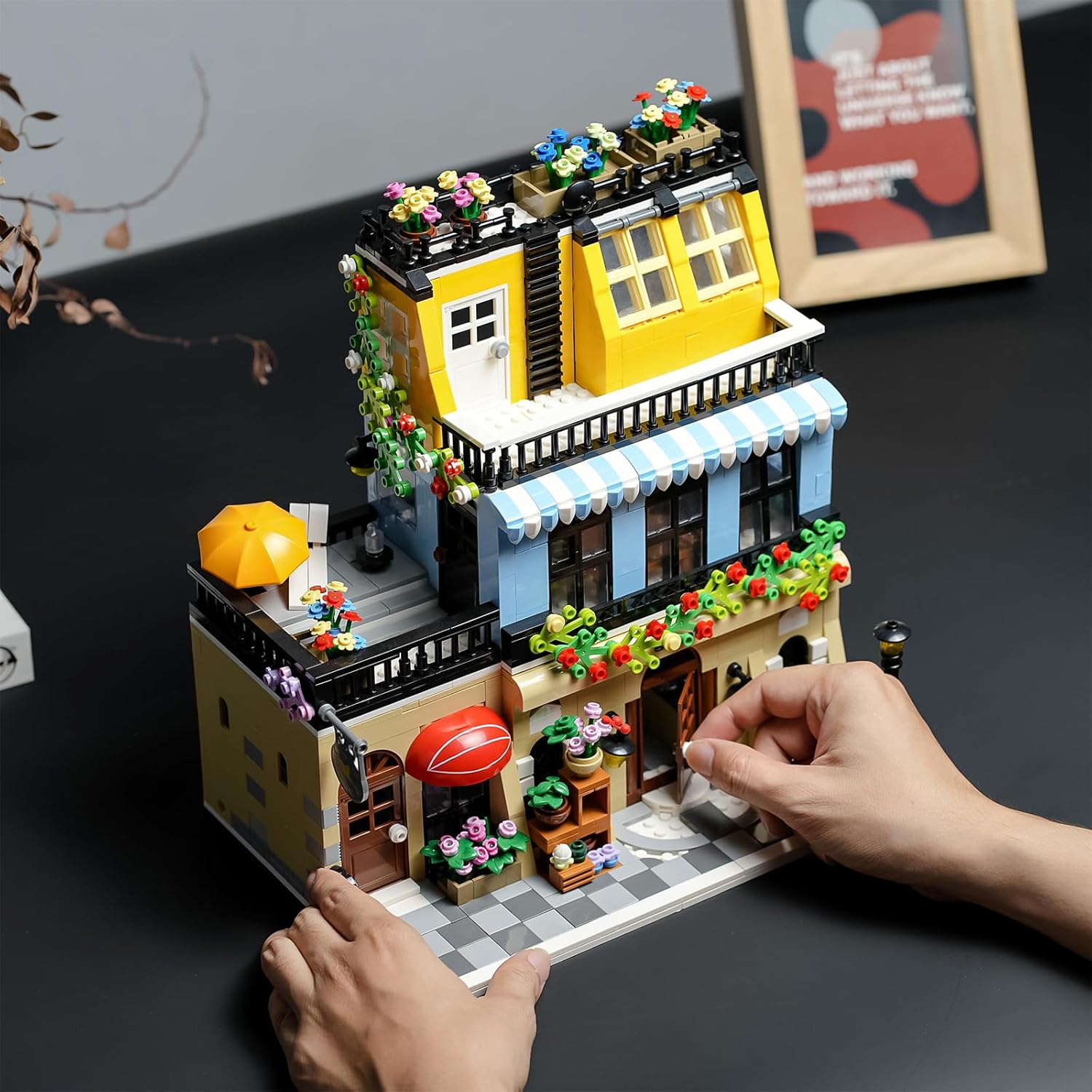
Image: Initial assembly of the building's base. Begin by connecting the foundation pieces as shown in the instruction manual.
Step 2: Constructing the Ground Floor
Assemble the ground floor components, including the main entrance, shop fronts, and interior details such as the piano and bar area. Pay close attention to the placement of decorative elements like flowers and awnings.
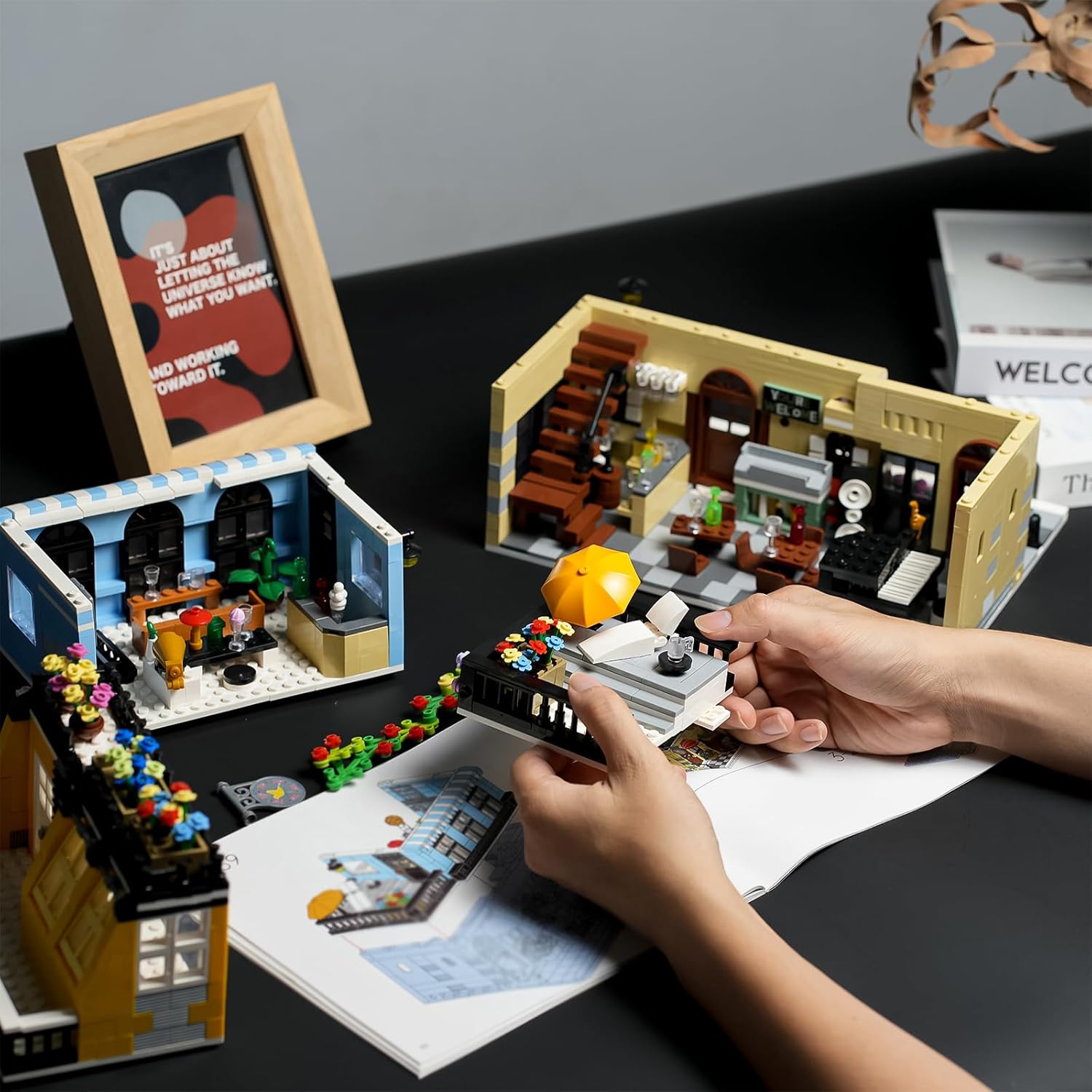
Image: Assembling interior details for the ground floor, including the piano and bar.
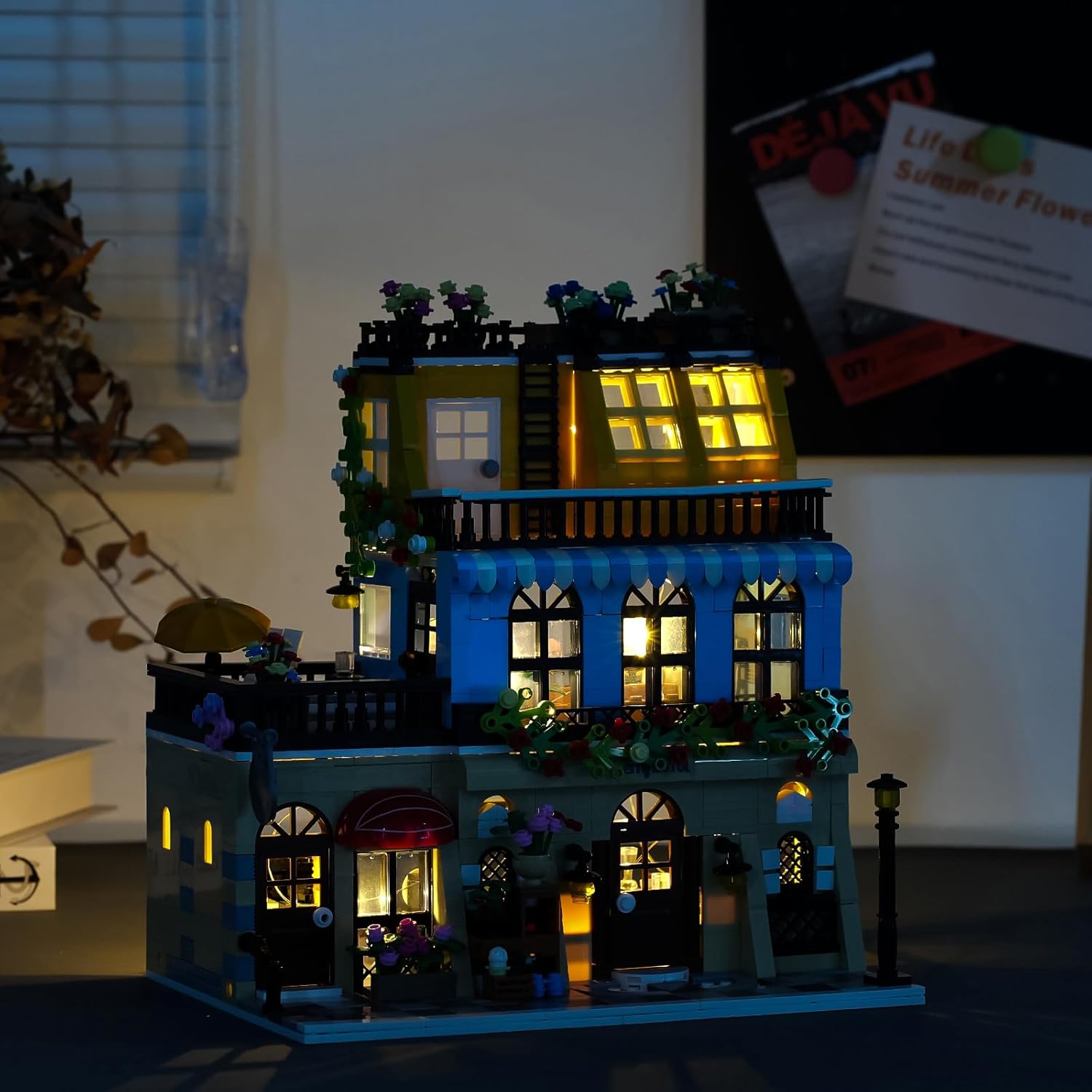
Image: Detailed view of the ground floor exterior, highlighting the entrance and decorative elements.
Step 3: Building the Middle Floor
Proceed to build the middle floor, which includes additional rooms and a balcony area. Ensure all connections are secure as this floor will support the top section.
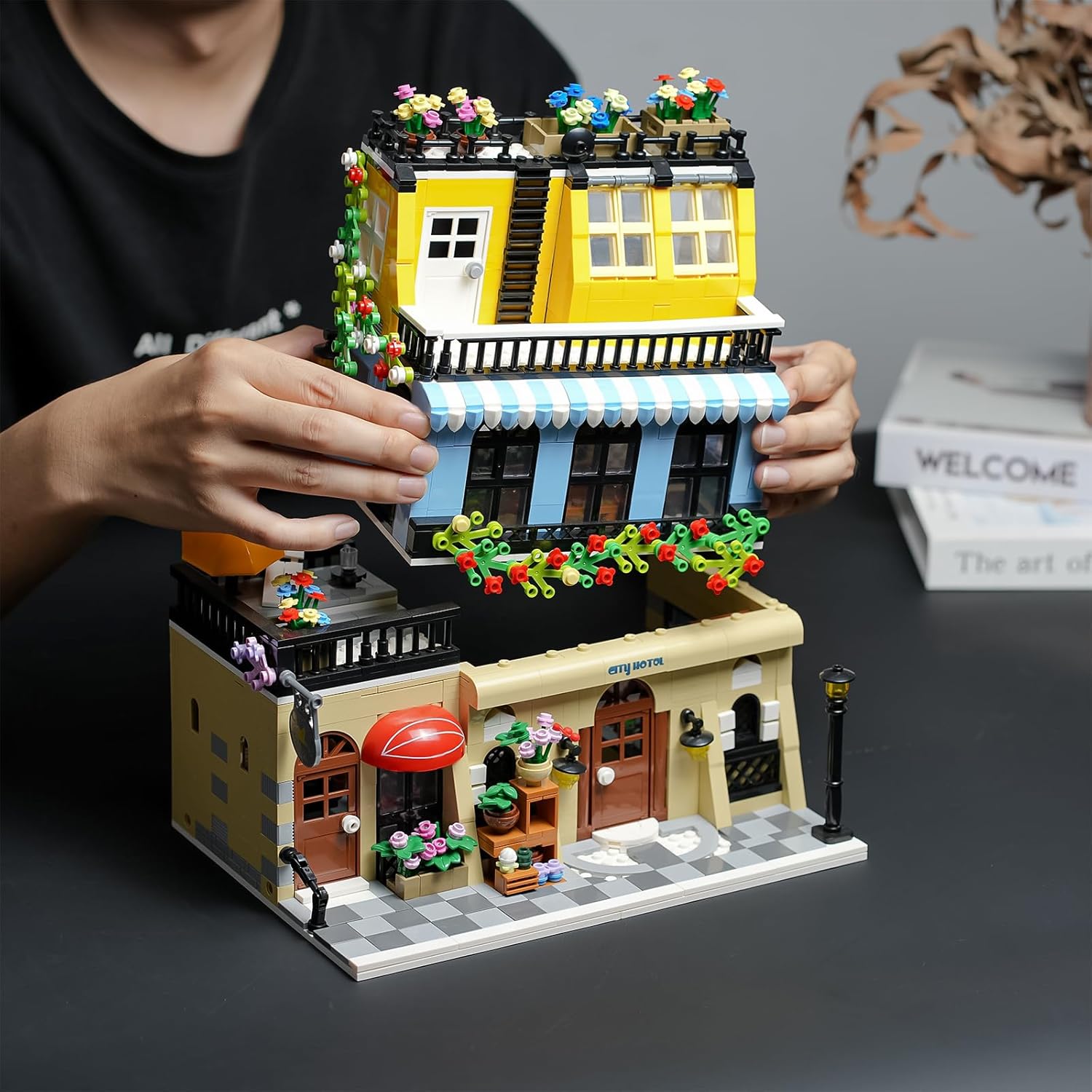
Image: Attaching the middle floor to the ground floor. The modular design allows for easy assembly and access to interior spaces.
Step 4: Completing the Top Floor and Roof
Construct the top floor and roof section, adding the final details such as windows, doors, and rooftop decorations. The top floor also features a small balcony with an umbrella.
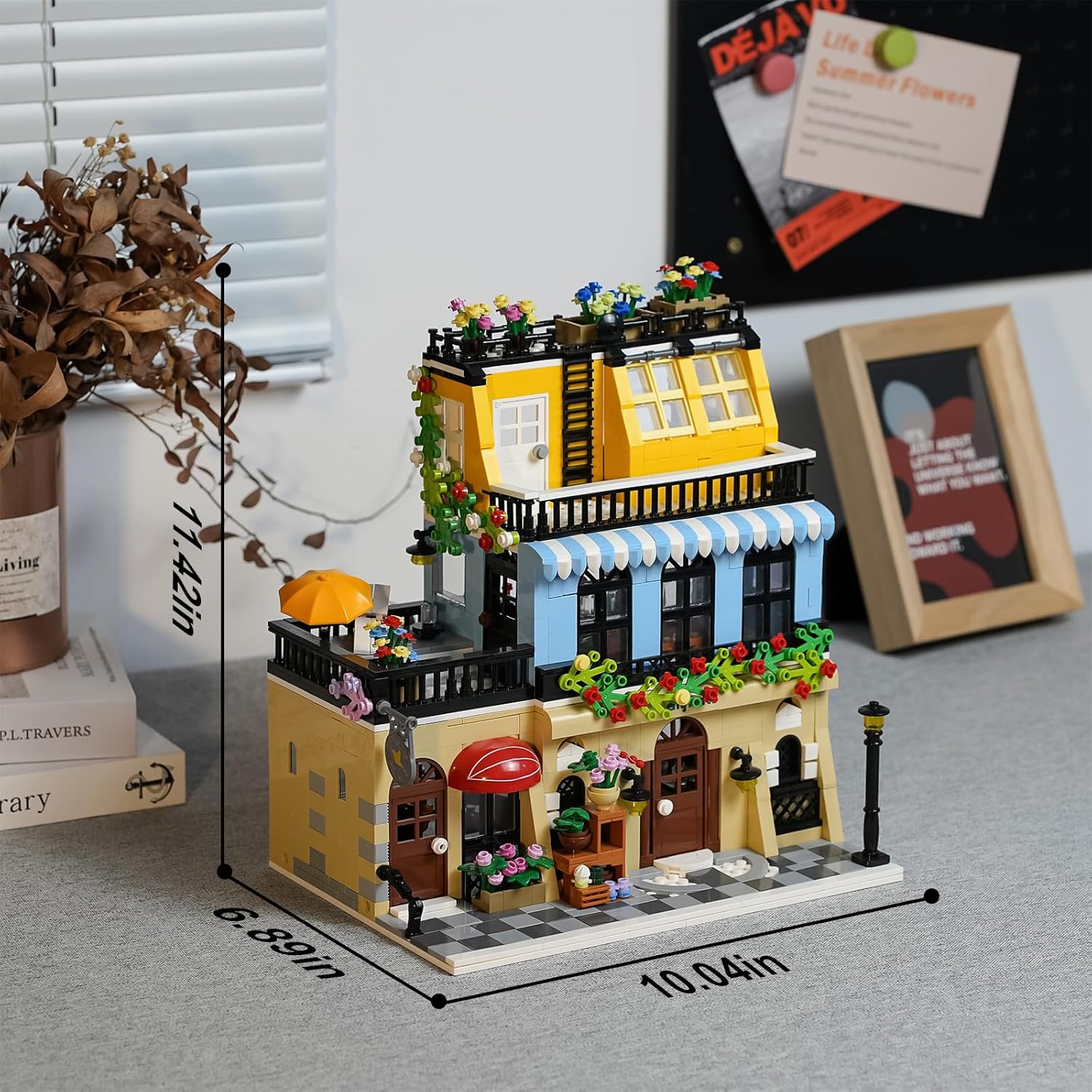
Image: The completed ENJBRICK City Hotel, showcasing its multi-story design and intricate details.
Step 5: Final Touches and Lighting (Optional)
Once the main structure is complete, add any remaining small decorative pieces. If your kit includes a lighting system, follow its specific instructions for installation to illuminate your hotel.

Image: The City Hotel illuminated, demonstrating the effect of an optional lighting kit.

Video: Overview of the ENJBRICK Flowers City Hotel House Building Kit. This video provides a detailed look at the assembled model, showcasing its various features and interior spaces.
Operating the Model
The ENJBRICK City Hotel is designed for display and interactive play. Each floor is detachable, allowing easy access to the interior for rearrangement or closer inspection of details.
- Detachable Floors: Gently lift each floor section to access the rooms below. Ensure a firm grip to prevent accidental disassembly.
- Interior Access: The open-back design and detachable floors provide full access to the detailed interior, including the bar, piano, and bedroom areas.
- Lighting System: If an optional lighting kit is installed, activate it according to its separate instructions to illuminate the model.
Maintenance
To keep your ENJBRICK City Hotel in excellent condition:
- Cleaning: Use a soft, dry cloth to gently wipe away dust. For more thorough cleaning, pieces can be carefully washed with mild soap and water, then air-dried completely.
- Storage: Store the model in a cool, dry place away from direct sunlight to prevent discoloration or warping of plastic components.
- Handling: Avoid dropping the model or applying excessive force, which could cause pieces to detach or break.
Troubleshooting
| Problem | Possible Cause | Solution |
|---|---|---|
| Missing Pieces | Manufacturing error or accidental loss during unboxing/assembly. | Contact ENJBRICK customer support with the specific part number (found in the instruction booklet) for a replacement. Refer to the "Free Missing Parts Service" information below. |
| Pieces do not fit | Incorrect piece selection or improper alignment. | Double-check the instruction booklet for the correct pieces and orientation. Ensure pieces are aligned properly before applying gentle pressure. |
| Model is unstable | Loose connections or incorrect assembly of structural components. | Review previous steps in the instruction manual to ensure all connections are firm and correctly placed. |

Image: Information regarding ENJBRICK's Free Missing Parts Service. Contact customer support if you encounter any missing components.
Specifications
- Model Number: 1033
- Number of Pieces: 1464
- Assembled Dimensions: 11.42 x 6.89 x 10.04 inches (Length x Width x Height)
- Item Weight: 3.33 pounds
- Recommended Age: 8 years and up
- Material: ABS Plastic
Warranty and Support
ENJBRICK products are manufactured to high-quality standards. For any issues, missing parts, or support inquiries, please contact ENJBRICK customer service. Keep your purchase receipt as proof of purchase.
For further assistance, visit the ENJBRICK Store on Amazon.
Documents and downloads
Ask a question about this manual
Ask about setup, troubleshooting, compatibility, parts, safety, or missing instructions. Manuals+ will review the question and use this page’s manual context to help answer it.