
Introduction to Your Samsung Galaxy A54 5G Manual
This document serves as an overview of the comprehensive user manual for the Samsung Galaxy A54 5G. The official manual is designed to provide helpful tips and tricks, enabling users to operate and set up their device effectively. It offers guidelines for both novice and advanced users, covering numerous advanced features of the Samsung Galaxy A54 5G.
The detailed instructions and expert guidance are contained within the full manual, which aims to help you utilize your Samsung Galaxy A54 5G to its full potential.
Understanding the Manual's Structure
The complete Samsung Galaxy A54 5G manual is structured to guide you through various aspects of your device. Below are the key areas covered within the manual.
Setup
The manual provides detailed instructions on how to set up your Samsung Galaxy A54 5G. This includes initial power-on, SIM card installation, connecting to Wi-Fi, and configuring essential settings to get your device ready for use. It covers the fundamental steps for a smooth start.
Operating Your Device
Learn how to navigate the user interface, make calls, send messages, browse the internet, and use various applications. The manual offers guidance on daily operations, including managing contacts, using the camera, and accessing multimedia features. It aims to help users master the core functionalities of the Galaxy A54 5G.
Maintenance
The manual includes advice on maintaining your device's performance and longevity. This section typically covers battery care, software updates, storage management, and general tips for keeping your Samsung Galaxy A54 5G in optimal condition.
Troubleshooting
For common issues, the manual offers troubleshooting steps to help resolve problems such as connectivity issues, app malfunctions, or performance slowdowns. It provides practical solutions to frequently encountered difficulties, guiding users through self-diagnosis and resolution.
Specifications
While specific technical specifications are detailed within the full manual, it generally covers aspects like display size, processor, camera details, battery capacity, and connectivity options. For precise technical data, refer to the complete Samsung Galaxy A54 5G user manual.
- Display: Information on screen type, size, and resolution.
- Processor: Details about the device's central processing unit.
- Camera: Specifications for front and rear cameras, including megapixels and features.
- Battery: Capacity and estimated usage times.
- Storage: Internal storage and expandable memory options.
- Connectivity: Supported network types (5G, Wi-Fi, Bluetooth) and ports.
Warranty and Support
The full user manual typically includes information regarding the product warranty, terms of service, and how to access customer support. For detailed warranty information and support contacts, please consult the official Samsung Galaxy A54 5G user manual or Samsung's official website.
Visual Reference: The Manual Itself
Below are images of the "Samsung Galaxy A54 5G Manual for Beginners and Seniors," which contains the detailed instructions for your device.
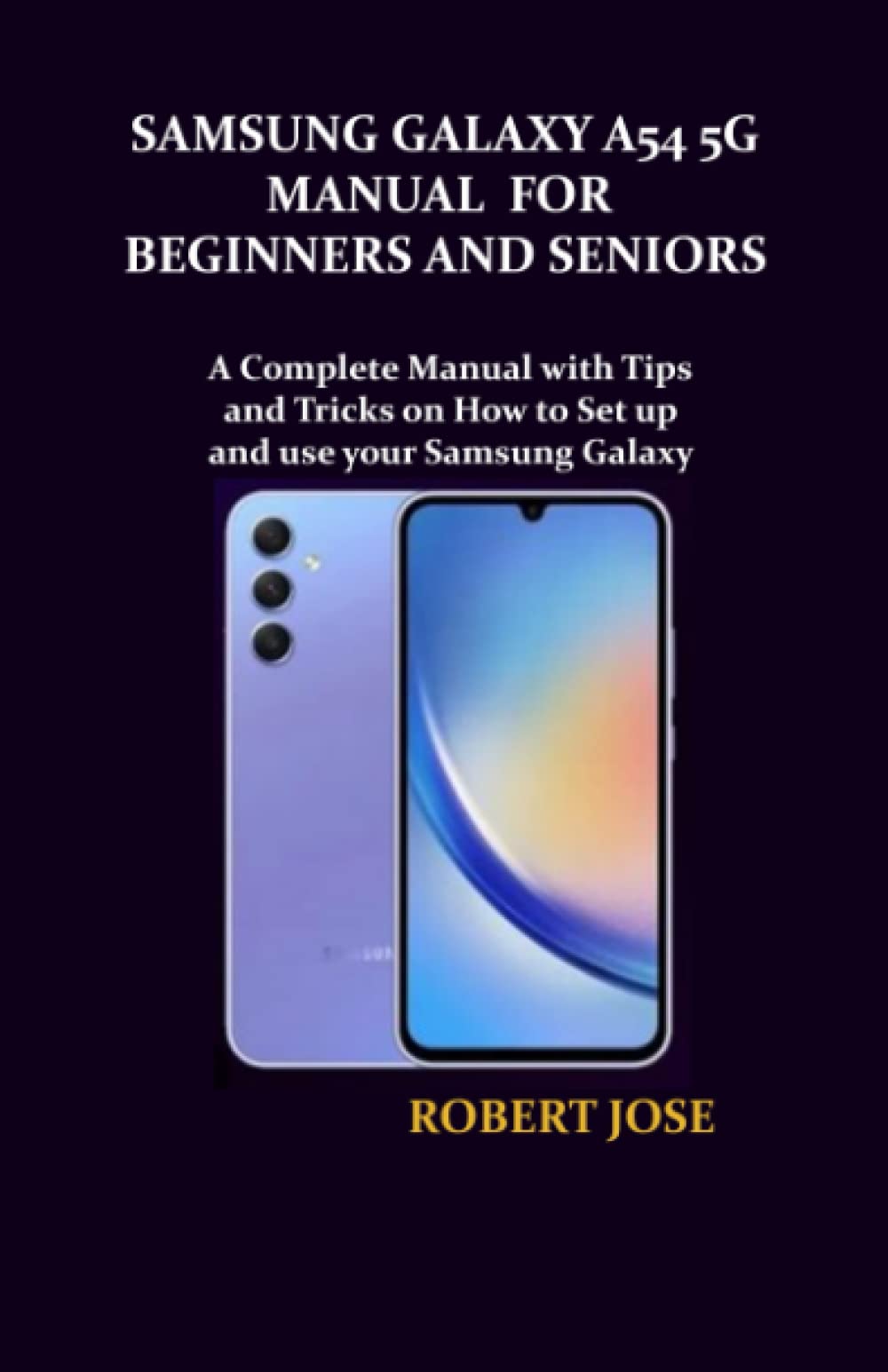
Image: Front cover of the Samsung Galaxy A54 5G Manual for Beginners and Seniors. This image displays the title and design of the instructional book.

Image: Back cover of the Samsung Galaxy A54 5G Manual for Beginners and Seniors. This image shows the back of the book, including the ISBN and barcode.


