
Introduction
This manual provides detailed instructions for the assembly, operation, and maintenance of your Marsail Standing Desk with Drawer, Model TZESD12. Please read this manual thoroughly before use to ensure proper function and safety.
The Marsail Standing Desk with Drawer offers a versatile and ergonomic solution for your workspace. It features electric height adjustment, a spacious built-in drawer, and a durable construction designed for long-term use.
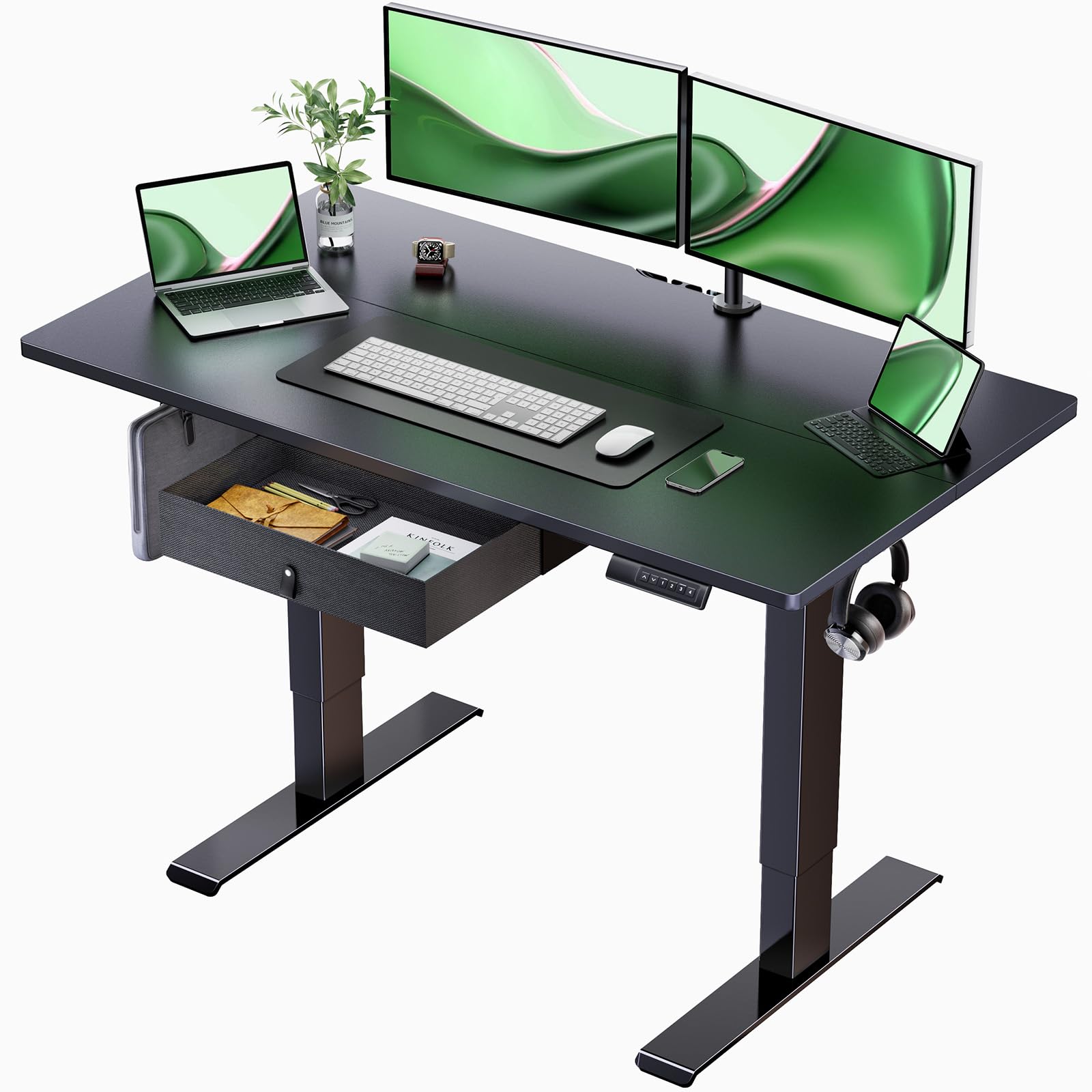
Image: Marsail Standing Desk in a modern office setting, showcasing its design and functionality.
Key Features
- Durable Performance: Tested for 50,000 lifts, supporting up to 176 lbs. Constructed with high-quality, sturdy materials for reliability.
- Stable and Secure: Features a stable base and durable frame to prevent wobbling or shaking, providing a secure work surface.
- Smooth and Effortless Adjustment: High-quality motor allows height adjustment from 27.5 inches to 46.7 inches. Quiet operation ensures minimal disruption.
- Maximize Your Desk Space: Includes a convenient and spacious built-in drawer for office essentials, supporting up to 11 lbs.
- Easy Assembly: Designed for straightforward assembly with clear instructions.
Setup and Assembly
The Marsail Standing Desk is designed for easy assembly. Please follow the included instructions carefully. A screwdriver is recommended for assembly. Ensure all components are present before beginning.
Safety Precaution:
- Ensure the desk is securely assembled and placed on a stable surface.
- Do not exceed the maximum weight recommendation of 176 lbs (80 kg).
- Proper anchoring techniques should be followed to prevent tipping or accidents.
- Always follow the assembly instructions provided and use the recommended tools.

Image: Diagram illustrating the dimensions of the Marsail Standing Desk, including height range and desktop size.
Operating Instructions
Your Marsail Standing Desk features an intuitive control panel for height adjustment and memory presets.
Height Adjustment
Use the up (^) and down (v) arrow buttons on the control panel to manually adjust the desk height. The digital display will show the current height in inches. The desk can be adjusted from a minimum height of 27.5 inches to a maximum height of 46.7 inches.
Video: Demonstration of the Marsail Standing Desk's smooth electric height adjustment feature.

Image: The Marsail Standing Desk demonstrating its wide height adjustment range, from sitting to standing positions.
Memory Presets
The control panel features four numbered buttons (1, 2, 3, 4) to save and recall your preferred desk heights. To set a memory preset:
- Adjust the desk to your desired height using the up/down arrows.
- Press and hold one of the numbered buttons (1, 2, 3, or 4) until the display flashes or a beep is heard, indicating the height has been saved.
- To recall a saved height, simply press the corresponding numbered button. The desk will automatically move to the stored position.
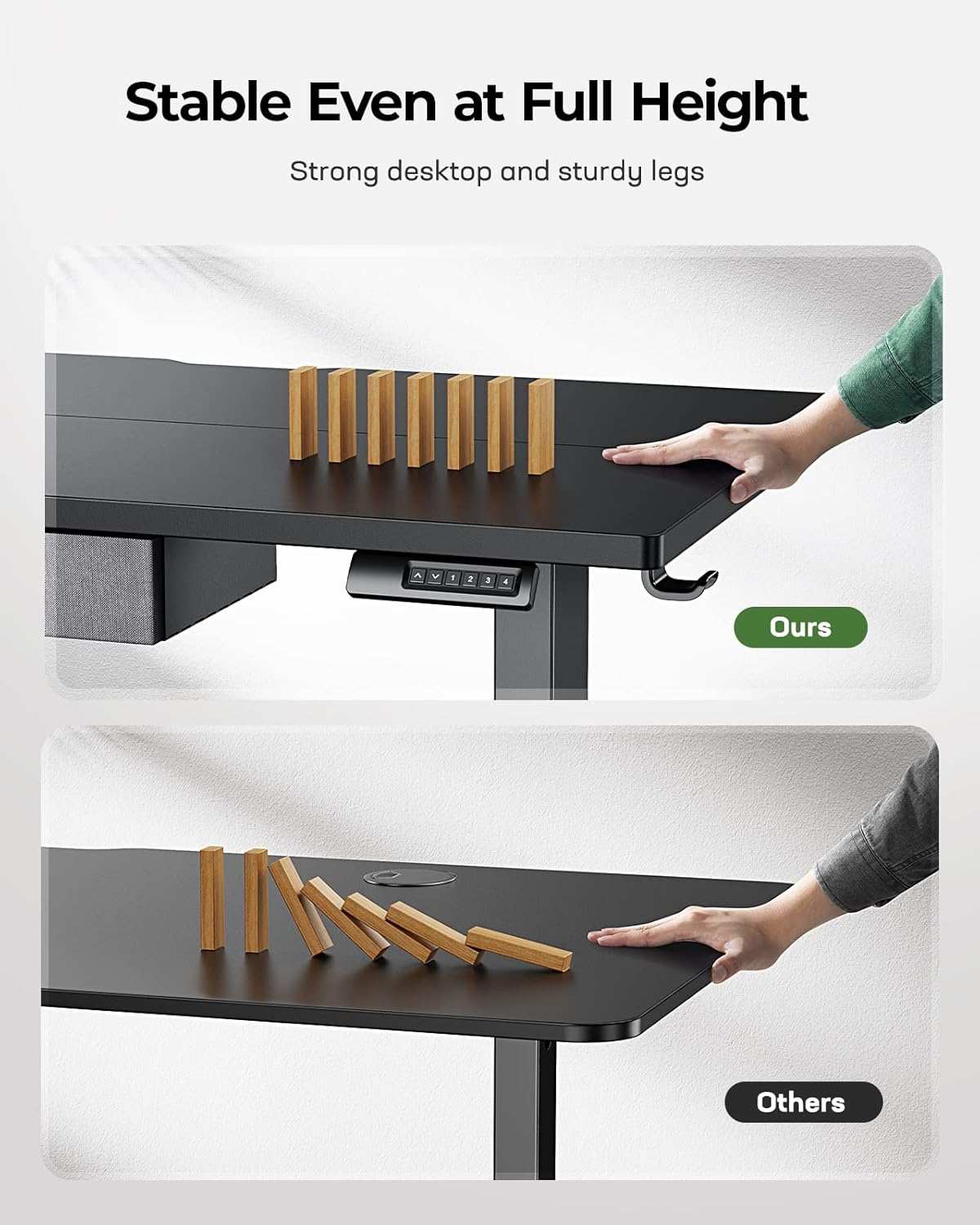
Image: Close-up of the Marsail Standing Desk's control panel, highlighting the height adjustment buttons and memory presets.
Maintenance
To maintain the appearance and functionality of your Marsail Standing Desk, follow these simple guidelines:
- Cleaning: Wipe the desk surface and frame with a dry cloth. Avoid abrasive cleaners or harsh chemicals that may damage the finish.
- Inspection: Periodically check all screws and connections to ensure they are tight. Retighten if necessary.
- Weight Limit: Do not overload the desk or the drawer. The desk has a maximum weight capacity of 176 lbs, and the drawer can hold up to 11 lbs.

Image: The Marsail Standing Desk with its integrated drawer open, demonstrating its storage capacity for office supplies.
Troubleshooting
If you encounter any issues with your Marsail Standing Desk, please refer to the following common solutions:
- Desk Not Adjusting: Check all power connections to ensure they are secure. Ensure no objects are obstructing the desk's movement.
- Unusual Noise: A slight motor sound during adjustment is normal. If you hear loud or grinding noises, stop operation and inspect for obstructions or loose parts.
- Drawer Issues: Ensure the drawer is properly installed and not overloaded. If it falls out easily, verify the installation of the support brackets.
For persistent issues or further assistance, please contact Marsail customer support.

Image: The Marsail Standing Desk demonstrating its stability even at its maximum height, with objects placed on top.
Specifications
| Feature | Detail |
|---|---|
| Brand | Marsail |
| Model Number | TZESD12 |
| Product Dimensions | 24"D x 35"W x 48"H (Adjustable Height) |
| Minimum Height | 27.5 Inches |
| Maximum Height | 46.7 Inches |
| Maximum Weight Recommendation | 176 Pounds (80 kg) |
| Drawer Capacity | 11 Pounds |
| Base Material | Carbon Steel |
| Top Material Type | Wood (Laminated Finish) |
| Lifting Mechanism | Electric |
| Number of Height Positions | 4 (Programmable Presets) |
| Product Care Instructions | Wipe with Dry Cloth |
Warranty and Support
Marsail offers a 5-year warranty for the Standing Desk with Drawer, Model TZESD12. This warranty covers manufacturing defects and ensures peace of mind regarding your investment.
If you have any issues with your desk or require support, please do not hesitate to contact Marsail customer service. Refer to your purchase documentation or the official Marsail website for contact details.


