
Della 048-TL-9K2V-19S-I+O
DELLA Vario Series 9000 BTU Mini Split AC User Manual
Model: 048-TL-9K2V-19S-I+O | Brand: Della
1. Product Overview
The DELLA Vario Series 9000 BTU Mini Split AC is an energy-efficient ductless inverter system designed for cooling and heating spaces up to 400 sq. ft. This unit features a 19 SEER2 rating, Wi-Fi connectivity, and smart functions for enhanced comfort and control.

Figure 1.1: Complete DELLA Vario Series Mini Split AC system, including indoor unit, outdoor unit, remote control, and mobile app interface.
Key Features:
- Energy Efficient: 9000 BTU/h, 19 SEER2, 208-230V, ETL Listed, AHRI Certified.
- Wide Coverage: Cools and heats up to 400 Sq. Ft.
- Heat Pump Functionality: Operates in temperatures as low as -4°F (-20°C).
- Smart Control: Wi-Fi enabled, compatible with Alexa, Della+ app control, I Feel mode.
- Quiet Operation: Operates at an ultra-silent 41 dBa.
- Advanced Airflow: 4D air flow (up-down, left-right) for even distribution.
2. Product Components
The DELLA Vario Series Mini Split AC comes with all necessary components for installation and operation. Familiarize yourself with each part before proceeding with setup.

Figure 2.1: Exploded view of the DELLA Vario Series Mini Split AC components.
Included Components:
- Indoor Unit
- Outdoor Unit
- Refrigerant Pipe (16.4ft standard size 1/4" & 3/8" outer dimension copper pipes)
- Drain Lines
- Remote Control
- Rubber Feet
- Insulation Foam
- Mounting Plate
- 2 AAA Batteries (for remote)
- Drain Elbow
- Wall Sleeve
- Plasticine Putty
- Screws
- Anchors
- Wall Cap
- Plastic Wrap
- Communication Cable
- Bracket Template
3. Setup and Installation
Important: This system mandates professional installation. It is not a DIY mini split AC. Improper installation can lead to system malfunction, voided warranty, and safety hazards.
Pre-Installation Considerations:
- Ensure the installation area meets the required clearances for both indoor and outdoor units.
- Verify power supply requirements (208-230V) and ensure a dedicated circuit with a maximum fuse size of 15A.
- The unit is pre-charged with refrigerant. However, line-set vacuuming is required during installation. Any alteration of line-set length requires adjusting freon levels by a certified technician.
Installation Steps (Professional Guidance Required):
- Mounting the Indoor Unit: Secure the mounting plate to the wall, ensuring it is level and at the correct height.
- Drilling the Wall Hole: Create a hole for the refrigerant pipes, drain line, and communication cable.
- Connecting Piping and Wiring: Connect the refrigerant pipes, drain line, and electrical wiring between the indoor and outdoor units. Ensure all connections are secure and leak-free.
- Vacuuming the Line Set: A vacuum pump must be used to remove air and moisture from the refrigerant lines. This is critical for system performance and longevity.
- Mounting the Outdoor Unit: Place the outdoor unit on a stable, level surface using the provided rubber feet to reduce vibration.
- Leak Check and Test Run: After all connections are made, perform a leak check and then a test run to ensure proper operation in all modes.

Figure 3.1: Product dimensions for planning installation space.
4. Operating Instructions
The DELLA Vario Series Mini Split AC offers multiple ways to control your comfort, including a remote control, a smart mobile app, and voice commands.
Using the Remote Control:
The remote control provides full functionality for your AC unit. Ensure batteries are installed correctly (2 AAA batteries).

Figure 4.1: Remote control layout and functions.
- On/Off: Power button to turn the unit on or off.
- Temp Up/Down: Adjust the desired temperature.
- Switch Modes: Cycle through Cooling, Heating, Dry (Dehumidify), Fan Only, and Auto modes.
- Fan Speed: Adjust fan speed (Quiet, Low, Mid Low, Mid, High, Turbo).
- Vertical/Horizontal Swing: Control the direction of airflow.
- I Feel Mode: Unit senses room temperature at the remote control for precise comfort.
- Sleep Mode: Adjusts temperature automatically for comfortable sleep and energy saving.
- ECO Mode: Optimizes operation for maximum energy efficiency.
- 24 Hour Timer: Set the unit to turn on or off automatically after a set period.
Using the Della+ Smart App:
Download the free Della+ app from your device's app store to control your unit remotely and access advanced features.
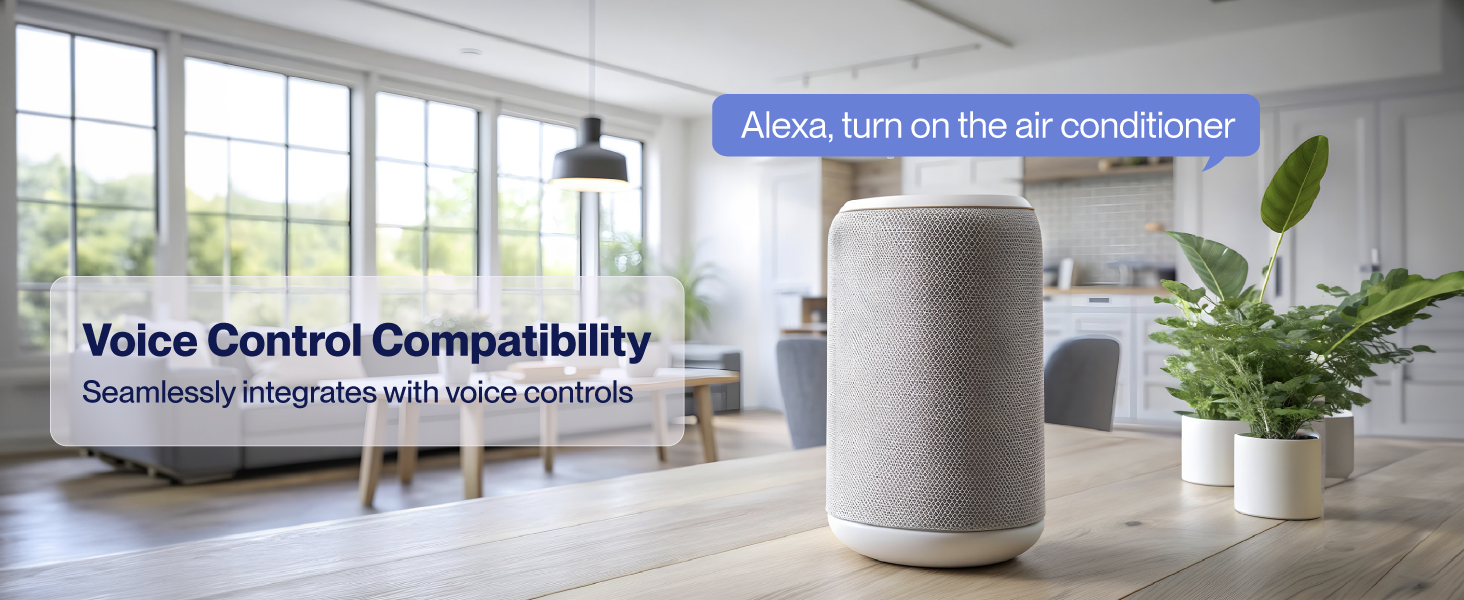
Figure 4.2: Control your unit effortlessly with the free Della+ app.
- Remote Control: Adjust settings from anywhere with an internet connection.
- Schedules & Timer: Create custom schedules for daily or weekly operation.
- Geo-Location: Automatically turn the AC on or off based on your proximity to home.
- Voice Control: Seamlessly integrates with Alexa and Google Assistant for hands-free operation.
5. Maintenance
Regular maintenance ensures optimal performance, energy efficiency, and longevity of your DELLA Mini Split AC unit.
Filter Cleaning:
- Clean the air filters every two weeks or more frequently if the unit is used heavily or in dusty environments.
- Open the front panel of the indoor unit, remove the filters, and wash them with lukewarm water and mild detergent. Rinse thoroughly and allow them to air dry completely before reinserting.
PureClean Technology:
The unit features PureClean tech, which helps prevent dust buildup and defrosts the indoor unit, contributing to fresher air and advanced sterilization.

Figure 5.1: PureClean technology for cleaner air and healthier living.
Outdoor Unit Maintenance:
- Keep the area around the outdoor unit clear of debris, leaves, and other obstructions to ensure proper airflow.
- Periodically clean the outdoor coil with a soft brush or vacuum cleaner.
- The outdoor unit features a gold-plated fin to prevent rust corrosion, enhancing durability.

Figure 5.2: Gold-plated fins for enhanced durability and corrosion resistance.
6. Troubleshooting
This section provides solutions to common issues you might encounter. For complex problems or issues not listed here, please contact professional service or Della customer support.
| Problem | Possible Cause | Solution |
|---|---|---|
| Unit does not turn on | No power, circuit breaker tripped, remote batteries dead. | Check power supply, reset breaker, replace remote batteries. |
| Insufficient cooling/heating | Dirty air filters, blocked outdoor unit, wrong mode selected, low refrigerant. | Clean filters, clear obstructions, select correct mode, contact technician for refrigerant check. |
| Unusual noise | Loose parts, fan obstruction, refrigerant flow noise (normal). | Check for loose parts, clear obstructions. If noise persists and is abnormal, contact support. |
| Water leaking from indoor unit | Clogged drain pipe, improper installation angle. | Check and clear drain pipe. If due to installation, contact professional installer. |
| Remote control not working | Dead batteries, obstruction between remote and unit, remote malfunction. | Replace batteries, remove obstructions, try resetting the unit. |
7. Specifications
Detailed technical specifications for the DELLA Vario Series 9000 BTU Mini Split AC.
| Specification | Value |
|---|---|
| Model Number | 048-TL-9K2V-19S-I+O |
| Cooling Capacity | 9000 BTU/h |
| Heating Capacity | 10000 BTU/h |
| SEER2 Rating | 19 |
| Power Supply | 208-230V / 60Hz / 1PH |
| Max Input Power | 830 W |
| Air Flow Volume | 600 m³/h |
| Max. Fuse Size | 15A |
| Noise Level (Indoor) | 41 dB |
| Coverage Area | Up to 400 Sq. Ft |
| Item Weight | 58 pounds |
| Product Dimensions (Indoor Unit) | 31.92"W x 8.07"D x 11.49"H |
| Product Dimensions (Outdoor Unit) | 28.14"W x 11.42"D x 19.61"H |
8. Warranty and Support
Della is committed to providing best-in-class support and peace of mind with your purchase.
Limited Lifetime Warranty:
The DELLA Vario Series Mini Split AC comes with a limited lifetime warranty, ensuring long-term reliability and support without additional costs.

Figure 8.1: Unmatched warranty gives you peace of mind.
Customer Support:
For any questions, technical assistance, or warranty claims, please contact Della customer support:
- Phone Support: Available Monday - Friday, 6 AM - 4 PM PST.
- Live Chat: Available 24/7 for immediate assistance.

Figure 8.2: Della always provides best-in-class support.
Related documents048-TL-9K2V-19S-I+O

Ask a question about this manual
Ask about setup, troubleshooting, compatibility, parts, safety, or missing instructions. Manuals+ will review the question and use this page’s manual context to help answer it.