
1. Introduction and Overview
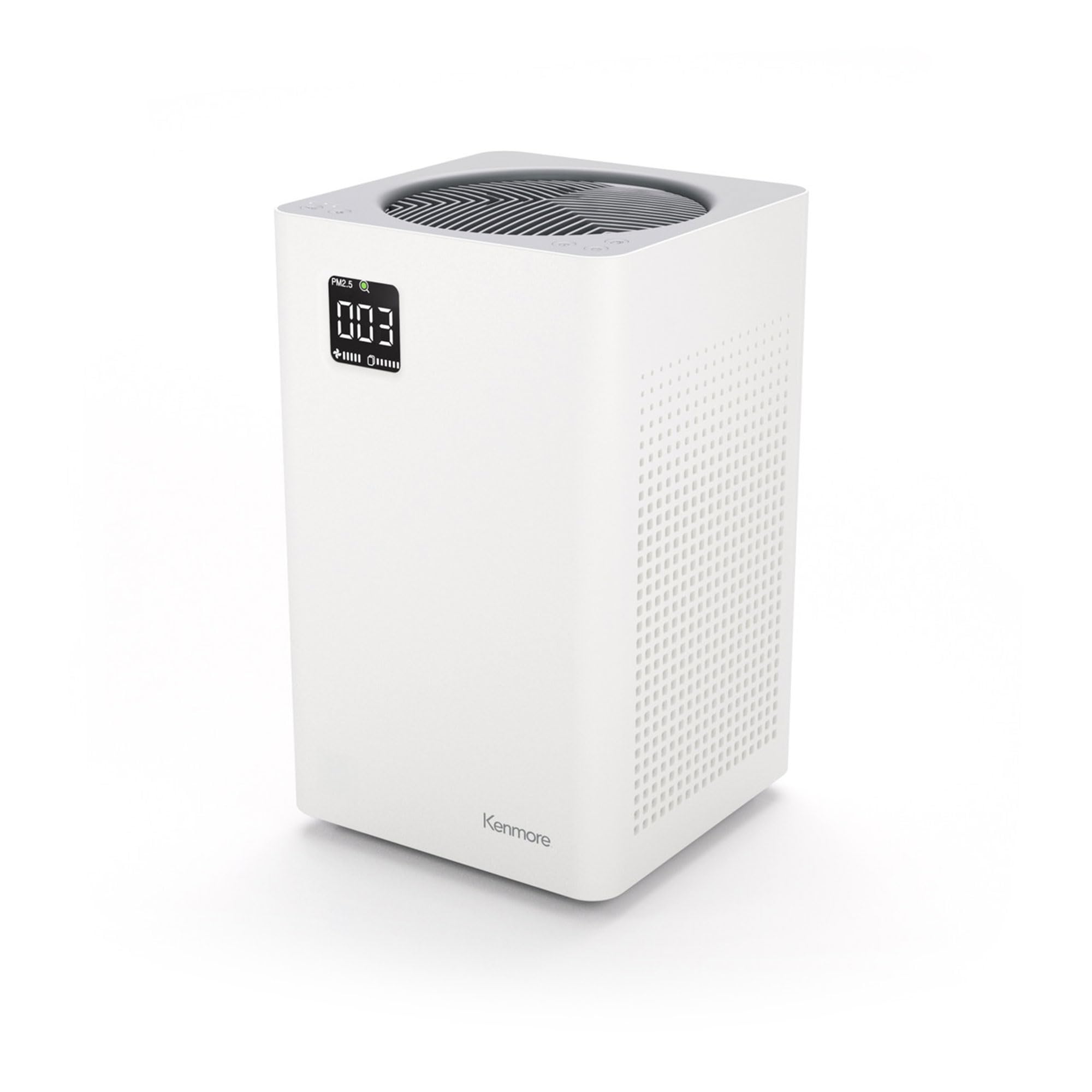
This manual provides essential information for the safe and efficient operation of your Kenmore PM2010 Air Purifier. This device is designed to improve indoor air quality by filtering various airborne particles and odors.
The Kenmore PM2010 Air Purifier features an H13 True HEPA filter and a 3-stage filtration system, capable of covering up to 1200 square feet. It operates with SilentClean technology, maintaining a low noise level of 24dB, ensuring a quiet environment while effectively purifying the air.

Product Overview Video
This video provides a general overview of the Kenmore PM2010 Air Purifier's features and design.
2. Safety Information
Please read all safety instructions before operating this appliance to prevent injury or damage.
- Always unplug the air purifier before cleaning or performing any maintenance.
- Do not operate the unit with a damaged cord or plug.
- Keep the air purifier away from water or wet areas.
- Ensure proper ventilation around the unit; do not block air inlets or outlets.
- Do not insert objects into any openings.
- This appliance is for indoor use only.
3. Product Features
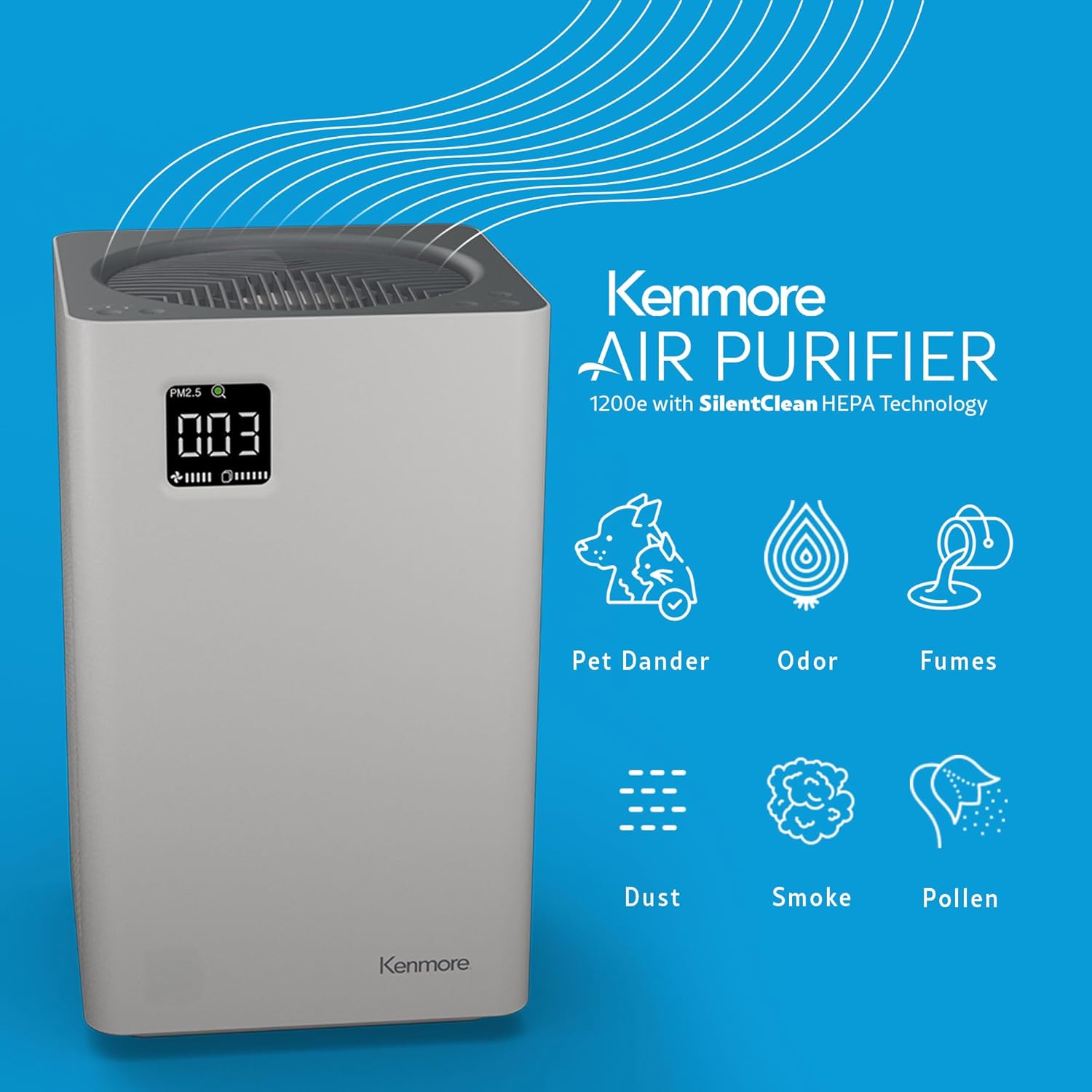
- Powerful Odor Removal: Effectively removes odors caused by dander, smoke, cooking, and pollutants.
- Silent Operation: Cleans air without distraction, operating at an unnoticeably quiet 24dB on the lowest fan setting.
- 3-Stage Filtration: Features a HEPA filter that captures 99.97% of airborne dust down to 0.3 microns, significantly reducing dust and pet dander.
- Clean Air Coverage: Purifies up to 1,200 square feet, based on one air change per hour, suitable for living rooms, kitchens, and bedrooms.
- Digital Display: Allows control over mode, fan speed (5 speeds), and timer settings via an easy-to-use interface.
- Easy Filter Maintenance: A digital filter meter on the unit indicates when filter replacement is needed.


4. Setup
Unpacking
Carefully remove the air purifier from its packaging. Ensure all packing materials are removed from the unit and its filters.
Filter Installation
The filters come pre-installed but may have protective packaging that needs to be removed before first use. Follow these steps:
- Unplug the air purifier from the power outlet.
- Turn the unit upside down.
- Twist the base cover counter-clockwise to unlock and remove it.
- Remove the pre-installed filters, unwrap any plastic packaging, and reinsert them in the correct order (Pre-Filter, H13 True HEPA Filter, Activated Carbon Filter).
- Replace the base cover and twist clockwise to lock it securely.
Placement
Place the air purifier on a flat, stable surface. Ensure there is at least 6 inches (15 cm) of clear space around all sides of the unit for optimal airflow.
5. Operating Instructions
The Kenmore PM2010 Air Purifier features a digital display for easy control and monitoring.

Power On/Off
Lightly tap the power button on the control panel to turn the unit on or off.
Fan Speed
The unit offers 5 fan speeds. Tap the fan speed button to cycle through the available speeds (1-5). Speed 1 is the quietest, while Speed 5 provides maximum purification.
Operating Modes
- Auto Mode: The air purifier automatically adjusts the fan speed based on the detected air quality.
- Sleep Mode: Operates at the lowest fan speed with reduced display brightness for quiet nighttime operation.
Timer Function
Set a timer for the unit to operate for a specific duration before automatically turning off. Refer to the product's full manual for specific timer settings.
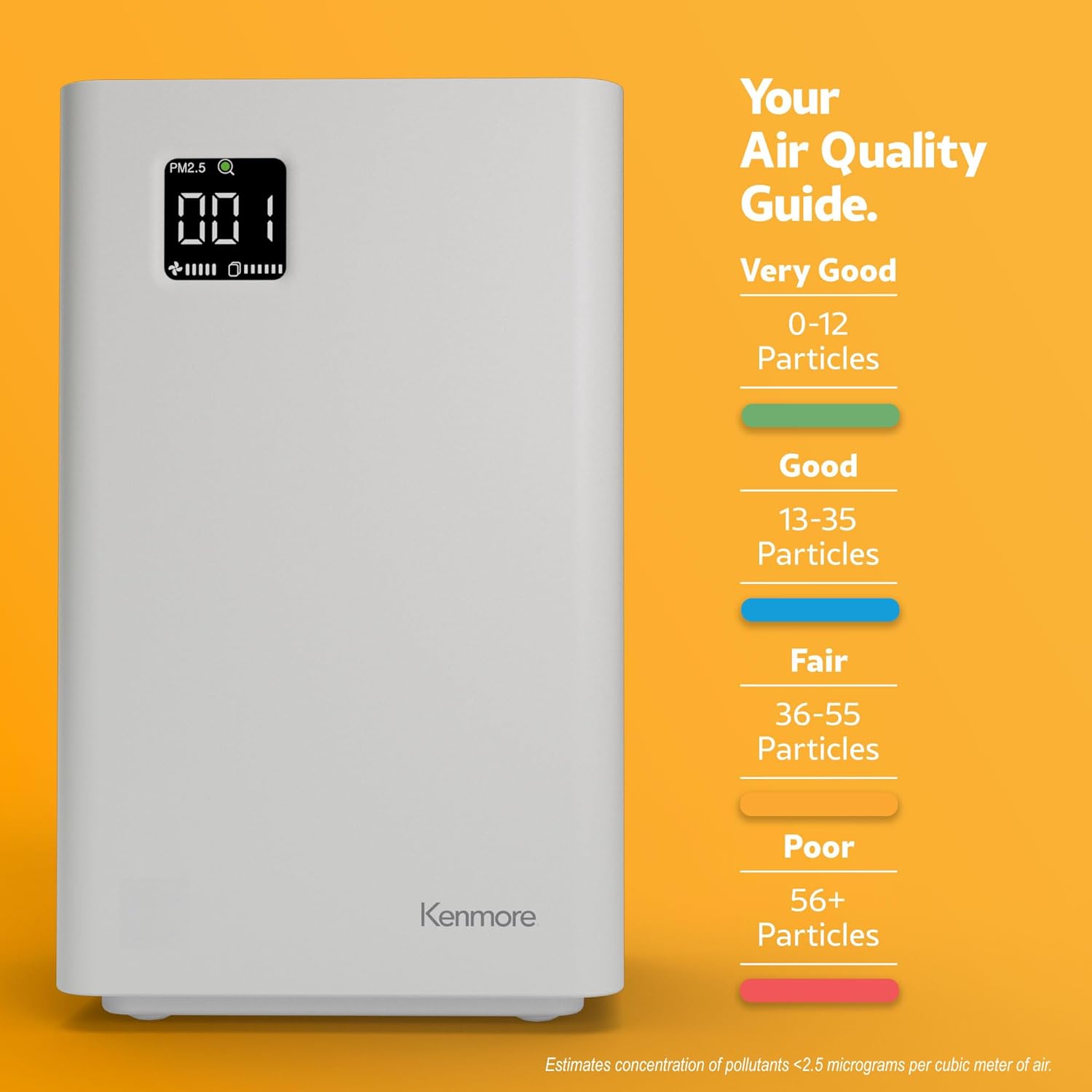
Air Quality Indicator
The digital display shows the PM2.5 level and an associated color-coded indicator for air quality:
6. Maintenance
Filter Replacement
The digital filter meter will indicate when it's time to replace the filter. For optimal performance, replace the filters as recommended by the indicator or approximately every 6-8 months, depending on usage and air quality.

Cleaning the Unit
Wipe the exterior of the air purifier with a soft, dry cloth. Do not use abrasive cleaners or solvents. The pre-filter may be gently vacuumed to remove larger particles between replacements, but the HEPA and Activated Carbon filters are not washable and must be replaced.
7. Troubleshooting
- Unit not turning on: Ensure the power cord is securely plugged into a working outlet. Check if the filter cover is properly closed and locked.
- Poor air quality reading persists: Check if filters are installed correctly and free from excessive blockage. Consider replacing filters if the filter indicator is on or if performance has significantly decreased.
- Unusual noise: Ensure the unit is on a flat, stable surface. Check for any foreign objects inside the unit or if filters are improperly seated.
- Filter indicator remains on after replacement: Reset the filter indicator according to the instructions in the full product manual (typically by pressing and holding a specific button).
8. Specifications
| Feature | Specification |
|---|---|
| Model Number | PM2010 |
| Brand | Kenmore |
| Color | White |
| Product Dimensions | 8"D x 14"W x 8"H |
| Item Weight | 9.55 pounds |
| Noise Level | 24 Decibels |
| Wattage | 70 watts |
| Filter Class | HEPA (H13 True HEPA) |
| Particle Retention Size | 0.3 Micron |
| Control Method | Touch / Button Control |
| Power Source | AC |
| Included Components | HEPA filter (B0C3RMWBP9) |
| CARB Certified | Yes |

9. Warranty and Support
Warranty Information
This Kenmore PM2010 Air Purifier comes with a 2-year warranty from the date of purchase. Please retain your proof of purchase for warranty claims.
Customer Support
For technical assistance, troubleshooting beyond this manual, or warranty inquiries, please contact Kenmore customer support. Refer to the contact information provided with your product packaging or visit the official Kenmore website for support details.


