
Introduction
This manual provides essential instructions for the safe and efficient operation, maintenance, and care of your Ledlenser W5R Work Rechargeable Hands-Free Flashlight. Please read this manual thoroughly before using the product and retain it for future reference.
The Ledlenser W5R Work flashlight is designed for professionals, offering versatile illumination with both flood and spot light options. Its robust construction, flexible mounting capabilities, and rechargeable battery make it suitable for various work environments.
Product Overview
The Ledlenser W5R Work flashlight features a compact design with multiple lighting and mounting options.

Image: The Ledlenser W5R Work flashlight, showcasing its sleek black design and primary light source.

Image: Diagram illustrating the key components of the W5R Work flashlight, including the spot LED on the lamp head, wide-area flood light, and the integrated magnet and hook in the stand.
Setup
Charging the Battery
The Ledlenser W5R Work flashlight is equipped with a powerful, service-replaceable Li-ion battery. Before initial use, fully charge the battery.
- Locate the USB-C charging port on the flashlight.
- Connect the provided USB-C charging cable to the flashlight and a compatible USB power source (e.g., wall adapter, computer USB port).
- The battery and charge level indicator lights will illuminate to show the charging status.
- Once fully charged, disconnect the charging cable.
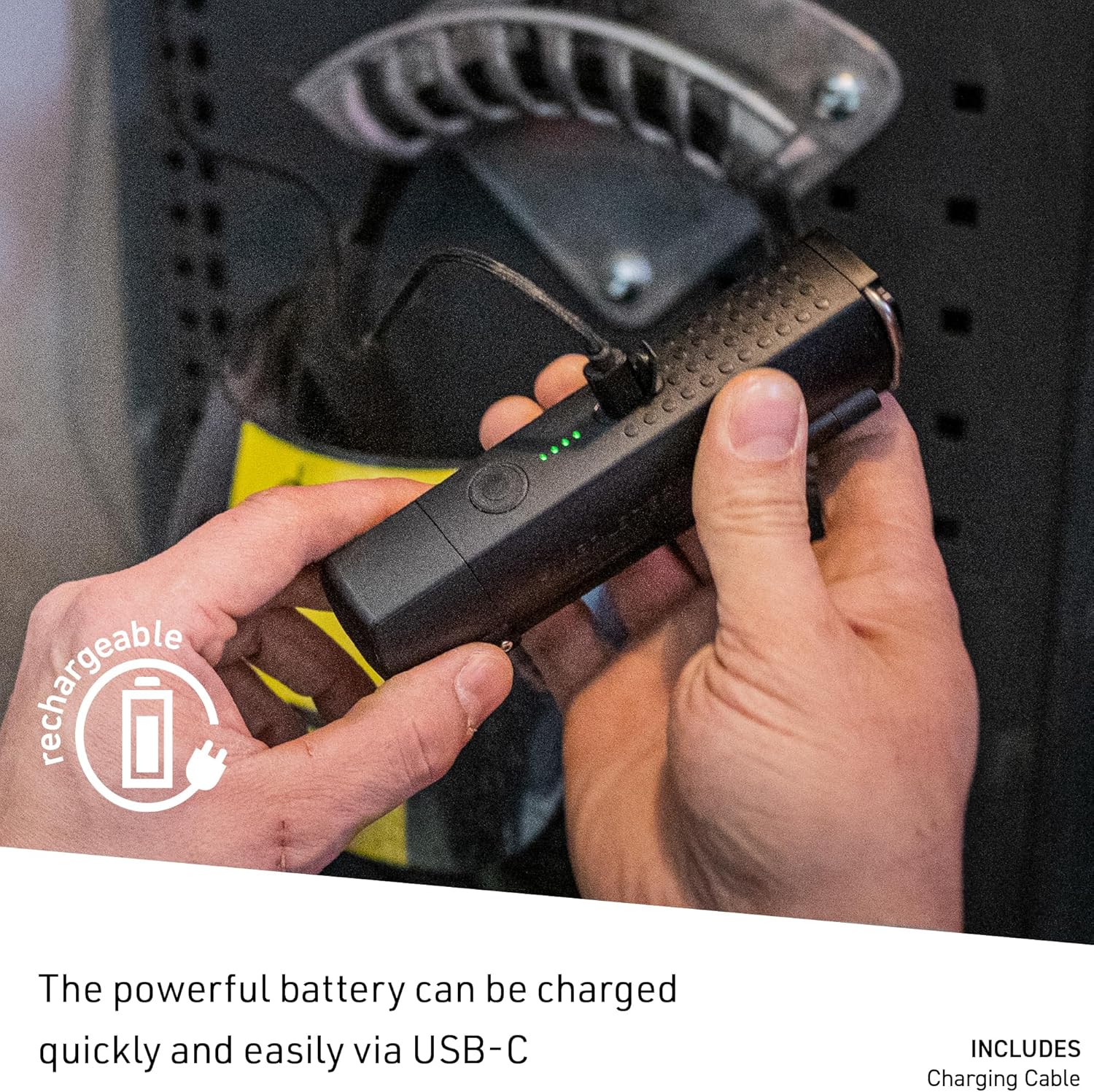
Image: A close-up of the Ledlenser W5R Work flashlight being charged via its USB-C port, with indicator lights visible.
Operating Instructions
Power On/Off and Light Modes
The flashlight features multiple light functions for various tasks:
- Power Mode: Provides maximum brightness (up to 600 lumens) for extensive illumination.
- Mid Power Mode: Offers a balanced brightness level for general use.
- Low Power Mode: Delivers reduced brightness (down to 220 lumens) for extended run time or close-up work.
To cycle through the light modes, press the power button repeatedly. To turn off the flashlight, press and hold the power button, or cycle through all modes until it turns off.
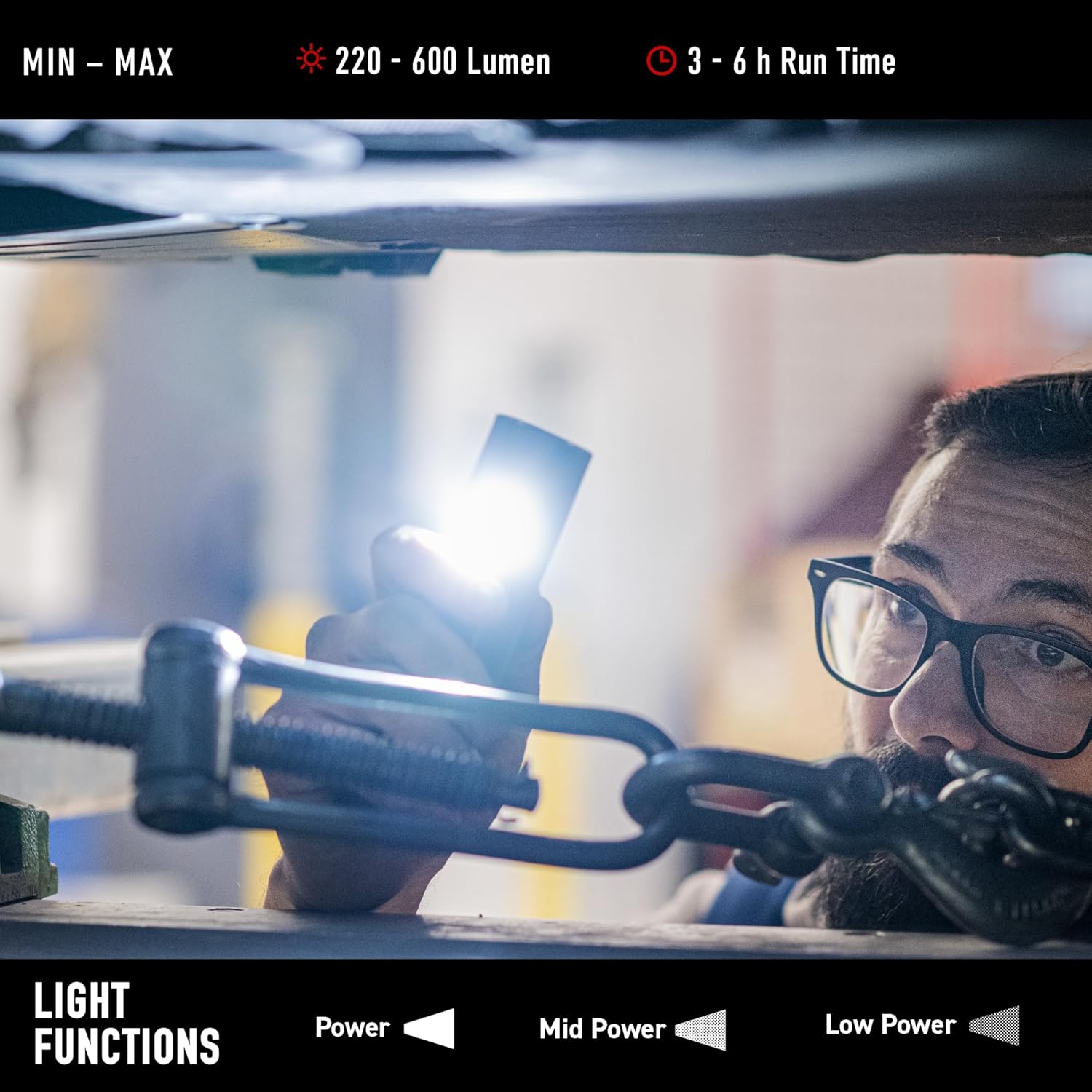
Image: Visual representation of the Ledlenser W5R Work flashlight's light functions, showing Power, Mid Power, and Low Power modes with corresponding lumen and run time ranges.
Flexible Mounting Options
The W5R Work flashlight offers versatile mounting for hands-free operation:
- Integrated Magnet: Attach the flashlight to metallic surfaces for stable positioning.
- Integrated Hook: Hang the flashlight from various fixtures or objects.
- Folding Mechanism: The stand allows for flexible positioning and alignment of the light beam. A metal screw is included for tightening the foldable stand to secure its angle.

Image: Two examples of the Ledlenser W5R Work flashlight in use, demonstrating its flexible mounting capabilities with the integrated magnet and hook, allowing for hands-free illumination in various work settings.
Transport Lock
To prevent accidental activation during transport, the flashlight features a transport lock. Refer to the product's quick start guide or packaging for specific instructions on engaging and disengaging this feature.
Maintenance
Cleaning
To maintain optimal performance and appearance, clean the flashlight regularly:
- Wipe the exterior with a soft, damp cloth.
- Do not use abrasive cleaners or solvents, as these can damage the polycarbonate material.
- Ensure the USB-C port cover is securely closed to maintain water resistance.
Battery Replacement
The Li-ion battery in the W5R Work flashlight is service-replaceable. If battery performance significantly degrades over time, contact Ledlenser customer support or an authorized service center for replacement options. Do not attempt to replace the battery yourself unless you are qualified to do so, as improper handling can cause damage or injury.
Troubleshooting
| Problem | Possible Cause | Solution |
|---|---|---|
| Flashlight does not turn on. | Battery is depleted. Transport lock is engaged. | Charge the battery. Disengage the transport lock. |
| Light output is dim. | Battery is low. Flashlight is in Low Power mode. | Recharge the battery. Cycle through modes to select a brighter setting. |
| Flashlight does not charge. | Charging cable or power source issue. Damaged charging port. | Ensure cable and power source are functional. Contact support if port is damaged. |
Specifications
| Feature | Detail |
|---|---|
| Brand | Ledlenser |
| Model | W5R |
| Brightness | Up to 600 lumens |
| Light Source Type | LED |
| Power Source | Battery Powered (1 Lithium Ion battery included) |
| Battery Cell Composition | Lithium Ion |
| Voltage | 3.7 Volts |
| Material | Polycarbonate |
| Product Dimensions | 1.06"D x 1.5"W x 6"H |
| Item Weight | 11.2 ounces |
| Water Resistance Level | Water Resistant |
| Mounting Type | Magnet Mount, Hook Mount |
| UPC | 847706103204 |
| Part Number | 502735 |
Warranty and Support
Warranty Information
The Ledlenser W5R Work flashlight comes with a full warranty. For specific terms and conditions of the warranty, please refer to the warranty card included with your product or visit the official Ledlenser website.
Customer Support
For technical assistance, troubleshooting, or service inquiries, please contact Ledlenser customer support. Contact information can typically be found on the product packaging or the official Ledlenser website.
You can also visit the Ledlenser Store on Amazon for more product information and support resources.


