
Introduction
This manual provides essential information for the safe and effective use of your Gens ace G-Tech High Voltage 15.2V 6200mAh 100C 4S Lipo Battery HardCase with XT60 Plug. Please read all instructions carefully before operating the battery to ensure optimal performance and safety.
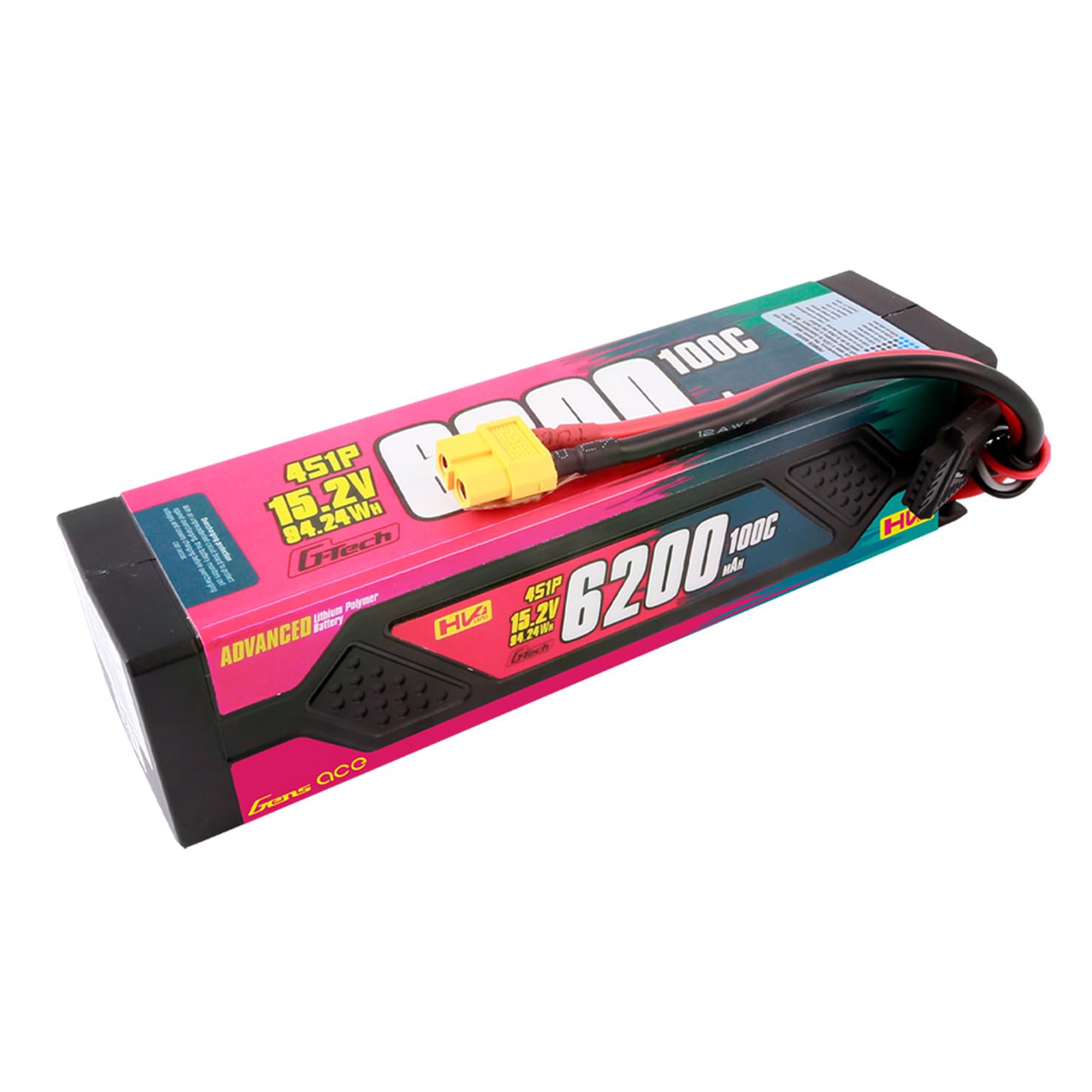
Image: Gens ace G-Tech 15.2V 6200mAh 100C 4S Lipo Battery. This image displays the hardcase battery with its XT60 connector and balance lead.
Safety Information and Warnings
Lithium Polymer (LiPo) batteries are powerful and require careful handling. Failure to follow these safety guidelines can result in fire, personal injury, and property damage.
- Charging: Always charge LiPo batteries in a fireproof charging bag or container, on a non-flammable surface, and never leave them unattended during charging. Use only chargers designed for LiPo batteries and ensure correct voltage and cell count settings. The G-Tech Smart Chip feature allows automatic identification with compatible Gens ace Imars Mini or Imars D300 chargers, but manual settings are required for other chargers.
- Storage: Store LiPo batteries at room temperature (15-25°C or 59-77°F) and at a storage voltage of approximately 3.8V per cell. Do not store fully charged or fully discharged for extended periods. Keep away from direct sunlight, heat sources, and flammable materials.
- Handling: Do not puncture, drop, short-circuit, or expose the battery to water or excessive moisture. Avoid physical impact. If the battery becomes swollen, damaged, or emits smoke, discontinue use immediately and follow proper disposal procedures.
- Disposal: Do not dispose of LiPo batteries in regular household waste. Fully discharge the battery before disposal and take it to a specialized battery recycling center.
- Children: Keep batteries out of reach of children and pets.
Product Features
- G-Tech Smart Lipo Battery: Built-in Smart Chip automatically identifies G-Tech Imars Mini or Imars D300 chargers for automatic charging and stopping when fully charged. Manual settings are required for other chargers.
- High Discharge Rate: 100C discharge rate provides high power output for demanding RC applications.
- HardCase Design: Durable hardcase construction offers enhanced protection against impacts and damage.
- XT60 Plug: Equipped with a standard XT60 connector for wide compatibility with RC models and chargers.
- High Voltage (HV) Chemistry: Designed for higher nominal voltage (15.2V) compared to standard LiPo batteries, offering increased power potential.
Specifications
| Parameter | Value |
|---|---|
| Voltage | 15.2V |
| Configuration | 4S1P |
| Capacity | 6200mAh |
| Discharge Rate | 100C |
| Plug Type | XT60 |
| Dimensions (L*W*H) | 178 x 43 x 48 mm (7.0 x 1.7 x 1.9 inches) |
| Approximate Weight | 586g (1.29 lbs) |
| Battery Cell Composition | Lithium Polymer |
Setup
- Unpacking and Inspection: Carefully remove the battery from its packaging. Inspect the battery for any visible damage, such as swelling, punctures, or damaged wires/connectors. Do not use if any damage is observed.
- Initial Charge: For optimal performance and longevity, it is recommended to fully charge the battery before its first use. Refer to the "Operating Instructions: Charging" section for details.
- Compatibility Check: Ensure your RC model (e.g., 1/7, 1/8, 1/10 RC Scale, FELONY 6S BLX, LIMITLESS, INFRACTION 6S BLX, TYPHON 6S, TYPHON 3S, Vendetta, KRATON 6S BLX, TALION 6S BLX, OUTCAST 6S BLX, NOTORIOUS 6S, SENTON 3S, BIGROCK 3S BLX) is compatible with a 4S (15.2V) LiPo battery and an XT60 plug. Verify that your Electronic Speed Controller (ESC) can handle the voltage and discharge rate of this battery.
- Physical Fit: Confirm that the battery dimensions (178x43x48mm) fit within your RC model's battery tray. Some models may require modifications to the battery tray for proper fitment.
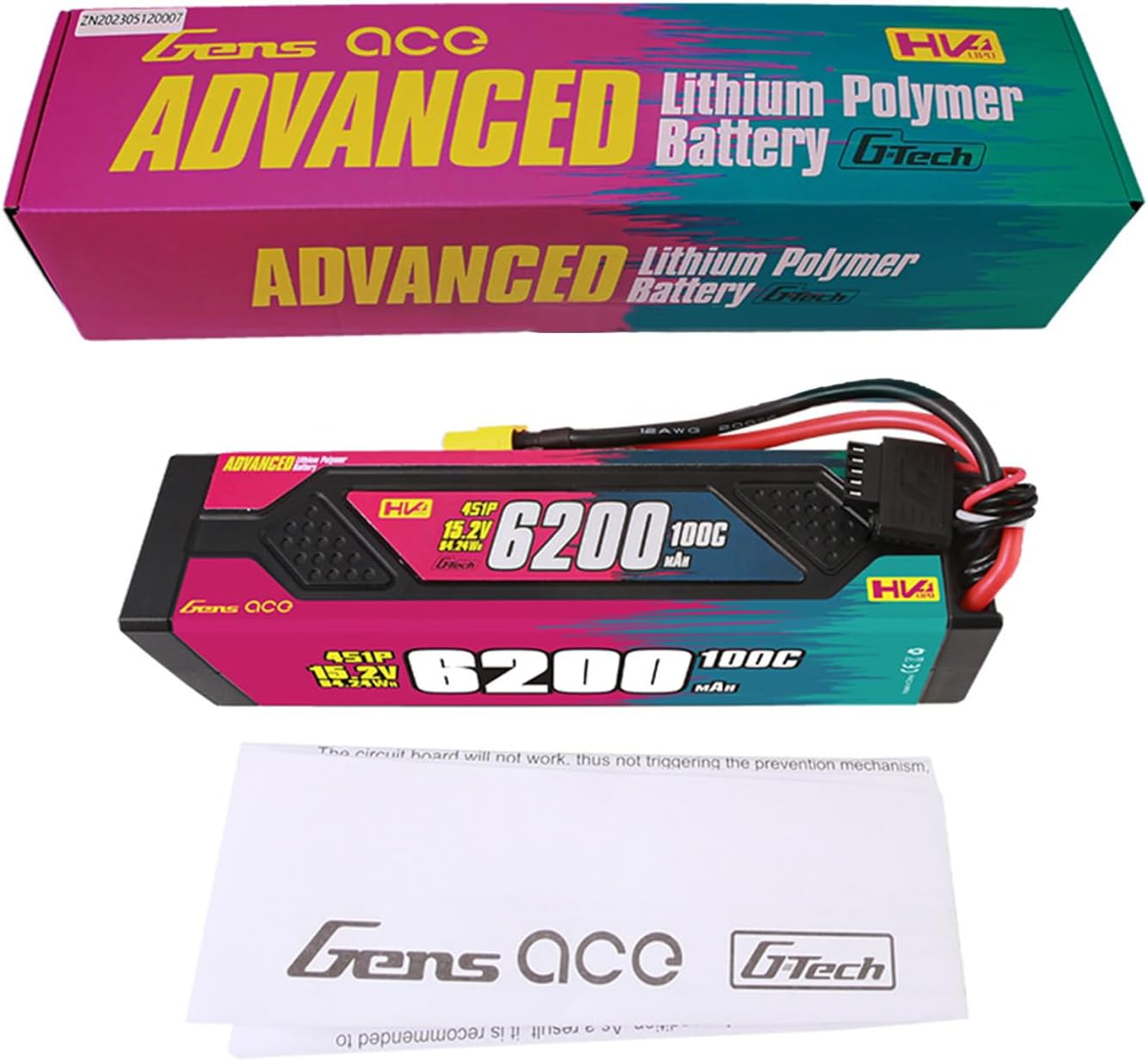
Image: Gens ace G-Tech Lipo Battery with its retail packaging and a small instruction leaflet. This illustrates the product as received.
Operating Instructions
Charging
- Prepare Charger: Place the battery in a fireproof charging bag or container on a non-flammable surface.
- Connect Battery: Connect the XT60 main discharge plug and the balance lead of the battery to your LiPo charger. Ensure correct polarity.
- Charger Settings:
- If using a Gens ace G-Tech Imars Mini or Imars D300 charger, the battery's Smart Chip will automatically identify the battery type (LiPo HV), cell count (4S), and capacity (6200mAh), and begin charging.
- For other compatible LiPo chargers, manually set the charger to "LiPo HV" mode, 4S cell count, and a charging current not exceeding 1C (6.2A for this 6200mAh battery).
- Monitor Charging: Never leave the battery unattended during charging. Monitor the battery's temperature and voltage. Discontinue charging immediately if the battery becomes hot or swells.
- Completion: The charger will automatically stop when the battery is fully charged. Disconnect the battery from the charger.
Usage
- Connect to RC Model: Connect the XT60 plug of the battery to the XT60 connector on your RC model's ESC. Ensure a secure connection.
- Monitor Discharge: Do not discharge the battery below 3.0V per cell (12.0V for a 4S battery) under load. Over-discharging can permanently damage the battery. Most ESCs have a low-voltage cutoff (LVC) feature; ensure it is set correctly for LiPo HV batteries.
- Temperature Management: Avoid operating the battery at excessively high temperatures. If the battery becomes very hot during use, allow it to cool down before recharging or further use.
Maintenance
- Regular Inspection: Periodically inspect the battery for any signs of damage, such as swelling, tears in the shrink wrap, or damaged wires/connectors.
- Storage Voltage: For long-term storage, ensure the battery is discharged or charged to a storage voltage of approximately 3.8V per cell (15.2V for a 4S battery). This helps preserve battery health and extends its lifespan.
- Cleanliness: Keep the battery and its connectors clean and free from dirt, dust, and moisture.
- Temperature Control: Store the battery in a cool, dry place, away from extreme temperatures. Avoid exposing it to direct sunlight or freezing conditions.
Troubleshooting
- Battery Not Charging:
- Check all connections between the battery and charger.
- Verify that the charger settings (battery type, cell count, current) are correct for a 4S LiPo HV battery.
- Ensure the charger itself is powered on and functioning correctly.
- If using a non-G-Tech charger, confirm it is compatible with LiPo HV batteries.
- Reduced Performance/Short Run Time:
- Ensure the battery is fully charged before use.
- Check for signs of battery degradation (e.g., swelling, high internal resistance).
- Verify that the RC model's components (motor, ESC) are functioning efficiently and not drawing excessive current.
- Consider the age and cycle count of the battery; LiPo batteries have a finite lifespan.
- Battery Swelling:
- Immediately discontinue use. Swelling indicates internal damage and a potential safety hazard.
- Move the battery to a safe, non-flammable location.
- Do not attempt to charge or use a swollen battery.
- Follow proper LiPo battery disposal procedures.
Warranty and Support
For warranty information, please refer to the official Gens ace website or contact your point of purchase. Gens ace provides support for their products and can assist with technical inquiries or issues not covered in this manual.
Manufacturer: Gens ace
Website: www.gensace.com
Official Product Videos
No official product videos from the seller were found in the provided data.