
Ultenic AC1 Elite
Contents
Ultenic AC1 Elite Wet Dry Vacuum Cleaner User Manual
Model: AC1 Elite | Brand: Ultenic
Introduction
Thank you for choosing the Ultenic AC1 Elite Wet Dry Vacuum Cleaner. This all-in-one cordless vacuum and mop is designed to simplify your floor cleaning routine by vacuuming, washing, and mopping simultaneously. Featuring smart mess detection, a self-cleaning function, and a long runtime, the AC1 Elite provides an efficient and thorough cleaning experience for hard floors and sticky messes.
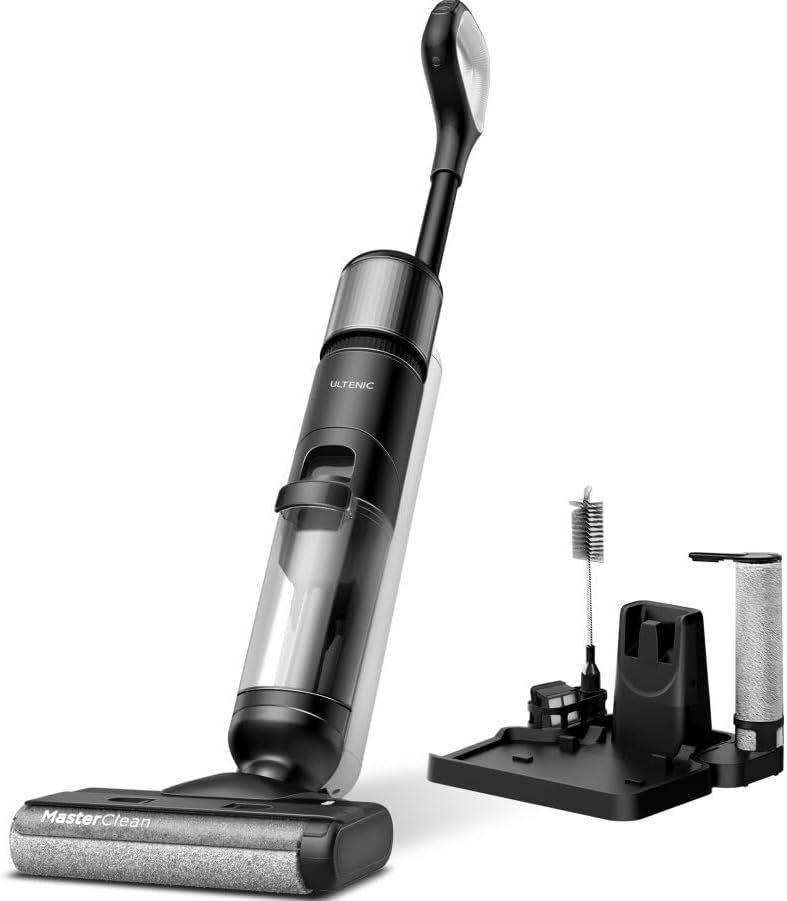
Figure 1: Ultenic AC1 Elite Wet Dry Vacuum Cleaner and accessories.
What's in the Box
Carefully unpack all components and ensure all items are present before discarding packaging materials.
- Ultenic AC1 Elite Wet Dry Vacuum Cleaner (Main Unit)
- Charging Base
- AC Adapter
- HEPA Filter (Spare)
- Floor Cleaning Solution (Lemon Shine)
- Cleaning Brush

Figure 2: Package Contents.
Key Features
- All-in-One Cleaning: Vacuums, washes, and mops simultaneously for efficient wet and dry mess cleanup.
- Smart Dirt Detection: Automatically adjusts suction power based on the type and amount of mess detected, optimizing cleaning performance.
- One-Touch Self-Cleaning: Initiates an automatic cleaning cycle for the brush roller and internal tubing, ensuring hygiene and preventing odors.
- Long Runtime: Provides up to 50 minutes of continuous cleaning on a single charge, suitable for larger areas.
- Self-Propelled Brush Roller: Assists in moving the vacuum forward and backward, reducing user effort during cleaning.
- Dual Tank Design: Separates clean water from dirty water, ensuring you always clean with fresh solution.
- Edge-to-Edge Cleaning: Designed to effectively clean along baseboards and into corners, leaving no dirt behind.
- Lightweight Design: Weighing approximately 9.46 pounds, it is easy to maneuver and carry.
- LCD Display: Provides real-time information on battery level, cleaning mode, and alerts.

Figure 3: Vacuum Mop All-in-One capability.

Figure 4: Smart Dirt Detection modes.

Figure 5: One-Touch Self-Cleaning feature.

Figure 6: Up to 50 minutes of runtime.
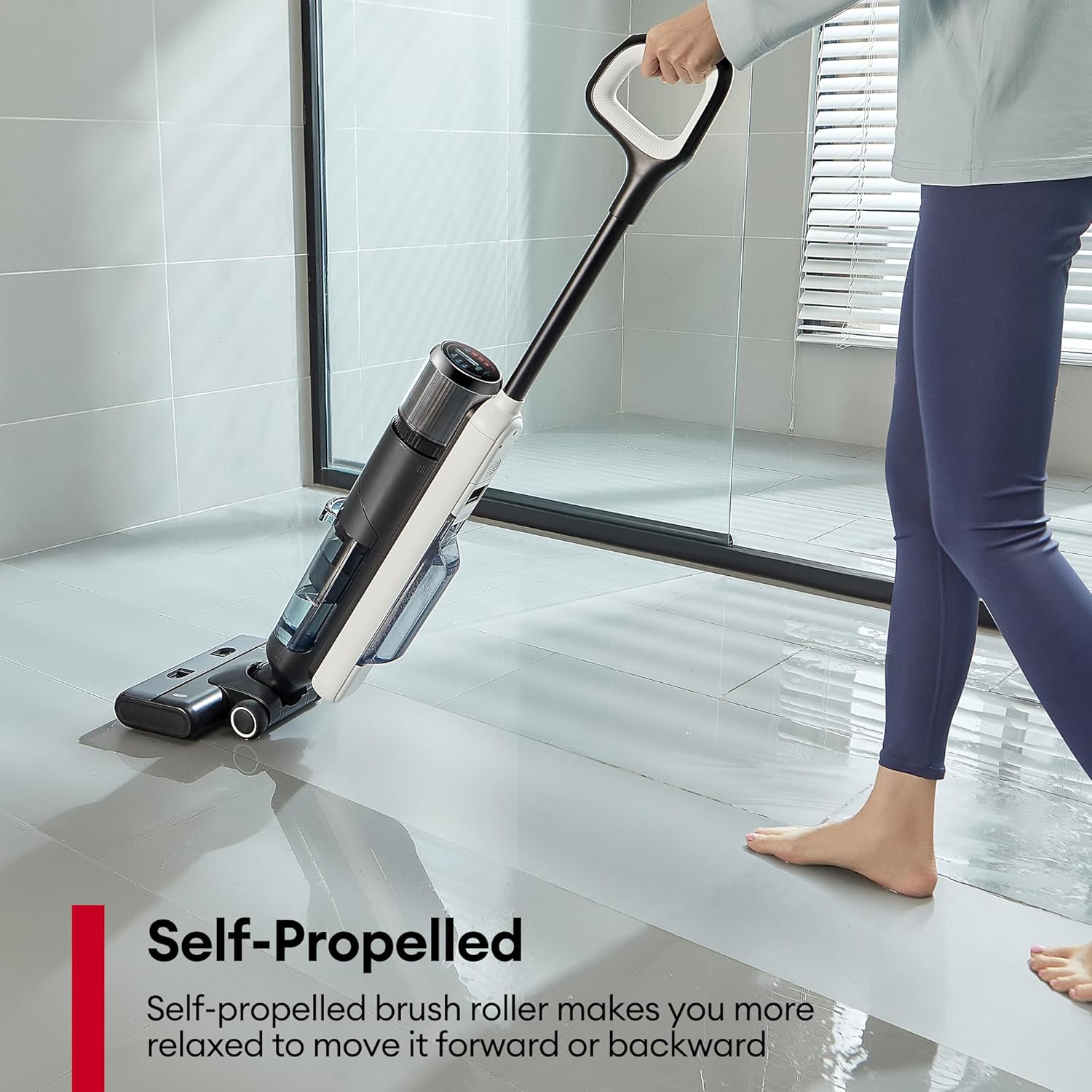
Figure 7: Self-Propelled feature.

Figure 8: Dual Tank Design for clean and dirty water.

Figure 9: Edge-to-Edge Cleaning.
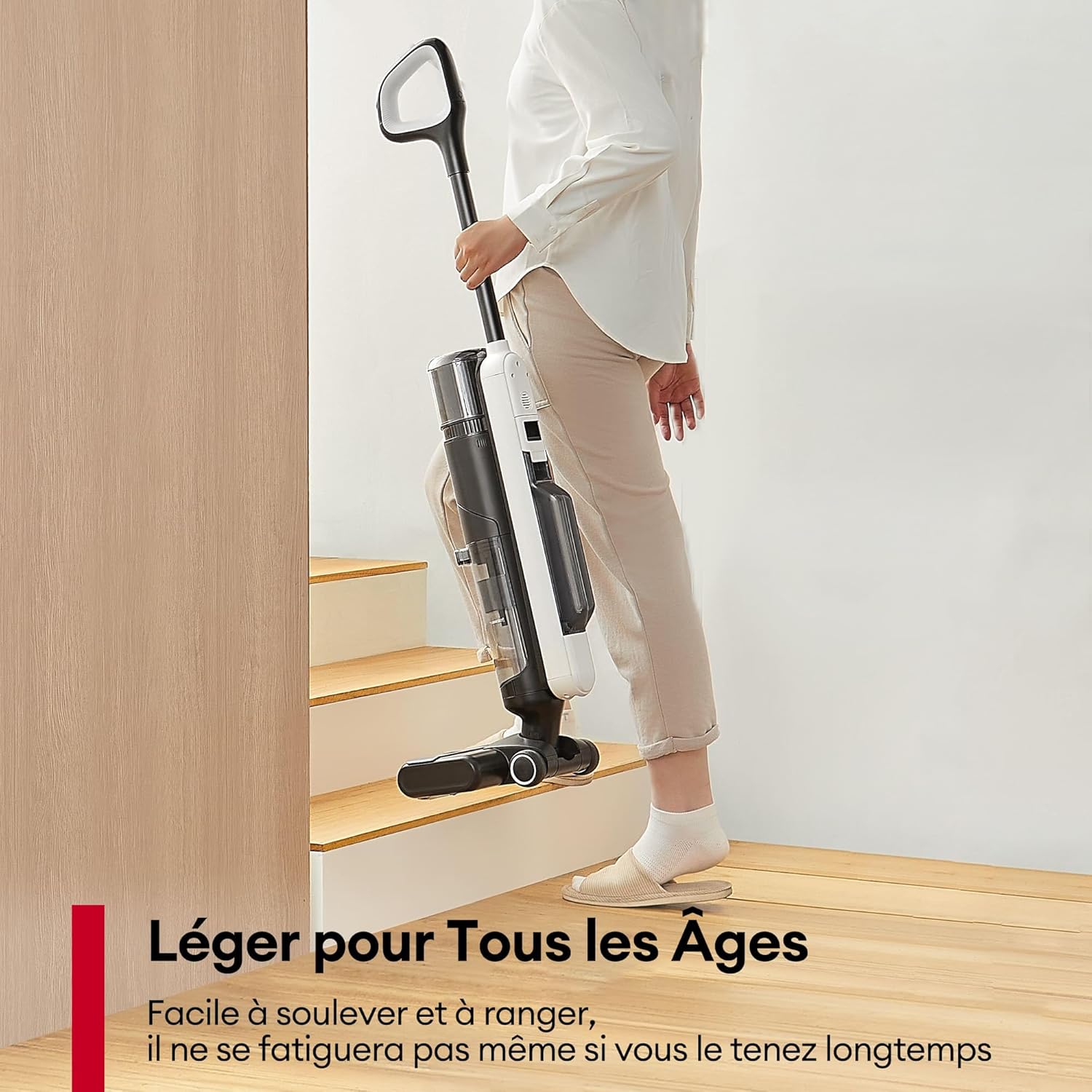
Figure 10: Lightweight design for easy portability.

Figure 11: Smart Touch LCD Display and Dual Water Tank.
Setup Guide
- Assembly:
Insert the handle into the main body of the vacuum until it clicks securely into place.
- Charging:
Place the vacuum on the charging base. Connect the AC adapter to the charging base and plug it into a power outlet. The LCD display will indicate charging status. Ensure the unit is fully charged before first use (approximately 4-5 hours).
- Fill Clean Water Tank:
Remove the clean water tank from the main unit. Fill it with clean tap water up to the MAX line. For optimal cleaning, add the recommended amount of Ultenic floor cleaning solution (provided) to the clean water tank. Reattach the tank securely.
Operating Instructions
- Power On:
Press the Power button on the handle to turn on the vacuum. The LCD display will light up.
- Select Cleaning Mode:
The AC1 Elite features Smart Mode, Max Mode, and Vac Mode. The vacuum will automatically detect the mess and adjust suction in Smart Mode. For heavy messes, manually switch to Max Mode. Use Vac Mode for dry vacuuming only.
- Start Cleaning:
Tilt the main body of the vacuum backward to engage the brush roller. The self-propelled feature will assist in movement. Guide the vacuum across your hard floors, covering the desired area. The dual tank system ensures continuous cleaning with fresh water.
- Monitor Display:
Pay attention to the LCD display for real-time information, including battery status, current cleaning mode, and alerts such as "Low battery, please charge" or "Insufficient water in clean water tank, please refill."

Figure 12: LCD Display alerts.
- Power Off:
Press the Power button again to turn off the vacuum when cleaning is complete.
Maintenance
After Each Use:
- Self-Cleaning Cycle:
Place the vacuum back on its charging base. Ensure there is sufficient clean water in the clean water tank. Press the dedicated self-cleaning button on the handle. The vacuum will perform an automatic cleaning cycle for the brush roller and internal tubing. This process helps prevent odors and keeps the unit hygienic.

Figure 13: Mess-Free Self Cleaning.
- Empty Dirty Water Tank:
Remove the dirty water tank and empty its contents. Rinse the tank thoroughly with clean water. Allow it to air dry before reattaching.
- Clean Brush Roller:
Even after self-cleaning, it is recommended to periodically remove the brush roller and rinse it under running water to remove any trapped hair or debris. Use the provided cleaning brush if necessary. Allow the brush roller to air dry completely before reinserting.
- Clean Filter:
Remove the HEPA filter from the dirty water tank assembly. Tap it gently to remove loose dust. Rinse under running water if heavily soiled, but ensure it is completely dry before reinserting to prevent mold or damage.
Regular Maintenance:
- Inspect the brush roller and filter regularly for wear and tear. Replace them as needed to maintain optimal performance.
- Wipe down the exterior of the vacuum with a damp cloth. Do not use harsh chemicals.
Troubleshooting
| Problem | Possible Cause | Solution |
|---|---|---|
| Vacuum does not turn on. | Low battery; not charged. | Place on charging base and ensure it is fully charged. |
| Poor suction. | Dirty filter; clogged brush roller; full dirty water tank. | Clean or replace filter. Remove and clean brush roller. Empty and rinse dirty water tank. |
| Water not dispensing. | Empty clean water tank; clogged water nozzle. | Refill clean water tank. Check and clear any blockages in the water nozzle. |
| Unpleasant odor. | Dirty water tank or brush roller not cleaned properly. | Perform self-cleaning cycle. Thoroughly clean dirty water tank, brush roller, and filter. |
| Excessive noise. | Obstruction in brush roller; loose parts. | Check brush roller for foreign objects. Ensure all parts are securely assembled. |
Specifications
- Model: AC1 Elite
- Brand: Ultenic
- Dimensions: 27.75"L x 13.25"W x 12"H
- Item Weight: 9.46 pounds
- Clean Water Tank Capacity: 1.15 Liters
- Dirty Water Tank Capacity: 0.5 Liters (approx. based on A+ content image)
- Runtime: Up to 50 minutes
- Wattage: 230 watts
- Noise Level: 78 dB
- Filter Type: HEPA Filter
- Control Method: Push Button, App
- Battery: 1 CR5 battery required (included)
Warranty & Support
For warranty information, technical support, or to purchase replacement parts and accessories, please visit the official Ultenic website or contact their customer service. Keep your purchase receipt as proof of purchase for warranty claims.
Official Website: www.ultenic.com
Documents and downloads
Ask a question about this manual
Ask about setup, troubleshooting, compatibility, parts, safety, or missing instructions. Manuals+ will review the question and use this page’s manual context to help answer it.