
1. Introduction
Thank you for choosing the Aresrora Mini Karaoke Machine C20 Plus. This portable Bluetooth speaker with a wireless microphone is designed for an enjoyable singing experience. Its compact size and retro design make it suitable for various settings. This manual provides essential information for proper setup, operation, and maintenance of your device.

Figure 1: The Aresrora Mini Karaoke Machine C20 Plus in use by individuals and groups.
2. What's in the Box
Please ensure all items are present in the package:
- 1 x Speaker
- 1 x Microphone
- 1 x Charging Cable (USB Type-C)
- 1 x User Manual

Figure 2: Included components of the Aresrora Mini Karaoke Machine C20 Plus.
3. Product Overview
The Aresrora Mini Karaoke Machine C20 Plus features a compact design with intuitive controls for both the speaker and the wireless microphone.
3.1 Speaker Features
- Dimensions: Approximately 5.5 x 3 x 4 inches
- Weight: Approximately 14 ounces
- Controls: Power On/Off, Play/Pause, Previous Track, Next Track, Volume Knob.
- Connectivity: USB Type-C charging port, TF (Micro SD) card slot.
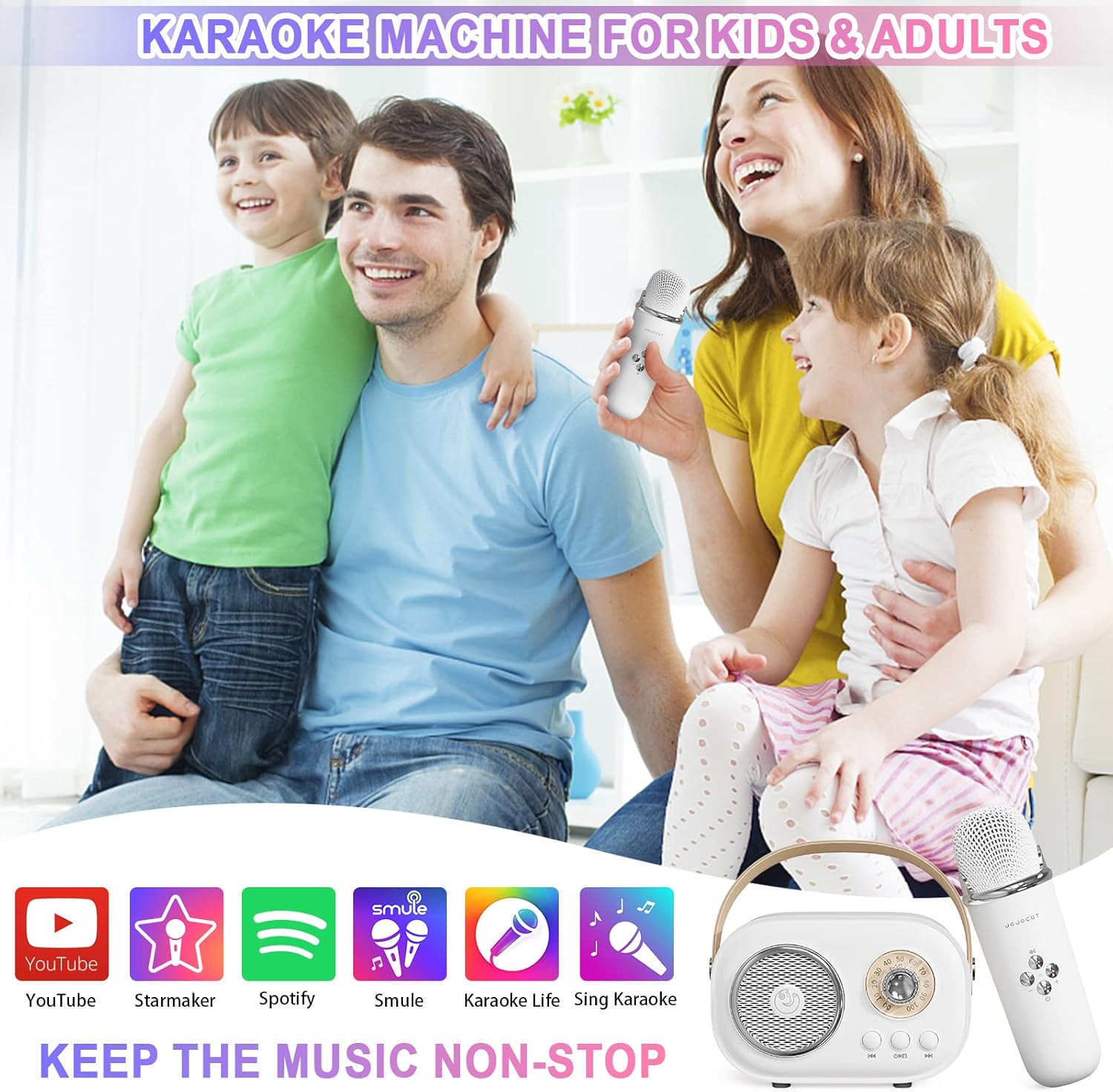
Figure 3: Front view of the speaker and microphone.

Figure 4: Speaker with Type-C charging port and TF card slot.
3.2 Microphone Features
- Controls: Power On/Off, Volume Up/Down, Voice Changer (EFF Key).
- Voice Modes: Six distinct voice changing modes.

Figure 5: Wireless microphone controls.
4. Setup Instructions
4.1 Charging the Device
Before first use, fully charge both the speaker and the microphone. Use the provided USB Type-C charging cable. The charging indicator light will show charging status.
4.2 Powering On/Off
- Speaker: Long press the power button on the speaker until you hear an audible prompt.
- Microphone: Long press the power button on the microphone until you hear an audible prompt.
4.3 Bluetooth Pairing
- Ensure both the speaker and microphone are powered on.
- On your mobile device (smartphone, tablet, etc.), enable Bluetooth.
- Search for available devices and select "C20 Plus" to pair.
- Once paired, you will hear a confirmation sound from the speaker. The microphone will automatically connect to the speaker.

Figure 6: Bluetooth connectivity with various devices.
5. Operating Instructions
5.1 Playing Music
- Bluetooth: After successful pairing, play music from your connected device. The speaker will output the audio.
- TF Card: Insert a TF (Micro SD) card with MP3 music files into the designated slot on the speaker. The speaker will automatically begin playing music from the card.
5.2 Speaker Controls
- Volume Knob: Rotate the knob to adjust the overall music volume.
- Play/Pause Button: Press once to play or pause music.
- Previous/Next Track Buttons: Press to skip to the previous or next song.
5.3 Microphone Usage
- Singing: Speak or sing directly into the microphone. Your voice will be amplified through the speaker.
- Microphone Volume: Use the '+' and '-' buttons on the microphone to adjust your vocal volume independently.
- Voice Changer (EFF Key): Press the 'EFF' button (top button) on the microphone to cycle through the six different voice changing modes.

Figure 7: Operating the karaoke machine with a smartphone.
Video 1: Demonstration of the Aresrora Mini Karaoke Machine C20 Plus, showcasing its features and use.
6. Maintenance
To ensure the longevity and optimal performance of your karaoke machine, follow these maintenance guidelines:
- Cleaning: Wipe the device with a soft, dry cloth. Avoid using harsh chemicals or abrasive cleaners.
- Storage: Store the device in a cool, dry place away from direct sunlight and extreme temperatures.
- Battery Care: For optimal battery life, avoid fully discharging the device frequently. Charge it regularly, even if not in use for extended periods.
7. Troubleshooting
If you encounter any issues with your Aresrora Mini Karaoke Machine C20 Plus, please refer to the following common solutions:
| Problem | Possible Solution |
|---|---|
| Device does not power on | Ensure the device is fully charged. Connect to the charger and try again. |
| Cannot pair via Bluetooth | Make sure Bluetooth is enabled on your device and the karaoke machine is in pairing mode. Try restarting both devices. Ensure no other devices are currently connected. |
| No sound from speaker | Check the volume levels on both the speaker and your connected device. Ensure the device is properly paired. |
| Microphone not working | Ensure the microphone is powered on and properly connected to the speaker. Check microphone volume levels. |
| Voice changer not functioning | Press the 'EFF' button on the microphone to cycle through modes. Ensure the microphone is powered on and connected. |
8. Specifications
| Feature | Detail |
|---|---|
| Item Weight | 14 ounces |
| Product Dimensions | 5.5 x 3 x 4 inches |
| Item Model Number | C20 Plus |
| Batteries | 1 Lithium Polymer battery required (included) |
| Compatible Devices | Smartphones, TVs, iPads, tablets, PCs |
| Connector Type | USB Type C |
| Speaker Count | 1 |
| Hardware Platform | Karaoke Machine |
| Power Source | Battery Powered |
| Voltage | 3.7 Volts |
| Special Feature | Volume Control |
| Color | White |
| Recommended Uses | Karaoke, Singing |
9. Warranty and Support
For any problems or inquiries regarding your Aresrora Mini Karaoke Machine C20 Plus, please contact the seller directly. They will provide a reasonable solution until you are satisfied.