1. Introduction
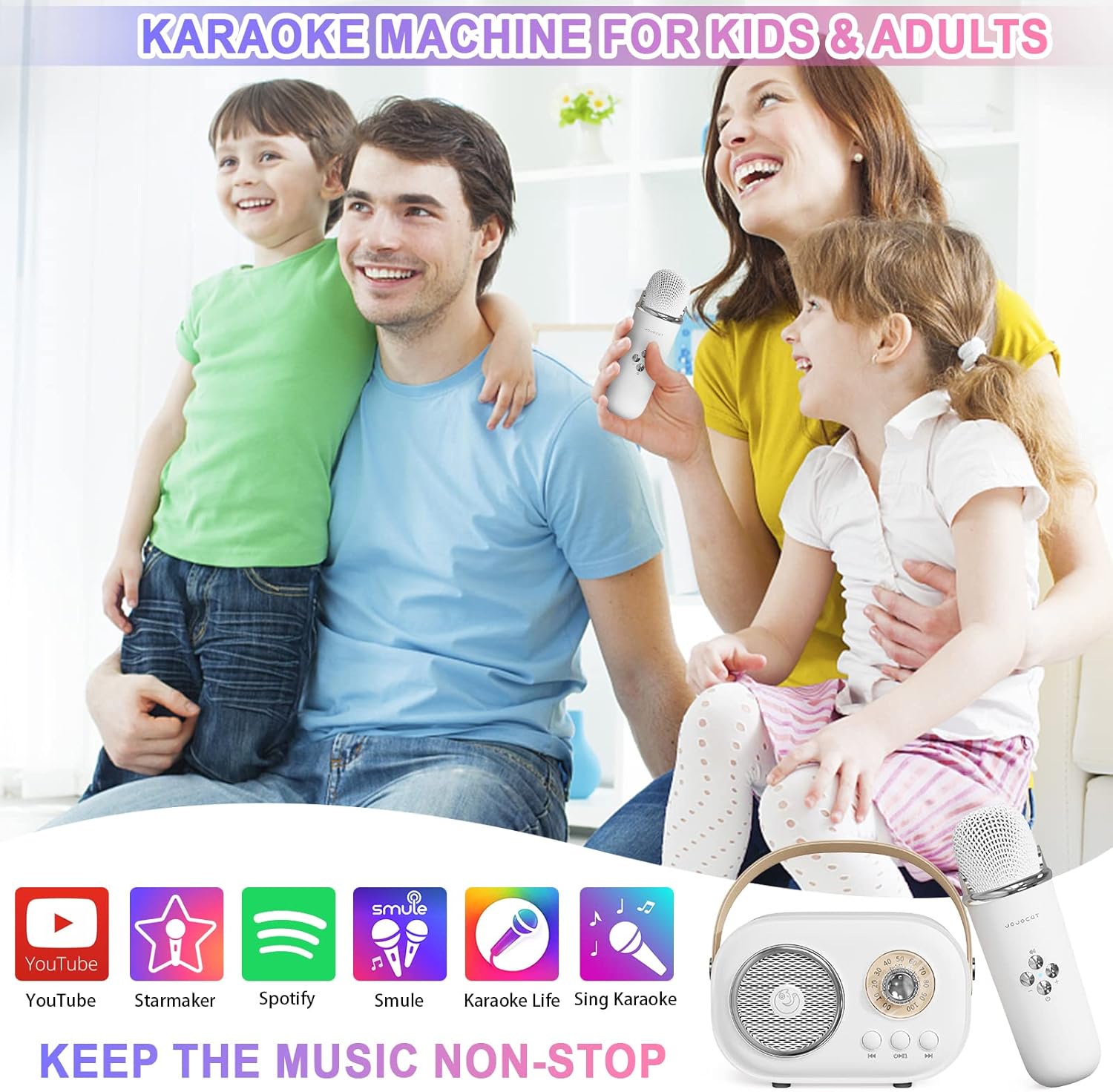
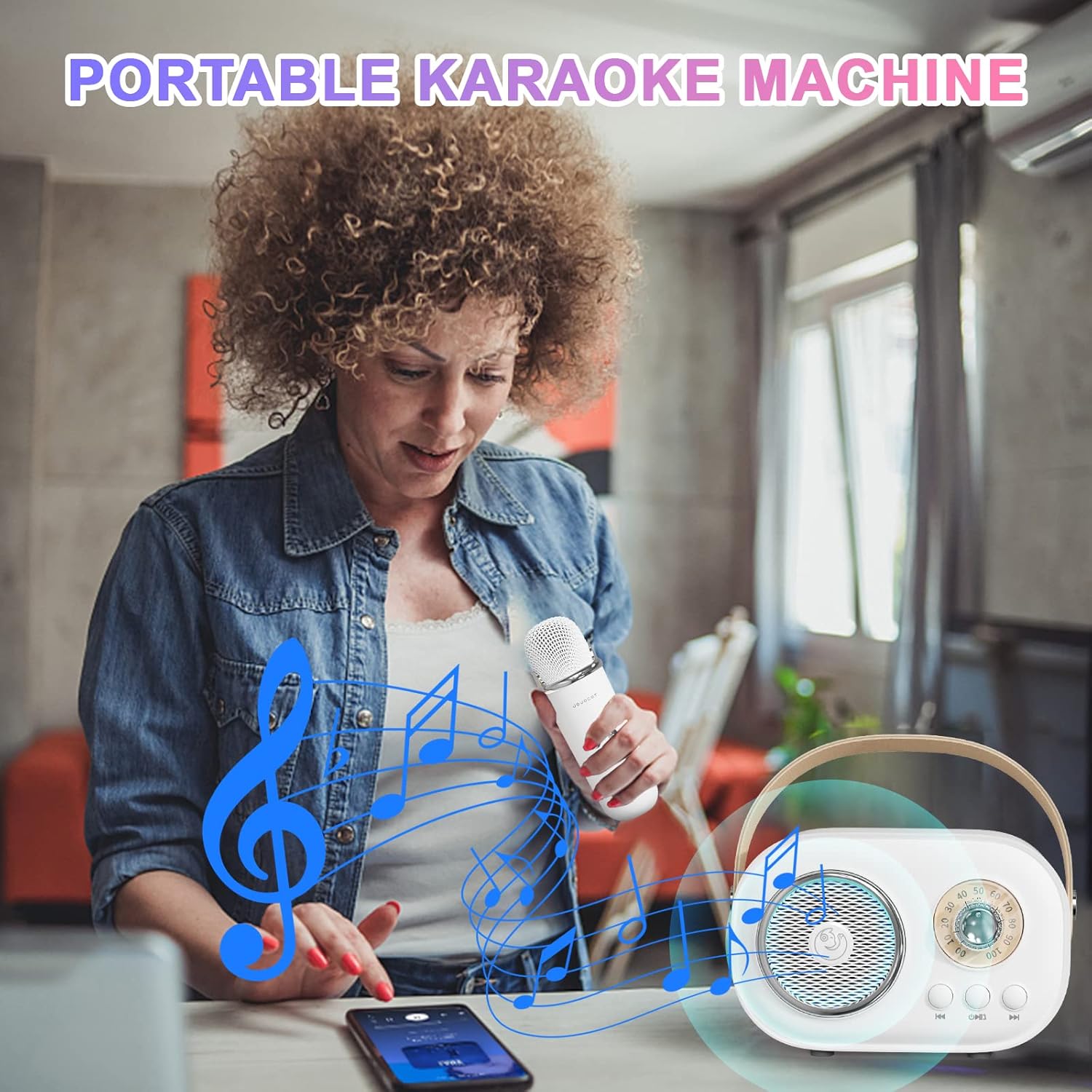
The Aresrora Mini Karaoke Machine C20 Plus is a compact and portable entertainment system designed for both kids and adults. It features a high-fidelity Bluetooth speaker and a wireless microphone, offering superior sound quality with voice beautification and multiple voice-changing effects. Its retro design and lightweight construction make it ideal for various indoor and outdoor activities, allowing you to enjoy karaoke anytime, anywhere.
2. What's in the Box
- 1 x Karaoke Speaker
- 1 x Wireless Microphone
- 1 x USB Type-C Charging Cable
- 1 x User Manual

3. Product Overview
Key Features
- Portable Design: Compact size (4.3 x 3.1 x 2 inches) and lightweight for easy transport.
- Superior Sound: High-fidelity 5W speaker with DSP chip for adjustable treble, bass, and voice beautification.
- Wireless Microphone: Includes one wireless microphone for singing.
- Bluetooth Connectivity: Seamlessly connect to smartphones, tablets, and other Bluetooth-enabled devices.
- Voice Changer: Microphone features multiple voice-changing modes for added fun.
- Multiple Playback Options: Supports Bluetooth and TF card input.
- Long Battery Life: Built-in lithium polymer battery provides 2-4 hours of play time, depending on usage.
Controls
The karaoke machine consists of a main speaker unit and a wireless microphone, each with its own set of controls.
Speaker Controls:
- Power Button: Press and hold to turn the speaker on or off.
- Volume Knob: Rotate to adjust the overall volume of the music and microphone output.
- Play/Pause Button: Press to play or pause music.
- Previous/Next Track Buttons: Press to skip to the previous or next song.
Microphone Controls:
- Power Button: Press and hold to turn the microphone on or off.
- Volume Buttons (+/-): Adjust the microphone's input volume.
- EFF Key (Voice Changer): Press to cycle through different voice changing effects.


4. Setup
Charging the Device
Before first use, fully charge both the speaker and the microphone.
- Connect the provided USB Type-C charging cable to the Type-C port on the back of the speaker.
- Connect the other end of the cable to a compatible USB power adapter (not included) or a computer USB port.
- The charging indicator light will illuminate. Once fully charged, the light may change color or turn off.
- Repeat the process for the wireless microphone using its dedicated Type-C charging port.
Power On/Off
- To Power On: Press and hold the power button on both the speaker and the microphone until you hear a power-on prompt or see an indicator light.
- To Power Off: Press and hold the power button on both devices again until you hear a power-off prompt or the indicator light turns off.
Bluetooth Pairing
To connect your device to the karaoke machine:
- Ensure both the speaker and the microphone are powered on.
- On your smartphone, tablet, or other Bluetooth-enabled device, go to the Bluetooth settings.
- Search for available devices and select "C20 Plus" from the list.
- Once connected, you will hear a confirmation sound from the speaker. The microphone will automatically pair with the speaker when both are on.
5. Operating Instructions
Playing Music
- Via Bluetooth: After successful Bluetooth pairing, open your preferred music or karaoke app on your connected device and start playing. Use the speaker's controls or your device to manage playback.
- Via TF Card: Insert a TF (MicroSD) card loaded with MP3 music files into the designated slot on the speaker. The speaker will automatically detect and begin playing music from the card.
Using the Microphone and Voice Changer
Once the microphone is powered on and automatically paired with the speaker, you can begin singing.
- Speak or sing into the microphone. Your voice will be amplified through the speaker.
- To adjust the microphone's volume, use the '+' and '-' buttons on the microphone.
- To activate the voice changer, press the 'EFF KEY' button on the microphone. Each press will cycle through a different voice effect. There are six distinct voice modes available.
6. Specifications
| Specification | Detail |
|---|---|
| Item Weight | 14 ounces |
| Product Dimensions | 5.5 x 3 x 4 inches |
| Item Model Number | C20 Plus |
| Batteries | 1 Lithium Polymer battery required (included) |
| Voltage | 3.7 Volts |
| Speaker Count | 1 |
| Connector Type | USB Type C |
| Compatible Devices | Smartphones, TVs, iPads, Tablets, PCs |
| Power Source | Battery Powered |
7. Troubleshooting
- No Sound from Speaker:
- Ensure the speaker is powered on and charged.
- Check the volume knob on the speaker and the volume level on your connected device.
- Verify that the Bluetooth connection is active.
- Microphone Not Working:
- Ensure the microphone is powered on and charged.
- Check the microphone's volume settings.
- If the microphone is not automatically pairing, try turning both the speaker and microphone off and then on again.
- Bluetooth Disconnection:
- Ensure your device is within the effective range (typically 10 meters) of the speaker.
- Check for any obstructions or interference that might affect the Bluetooth signal.
- Try disconnecting and re-pairing the device.
- Charging Issues:
- Use only the provided USB Type-C charging cable.
- Ensure the power adapter or USB port you are using is functional.
- Check for any debris in the charging port.
8. Safety Information
- Keep the device away from water, moisture, and extreme temperatures.
- Do not attempt to disassemble, repair, or modify the device. This will void the warranty.
- Use only the specified charging cable. Using incompatible chargers may damage the device or pose a safety risk.
- Avoid dropping or subjecting the device to strong impacts.
- Battery Safety: Do not expose the battery to fire, direct sunlight, or puncture it. Dispose of batteries according to local regulations.
9. Warranty and Support
For any product-related inquiries, technical support, or warranty claims, please contact Aresrora customer service. Refer to your product packaging or the official Aresrora website for the most up-to-date contact information and warranty details.


