
Introduction
The ORICO DDL35-C3-BK is a high-performance external enclosure designed to house 2.5-inch and 3.5-inch SATA Hard Disk Drives (HDDs) and Solid State Drives (SSDs). This enclosure provides a convenient solution for expanding storage, backing up data, or reusing old drives. It supports capacities up to 20TB and offers fast data transfer speeds via its USB 3.1 Type-C interface, compatible with both USB-C and USB-A devices.
What's in the Box
Please verify that all items are present in the package:
- 1 x ORICO USB C 3.5" Hard Drive Enclosure (DDL35-C3-BK)
- 1 x USB-C to USB-C/A Data Cable (1 meter)
- 1 x 12V/2A Power Adapter
- 1 x User Manual
Product Overview
Familiarize yourself with the components of your ORICO DDL35-C3-BK enclosure.

Image: The ORICO DDL35-C3-BK enclosure shown with its USB-C to USB-C/A data cable and 12V/2A power adapter. The enclosure features a sleek black design with the ORICO logo.
The enclosure typically includes:
- Enclosure Body: Houses the hard drive.
- SATA Interface: Internal connector for 2.5-inch or 3.5-inch SATA HDDs/SSDs.
- USB 3.1 Type-C Port: For data connection to your computer or device.
- DC 12V Power Input: For connecting the external power adapter.
- LED Indicator: Shows power and data activity status.
- Power Button: To turn the enclosure on or off.
Setup Instructions
Follow these steps to install your hard drive into the ORICO DDL35-C3-BK enclosure:
- Open the Enclosure: Gently slide open the enclosure cover. The design allows for tool-free installation.
- Insert Hard Drive: Connect your 2.5-inch or 3.5-inch SATA HDD/SSD to the internal SATA interface within the enclosure. Ensure it is firmly seated.
- Close the Enclosure: Slide the cover back until it clicks into place, securing the hard drive.
- Connect Power: Plug the 12V/2A power adapter into the DC input port on the enclosure, then connect it to a power outlet.
- Connect to Device: Use the provided USB-C to USB-C/A cable to connect the enclosure's USB-C port to your computer or compatible device. If your device only has USB-A ports, use the included USB-A adapter.
- Power On: Press the power button on the enclosure (if available) to turn it on. The LED indicator will illuminate.

Image: A 3.5-inch hard drive being inserted into the ORICO DDL35-C3-BK enclosure, demonstrating the tool-free installation process.

Image: The ORICO DDL35-C3-BK enclosure connected to a laptop via USB-C, with the power adapter plugged into a wall outlet, illustrating a typical setup.
Your operating system should detect the new drive automatically. If it's a new drive, you may need to initialize and format it through your operating system's disk management utility before use.
Operating Instructions
The ORICO DDL35-C3-BK is designed for straightforward operation.
Data Transfer
Once connected and recognized by your device, the external drive will function like any other storage device. You can drag and drop files, copy, paste, and manage data as needed. The enclosure supports USB 3.0 (5Gbps) speeds and UASP (USB Attached SCSI Protocol) for optimized performance, ensuring fast data transfers.

Image: A graphic demonstrating the "Super Fast Transmission" capability of the enclosure, highlighting 5Gbps USB 3.0 speeds compared to 480Mbps USB 2.0, with UASP and TRIM support.
Device Compatibility
The enclosure is broadly compatible with various devices and operating systems:
- Operating Systems: Windows, macOS, Linux.
- Devices: Computers, laptops, PS4/PS5 consoles, smart routers, and OTG-enabled smartphones/tablets.
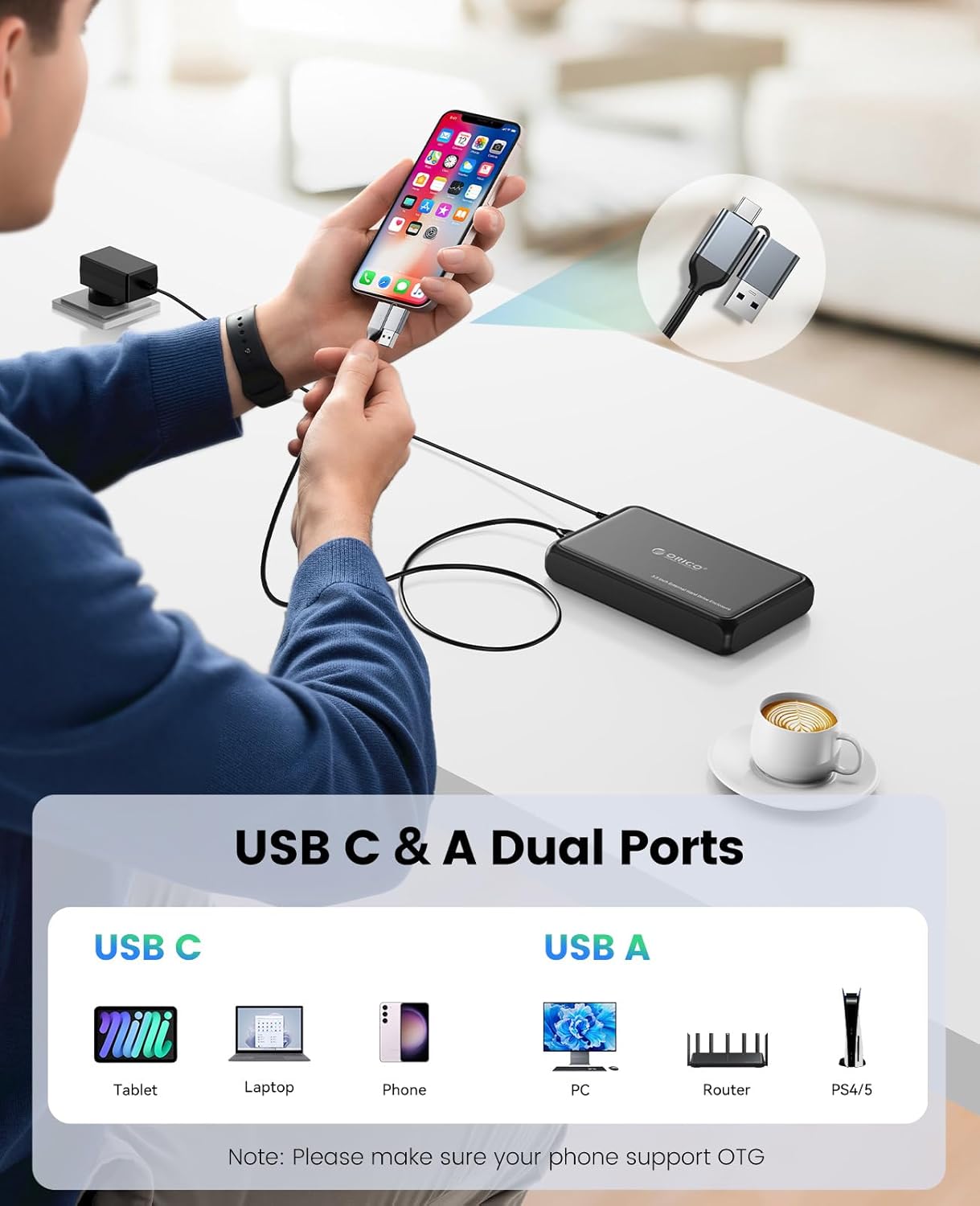
Image: An illustration showing the enclosure's USB-C and USB-A dual port compatibility, connecting to devices like tablets, laptops, phones (USB-C) and PCs, routers, PS4/5 (USB-A). Note: Phone must support OTG.

Image: A user operating a laptop connected to the ORICO enclosure, with icons representing Windows, Android, and Linux, signifying universal compatibility.
Automatic Sleep Mode
The enclosure features an intelligent 10-minute automatic sleep mode. If there is no data activity for 10 minutes, the drive will enter sleep mode to reduce power consumption and prolong the lifespan of your hard drive. The drive will automatically wake up upon data access.
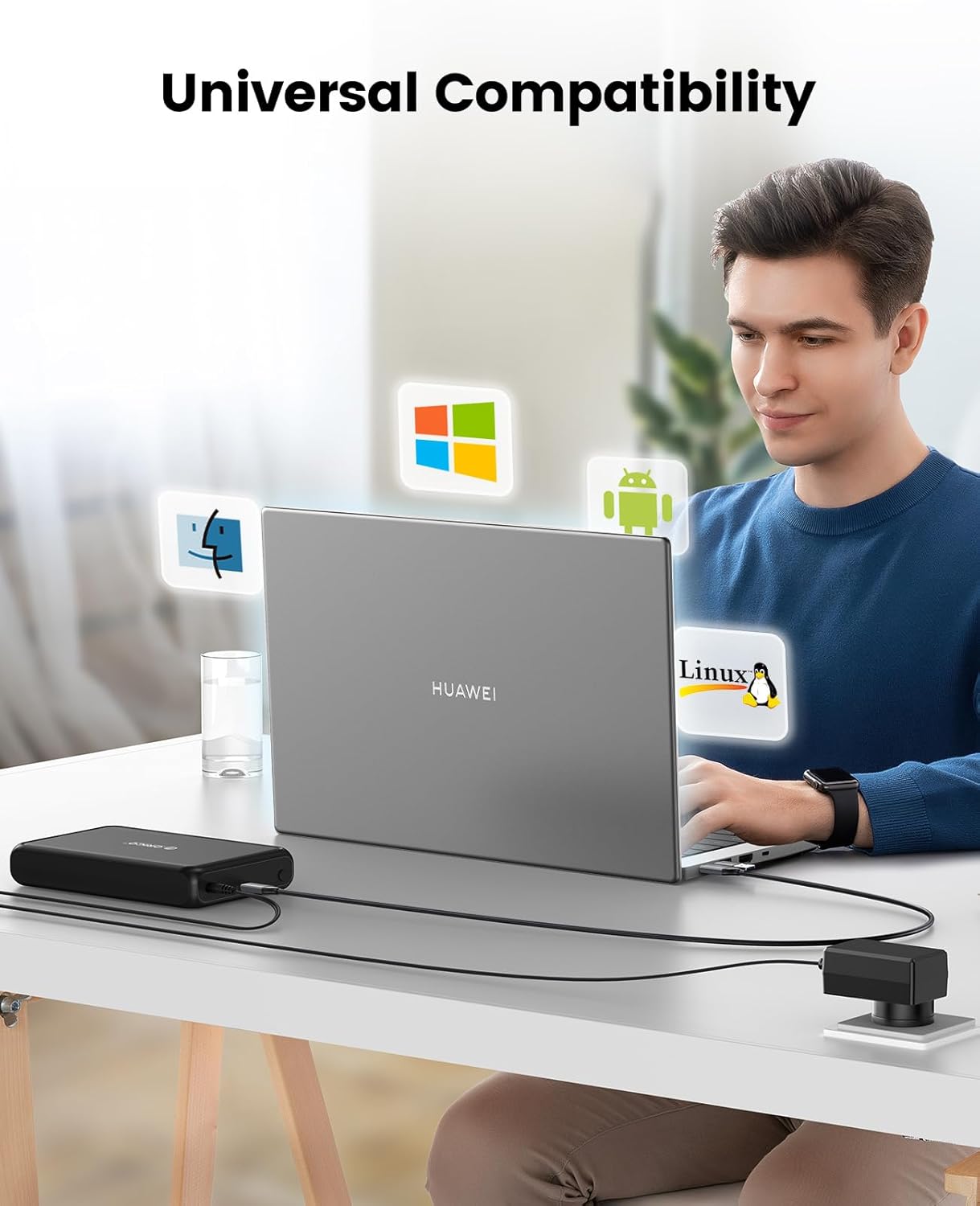
Image: The ORICO enclosure connected to its 12V/2A power adapter, highlighting the stable and reliable power supply for consistent performance.
Maintenance
To ensure the longevity and optimal performance of your ORICO DDL35-C3-BK enclosure and the installed drive, consider the following maintenance tips:
- Keep Clean: Regularly wipe the exterior of the enclosure with a soft, dry cloth. Avoid using liquid cleaners or solvents.
- Proper Disconnection: Always safely eject the drive from your operating system before disconnecting the USB cable or power adapter to prevent data corruption.
- Environmental Conditions: Store and operate the enclosure in a cool, dry environment, away from direct sunlight, extreme temperatures, and high humidity.
- Heat Dissipation: The enclosure's ABS and metal construction aids in heat dissipation. Ensure adequate airflow around the unit during operation.
- Firm Connections: Periodically check that all cables (USB and power) are securely connected.
Troubleshooting
If you encounter issues with your ORICO DDL35-C3-BK, refer to the following common problems and solutions:
- Drive Not Detected:
- Ensure the power adapter is securely connected and the enclosure is powered on.
- Verify the USB cable is properly connected to both the enclosure and your computer.
- Try a different USB port on your computer.
- Confirm the hard drive is correctly seated within the enclosure's SATA interface.
- For new drives, check your operating system's Disk Management (Windows) or Disk Utility (macOS) to initialize and format the drive.
- Test with a different USB cable or power adapter if available.
- Slow Data Transfer Speeds:
- Ensure you are connected to a USB 3.0 or higher port on your computer. USB 2.0 ports will limit speeds.
- Verify your operating system and drivers are up to date.
- The performance of the installed HDD/SSD can also affect transfer speeds.
- Drive Enters Sleep Mode Too Quickly or Does Not Wake Up:
- The enclosure has a fixed 10-minute automatic sleep mode. This feature cannot be disabled.
- To wake the drive, simply access it through your file explorer or disk utility.
- Drive Identified with Multiple Names (e.g., USB attached disk, SCSI attached disk):
- This behavior has been observed by some users. While it typically does not affect functionality, ensure your software (e.g., backup or recovery tools) can handle dynamic drive identification.
- If this causes issues with specific applications, consult the software's documentation or support.
- Enclosure Feels Warm During Operation:
- It is normal for the enclosure and the hard drive inside to generate heat during operation, especially during intensive data transfers. The ABS and metal materials are designed to help dissipate this heat.
- If the temperature feels excessively hot or you experience performance issues, ensure there is adequate ventilation around the enclosure.
Specifications
| Model Number | DDL35-C3-BK |
| Compatible Drive Type | 2.5-inch / 3.5-inch SATA HDD/SSD |
| Max Capacity Support | Up to 20TB |
| External Interface | USB 3.1 Type-C |
| Internal Interface | SATA 3.0 Gb/s |
| Data Transfer Rate | Up to 5Gbps (USB 3.0 Standard) |
| Protocol Support | UASP, TRIM |
| Power Supply | External 12V/2A Power Adapter |
| Material | ABS (Acrylonitrile Butadiene Styrene), Metal |
| Automatic Sleep Mode | 10 minutes of inactivity |
| Compatible Operating Systems | Windows, macOS, Linux |
| Compatible Devices | PC, Laptop, PS4/PS5, Smart Router, OTG Smartphone |
Warranty and Support
Warranty: This ORICO product comes with a 1-year manufacturer's warranty from the date of purchase. This warranty covers manufacturing defects and workmanship under normal use.
Support: For technical assistance, troubleshooting beyond this manual, or warranty claims, please contact ORICO customer support through their official website or the retailer where the product was purchased. Please have your model number (DDL35-C3-BK) and proof of purchase ready.
For more information, visit the official ORICO website: www.oricotech.com


