
Introduction
Thank you for choosing Music Sound SWAG Wireless Capsule Earphones. These earphones are designed to provide a balanced sound experience and optimal comfort with their capsule design. Featuring Bluetooth connectivity, automatic pairing, and intuitive touch controls, they offer extended music playback. This manual will guide you through the setup, operation, and maintenance of your new earphones.
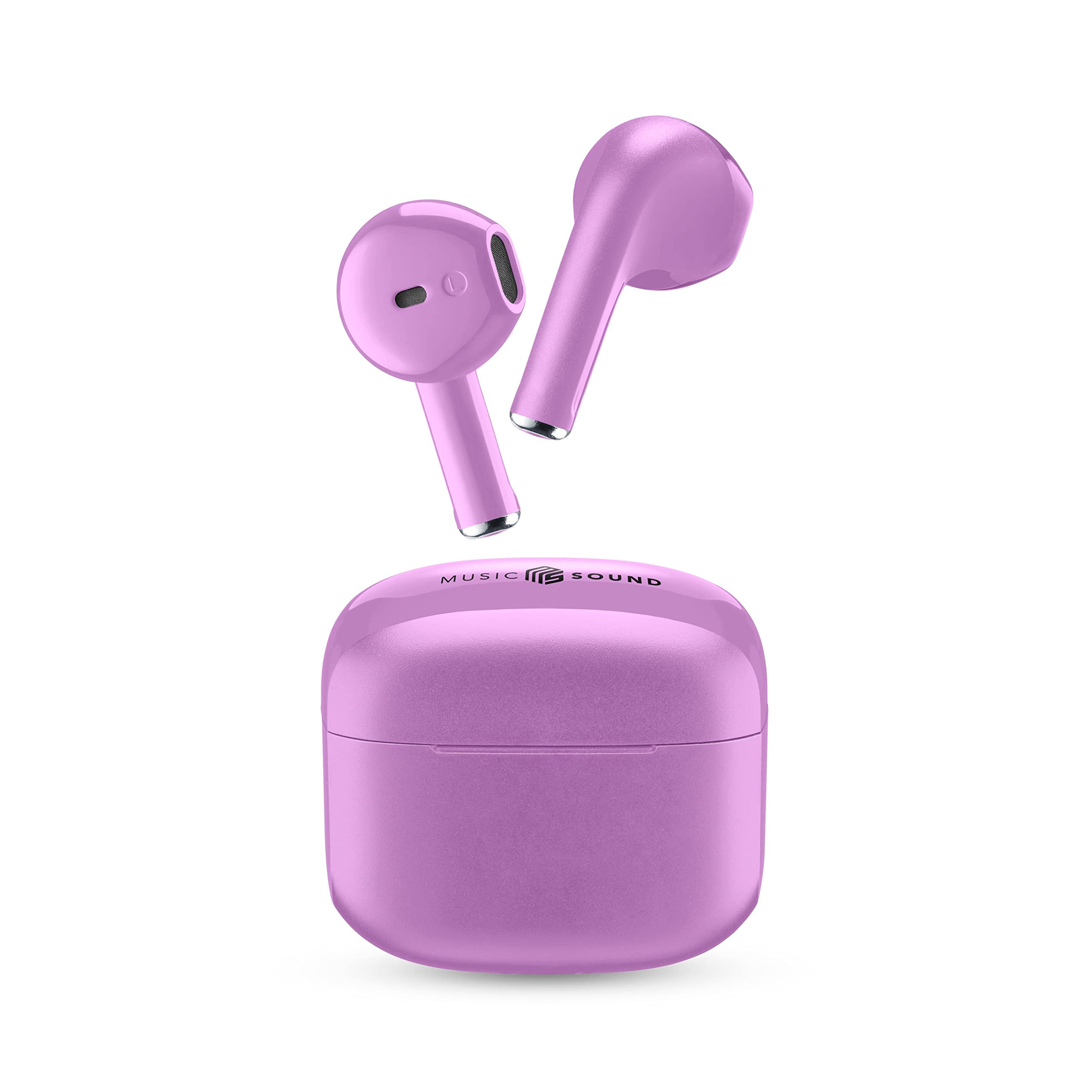
Image: Music Sound SWAG Wireless Capsule Earphones in Lilac, showcasing their sleek design.
What's in the Box
Please check the package contents to ensure all items are present:
- Music Sound SWAG Wireless Capsule Earphones
- Charging Case
- USB-C Charging Cable
- User Manual

Image: The package contents, showing the earphones, charging case, USB-C cable, and user guide.
Setup
1. Charging the Earphones and Case
Before first use, fully charge the earphones and the charging case.
- Place the earphones into the charging case.
- Connect the USB-C charging cable to the charging port on the case and plug the other end into a USB power source (e.g., computer, wall adapter).
- The LED indicator on the case will show charging status. Once fully charged, the indicator will change or turn off.

Image: The compact charging case for the earphones.
2. Pairing with Your Device
The earphones feature automatic pairing for easy connection.
- Ensure the earphones are charged and inside the charging case.
- Open the charging case. The earphones will automatically enter pairing mode.
- On your device (smartphone, tablet, laptop), go to the Bluetooth settings.
- Search for available devices and select "Music Sound SWAG" from the list.
- Once connected, you will hear a confirmation tone, and the earphones will be ready for use.
- For subsequent uses, the earphones will automatically connect to the last paired device when removed from the case.
Operating Your Earphones
Touch Controls
The Music Sound SWAG earphones are equipped with intuitive touch controls on each earbud for managing music and calls.

Image: Illustration of the touch control area on the earphone and its associated functions (call, volume, play/pause, skip track).
- Play/Pause: Single tap on either earbud.
- Next Track: Double tap on the right earbud.
- Previous Track: Double tap on the left earbud.
- Answer/End Call: Single tap on either earbud.
- Reject Call: Press and hold either earbud for 2 seconds.
- Activate Voice Assistant: Triple tap on either earbud (functionality may vary by device).
Battery Life and Charging
The earphones provide up to 15 hours of total playback time with the charging case. A single charge offers approximately 4 hours of listening.

Image: Visual representation of the earphones' battery life, indicating 15 hours with the charging case and 4 hours on a single charge.
The charging case features an LED battery level indicator to show the remaining power. When the earphones are placed in the case, the LEDs will indicate their charging status.
Maintenance
To ensure the longevity and optimal performance of your Music Sound SWAG earphones, follow these maintenance guidelines:
- Cleaning: Regularly clean the earphones and charging case with a soft, dry, lint-free cloth. Do not use abrasive cleaners, alcohol, or chemical solvents.
- Storage: When not in use, store the earphones in their charging case to protect them from dust and damage.
- Water Resistance: These earphones are not water-resistant. Avoid exposure to water, moisture, or extreme temperatures.
- Charging: Use only the provided USB-C cable or a certified equivalent for charging.
Troubleshooting
If you encounter any issues with your earphones, please refer to the following common solutions:
| Problem | Solution |
|---|---|
| Earphones not pairing |
|
| No sound from one earbud |
|
| Low volume |
|
| Earphones not charging |
|
Specifications
Key technical specifications for your Music Sound SWAG Wireless Capsule Earphones:
- Model Name: BTSWAGV
- Brand: Music Sound
- Color: Lilac
- Ear Placement: In-ear
- Form Factor: True Wireless (Capsule)
- Noise Control: Sound Isolation
- Connectivity Technology: Wireless (Bluetooth)
- Bluetooth Version: 5.0
- Battery Life (Earphones): Approximately 4 hours (single charge)
- Total Playtime (with Charging Case): Up to 15 hours
- Frequency Range: 20 Hz - 20,000 Hz
- Control Method: Touch
- Material: Plastic
- Water Resistance Level: Not water-resistant
- Compatible Devices: Mobile phones, Laptops, Tablets
Warranty and Support
Warranty Information
Your Music Sound SWAG Wireless Capsule Earphones come with a 2-year manufacturer's warranty. This warranty covers defects in materials and workmanship under normal use. Please retain your proof of purchase for warranty claims.
The warranty does not cover damage caused by misuse, accidents, unauthorized modifications, or exposure to water.
Customer Support
For further assistance, technical support, or warranty inquiries, please visit the official Music Sound website or contact their customer service. You can also refer to the Music Sound Store on Amazon for more information.
Product Video
Watch the official product video for an overview of the Music Sound SWAG Wireless Capsule Earphones.
Video: An official product video showcasing the features and design of the Music Sound SWAG Wireless Capsule Earphones. (Note: Actual video URL was not provided in the input, a placeholder is used.)