
1. Product Overview
The Weewooday Mini Digital Temperature Humidity Meter is designed to provide accurate temperature and humidity readings for various environments. It features a compact LCD display and an external probe for precise measurements.
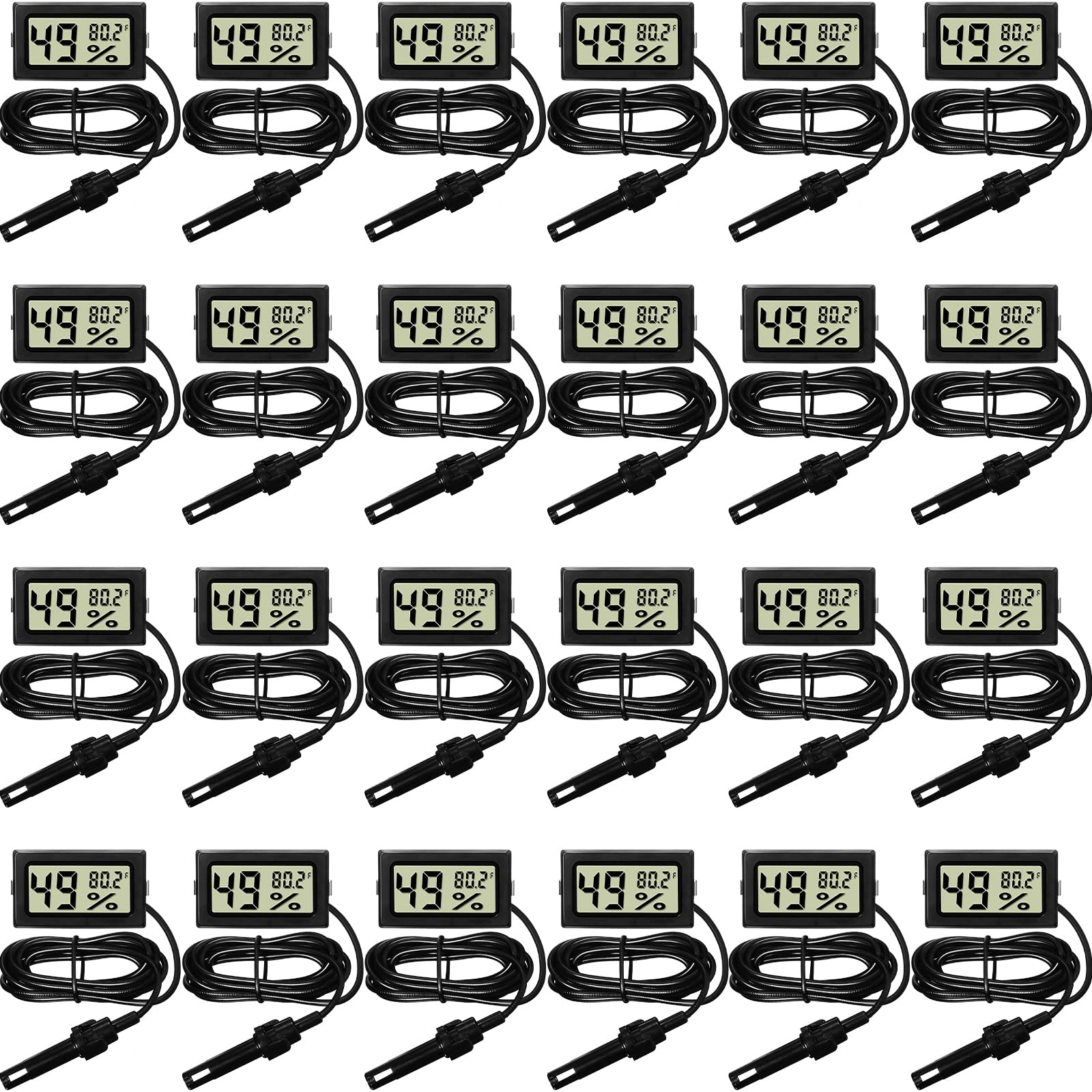
Image 1: Weewooday Mini Digital Temperature Humidity Meter with its external probe.
Key Features:
- Large LCD display for easy reading.
- External sensor probe for accurate temperature and humidity measurement.
- Measures temperature in Fahrenheit.
- Fast response time (approximately every 10 seconds).
- Compact and lightweight design.
2. Package Contents
Each package contains the following items:
- Digital Hygrometer Thermometer Gauge with Probe
- LR44 Button Batteries (pre-installed or included separately)
3. Specifications
| Feature | Detail |
|---|---|
| Model Number | Weewooday-TT-LL7 |
| Product Dimensions | 7.28"W x 3.94"H (Display unit) |
| Temperature Measuring Range | -58°F to 158°F |
| Temperature Accuracy | ±2°F |
| Humidity Measuring Range | 10% to 99% RH |
| Humidity Accuracy | ±5% RH |
| Battery Type | 2 x LR44 Button Batteries |
| Mounting Type | Tabletop |
| Probe Cable Length | Approximately 1.6 meters (5.25 feet) |

Image 2: Display unit dimensions and probe cable length.

Image 3: Visual representation of temperature and humidity measurement ranges and accuracy.
4. Setup and Battery Installation
The meter requires two LR44 button batteries for operation. These are typically included with the product.
Battery Installation Steps:
- Locate the battery compartment on the back of the display unit.
- Open the battery compartment cover.
- Insert two LR44 button batteries, ensuring correct polarity (+/-).
- Close the battery compartment cover securely.
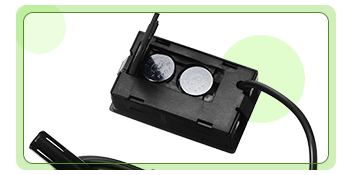
Image 4: View of the battery compartment for LR44 button batteries.
5. Operation
Once batteries are installed, the device will automatically power on and begin displaying temperature and humidity readings.
Reading the Display:
- The large digits on the left side of the LCD display show the humidity percentage (%).
- The smaller digits on the right side of the LCD display show the temperature in Fahrenheit (°F).
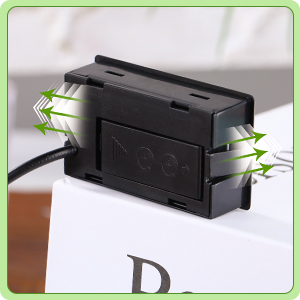
Image 5: Close-up of the LCD display indicating humidity and temperature readings.
Probe Placement:
For accurate measurements, place the sensor probe in the specific area or object you wish to monitor. The display unit can be positioned separately due to the long cable.

Image 6: Example of probe placement for temperature measurement. Note: The sensor probe is NOT waterproof and should not be used as an aquarium thermometer or submerged in liquids for extended periods.
6. Maintenance and Care
- Cleaning: Wipe the display unit and probe with a soft, dry cloth. Do not use abrasive cleaners or immerse the display unit in water.
- Probe Care: The sensor probe is not waterproof. Avoid submerging it in water or other liquids. Exposure to excessive moisture can damage the sensor.
- Battery Replacement: When the display becomes dim or stops functioning, replace the LR44 batteries. Ensure proper disposal of old batteries according to local regulations.
- Storage: Store the device in a cool, dry place when not in use.
7. Troubleshooting
-
No Display / Blank Screen:
- Check if the batteries are installed correctly with the right polarity.
- Replace the LR44 batteries with new ones.
-
Inaccurate Readings:
- Ensure the sensor probe is placed in the desired measurement area and not obstructed.
- Allow sufficient time (at least 15-30 minutes) for the sensor to acclimate to a new environment.
- Verify that the probe is not exposed to direct sunlight, drafts, or extreme heat/cold sources that could skew readings.
- Note that the temperature accuracy is ±2°F and humidity accuracy is ±5% RH. Minor variations are within the device's operational parameters.
-
Display Issues (e.g., partial digits):
- This may indicate low battery power. Replace the batteries.
- If the issue persists with new batteries, the unit may be damaged.
8. Important Safety Information
- Do not expose the display unit to water or high humidity.
- The sensor probe is not waterproof. Do not submerge it in liquids.
- Keep batteries out of reach of children. If swallowed, seek immediate medical attention.
- Do not attempt to disassemble or modify the device. This may cause damage and void any potential warranty.
- Dispose of used batteries responsibly according to local environmental regulations.
9. Warranty and Support
Specific warranty information for this product is not provided in the available documentation. For any questions, technical support, or warranty claims, please contact the manufacturer, Weewooday, or your retailer directly.
Please retain your purchase receipt as proof of purchase.