
Introduction
This manual provides detailed instructions for the proper use and maintenance of your VXDAS Super GL50448 2-in-1 TPMS Relearn Tool. This device is designed to activate and relearn Tire Pressure Monitoring System (TPMS) sensors for a wide range of General Motors (GM) and Ford series vehicles, operating on both 315MHz and 433MHz frequencies. It is an essential tool for resetting TPMS sensors after tire rotation, sensor replacement, or seasonal tire changes.
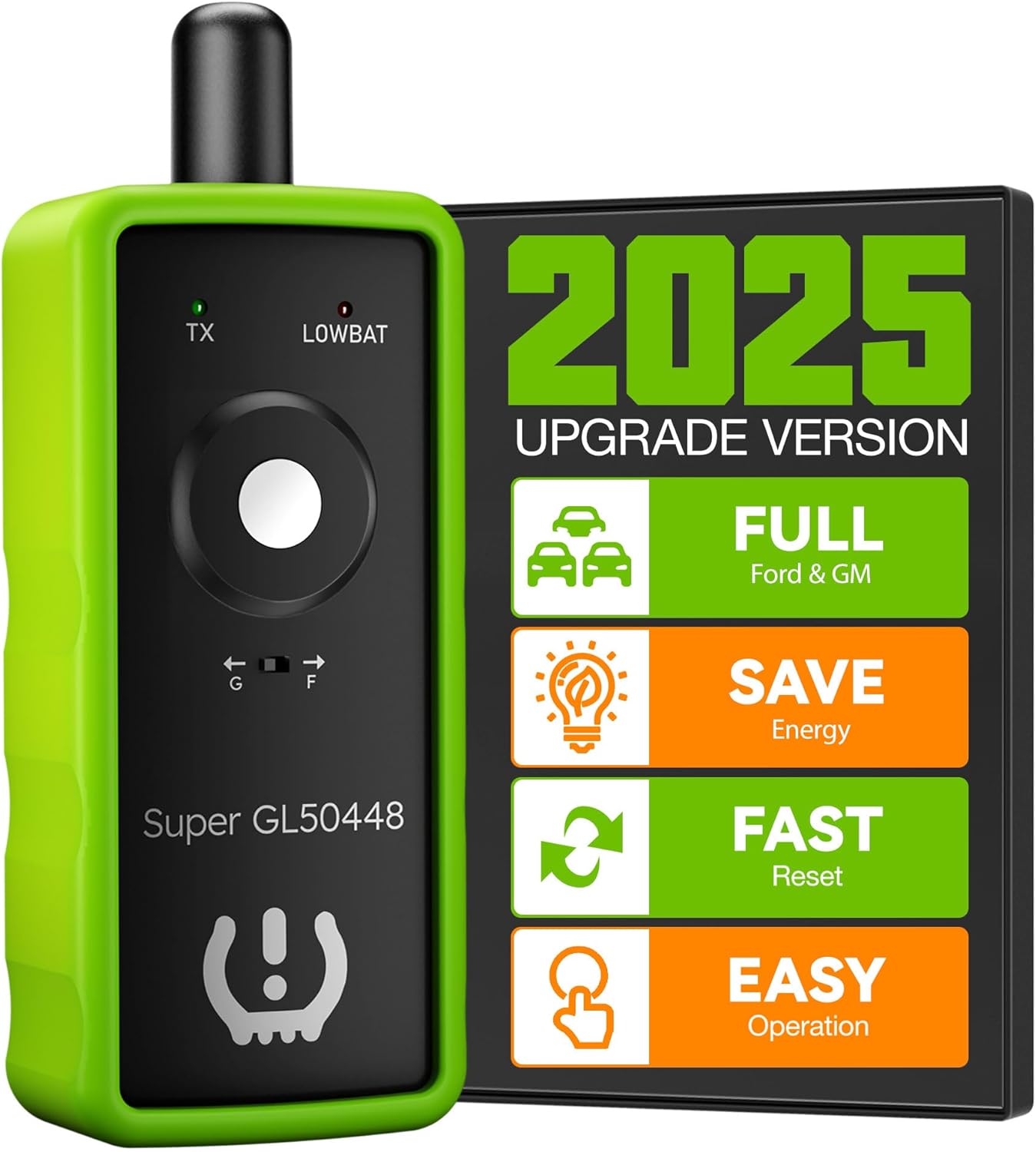
Image: The VXDAS Super GL50448 2-in-1 TPMS Relearn Tool, highlighting its compact design and dual compatibility.
Setup
Battery Installation
The VXDAS Super GL50448 requires a new 9V battery for optimal performance. A new battery ensures strong signal strength for reliable sensor activation. The battery is not included in the package.
- Locate the battery compartment on the back of the tool.
- Open the battery compartment cover.
- Insert a new 9V battery, ensuring correct polarity.
- Close the battery compartment cover securely.

Image: A close-up view of the VXDAS TPMS tool, showing the open compartment for a 9V battery.
Model Selection (GM/Ford Switch)
The tool features a switch to select between GM and Ford vehicle modes. This ensures the correct signal is transmitted for your specific vehicle type.
- Identify the 'G' and 'F' switch on the tool.
- Slide the switch to 'G' for General Motors vehicles (Buick, Cadillac, Chevrolet, GMC).
- Slide the switch to 'F' for Ford series vehicles (Ford, Lincoln, Mercury, Mazda).

Image: The VXDAS TPMS tool demonstrating the 'G' and 'F' switch for selecting between GM and Ford vehicle modes.
Operating Instructions
General Relearn Procedure
Follow these steps to perform a TPMS relearn using the VXDAS Super GL50448 tool:
- Prepare Vehicle: Ensure your vehicle is in TPMS relearn mode. The specific method to enter relearn mode varies by vehicle model and year. Refer to your vehicle's owner's manual for precise instructions. Typically, this involves a sequence of ignition cycles and brake pedal presses. The vehicle will usually indicate it's in relearn mode with a horn chirp or a message on the dashboard.
- Select Tool Mode: Set the 'G' or 'F' switch on the VXDAS tool to match your vehicle's manufacturer (GM or Ford).
- Start Relearn Sequence: Begin with the front-left tire. Position the antenna of the VXDAS tool perpendicular to the tire valve stem, approximately 1-2 inches away.
- Activate Sensor: Press and immediately release the power button on the tool. Do not hold the button down.
- Confirm Activation: The vehicle's horn will chirp once, indicating that the sensor has been successfully activated and learned.
- Proceed to Next Tire: Move to the next tire in the specified relearn sequence (Front Right, Rear Right, Rear Left) and repeat steps 3-5.
- Complete Relearn: After all four tires have been activated, the vehicle will typically honk twice to confirm that the TPMS relearn process is complete.

Image: A user positioning the VXDAS TPMS relearn tool near a car tire's valve stem for sensor activation.

Image: A close-up view showing the correct perpendicular positioning of the tool's antenna to the tire valve stem.
Tire Relearn Sequence
The standard tire relearn sequence for most GM and Ford vehicles is as follows:
- Front Left tire
- Front Right tire
- Rear Right tire
- Rear Left tire
Always confirm the specific sequence for your vehicle in its owner's manual.

Image: A visual guide depicting the standard tire relearn sequence for a vehicle.
Official Product Video Guide
Video: An official VXDAS video demonstrating the use of the TPMS Relearn Tool for GM and Ford vehicles.
Vehicle Compatibility
The VXDAS Super GL50448 is compatible with a wide range of GM and Ford vehicles equipped with original 315/433Mhz TPMS sensors. Refer to the detailed compatibility chart below to confirm if your vehicle model and year are supported. If your vehicle is not listed, this tool may not be compatible.

Image: A comprehensive chart listing compatible Ford, GM, Chevrolet, Lincoln, Buick, Cadillac, and Mercury vehicle models and their respective years.
Maintenance
Battery Replacement
The tool features a 'LOWBAT' indicator light. When this light illuminates, it signifies that the 9V battery needs to be replaced to maintain optimal signal strength and functionality. Follow the battery installation steps outlined in the Setup section.
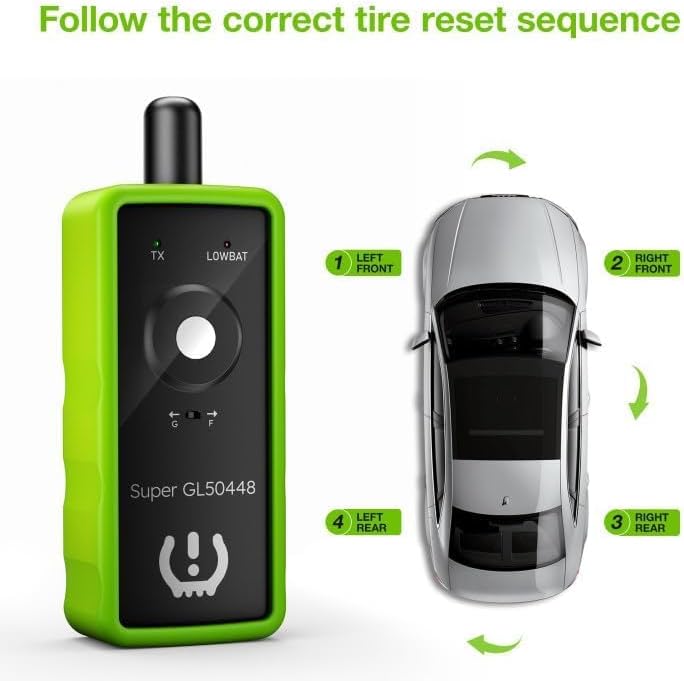
Image: A close-up of the VXDAS TPMS tool showing the 'LOWBAT' indicator light, signaling a low battery.
Troubleshooting
Common Issues and Solutions
- Tool not activating sensor:
Ensure a fresh 9V battery is installed. A weak battery can result in insufficient signal strength. Verify that the correct 'G' (GM) or 'F' (Ford) mode is selected on the tool. Position the tool's antenna perpendicular to the tire valve stem, maintaining a distance of 1-2 inches. - Vehicle not entering relearn mode:
The procedure to enter TPMS relearn mode is specific to each vehicle. Always consult your vehicle's owner's manual for the exact sequence of ignition cycles and brake pedal presses. Some Ford/Lincoln models may require a specific brake/ignition sequence different from other manufacturers. - Sensor not recognized during relearn:
In some instances, particularly with new or stubborn sensors, slightly deflating the tire (e.g., by 10-15 PSI) before using the tool can help activate the sensor. Reinflate the tire to the correct pressure immediately after the sensor is learned. - Tool limitations:
This tool is designed for vehicles equipped with original 315/433Mhz TPMS sensors. It is not suitable for heavy trucks with more than 4 tires or vehicles utilizing an external TPMS system. The VXDAS Super GL50448 is a TPMS activation/relearn tool and cannot reprogram sensors.
Specifications
Product Details
- Brand: VXDAS
- Model Number: Super EL50448
- Item Weight: 5 ounces
- Package Dimensions: 6.38 x 2.6 x 1.65 inches
- Number of Items: 1
- Frequency Compatibility: 315MHz / 433MHz
- Vehicle Compatibility: GM and Ford series vehicles (refer to compatibility chart for specific models and years)
- Power Source: 9V Battery (not included)
Warranty and Support
Warranty Information
The VXDAS Super GL50448 TPMS Relearn Tool comes with a 1-year warranty from the date of purchase, covering manufacturing defects. Please retain your proof of purchase for warranty claims.
Customer Support
For further assistance, technical support, or warranty inquiries, please contact VXDAS customer service. Refer to the product packaging or the official VXDAS website for contact details.


