
1. Product Overview
The ORIA Digital Coffee Scale with Timer is designed for precise measurements in coffee brewing and general kitchen use. It features high accuracy, a built-in timer, multiple unit conversions, and a rechargeable battery.

Image: The ORIA Digital Coffee Scale, a sleek black device with an LED display showing time and weight, accompanied by a USB-C charging cable.
Key Features:
- High Accuracy: 0.1g precision, 1g to 3000g capacity.
- Integrated Timer: Up to 99 minutes and 59 seconds.
- Multiple Units: Switch between grams (g), ounces (oz), and milliliters (ml).
- Tare Function: Zero out the weight of containers.
- LED Display: Clear readability in various lighting conditions.
- Rechargeable Battery: Type-C charging, approximately 2-3 hours for full charge, up to 3 months use.
- Auto-Off: Automatically shuts off after 60 seconds of inactivity (default).
- Indicators: Low battery and overload indicators.
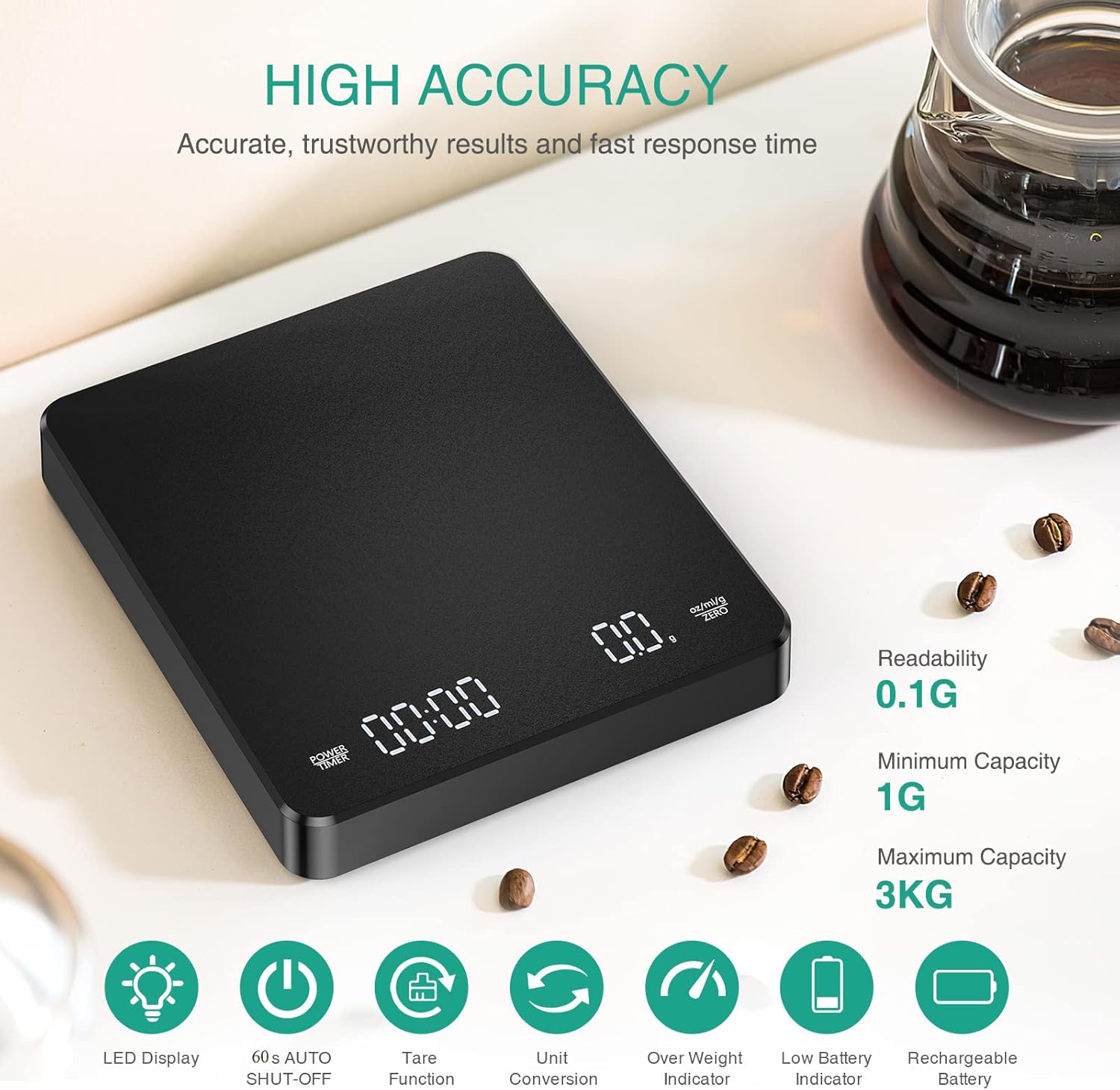
Image: An overhead view of the ORIA Digital Coffee Scale with text overlays highlighting features such as 0.1g readability, 1g minimum capacity, 3kg maximum capacity, LED display, 60s auto shut-off, tare function, unit conversion, over weight indicator, low battery indicator, and rechargeable battery.
2. Setup
2.1 Initial Charging
Before first use, fully charge the scale using the provided Type-C USB cable. Connect the cable to the scale's charging port and a compatible USB power source. The LED display may indicate charging status.
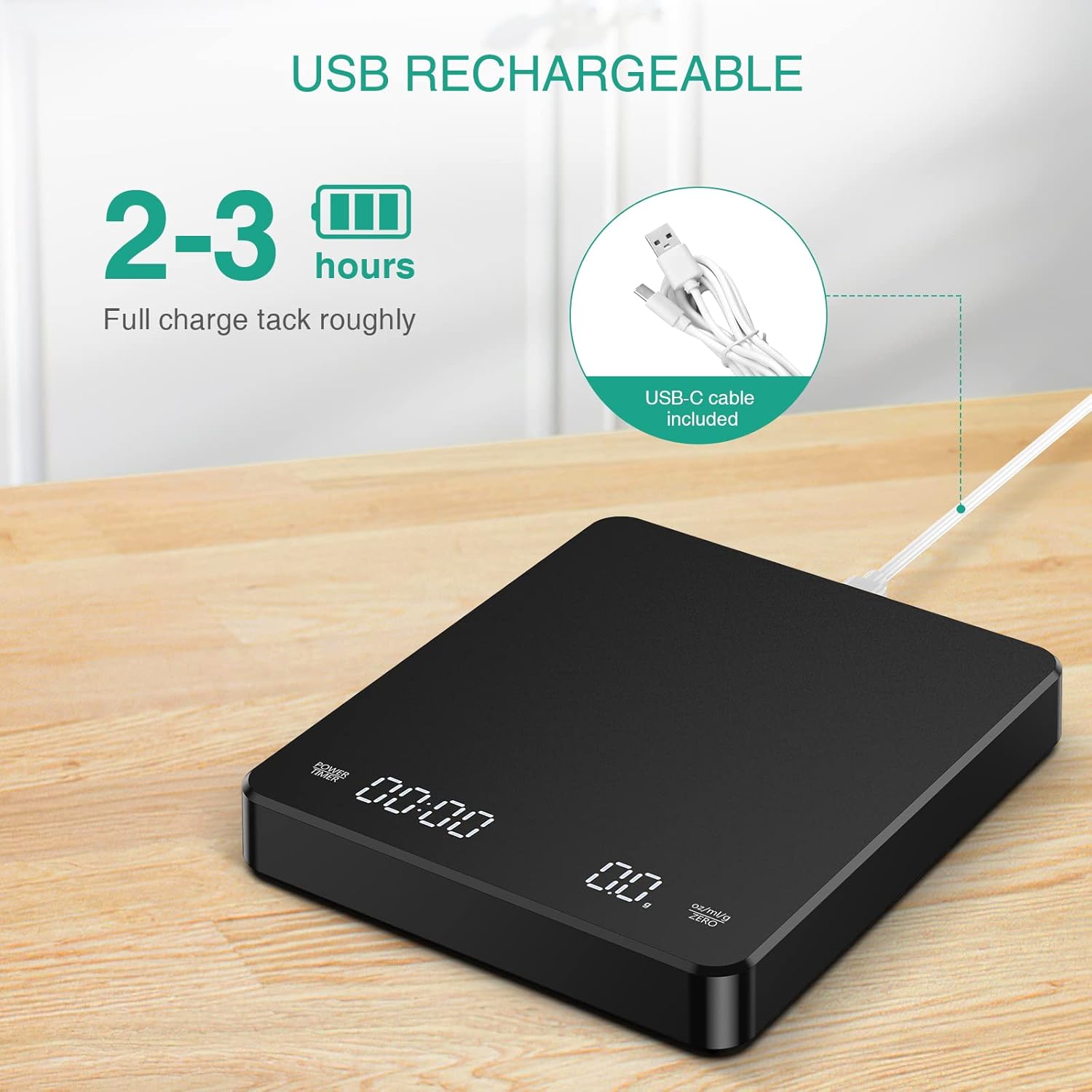
Image: The ORIA Digital Coffee Scale connected to a USB-C charging cable, illustrating the charging process. Text indicates "2-3 hours Full charge".
2.2 Placement
Place the scale on a flat, stable, and level surface to ensure accurate readings. Uneven surfaces can affect measurement precision.
3. Operating Instructions

Image: A diagram showing the two touch buttons on the ORIA Digital Coffee Scale and their functions: "POWER TIMER" and "oz/ml/g ZERO". Instructions for ON/OFF, Start/Stop Timing, Unit Conversion, and Tare are detailed.
3.1 Power On/Off
- To Power On: Long press the POWER TIMER button for 2 seconds.
- To Power Off: Long press the POWER TIMER button for 2 seconds.
3.2 Unit Conversion
The scale supports three units: grams (g), ounces (oz), and milliliters (ml).
- To Change Units: Long press the oz/ml/g ZERO button for 2 seconds to cycle through g, oz, and ml.

Image: Close-up of the ORIA Digital Coffee Scale's LED display, showing examples of measurements in ounces (oz), milliliters (ml), and grams (g), illustrating the unit conversion feature.
3.3 Tare Function
The tare function allows you to reset the scale to zero after placing a container, so you only measure the contents.
- To Tare: Short press the oz/ml/g ZERO button for 1 second. The display will reset to 0.0.

Image: A four-step visual guide demonstrating the tare function. Step 1 shows a coffee brewing tool on the scale with a weight reading. Step 2 shows pressing the ZERO button to reset the reading to 0.0. Step 3 shows adding ground coffee, and Step 4 shows pouring water, with the scale displaying only the added weight.
3.4 Timer Function
The integrated timer can be used independently or in conjunction with weighing.
- To Start/Stop Timer: Short press the POWER TIMER button for 1 second.
3.5 Manual Timing Mode Operation (for Pour-Over Coffee)

Image: A four-panel illustration demonstrating the manual timing mode for pour-over coffee. It shows placing brewing equipment, taring the scale, adding coffee powder, and then simultaneously starting the timer and pouring hot water while observing the weight.
- Press the POWER TIMER button for 2 seconds to turn on the scale.
- Place your coffee brewing equipment (e.g., pour-over dripper and carafe) on the scale.
- Press the oz/ml/g ZERO button to reset the reading to zero (tare).
- Add ground coffee to your brewing equipment.
- Press the POWER TIMER button to start the timer. Begin pouring hot water while observing the weight.
- Press the POWER TIMER button again to end timing and stop pouring when desired.
3.6 Auto Timing Mode Operation

Image: A five-panel illustration demonstrating the auto timing mode. It shows turning on the scale and entering auto timing mode, placing brewing equipment, taring, adding coffee, and then the timer automatically starting when water is poured. It also notes the auto-off feature after 180 seconds of inactivity.
- Press the POWER TIMER button for 2 seconds to turn on the scale.
- Short press the oz/ml/g ZERO button twice to enter auto timing mode. The display may show a specific indicator for this mode.
- Place your coffee brewing equipment on the scale. After the weight stabilizes, the scale will automatically reset to zero.
- Add ground coffee to your brewing equipment.
- When you pour hot water into the brewing equipment, the scale will automatically start the timer.
- After removing all weights, the scale will reset to zero automatically. The scale will auto-off after 180 seconds without any operation and stopped timing.
3.7 General Weighing (Food Scale)
When the timing function is not needed, the device functions as a standard kitchen scale.
- Turn on the scale.
- Ensure the timer is not active (if it is, short press POWER TIMER to stop it).
- Place items directly on the scale or use the tare function with a container.
- Read the weight displayed on the LED screen.
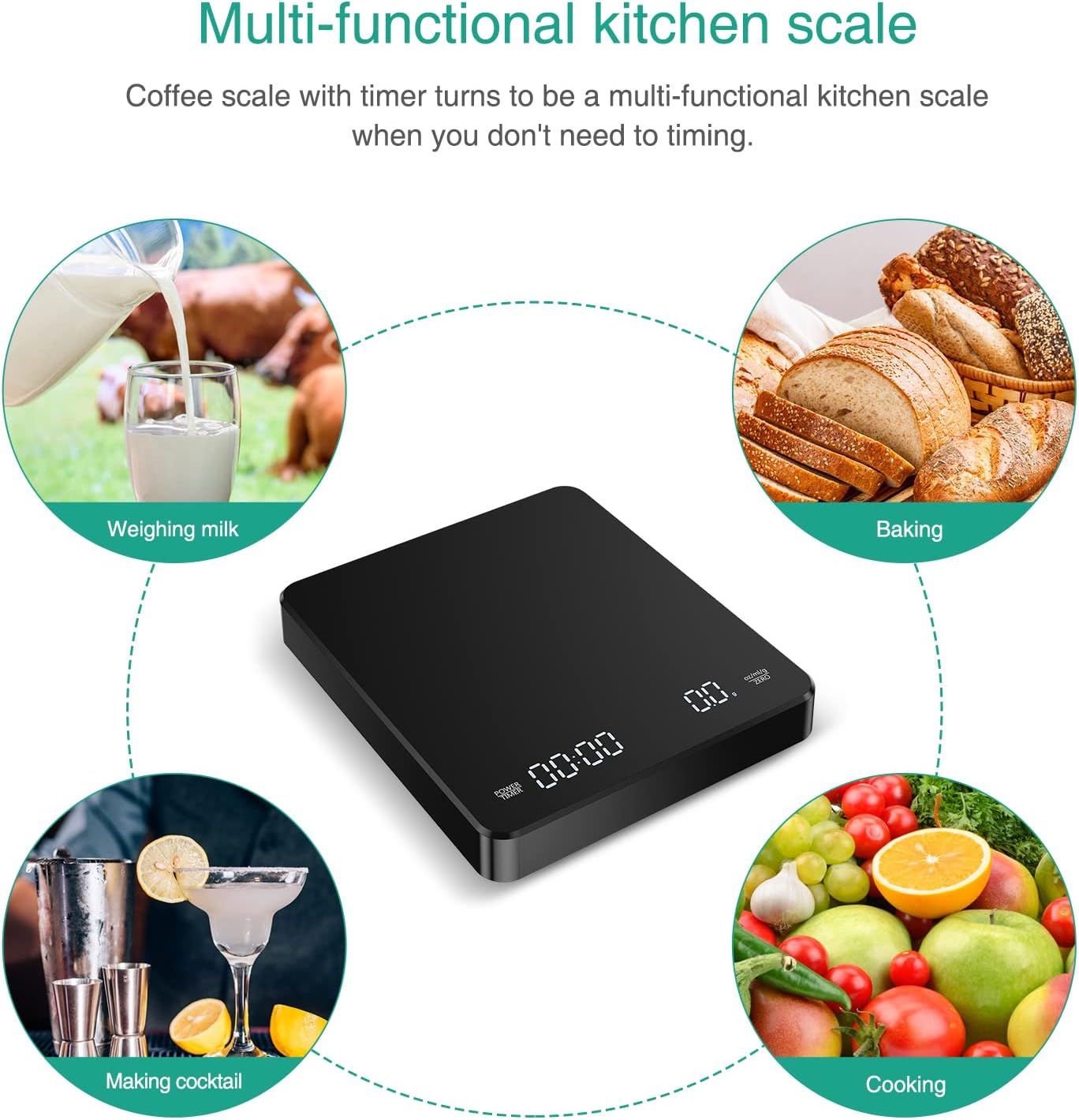
Image: A central image of the ORIA Digital Coffee Scale surrounded by four smaller images depicting its use for weighing milk, baking ingredients, making cocktails, and general cooking ingredients, demonstrating its versatility as a kitchen scale.
4. Maintenance
- Cleaning: Wipe the scale surface with a soft, damp cloth. Do not immerse the scale in water or use abrasive cleaners.
- Storage: Store the scale in a dry, cool place. Avoid placing heavy objects on the scale when not in use.
- Battery Care: Recharge the battery when the low battery indicator appears. Avoid fully depleting the battery frequently to prolong its lifespan.
5. Troubleshooting
| Issue | Possible Cause | Solution |
|---|---|---|
| Inaccurate or Inconsistent Readings |
|
|
| Scale Does Not Turn On |
|
|
| Timer or Scale Buttons Unresponsive |
|
|
| Auto-Off Too Soon/Not Activating |
|
|
6. Specifications
| Feature | Detail |
|---|---|
| Brand | ORIA |
| Model | B0C23SV1WF |
| Weight Limit | 3 Kilograms (3000g) |
| Readout Accuracy | 0.1 Grams |
| Minimum Capacity | 1 Gram |
| Display Type | LED |
| Units of Measurement | g / oz / ml |
| Special Feature | Timer, Tare Function, Auto-Off, Low Battery Indicator, Overload Indicator |
| Power Source | Rechargeable Lithium Ion Battery (Type-C USB) |
| Product Dimensions | 5.07 x 0.98 x 5.85 inches |
| Item Weight | 10.2 ounces |
7. Warranty and Support
ORIA is committed to providing quality products and customer satisfaction.
- Lifetime Support: Technical assistance and guidance are available for the lifetime of the product.
- 12-Month Replacement: In case of manufacturing defects or malfunctions within 12 months of purchase, a replacement may be provided.
- 24/7 Online Customer Service: For any inquiries or support needs, please contact ORIA customer service.
For further assistance, please refer to the contact information provided with your purchase or visit the official ORIA website.