1. Product Overview
The Noise Buds VS201 V3 are in-ear truly wireless earbuds designed for an immersive audio experience. They feature a long playtime, dual equalizer modes, full touch controls, and Bluetooth v5.1 connectivity.

Image: Noise Buds VS201 V3 in Ivory White, showcasing the earbuds and their charging case.
2. What's in the Box
- 1N Bluetooth Headphone (Noise Buds VS201 V3)
- 1N Charging Case
- 1N Charging Cable
- 1N User Manual
- 1N Warranty Registration Card
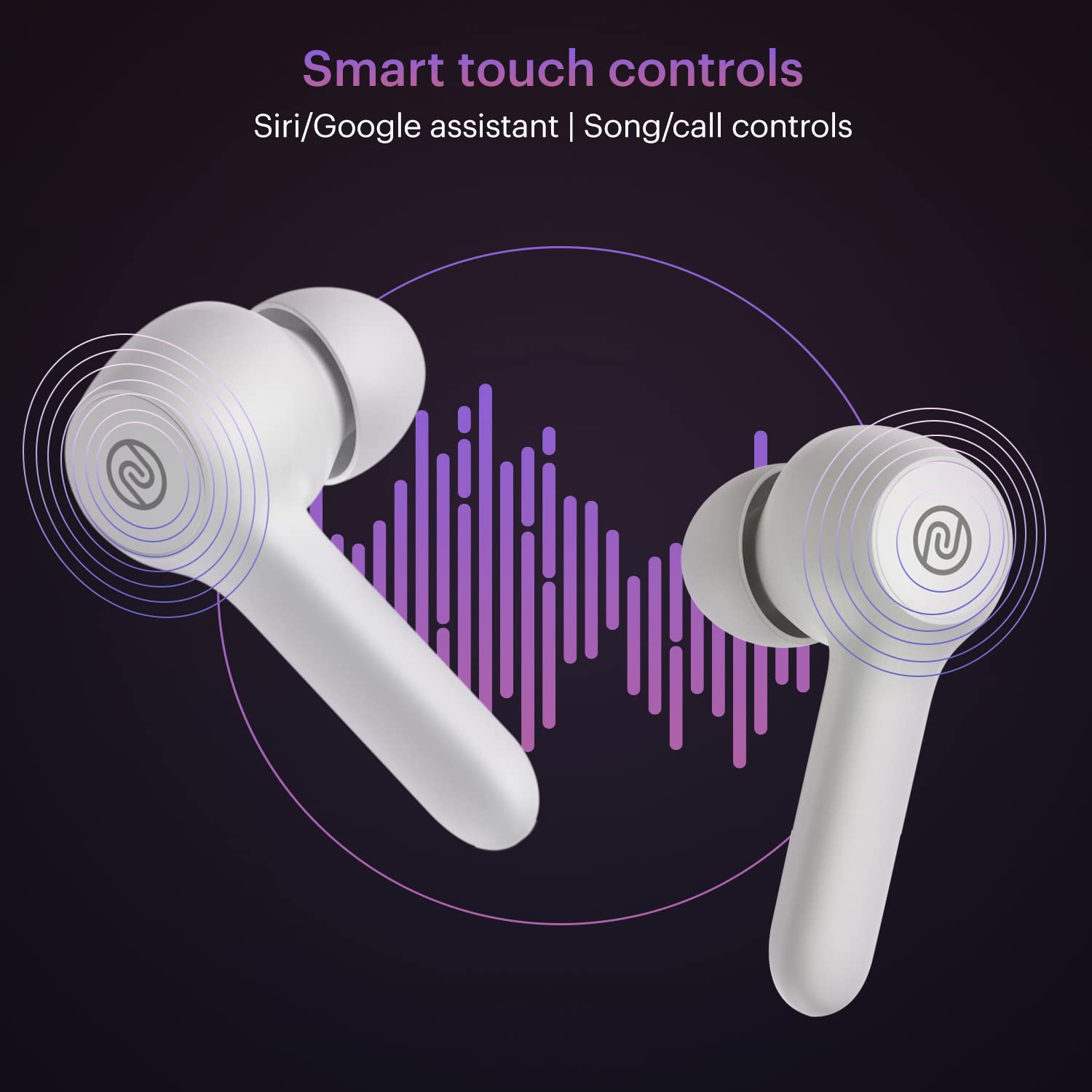
Image: Contents of the Noise Buds VS201 V3 package, including the earbuds, charging case, USB-C charging cable, user manual, and warranty card.
3. Setup and Pairing
3.1 Power On/Off
The earbuds automatically power on when removed from the charging case and power off when placed back inside the charging case.
3.2 Initial Pairing
- Ensure your earbuds are fully charged.
- Open the charging case and remove both earbuds. They will automatically enter pairing mode.
- On your device (smartphone, laptop, tablet), turn on Bluetooth.
- Go to the Bluetooth settings and select "Noise Buds VS201" from the list of available devices.
- Once connected, the earbuds are ready for use.
The earbuds will automatically connect to the last paired device when taken out of the charging case.
Video: Demonstrates how to power on, power off, and pair the Noise Buds VS201 V3 earbuds with a device.
4. Operating the Earbuds
4.1 Music and Volume Controls
- Play/Pause: Tap either earbud two times.
- Next Song: Long press the right earbud.
- Previous Song: Long press the left earbud.
- Increase Volume: Tap the right earbud once.
- Decrease Volume: Tap the left earbud once.
4.2 Call Controls
- Answer Call: Tap either earbud once.
- End Call: Tap either earbud two times.
- Reject Call: Touch and hold either earbud.
4.3 Voice Assistant
To activate the voice assistant (Siri/Google Assistant) on your Android or iPhone, tap the left earbud three times.
4.4 Dual Equalizer Mode
The Noise Buds VS201 V3 feature a dual equalizer, allowing you to switch between Bass Mode and Normal Mode for your preferred sound profile. To activate Dual Equalizer mode, tap the right earbud three times.

Image: Illustration highlighting the dual equalizer feature and 6mm speaker driver of the Noise Buds VS201 V3.
5. Maintenance
5.1 Charging
The earbuds offer up to 60 hours of total playtime with the charging case. Use the provided Type-C charging cable to charge the case. Ensure the earbuds are placed correctly in the case for charging.
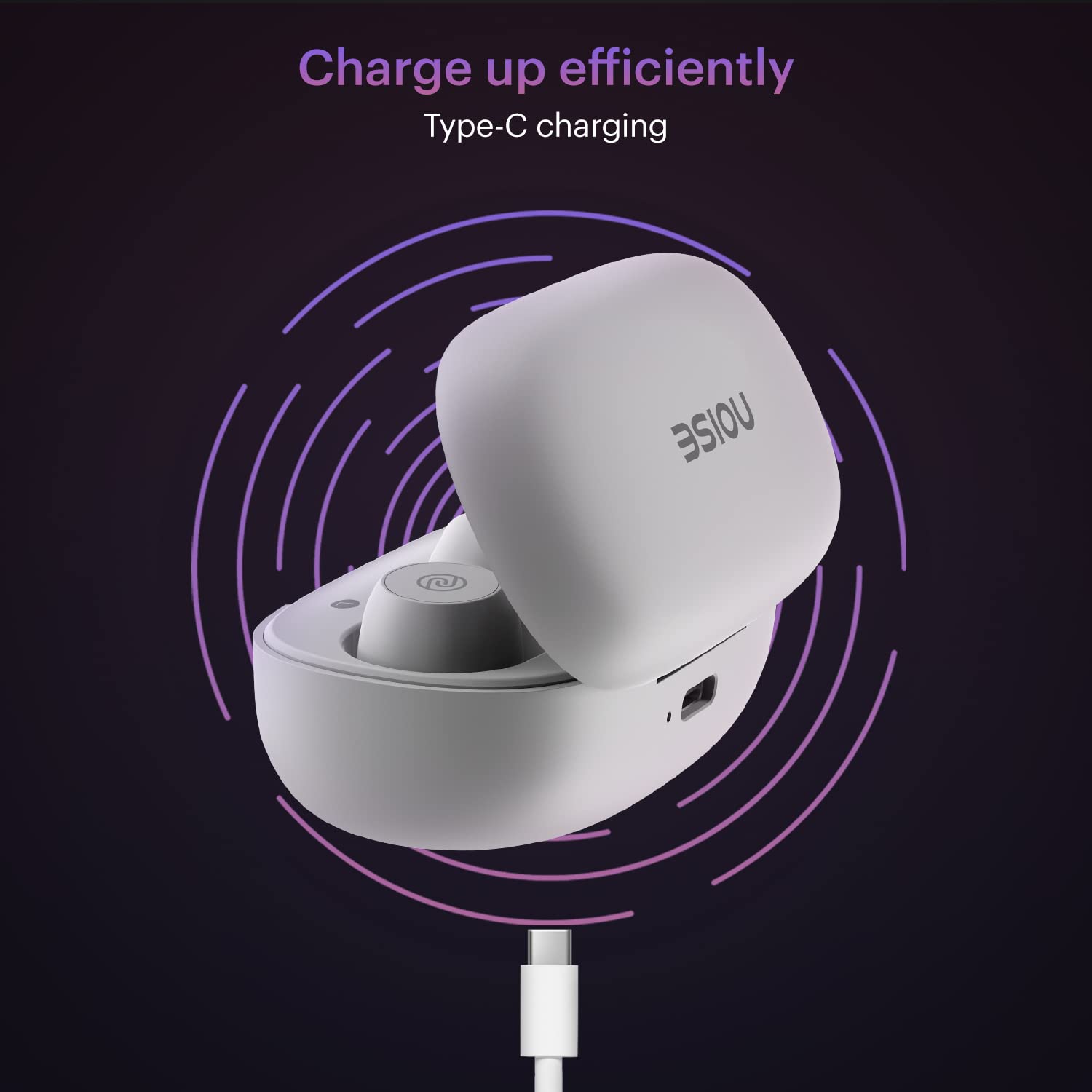
Image: The Noise Buds VS201 V3 charging case connected via a Type-C cable for efficient charging.
5.2 Water Resistance
The earbuds are IPX5 water-resistant, protecting them from sweat and light splashes. Avoid submerging them in water.

Image: Visual representation of the IPX5 water resistance feature of the Noise Buds VS201 V3 earbuds.
6. Troubleshooting
6.1 Resetting the Earbuds
If you encounter issues with your Noise Buds VS201 V3, try resetting them using the following steps:
- Ensure your earbuds are fully charged.
- On your paired device, remove or delete "Noise Buds VS201" from the list of paired Bluetooth devices.
- Take both earbuds out of the charging case.
- Long press both earbuds simultaneously for 8 seconds to clear the pairing history. The white LEDs on the earbuds will blink three times to indicate a successful reset.
- After resetting, the earbuds are ready to be paired again.
Video: Guide on how to reset the Noise Buds VS201 V3 earbuds to resolve connectivity or performance issues.
7. Specifications
| Feature | Detail |
|---|---|
| Model Name | Buds VS201 |
| Connectivity Technology | Wireless (Bluetooth) |
| Bluetooth Version | 5.1 |
| Bluetooth Range | 10 Metres |
| Battery Life | Up to 60 Hours (with charging case) |
| Control Method | Touch |
| Water Resistance Level | IPX5 Water Resistant |
| Audio Driver Type | Dynamic Driver |
| Material | Polycarbonate (PC) |
| Item Weight | 50 g |
| Product Dimensions | 6.5 x 4.9 x 2.9 cm |
| Manufacturer | Nexxbase Marketing Pvt. Ltd |
| Country of Origin | India |
8. Warranty and Support
The Noise Buds VS201 V3 come with a standard brand warranty. Please refer to the included Warranty Registration Card for details on warranty coverage and terms.
For any support or service inquiries, please contact Noise customer service. Contact information can typically be found on the manufacturer's website or on the warranty card.