
Introduction
Thank you for choosing the POWERPLUS POWDPG7572-20V Dual Power Battery Chainsaw. This manual provides essential information for the safe and efficient operation, maintenance, and troubleshooting of your new tool. Please read these instructions carefully before use and keep them for future reference.
This compact and lightweight 20V battery-powered chainsaw is designed for one-hand operation, making it ideal for pruning thin branches and other fine sawing tasks in your garden. It features a 100mm blade and a robust 14-tooth chain, offering a sawing speed of 6.7 m/s.
Important Safety Instructions
Always follow basic safety precautions when using electrical tools to reduce the risk of fire, electric shock, and personal injury.
- Read the entire manual: Understand all instructions and warnings before operating the chainsaw.
- Wear appropriate personal protective equipment (PPE): Always wear safety glasses, gloves, hearing protection, and sturdy footwear.
- Keep work area clear: Ensure the area is free from obstacles and bystanders, especially children and pets.
- Inspect the tool before use: Check for any damaged parts, loose components, or signs of wear. Do not use if damaged.
- Secure grip: Always maintain a firm grip on the chainsaw with one hand, utilizing the soft grip handle for comfort and control.
- Chain guard and hand guard: Ensure both the chain guard and hand guard are properly installed and functional before operation. These are critical safety features.
- Battery safety: Use only specified 20V Lithium-Ion batteries and chargers (sold separately). Do not expose batteries to extreme temperatures or moisture.
- Avoid accidental starting: Ensure the switch is in the OFF position before inserting the battery pack or carrying the tool.
- Maintain balance: Always maintain proper footing and balance when operating the chainsaw. Do not overreach.
- Cutting material: This chainsaw is designed for cutting small wood and thin branches. Do not attempt to cut larger materials or use for purposes other than intended.
Product Overview
The POWERPLUS POWDPG7572-20V is a compact and efficient battery-powered chainsaw designed for ease of use and maneuverability.
Key Features:
- Compact and Lightweight: Designed for comfortable one-hand operation, weighing approximately 1.42 kg.
- 20V Battery System: Provides cordless freedom (battery and charger sold separately).
- 100mm Blade: High-quality blade with a robust 14-tooth chain for efficient cutting.
- Safety Features: Includes a chain guard and hand guard for user protection.
- Soft Grip Handle: Enhances comfort and control during operation.
- High Sawing Speed: 6.7 m/s for effortless cutting of small wood.
Components:
- Chainsaw Body
- 100mm Guide Bar
- Saw Chain (14 teeth)
- Chain Guard
- Hand Guard
- Soft Grip Handle
- Battery Compartment (for 20V battery, not included)
- Trigger Switch
- Safety Lock Button
- Chain Tension Adjustment Screw
- Hex Key (for chain adjustment)
- Empty 20ml Oil Bottle (for chain lubrication)

Image: The POWERPLUS POWDPG7572-20V chainsaw highlighting its compact design, 100mm blade, and lightweight of approximately 1.42 kg, suitable for one-hand operation.
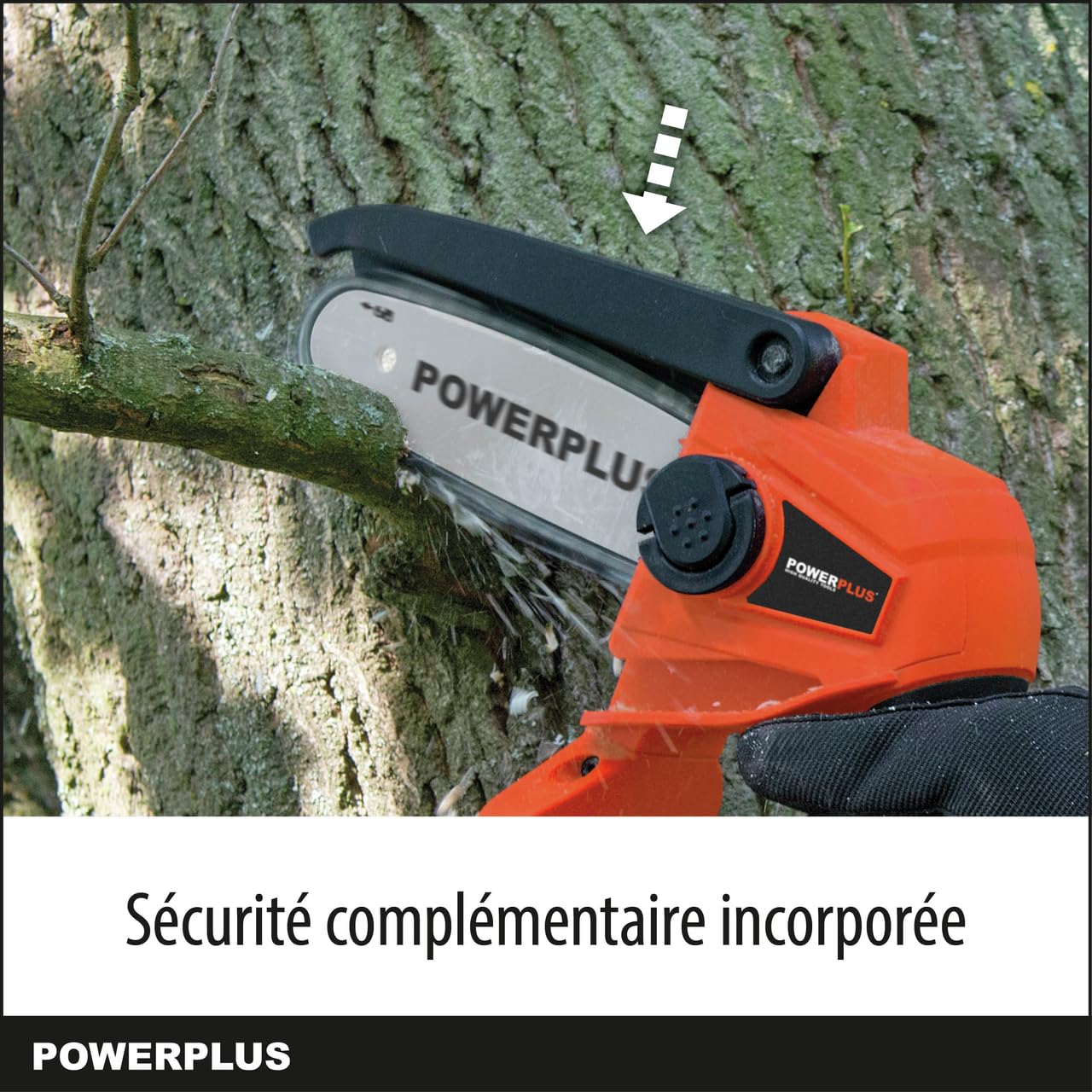
Image: Close-up of the POWERPLUS POWDPG7572-20V chainsaw showing the integrated chain guard, a key safety feature during operation.
Setup and Assembly
1. Battery and Charger (Not Included)
This chainsaw operates on a 20V Lithium-Ion battery. The battery and charger are not included with this product and must be purchased separately. Ensure you use compatible POWERPLUS 20V Dual Power series batteries and chargers.
- Before first use, fully charge the battery according to the charger's instructions.
- To insert the battery: Align the battery pack with the battery port on the chainsaw and slide it in until it clicks securely into place.
- To remove the battery: Press the battery release button (if present) and slide the battery pack out.
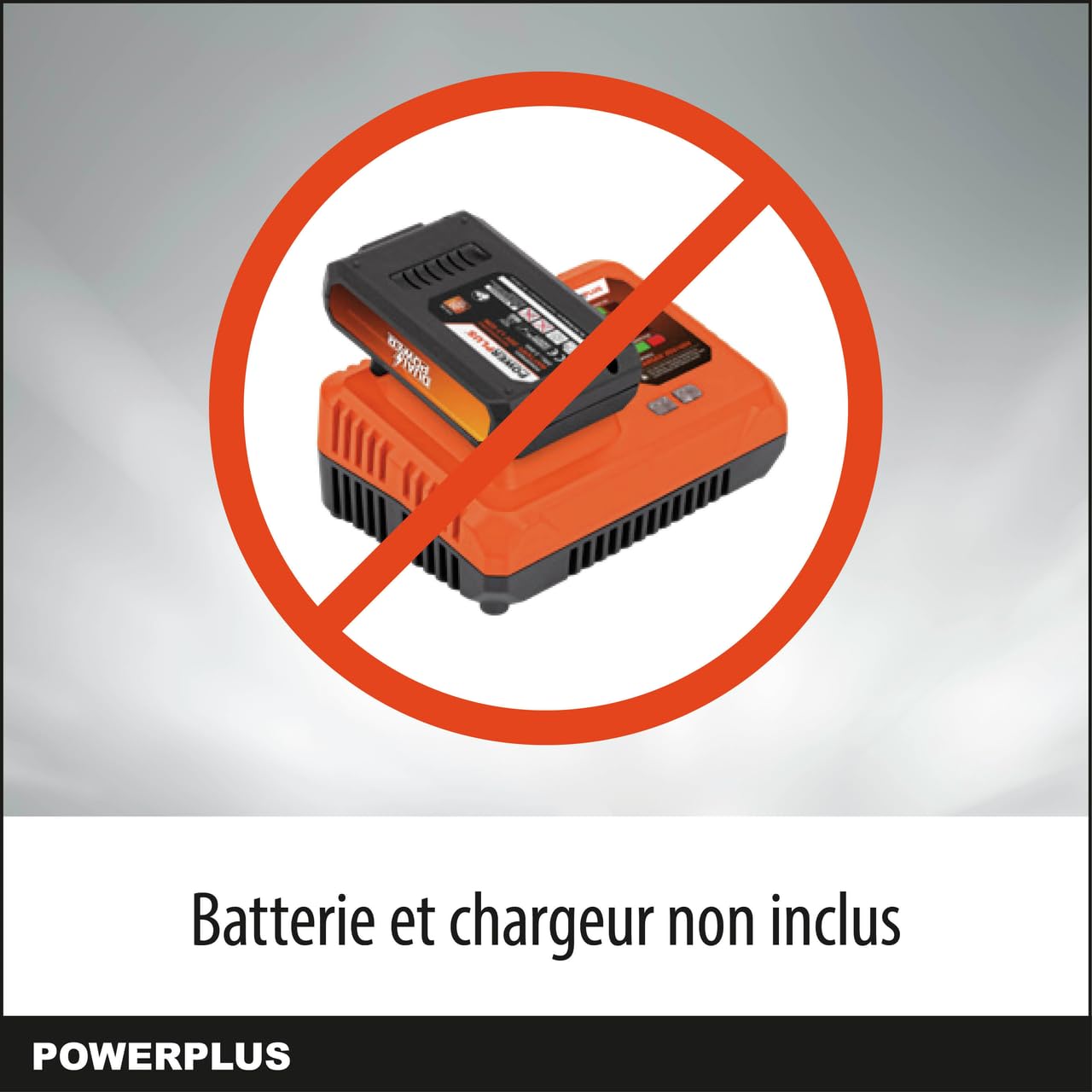
Image: Visual reminder that the battery and charger for the POWERPLUS chainsaw are sold separately and are not included in the package.
2. Chain and Guide Bar Installation
Refer to the diagrams in your product packaging for detailed visual instructions. Ensure the battery is removed before performing any assembly.
- Remove the chain cover by loosening the retaining nuts/screws.
- Place the chain around the guide bar, ensuring the cutting edges are facing the correct direction (usually indicated by an arrow on the chain or guide bar).
- Fit the chain and guide bar onto the chainsaw body, ensuring the drive links of the chain engage with the sprocket.
- Replace the chain cover and lightly tighten the retaining nuts/screws, leaving them loose enough for chain adjustment.

Image: Detailed view of the POWERPLUS chainsaw's 100mm guide bar and 14-tooth chain, emphasizing their high quality and robust construction.
3. Chain Tension Adjustment
Correct chain tension is crucial for safe and efficient operation. A hex key is provided for this purpose.
- With the chain cover slightly loose, use the hex key to turn the chain tension adjustment screw.
- Adjust the tension until the chain fits snugly against the guide bar but can still be pulled freely by hand. There should be no slack on the underside of the guide bar.
- Once the tension is correct, fully tighten the retaining nuts/screws on the chain cover.
- Check the chain tension again after a few cuts, as new chains can stretch.
4. Chain Lubrication
Proper lubrication extends chain and guide bar life. An empty 20ml oil bottle is included for you to fill with appropriate chain oil (not included).
- Fill the provided 20ml bottle with high-quality chain and bar oil.
- Apply oil directly to the guide bar groove and chain links before each use and periodically during extended operation.
- Ensure the oil is evenly distributed along the entire chain.
Operating Instructions
1. Starting the Chainsaw
- Ensure the battery is fully charged and securely inserted.
- Hold the chainsaw firmly with one hand on the soft grip handle.
- Press and hold the safety lock button (if applicable).
- While holding the safety lock button, squeeze the trigger switch to start the chain. Release the safety lock button once the chain is running.
2. Cutting Techniques
This chainsaw is designed for light pruning and cutting small branches up to 100mm in diameter.
- Always maintain a stable stance.
- Start the cut: Allow the chain to reach full speed before contacting the workpiece.
- Apply light pressure: Let the saw do the work. Do not force the blade through the wood.
- Avoid kickback: Be aware of the kickback zone (the tip of the guide bar). Avoid cutting with this area.
- Support branches: For longer branches, support them to prevent pinching the blade or causing uncontrolled drops.
- Maneuverability: Its compact design allows for easy maneuvering in tight spaces, such as between branches.
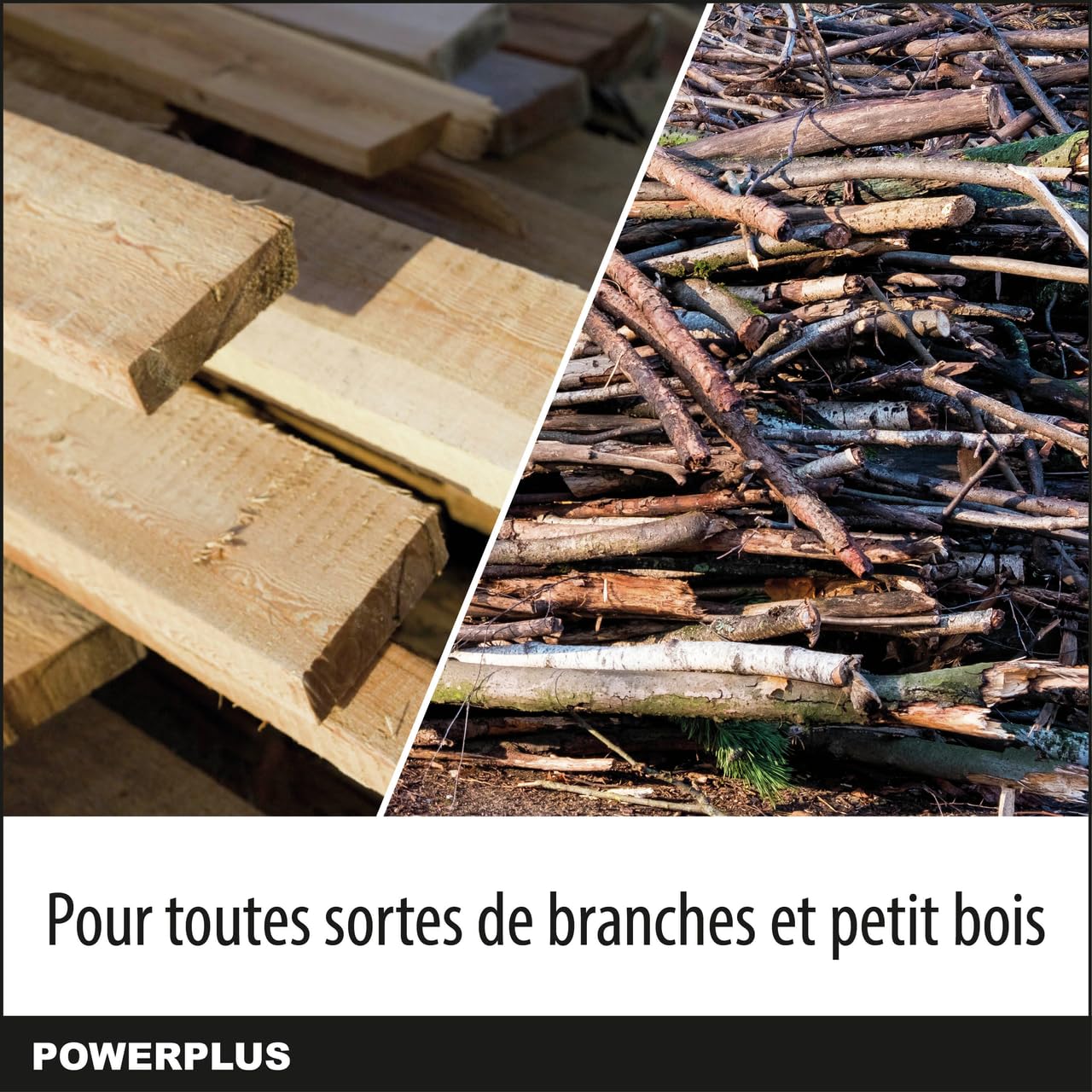
Image: A visual representation of different types of small wood and branches, illustrating the versatility of the POWERPLUS chainsaw for various light cutting tasks.
3. Stopping the Chainsaw
Release the trigger switch to stop the chain. The chain should stop quickly. Always remove the battery pack when not in use, before cleaning, or performing maintenance.
Maintenance
Regular maintenance ensures the longevity and safe operation of your chainsaw. Always remove the battery before any maintenance.
1. Cleaning
- After each use, clean wood chips, sawdust, and debris from the chainsaw body, guide bar, and chain.
- Use a brush or compressed air. Do not use water or solvents.
- Periodically remove the chain cover to clean the sprocket area and guide bar groove.
2. Chain Sharpening
A sharp chain is essential for efficient and safe cutting. A dull chain will cause the saw to work harder, produce fine sawdust instead of chips, and can lead to kickback.
- Sharpen the chain regularly or have it professionally sharpened.
- Follow the manufacturer's recommendations for the correct file size and sharpening angles for your specific chain.
3. Guide Bar Maintenance
- Clean the guide bar groove regularly to remove accumulated sawdust and debris.
- Flip the guide bar periodically to ensure even wear.
4. Storage
- Store the chainsaw in a dry, secure place, out of reach of children.
- Always remove the battery pack before storing.
- Ensure the chain guard is in place to protect the chain and prevent accidental contact.
Troubleshooting
Before attempting any repairs, always ensure the battery is removed from the tool.
| Problem | Possible Cause | Solution |
|---|---|---|
| Chainsaw does not start. | Battery not inserted correctly or discharged. Safety lock not engaged. | Ensure battery is fully charged and properly inserted. Press safety lock button before squeezing trigger. |
| Chain does not move or moves slowly. | Chain tension too tight. Chain dull or damaged. Debris in guide bar groove. | Adjust chain tension. Sharpen or replace chain. Clean guide bar groove. |
| Saw cuts poorly or unevenly. | Dull chain. Incorrect chain tension. | Sharpen chain. Adjust chain tension. |
| Excessive vibration. | Loose components. Damaged chain or guide bar. | Check all fasteners. Inspect chain and guide bar for damage; replace if necessary. |
Technical Specifications
| Model Number | POWDPG7572 |
| Brand | POWERPLUS |
| Voltage | 20 Volts |
| Guide Bar Length | 100 mm |
| Chain Type | 14-tooth |
| Sawing Speed | 6.7 m/s |
| Item Weight | Approximately 1.42 kg (3.13 pounds) |
| Sound Level | 88 Decibels |
| Power Source | Battery Powered (Battery and Charger not included) |
Warranty and Support
For information regarding warranty coverage, technical support, or spare parts, please refer to the warranty card included with your product or visit the official POWERPLUS website. Keep your purchase receipt as proof of purchase.
Manufacturer: Varo


