Introduction
This manual provides essential information for the proper setup, operation, and maintenance of your SB Components 2.0 inch TFT LCD Display Module. This compact display features a 240x320 pixel resolution and utilizes an SPI interface for communication, making it suitable for integration with various microcontrollers such as Raspberry Pi, Arduino, and STM32.
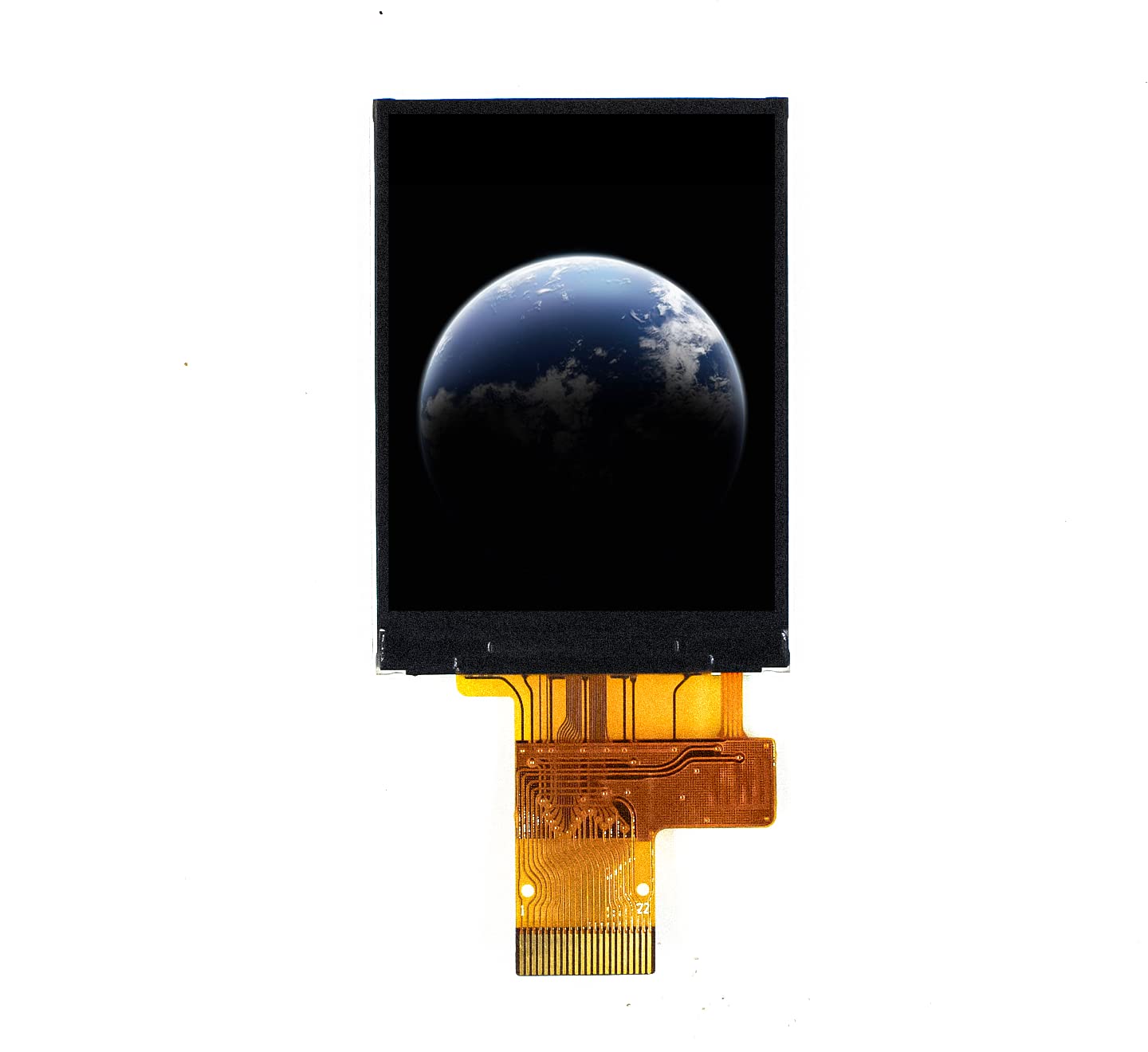
Figure 1: Front view of the 2.0 inch TFT LCD Display Module, displaying an image of Earth.
Product Features
- Display Size: 2.0 inches
- Resolution: 240(H)RGB x 320(V) pixels
- Driver IC: ST7789V2
- Interface: 8Bit 8080 MCU & 4-Line SPI
- Display Colors: 65K colors
- Viewing Direction: All-view best image
- Compact Design: Suitable for small-scale display applications.
Setup
To set up the 2.0" TFT LCD Display Module, follow these general connection guidelines. Specific pin assignments may vary based on your microcontroller (e.g., Raspberry Pi, Arduino, STM32) and chosen library.
SPI Interface Connection
The module communicates via a 4-wire SPI interface. Ensure proper connection of the following pins from the display module to your microcontroller:
- VCC: Power supply (typically 3.3V or 5V, refer to module specifications for exact voltage).
- GND: Ground connection.
- SCK (Serial Clock): Connect to your microcontroller's SPI clock pin.
- MOSI (Master Out Slave In): Connect to your microcontroller's SPI data output pin.
- CS (Chip Select): Connect to a general-purpose input/output (GPIO) pin on your microcontroller to enable/disable communication with the display.
- DC (Data/Command): Connect to a GPIO pin to switch between sending data and commands to the display.
- RST (Reset): Connect to a GPIO pin for hardware reset of the display.
- BLK (Backlight): Connect to a power source (e.g., VCC) or a PWM-capable GPIO pin for backlight control.
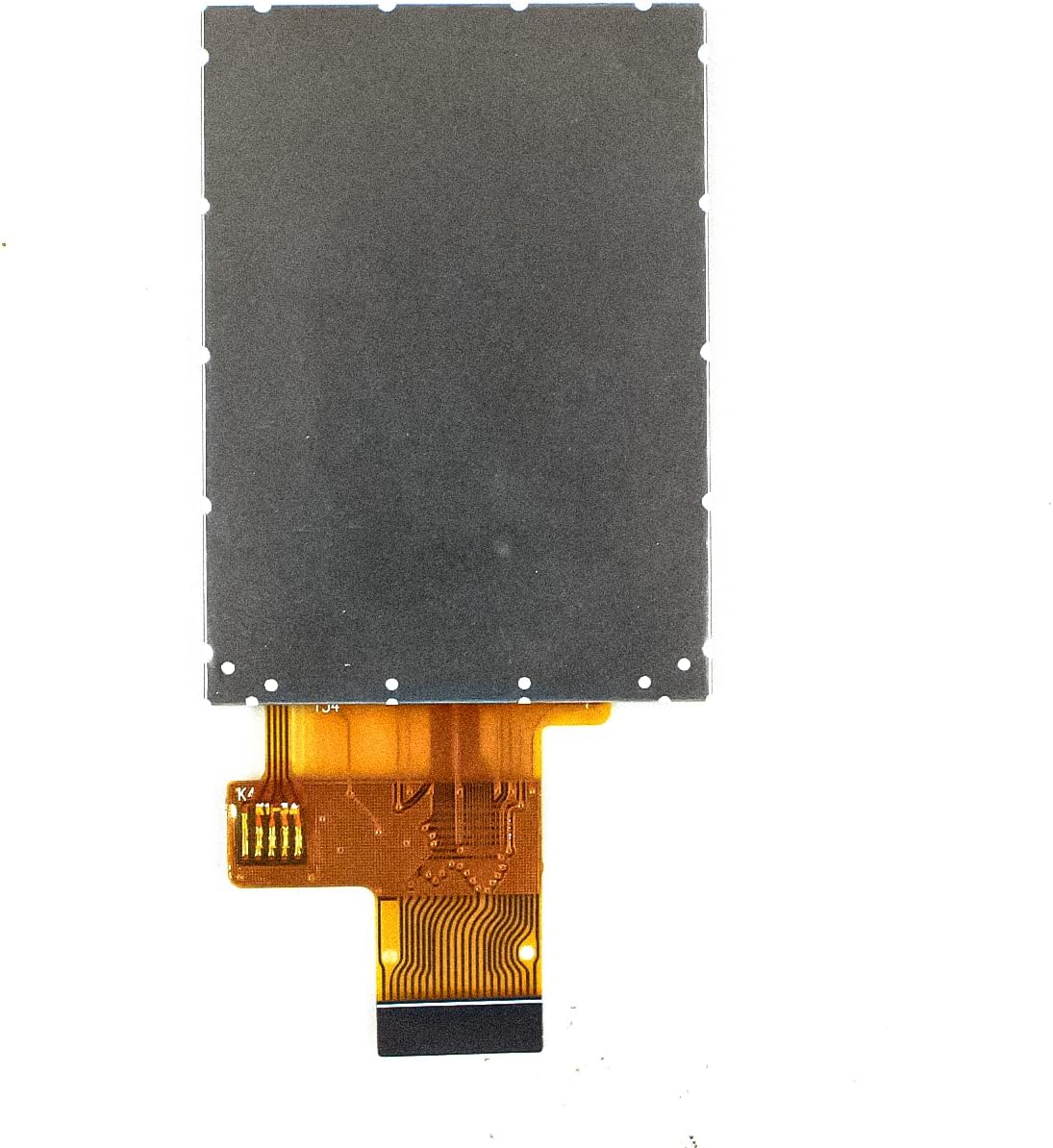
Figure 2: Rear view of the display module, highlighting the FFC connector for interface connections.
Ensure all connections are secure and correctly aligned to prevent damage to the module or microcontroller. Consult your microcontroller's documentation and the display's datasheet for detailed pinout information and recommended connection practices.
Operating Instructions
Operating the 2.0" TFT LCD Display Module involves programming your microcontroller to send appropriate commands and data via the SPI interface to the ST7789V2 driver IC.
Initialization Sequence
Before displaying any content, the module requires an initialization sequence. This typically involves:
- Hardware Reset: Toggling the RST pin.
- Software Reset: Sending a software reset command to the ST7789V2.
- Power On Sequence: Sending commands to enable internal power supplies.
- Display Settings: Configuring display orientation, pixel format (e.g., 16-bit RGB for 65K colors), and other parameters.
- Display On: Sending the command to turn on the display.
Displaying Content
Once initialized, you can send pixel data to the display. The ST7789V2 driver supports various commands for setting the display window, writing pixel data, and controlling other display functions. Libraries are available for popular platforms (e.g., Adafruit GFX library for Arduino, various Python libraries for Raspberry Pi) that simplify these operations, allowing you to draw text, shapes, and images.
Refer to the ST7789V2 datasheet and relevant programming examples for your chosen microcontroller platform for detailed programming instructions.
Maintenance
Proper maintenance ensures the longevity and optimal performance of your LCD display module.
- Handling: Always handle the module by its edges. Avoid touching the display surface directly to prevent fingerprints and scratches.
- Static Electricity: Take precautions against electrostatic discharge (ESD) when handling the module, as electronic components are sensitive to static.
- Cleaning: Use a soft, lint-free cloth, slightly dampened with water or a specialized screen cleaner, to gently wipe the display surface. Avoid abrasive materials or harsh chemical cleaners.
- Environmental Conditions: Store and operate the module within its specified temperature and humidity ranges. Avoid exposure to direct sunlight, extreme temperatures, and high humidity.
- Physical Protection: Protect the module from physical impact, bending, or excessive pressure, especially on the flexible flat cable (FFC).
Troubleshooting
If you encounter issues with your display module, consider the following troubleshooting steps:
- Display Not Lighting Up:
- Verify power connections (VCC, GND) are correct and stable.
- Check the backlight (BLK) pin connection and ensure it is receiving power or being controlled correctly.
- Ensure the display initialization sequence in your code is executed properly.
- No Image or Garbled Display:
- Inspect all SPI connections (SCK, MOSI, CS, DC, RST) for looseness or incorrect wiring.
- Confirm that your microcontroller's SPI settings (clock speed, mode) match the display's requirements.
- Review your code's initialization sequence and data transmission logic for errors.
- Ensure the correct driver library for the ST7789V2 is being used.
- Incorrect Colors:
- Verify that the pixel format setting in your initialization code matches the 65K color depth of the display.
- Check if your image data is being sent in the correct color format (e.g., RGB565).
- Display Flickering:
- Ensure your power supply is stable and provides sufficient current.
- Check for loose connections or electromagnetic interference.
Specifications
| Feature | Specification |
|---|---|
| LCD Size | 2.0 inch |
| Display Mode | Normally black |
| Resolution | 240(H)RGB x 320(V) pixels |
| Pixel Pitch | 0.1275(H) x 0.1275(V) mm |
| Active Area | 30.6(H) x 40.8(V) mm |
| Module Size | 34.6(H) x 47.8(V) x 2.05(D) mm |
| Interface | 8Bit 8080 MCU & 4 Line SPI |
| Display Colors | 65K colors |
| Drive IC | ST7789V2 |
| Viewing Direction | All-view best image |
| Package Dimensions | 1.97 x 1.18 x 1.18 inches |
| Item Weight | 2.11 ounces |
| Manufacturer | Sb Components |
| ASIN | B0C1JT92QB |
| Date First Available | April 5, 2023 |
Kit Content
The package for the 2.0" TFT LCD Display Module includes:
- 1 x LCD Display module
Warranty and Support
For warranty information and technical support regarding your SB Components 2.0" TFT LCD Display Module, please refer to the official SB Components website or contact their customer service directly. Ensure you have your product model number and purchase details available when seeking support.