
Introduction
This manual provides detailed instructions for the setup, operation, maintenance, and troubleshooting of your Armitron Sport Men's Digital Chronograph Watch, Model 40/8465RBKTC. Please read this manual thoroughly to ensure proper use and longevity of your timepiece.
Setup
Initial Setup and Time/Date Adjustment
Your Armitron Sport watch features an LCD display with time, seconds, day, and date. To set the time and date, locate the "MODE" and "RESET" buttons on the watch case. The exact sequence for setting may vary slightly, but typically involves:
- Pressing the MODE button repeatedly until the time setting mode is activated (usually indicated by flashing digits).
- Using the RESET or ST/STP button to adjust the flashing digits (hours, minutes, year, month, day).
- Pressing MODE again to move to the next setting field.
- Once all settings are complete, press MODE to exit the setting mode.
Refer to the small diagram often found on the watch's packaging or a small included slip for precise button functions and setting sequences.

Figure 1: Front view of the Armitron Sport Digital Chronograph Watch. This image shows the watch face with the digital display, indicating time (10:10), day (SU), and the "RESET", "MODE", "ST/STP", and "EL" buttons. The watch has a black resin case with a red top ring and a black nylon strap.
Operating Instructions
Basic Time Display
In the default mode, the watch displays the current time, seconds, day of the week, and date. Pressing the EL (Electroluminescent) button will activate the backlight for improved visibility in low-light conditions.
Chronograph Function
The chronograph function allows you to measure elapsed time. To use the chronograph:
- Press the MODE button until "CHRONO" or "STOPWATCH" appears on the display.
- Press the ST/STP button to start the timer.
- Press ST/STP again to pause the timer.
- Press ST/STP to resume, or RESET to clear the timer to zero.
- Press MODE to return to the time display.
Alarm Function
The watch includes an alarm feature. To set and activate the alarm:
- Press the MODE button until "ALARM" appears on the display.
- Use the RESET or ST/STP button to adjust the alarm time.
- Press MODE to confirm the alarm time.
- Typically, a separate button (often ST/STP or RESET in alarm mode) is used to toggle the alarm on or off (indicated by an alarm icon).
- Press MODE to return to the time display.
Backlight Function
To illuminate the display in dark environments, press the EL button. The backlight will remain on for a few seconds.
Water Resistance
This watch is water resistant to 165 feet (50 meters). This rating means it is suitable for short periods of recreational swimming, but not for diving or snorkeling. Avoid pressing buttons while the watch is submerged to prevent water ingress.
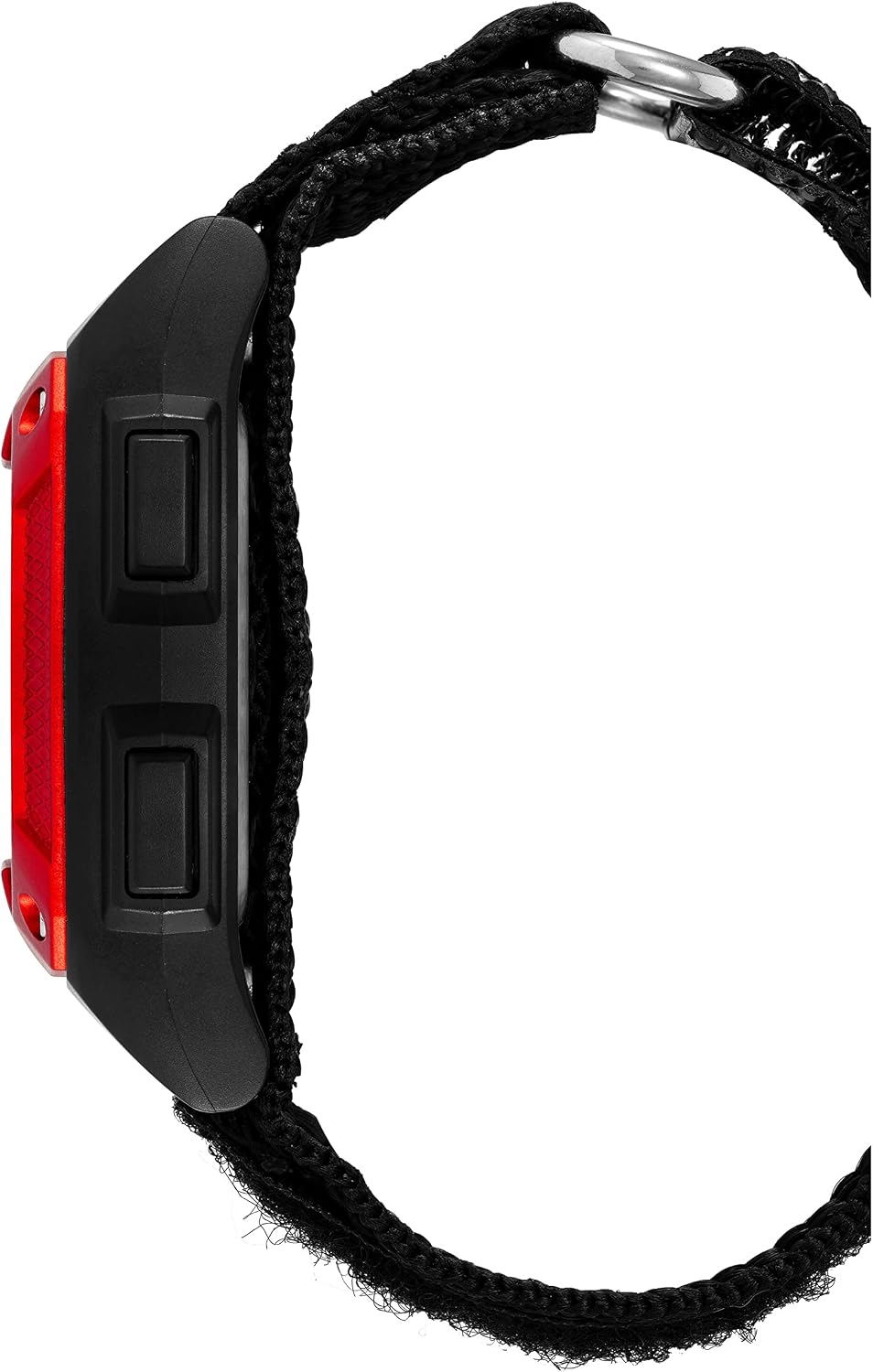
Figure 2: Side view of the Armitron Sport Digital Chronograph Watch. This image highlights the profile of the watch case and the two control buttons on the left side, which are typically used for mode selection and resetting functions.
Maintenance
Cleaning Your Watch
To clean your watch, wipe it gently with a soft, damp cloth. Do not use harsh chemicals or abrasive cleaners, as these can damage the case or strap. For the nylon strap, a mild soap solution can be used, followed by rinsing and air drying.
Battery Replacement
The watch is powered by a product-specific battery (included). When the display dims or functions become erratic, it may be time to replace the battery. Battery replacement should ideally be performed by a qualified watch technician to ensure the water resistance seal is maintained. Attempting to replace the battery yourself may void any warranty and compromise the watch's water resistance.

Figure 3: Back view of the Armitron Sport Digital Chronograph Watch, focusing on the black nylon strap with hook and loop closure. This view shows the texture and construction of the strap, which is designed for easy adjustment and secure fit.
Troubleshooting
| Problem | Possible Cause | Solution |
|---|---|---|
| Display is blank or dim. | Low battery. | Replace the battery. |
| Buttons are unresponsive. | Watch may be in a locked mode or internal malfunction. | Try a soft reset (if applicable, by pressing all buttons simultaneously for a few seconds) or remove and reinsert the battery (professional service recommended). |
| Time/Date is incorrect. | Incorrectly set or battery low. | Follow the "Initial Setup and Time/Date Adjustment" instructions. Replace battery if issue persists. |
| Water inside the watch. | Water resistance compromised (e.g., buttons pressed underwater, seal damaged). | Immediately take the watch to a professional watch repair service. Do not attempt to dry it yourself. |
Specifications
- Model Number: 40/8465RBKTC
- Movement: Quartz
- Display Type: LCD Digital
- Case Material: Black resin with red top ring
- Strap Material: Black nylon with hook and loop closure
- Functions: Chronograph, Alarm, Backlight, Time, Seconds, Day, Date
- Water Resistance: 165 feet (50M)
- Battery: 1 Product Specific battery (included)
- Parcel Dimensions: 11.7 x 9.6 x 7.8 cm
- Item Weight: 118 g
Warranty and Support
Armitron watches typically come with a limited warranty covering manufacturing defects. For specific warranty details, please refer to the warranty card included with your purchase or visit the official Armitron website. Keep your proof of purchase for warranty claims.
For further assistance, technical support, or service inquiries, please contact Armitron customer service. You can usually find contact information on their official website or through the retailer where the watch was purchased.
Note: This manual provides general guidance. Specific button labels and functions may vary slightly. Always refer to any small instruction slips included with your watch for precise model-specific details.