1. Introduction
This manual provides essential information for the proper setup, operation, and maintenance of your Vangoa EWI-100 Portable Mini Digital Electronic Wind Instrument. Please read this manual thoroughly before using the instrument to ensure optimal performance and longevity.
2. Package Contents
Upon unboxing, please verify that all items listed below are included in your package:
- Vangoa EWI-100 Digital Wind Instrument
- 2 x Removable and Washable Silicone Nozzles
- 1 x USB Cable
- 1 x Portable Cloth Case
- 1 x 3.5mm Wired Earphone

Image: The Vangoa EWI-100 instrument displayed alongside its accessories, including two silicone nozzles, a USB cable, a portable cloth case, and wired earphones.
3. Key Features
- 10 Built-in Tones: Includes alto saxophone, soprano saxophone, clarinet, pan flute, trumpet, violin, harmonica, flute, bamboo flute, and recorder.
- MIDI Connectivity: Connects to Android, iOS, macOS, and Windows devices using APP and DAW software for extended sound options.
- Dual Fingering Styles: Equipped with two fingerstyle playing options.
- Adjustable Blowing Sensitivity: Features 3 kinds of adjustable blowing sensitivity for dynamic sound control.
- Integrated Speaker & Headphone Jack: Includes a speaker output for traditional playing experience and a 3.5mm headphone connection for private practice.
- Rechargeable Battery: Built-in 800 mAh rechargeable battery provides up to 4 hours of playing time on a full charge.
- Portable Design: Compact and lightweight body for practice or performance without venue restrictions.
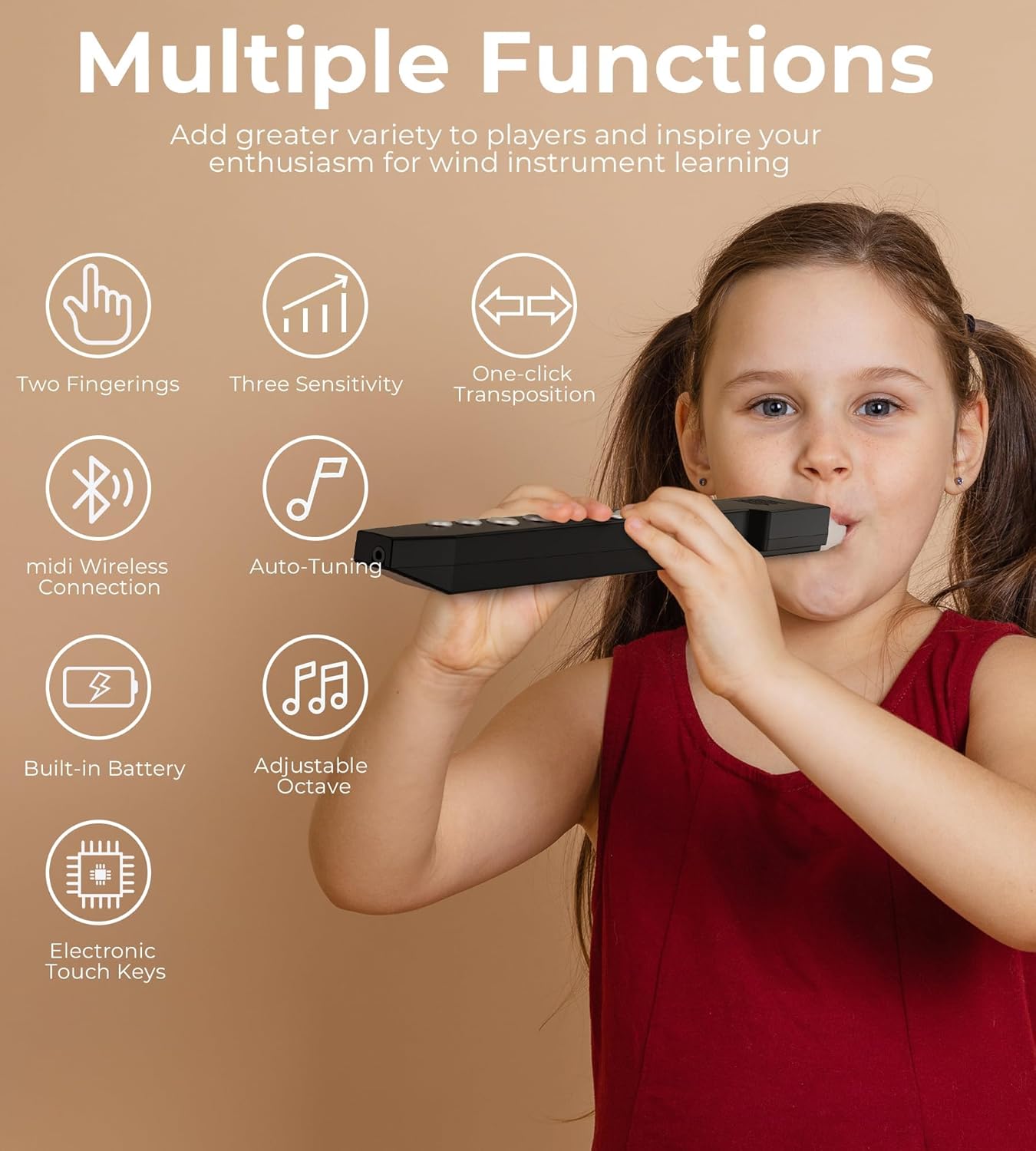
Image: The Vangoa EWI-100 showcasing its multiple functions, including dual fingering, MIDI wireless connection, auto-tuning, adjustable octave, built-in battery, and electronic touch keys.
4. Setup
4.1 Attaching the Mouthpiece
Gently attach one of the provided silicone nozzles to the mouthpiece of the instrument. Ensure it is securely fitted.
4.2 Charging the Instrument
Connect the instrument to a power source using the supplied USB cable. The built-in 800 mAh rechargeable battery allows for approximately 4 hours of play time on a full charge.
4.3 Powering On/Off
Press and hold the power button located on the instrument to turn it on or off.
5. Operating Instructions
5.1 Built-in Tones
The EWI-100 features 10 distinct built-in tones. Use the control buttons to cycle through these tones, which include various wind instruments like alto saxophone, clarinet, and flute.

Image: The Vangoa EWI-100 showcasing its 10 dynamic sound options, each represented by an image of the corresponding instrument.
Video: A demonstration of how to change sounds, adjust volume, breath sensitivity, and reverb settings on the Vangoa EWI-100.
Video: A close-up introduction to the Vangoa EWI-100's features and initial sound demonstration.
5.2 Fingering and Breath Sensitivity
The instrument supports two fingerstyle playing options. The electronic touch sound holes are designed to capture subtle playing changes. You can adjust the blowing sensitivity to one of three levels to match your playing dynamics.

Image: A child playing the Vangoa EWI-100, demonstrating the adjustable blowing density feature with three available settings.
Video: An introduction to the fingering and transpose functions of the Vangoa EWI-100.
5.3 Transposition and Reverb
The instrument allows for one-click transposition. You can also adjust the reverb effect to enhance your sound.
5.4 Volume and Headphone Use
Adjust the volume using the dedicated controls. For private practice, connect the included 3.5mm wired earphones to the headphone jack.
5.5 MIDI Functionality
The EWI-100 supports MIDI connections via USB to various devices and Digital Audio Workstations (DAWs) like Ableton Live, FL Studio, Logic Pro X, Pro Tools, and Cubase, allowing for an endless extension of tones.

Image: The Vangoa EWI-100 connected to multiple devices (smartphone, tablet, laptop) via MIDI, illustrating its compatibility with various DAW software.
6. Maintenance
The silicone nozzles are removable and washable. Regularly clean them to maintain hygiene and optimal performance. Keep the instrument in its portable cloth case when not in use to protect it from dust and damage.
7. Troubleshooting
If you encounter any issues, ensure the instrument is fully charged and all connections (USB, headphones) are secure. For persistent problems, please refer to the Vangoa support resources.
8. Specifications
- Item Weight: 11.3 ounces
- Package Dimensions: 15.12 x 3.43 x 1.81 inches
- Item Model Number: EWI-100
- Body Material: Bass Wood
- Color Name: Black
- Connector Type: USB
- Material Type: Plastic, Silicone
- Instrument Key: A
- Battery: Built-in 800 mAh rechargeable battery
- Playing Time: Up to 4 hours on a full charge
9. Warranty and Support
For warranty information and customer support, please visit the official Vangoa website or contact their customer service directly. Details can typically be found in the product packaging or on the brand's online store.


