
1. Product Overview
The LEDIARY 31.5-inch Dimmable Moon Wall Light is a modern LED fixture designed to enhance various indoor spaces. This versatile light offers adjustable brightness (10%-100%) and three color temperature options (Warm White 3000K, Natural White 4500K, Daylight White 6000K), all controllable via an included remote. It features a unique moon design and can be installed using either a plug-in cord or hardwired connection, making it suitable for living rooms, hallways, bedrooms, and other decorative lighting applications.

Image: The LEDIARY 31.5-inch Dimmable Moon Wall Light providing ambient lighting in a living room setting.
2. What's in the Box
- LED Moon Wall Light Fixture
- Remote Control
- Plug-in Power Cord (9.8ft)
- Installation Hardware (screws, wall anchors, wire connectors)
- User Manual
3. Specifications
| Brand | LEDIARY |
| Model Name | Dimmable Moon Wall Light |
| Size | 31.5 Inch (Diameter) |
| Product Dimensions | 31.5"L x 31.5"W x 3.5"H |
| Wattage | 40 Watts |
| Brightness | 3000 Lumens (Maximum) |
| Color Temperature | 3000K (Warm White), 4500K (Natural White), 6000K (Daylight White) |
| Dimmability | 10% - 100% Stepless Adjustment |
| Control Method | Remote Control |
| Installation Type | Plug-in or Hardwired (85V-265V) |
| Material | Metal (Frame), Acrylic (Light Surface) |
| Indoor/Outdoor Usage | Indoor Only |
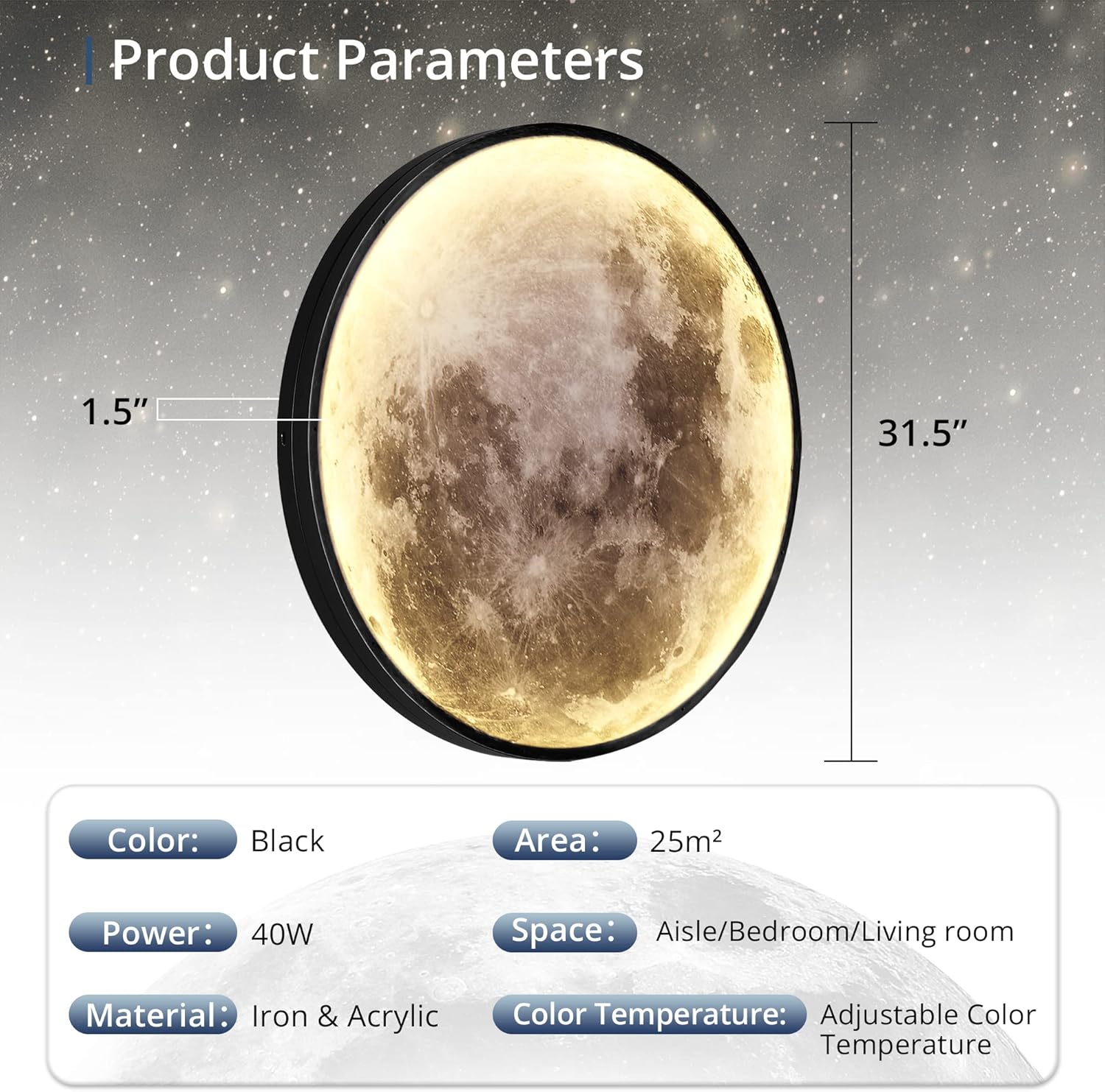
Image: Detailed product parameters and dimensions of the moon wall light.
4. Safety Information
- Always disconnect power before installation, maintenance, or cleaning.
- Ensure all electrical connections comply with local codes and regulations. If unsure, consult a qualified electrician.
- Do not expose the fixture to water or excessive moisture. This product is for indoor use only.
- Handle the light fixture with care to avoid damage.
- Keep the remote control away from children.
5. Installation
The LEDIARY Moon Wall Light offers two installation methods: plug-in or hardwired. Choose the method that best suits your needs.
5.1. Plug-in Installation
- Mount the light fixture to the desired wall location using the provided screws and wall anchors.
- Connect the light's plug cord to a standard wall outlet. The 9.8ft cord provides flexibility for placement.
5.2. Hardwired Installation
- Safety First: Turn off power at the circuit breaker before beginning.
- Mount the light fixture to the desired wall or ceiling location using the provided screws and wall anchors.
- Connect the fixture's wires to your household electrical wiring. Match the wires carefully: typically, black to black (live), white to white (neutral), and green/bare copper to green/bare copper (ground). Use the provided wire connectors to secure connections. Note: Recent product versions include clear wire labels. If wires are not clearly labeled, consult a qualified electrician to ensure correct and safe wiring.
- Ensure all connections are secure and insulated.
- Restore power at the circuit breaker.

Image: Visual guide for both plug-in and hardwired installation methods.
6. Operating Instructions
The LEDIARY Moon Wall Light is controlled by the included remote control, offering various lighting adjustments.
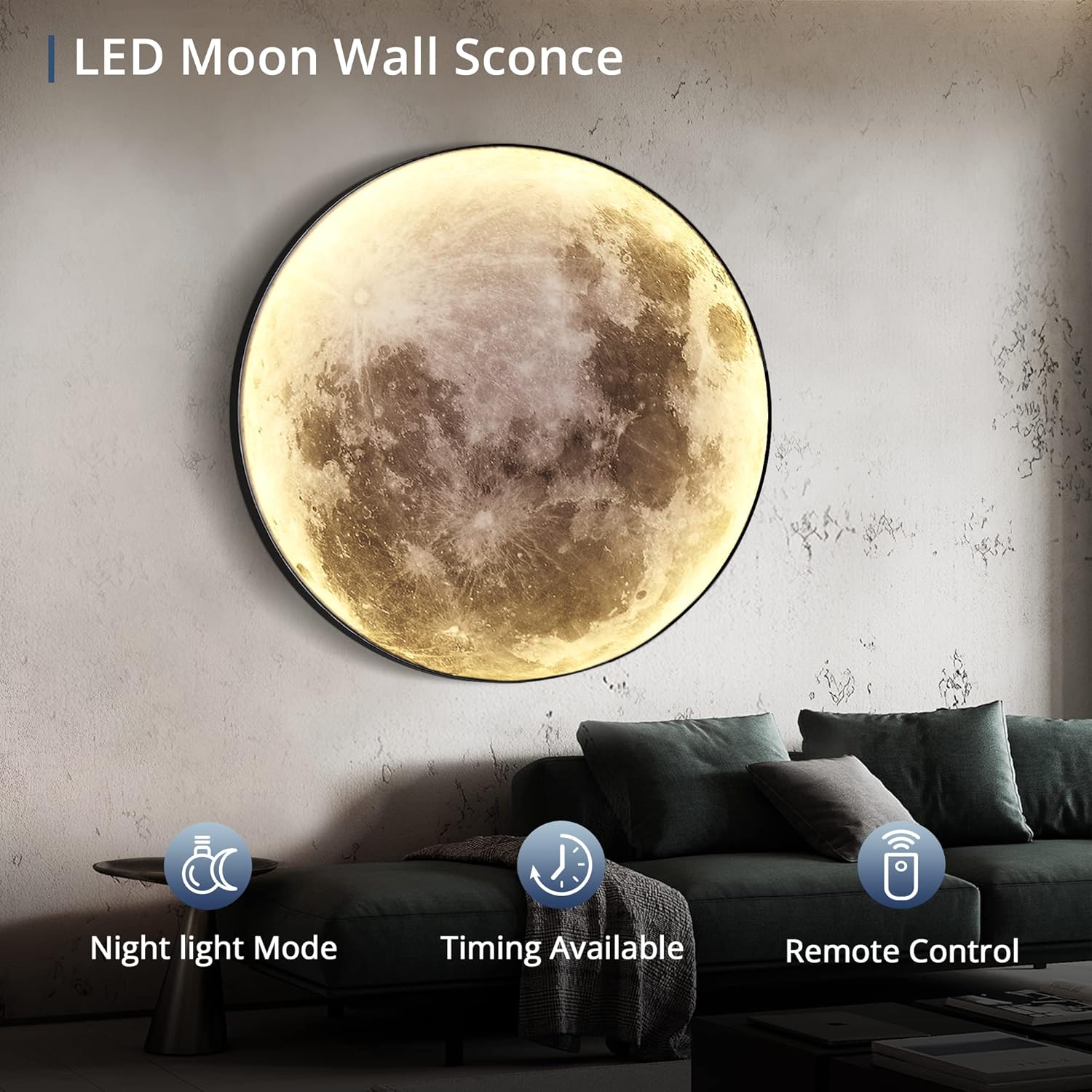
Image: Key features of the LED Moon Wall Sconce, including remote control functionality.
6.1. Remote Control Functions
- ON/OFF: Turn the light on or off.
- Brightness Adjustment: Use the '+' and '-' buttons to adjust brightness from 10% to 100%.
- Color Temperature Adjustment: Use the 'CCT +/-' buttons to cycle through Warm White (3000K), Natural White (4500K), and Daylight White (6000K). A dedicated button allows quick switching between these colors.
- Night Light Mode: Activates a low-brightness, warm light setting.
- Timer Function: Press once for 30 minutes (light blinks once), press twice for 1 hour (light blinks twice). Press ON/OFF to shut down the timer.
- Memory Function: The light will retain the last used color and brightness setting when turned back on.

Image: Visual representation of adjustable color temperature and brightness levels.
6.2. Pairing & Clearing Codes
- Pairing: Turn on the main power to the light. Within 3 seconds, quickly press the "ON" button on the remote control once or more. The light will flash 3 times to indicate successful pairing. (The light is typically factory-preset, so pairing may not be needed for first use).
- Clearing Codes: Disconnect and then reconnect the power supply to the light. Within 3 seconds, press the "ON" button on the remote control 5 times continuously. The light will flash six times to confirm the code has been successfully cleared.
7. Maintenance
To ensure the longevity and optimal performance of your LEDIARY Moon Wall Light, follow these simple maintenance guidelines:
- Cleaning: Gently wipe the surface of the light with a soft, dry, or slightly damp cloth. Avoid using abrasive cleaners, solvents, or harsh chemicals, as these can damage the finish or acrylic surface.
- Inspection: Periodically check the power cord (if plug-in) and all connections (if hardwired) for any signs of wear or damage.
- Bulb Replacement: The LED light source is integrated and not user-replaceable.
8. Troubleshooting
If you encounter any issues with your LEDIARY Moon Wall Light, refer to the following table for common problems and solutions:
| Problem | Possible Cause | Solution |
|---|---|---|
| Light does not turn on. | No power, loose connection, remote control battery dead. | Check power source/circuit breaker. Ensure all wiring connections are secure. Replace remote control batteries. Re-pair remote if necessary. |
| Remote control not working. | Remote battery dead, not paired, obstruction. | Replace remote batteries. Ensure direct line of sight to the light. Re-pair the remote control (see Section 6.2). |
| Light flickers or dims unexpectedly. | Unstable power supply, loose wiring. | Check power connections. Ensure stable power supply. If hardwired, verify connections are tight. |
| Cannot adjust brightness or color temperature. | Remote control issue, light not responding. | Ensure remote batteries are fresh. Re-pair the remote control (see Section 6.2). |
| Light is too bright even at lowest setting. | Minimum brightness level is 10%. | The light is designed with a minimum brightness of 10%. If a lower light output is desired for specific ambient conditions, consider additional room lighting adjustments. |
If the problem persists after attempting these solutions, please contact customer support.
9. Warranty and Support
The LEDIARY Moon Wall Light comes with a 3-year support warranty. For any inquiries, technical assistance, or warranty claims, please contact LEDIARY customer service. Our team is available 24 hours online to assist you.
Contact information can typically be found on the product packaging or the official LEDIARY website.