
1. Introduction
This manual provides detailed instructions for the JYX Wireless Microphone System, Model V. This professional UHF metal handheld dynamic microphone system is designed for various audio applications, including karaoke, public address systems, and live performances. Please read this manual thoroughly before use to ensure proper operation and to maximize the product's lifespan.
2. Package Contents
Upon unpacking, please verify that all the following items are included:
- 1 x JYX Wireless Microphone
- 1 x Receiver with 6.35mm Plug
- 2 x Type-C Charging Cables
- 1 x User's Manual (this document)
- 1 x Anti-slip Ring (orange)

Image 2.1: All components included in the JYX Wireless Microphone System package.
3. Product Features
- UHF Wireless Technology: Provides stable signal transmission with an operating range of up to 160 feet (line of sight).
- Rechargeable Battery: The receiver features a built-in rechargeable battery, offering 8-10 hours of operation after a 3-5 hour charge. The microphone also uses a rechargeable battery.
- High Sound Quality: Designed for noise reduction, all-direction sound pickup, and ultra-clear audio with minimal delay.
- Durable Construction: Features a sturdy metal handheld microphone for reliable performance.
- Wide Compatibility: Connects to devices with a 6.35mm MIC input, such as PA systems, amplifiers, and karaoke machines.

Image 3.1: Key features of the JYX Wireless Microphone, including the HD digital display and charging port.

Image 3.2: Illustration of the microphone's high sound quality capabilities.

Image 3.3: Battery specifications and usage duration for the microphone.
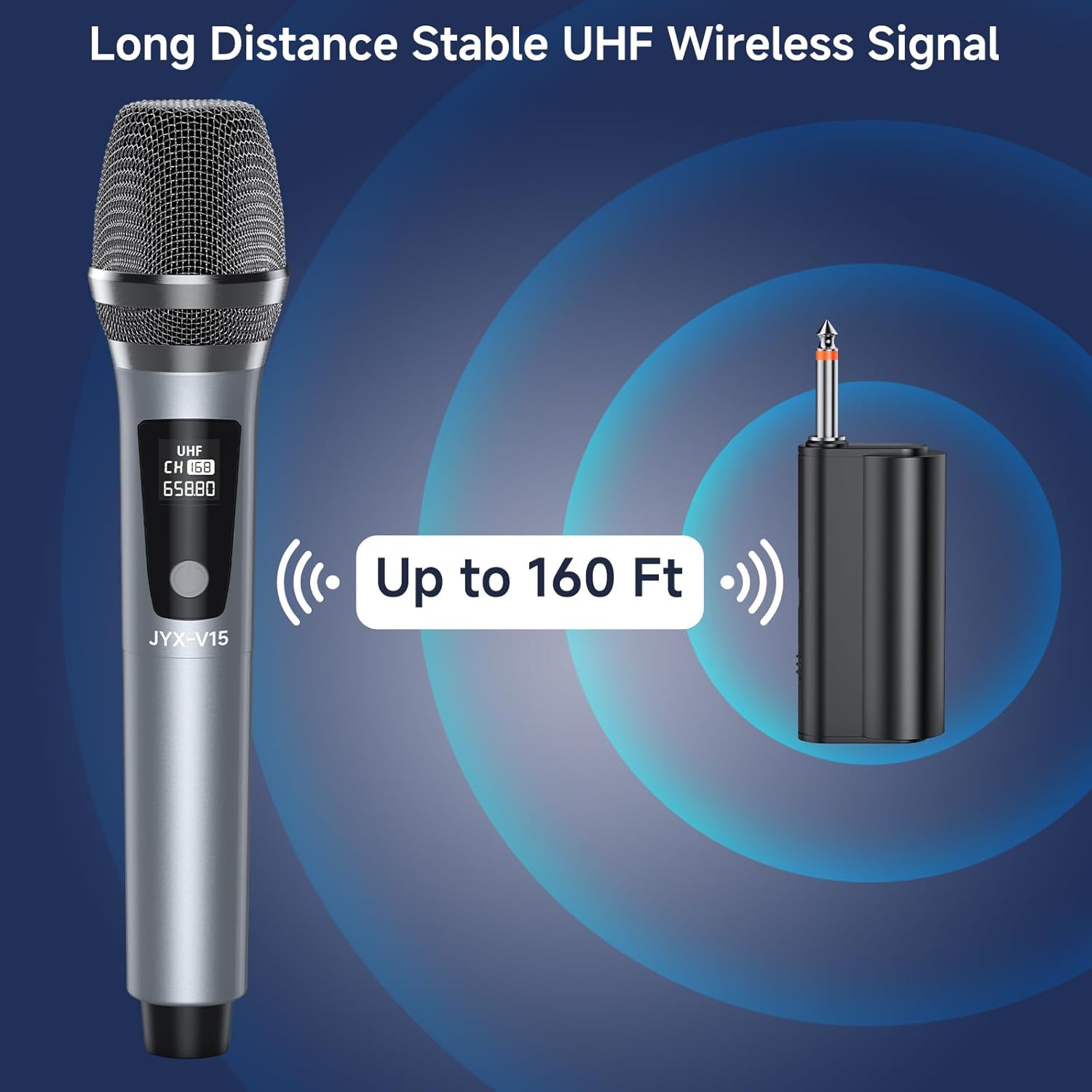
Image 3.4: Depiction of the long-distance stable UHF wireless signal.
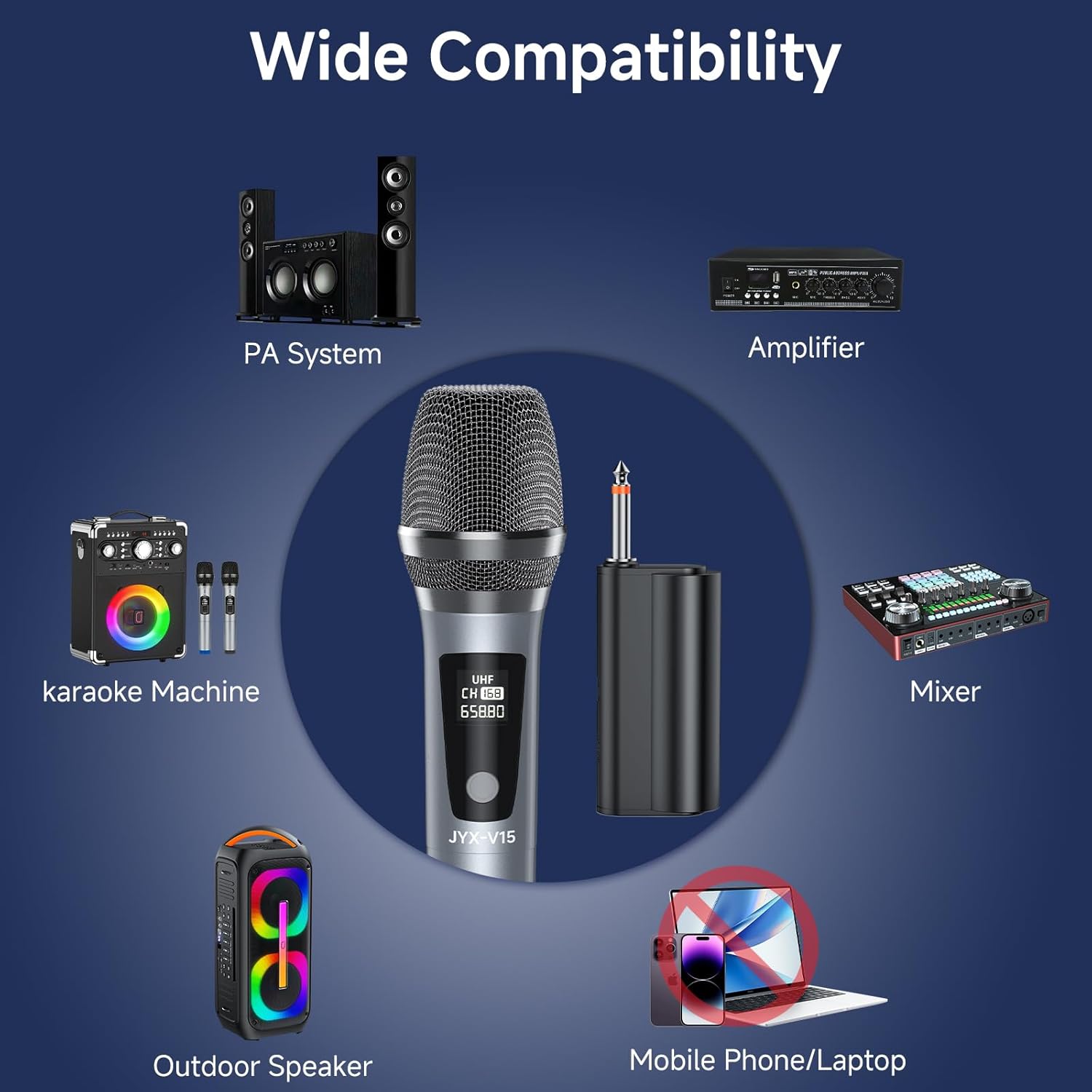
Image 3.5: Overview of compatible audio devices for the microphone system.
4. Setup Guide
4.1 Charging the Devices
Before initial use, fully charge both the wireless microphone and the receiver using the provided Type-C charging cables. Connect the cables to a standard USB power adapter (not included).
- Receiver Charging Time: Approximately 3-5 hours for a full charge.
- Microphone Charging Time: Approximately 3-4 hours for a full charge.

Image 4.1: Both the microphone and receiver charging via Type-C cables.
4.2 Connecting the System
- Ensure both the microphone and receiver are fully charged.
- Plug the 6.35mm receiver into the microphone input jack of your audio device (e.g., amplifier, PA system, karaoke machine).
- Turn on the receiver.
- Turn on the wireless microphone. The receiver and microphone will automatically sync their frequencies.
- For optimal performance, wear the anti-slip ring on the microphone.

Image 4.2: Visual confirmation of successful microphone and receiver pairing.
4.3 Important Notes for Setup
- Avoid using the system in small, enclosed spaces, as this can affect wireless signal quality.
- Maintain a certain distance between the microphone and the audio output device (speakers) to prevent feedback or interference noise.
- This system does not have Bluetooth functionality.
5. Operating Instructions
5.1 Power On/Off
- To power on the microphone, press and hold the ON/OFF switch until the display illuminates.
- To power off the microphone, press and hold the ON/OFF switch until the display turns off.
- The receiver typically has a dedicated power button; refer to its indicator light for status.
5.2 Usage
Once connected and powered on, the microphone is ready for use. The wireless design allows for freedom of movement, making it suitable for:
- Home karaoke sessions
- Church services
- Weddings and parties
- Conferences and speeches
- Small stage performances
The system offers a stable wireless connection up to 160 feet, providing ample range for most indoor and outdoor activities.

Image 5.1: Illustration of the effective wireless operating range.
6. Maintenance
- Cleaning: Use a soft, dry cloth to clean the microphone and receiver. Do not use liquid cleaners or abrasive materials.
- Storage: Store the system in a cool, dry place away from direct sunlight and extreme temperatures when not in use.
- Battery Care: For optimal battery life, avoid fully discharging the devices frequently. Recharge them regularly, especially if storing for extended periods.
7. Troubleshooting
| Problem | Possible Cause | Solution |
|---|---|---|
| No sound from microphone | Microphone or receiver not powered on; low battery; receiver not properly connected; frequency not synced. | Ensure both devices are on and charged. Re-plug the receiver firmly. Power cycle both devices to re-sync. |
| Interference or static noise | Obstructions between microphone and receiver; too close to other electronic devices; operating in a small space. | Ensure clear line of sight. Move away from other electronics. Use in a more open area. |
| Short wireless range | Obstructions; environmental interference; low battery. | Ensure clear line of sight. Fully charge devices. Avoid dense walls or large metal objects. |
| Microphone not charging | Faulty cable or power adapter; charging port issue. | Try a different Type-C cable and USB power adapter. Ensure the cable is fully inserted. |
8. Specifications
| Feature | Detail |
|---|---|
| Brand | JYX |
| Model Number | V |
| Microphone Form Factor | Handheld |
| Polar Pattern | Unidirectional |
| Connectivity Technology | UHF Wireless |
| Connector Type (Receiver) | 6.35mm (1/4 inch) Plug |
| Charging Port | USB Type-C |
| Power Source | Battery Powered |
| Receiver Battery Life | 8-10 hours (after 3-5 hours charge) |
| Microphone Battery Life | Up to 12 hours (after 3-4 hours charge) |
| Operating Range | Up to 160 feet (line of sight) |
| Compatible Devices | PA System, Amplifier, Karaoke Machine, Mixer, Outdoor Speaker |
| Item Weight | 14.9 ounces |
| Color | Silver |
9. Warranty and Support
For warranty information and customer support, please refer to the documentation provided with your purchase or contact JYX customer service directly. Keep your purchase receipt as proof of purchase for any warranty claims.
10. Video Resources
No official product videos from the seller were found that meet the specified criteria for embedding (m3u8 format or 'creator_type: Seller').