
Introduction
Thank you for choosing the EASEMO RGB Gaming Mouse Pad. This manual provides essential information for setting up, operating, and maintaining your new mouse pad. Designed for both gaming and office use, this XXL large mouse pad features vibrant RGB lighting, a waterproof surface, and a stable non-slip base to enhance your desktop experience.
Product Features
- 11 Lighting Effects: Easily switch between 7 static colors and 4 dynamic lighting modes with a single button.
- XXL Large Size: Measuring 35.4 x 15.75 x 0.16 inches, it provides ample space for your mouse, keyboard, and other desk items.
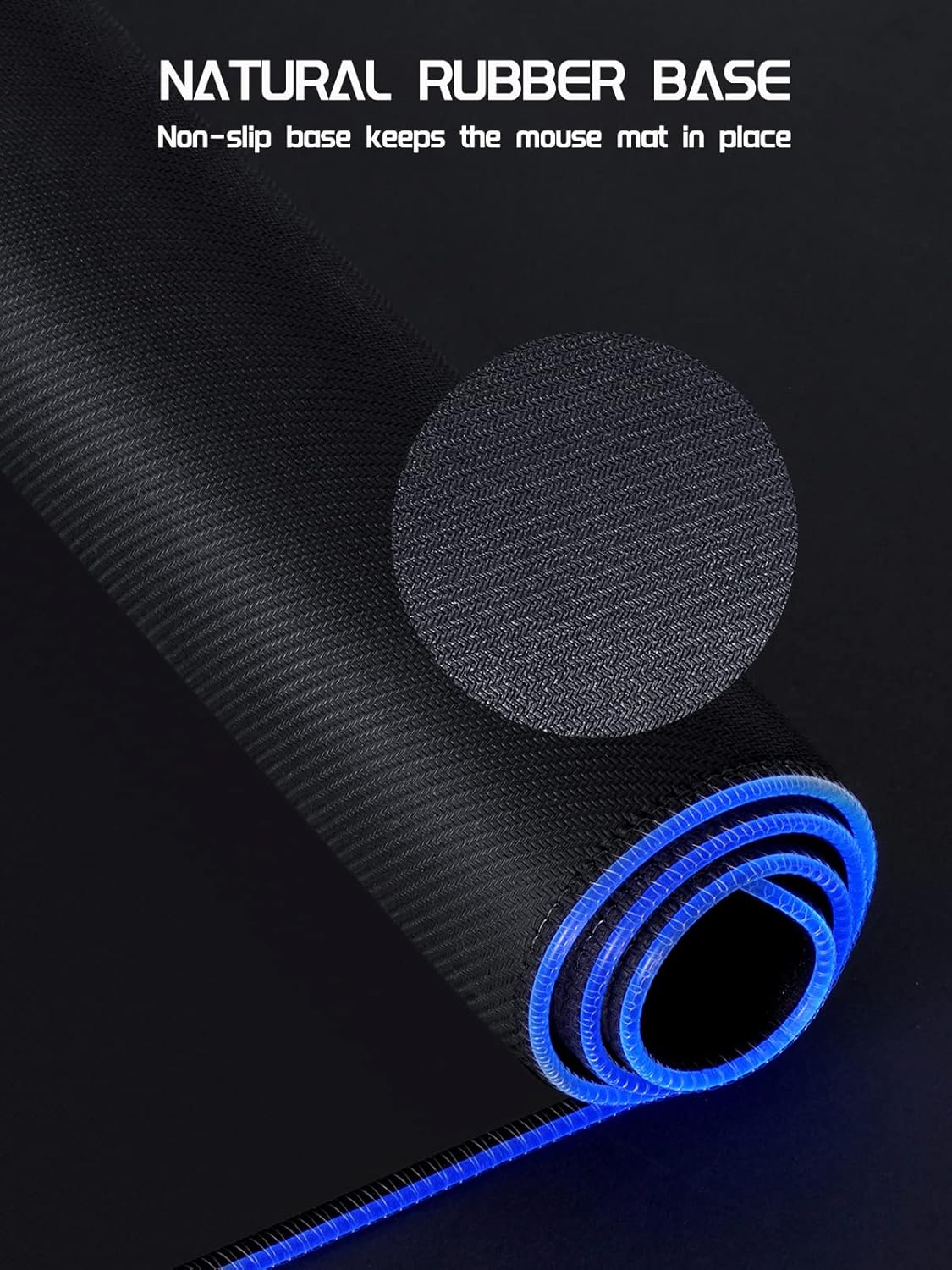
- Natural Rubber Base: Ensures stability and prevents the mouse pad from slipping or sliding during use.
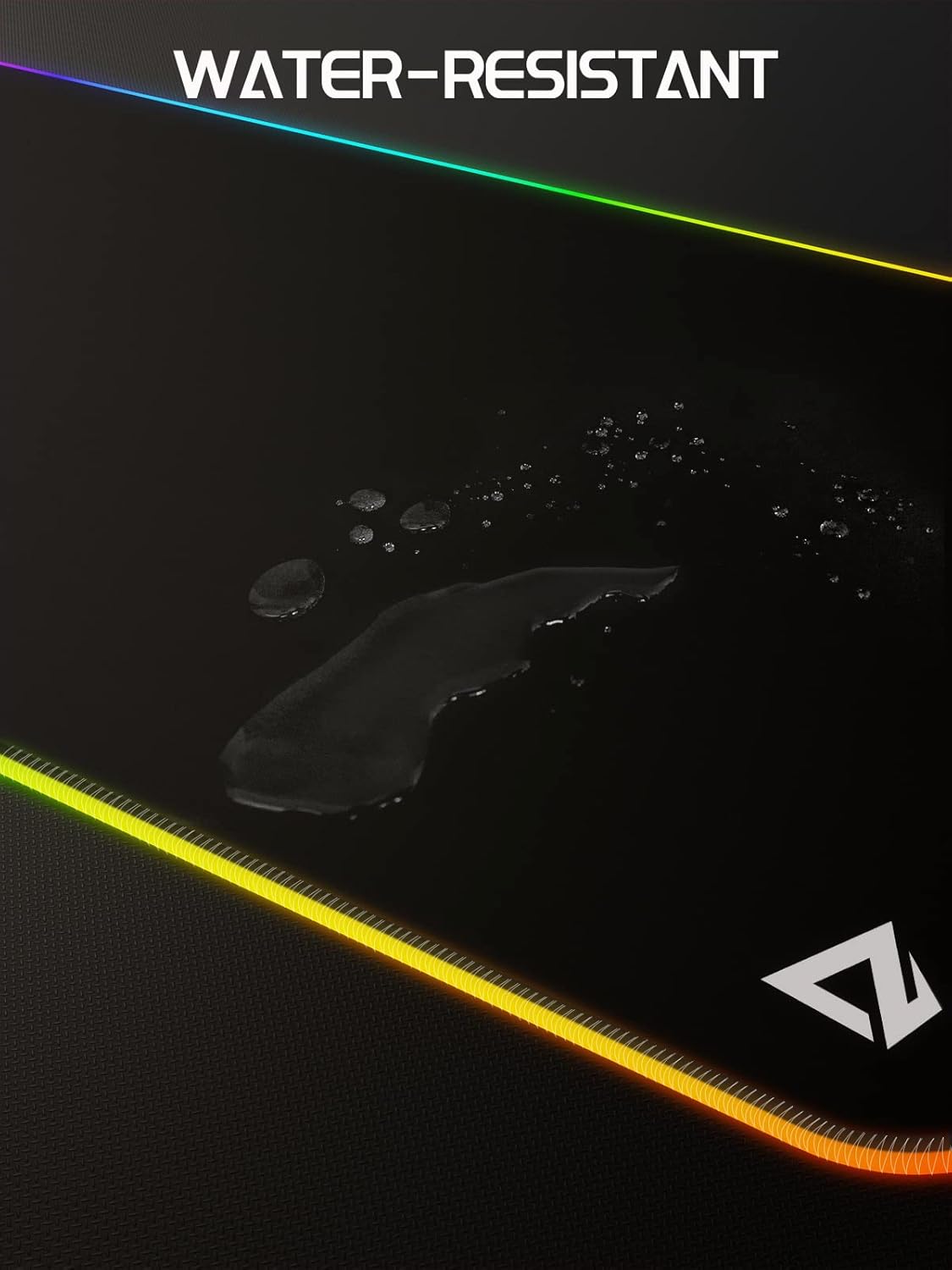
- Waterproof Fabric Surface: Allows for smooth and accurate mouse movements while protecting against accidental spills.
- 4MM Thickness: Offers a comfortable and responsive surface for optimal mouse control.
Setup Instructions
- Unroll the Mouse Pad: Carefully unroll the EASEMO RGB Gaming Mouse Pad onto your desired flat surface. Allow some time for the mat to flatten completely if it was stored rolled.
- Connect Power: Locate the USB cable attached to the mouse pad's control unit. Plug the USB connector into an available USB port on your computer or a compatible USB power adapter.
- Power On: Press the control button on the mouse pad to turn on the RGB lighting.
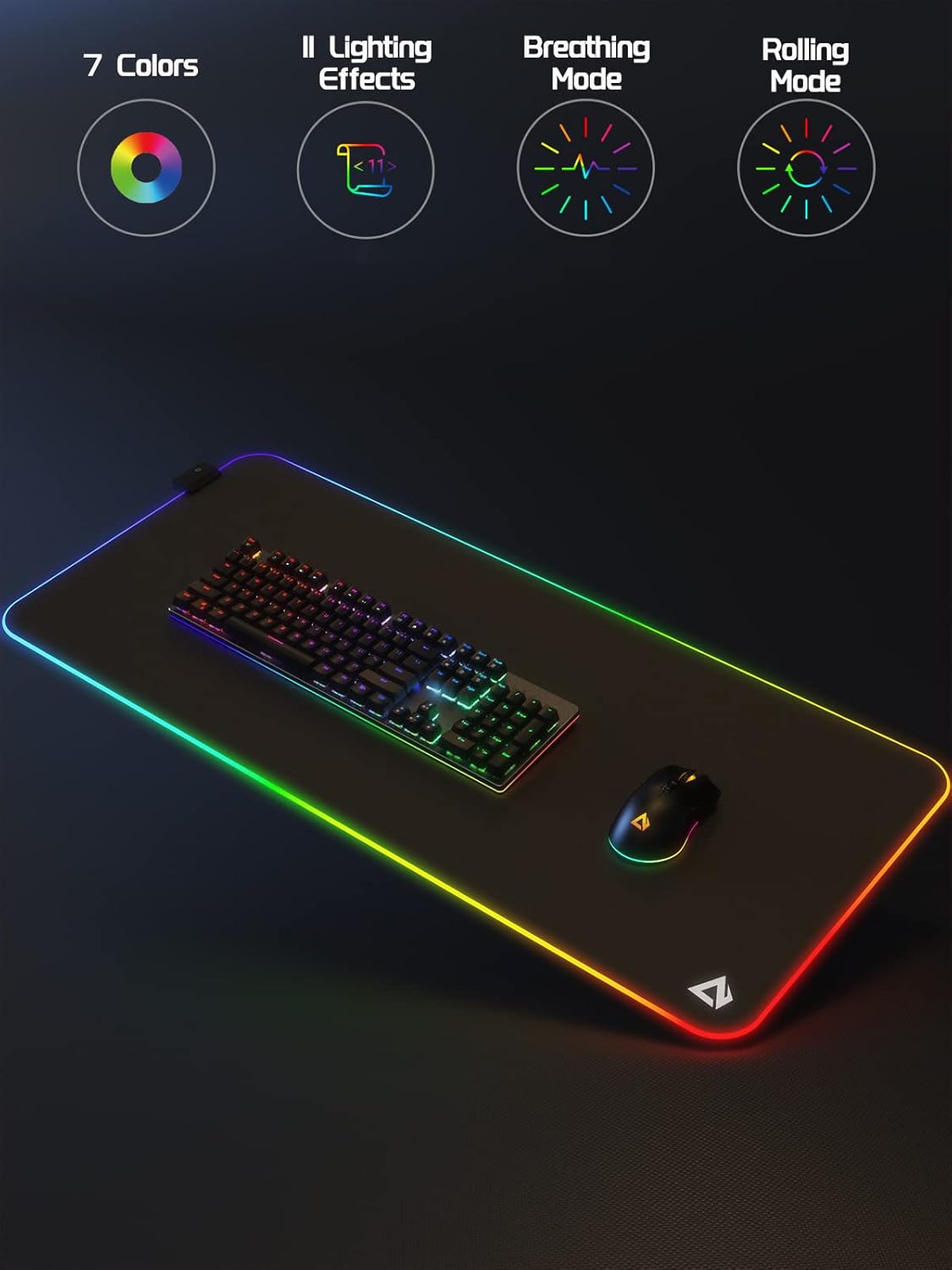
The EASEMO RGB Gaming Mouse Pad provides a large surface for your keyboard and mouse, enhanced with vibrant LED lighting around its edges.
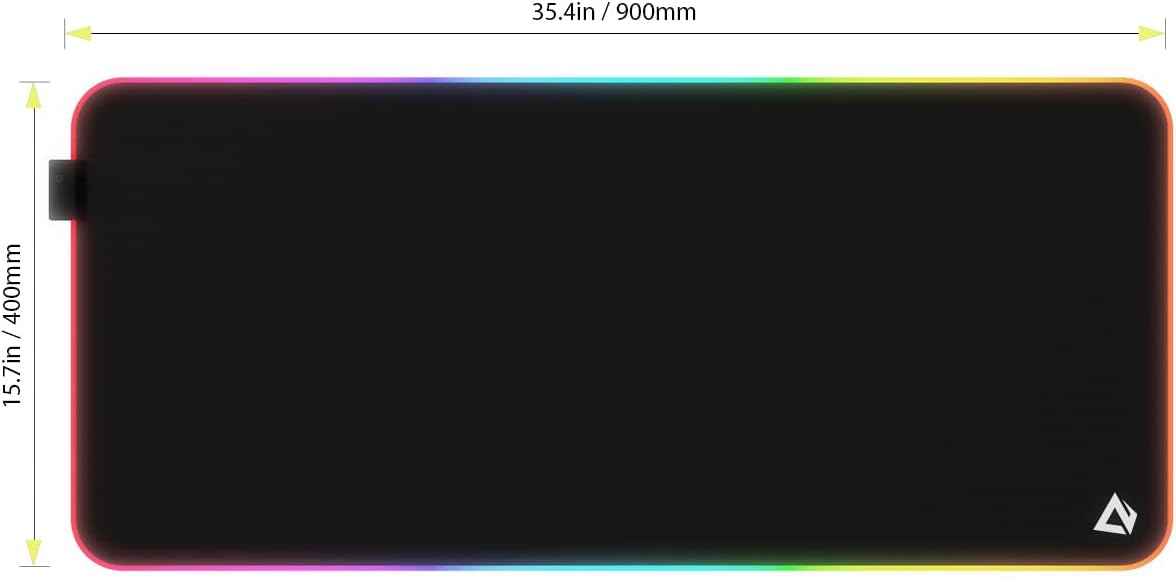
This XXL large mouse pad measures 35.4 inches in length and 15.75 inches in width, offering extensive space for your peripherals.
Operating Instructions
The EASEMO RGB Gaming Mouse Pad features a simple one-button control for its lighting effects.
- Power On/Off: Press and hold the control button for approximately 3 seconds to turn the RGB lighting on or off.
- Change Lighting Mode: Short press the control button to cycle through the 11 available lighting effects. These include 7 static colors (Red, Green, Blue, Purple, Cyan, Yellow, White) and 4 dynamic modes (Breathing, Rolling, Gradient, Flashing).
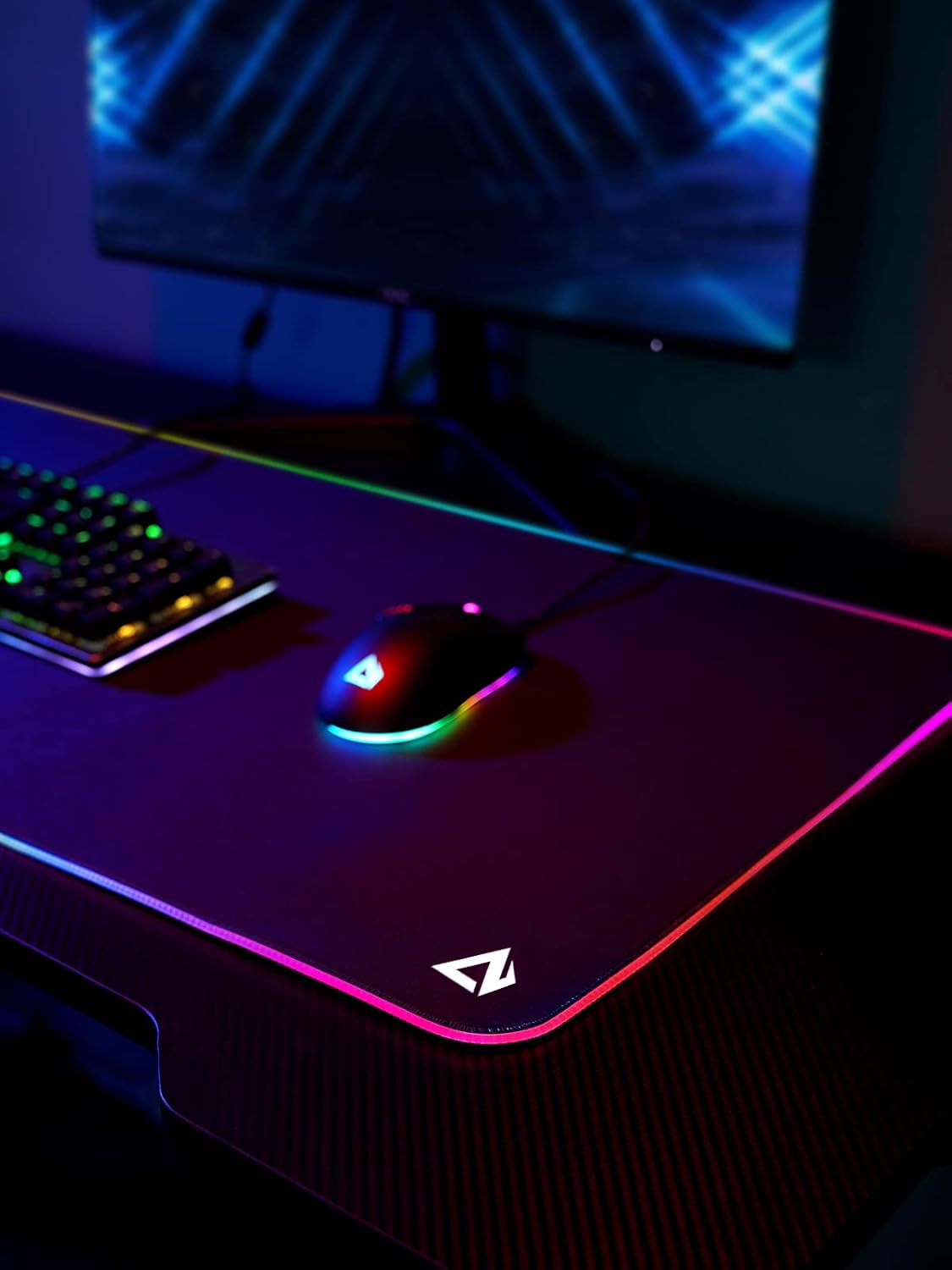
The integrated control button allows for easy cycling through lighting modes and powering the RGB effects. Connect the USB cable to a compatible port for power.
Experience a range of 7 static colors and 4 dynamic lighting modes to personalize your desk setup.
Maintenance
- Cleaning the Surface: The waterproof fabric surface can be easily cleaned. For minor spills, simply wipe with a damp cloth. For more stubborn dirt, use a mild soap solution and a soft cloth, then wipe dry. Ensure the USB connector is not exposed to water.
- Storage: When not in use, the mouse pad can be gently rolled up for storage. Avoid sharp creases or excessive bending of the LED strip.
The mouse pad features a waterproof fabric surface, protecting against accidental spills and making cleaning simple.

The natural rubber base provides a secure grip on your desk, preventing unwanted movement during use.
Troubleshooting
- Lights Not Turning On: Ensure the USB cable is securely connected to a working USB port. Try connecting to a different USB port or power adapter.
- Mat Not Lying Flat: Due to packaging, the mat may initially have slight curves. Lay it flat for 24-48 hours, or gently roll it in the opposite direction to help it flatten.
- Mouse Tracking Issues: Ensure the mouse pad surface is clean and free of debris. If issues persist, try adjusting your mouse's DPI settings.
Specifications
| Feature | Detail |
|---|---|
| Brand | EASEMO |
| Model Number | cdn238 |
| Dimensions (L x W) | 35.4L x 15.75W inches (900mm x 400mm) |
| Thickness | 4 Millimeters |
| Material | Plastic, Rubber (Fabric Surface, Natural Rubber Base) |
| Lighting Effects | 7 Static Colors, 4 Dynamic Modes (11 total) |
| Special Features | Ergonomic, Non-slip, Smooth, Waterproof |
| UPC | 724087616380 |
| Item Weight | 873 Grams |
Warranty and Support
This EASEMO RGB Gaming Mouse Pad comes with a 2-year manufacturer warranty. For any product inquiries, technical support, or warranty claims, please contact EASEMO customer service through the retailer where the product was purchased or visit the official EASEMO website for contact information.
Please retain your proof of purchase for warranty validation.