
1. Introduction
This manual provides essential information for the safe and efficient use of your Samsung GU43CU8079U 43-inch Smart TV. Please read these instructions carefully before operating the device and retain them for future reference. This television offers a 43-inch display, Smart TV capabilities, and various connectivity options.
2. Safety Information
Always observe the following safety precautions to prevent electric shock, fire, or injury:
- Do not expose this apparatus to rain or moisture.
- Do not block any ventilation openings. Install in accordance with the manufacturer's instructions.
- Do not install near any heat sources such as radiators, heat registers, stoves, or other apparatus (including amplifiers) that produce heat.
- Protect the power cord from being walked on or pinched, particularly at plugs, convenience receptacles, and the point where they exit from the apparatus.
- Only use attachments/accessories specified by the manufacturer.
- Refer all servicing to qualified service personnel.
3. Package Contents
Ensure all items are present in the box:
- Samsung GU43CU8079U 43-inch Smart TV
- Remote Control with Batteries
- Power Cable
- Stand Components (if applicable)
- User Manual (this document)
- Warranty Card
4. Setup
4.1 Unpacking
Carefully remove the TV from its packaging. It is recommended to have two people for this process due to the size and weight of the unit. Keep all packaging materials for potential future transport or returns.
4.2 Stand Installation (Optional)
If you are not wall-mounting the TV, attach the stand according to the instructions provided in the separate stand assembly guide. Ensure all screws are securely fastened.
4.3 Connecting Power
Plug the power cable into the TV's power input, then plug the other end into a wall outlet. The TV operates on 220 Volts AC.
4.4 Connecting External Devices
Use the available ports on the back of the TV to connect your external devices.
- HDMI: For high-definition video and audio from devices like Blu-ray players, game consoles, or set-top boxes.
- USB: For connecting USB storage devices to play media files. This model features 1 USB port.
- Antenna/Cable: For connecting an antenna or cable TV signal.
- Ethernet (LAN): For a wired internet connection.
4.5 Initial Setup
Upon first power-on, the TV will guide you through the initial setup process. This typically includes:
- Language Selection: Choose your preferred language.
- Network Connection: Connect to your home Wi-Fi network (802.11 b/g/n supported) or use a wired Ethernet connection.
- Channel Scan: Scan for available broadcast channels.
- Smart Hub Setup: Configure your Samsung Smart Hub account and agree to terms and conditions.
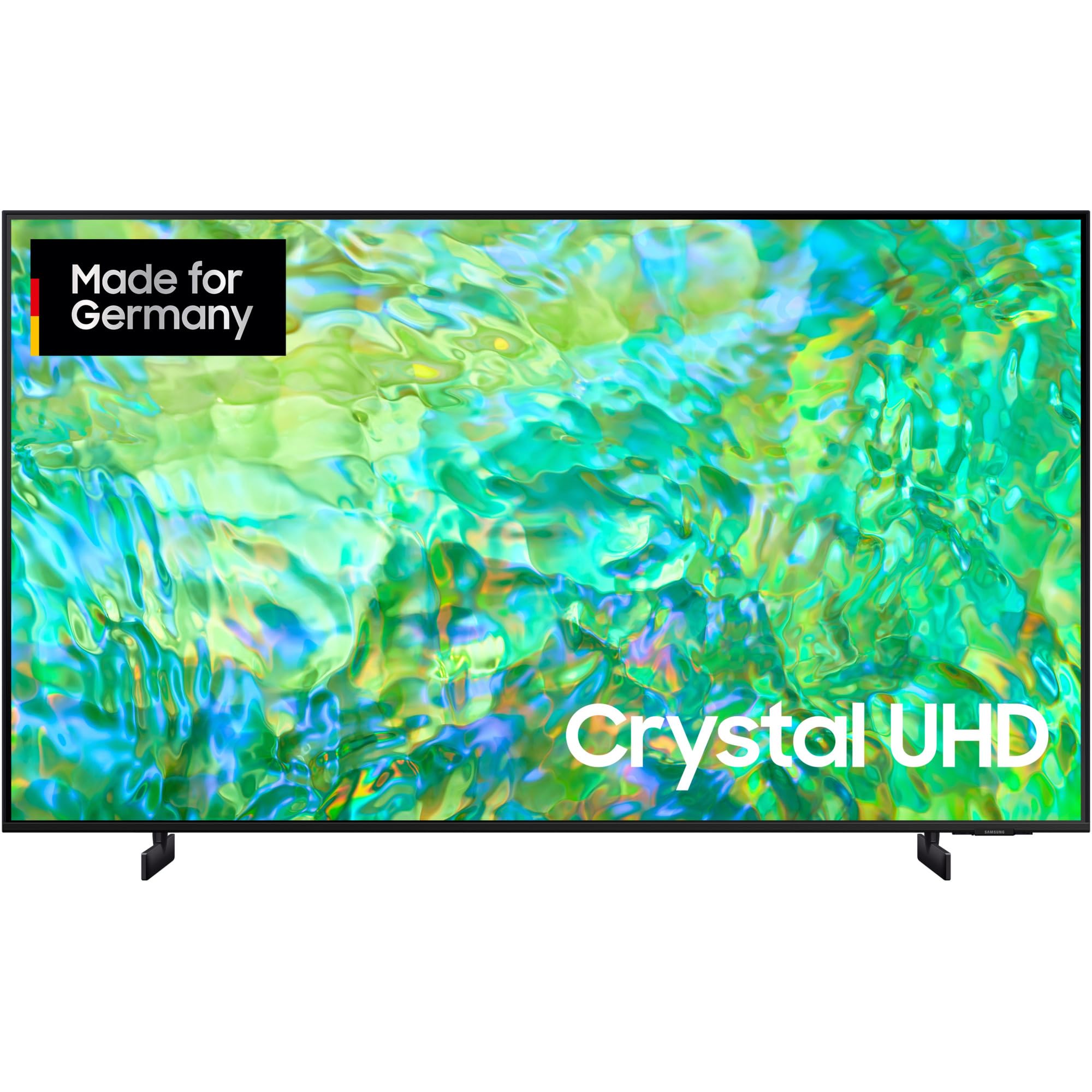
An image showing the front view of the Samsung GU43CU8079U 43-inch Smart TV, highlighting its slim bezel design and stand.
5. Operating the TV
5.1 Remote Control Overview
The remote control allows you to navigate the TV's features. Common buttons include:
- Power: Turns the TV on or off.
- Volume (+/-): Adjusts the sound level.
- Channel (Up/Down): Changes TV channels.
- Source: Selects input sources (HDMI, USB, TV).
- Smart Hub: Accesses the Smart Hub for apps and streaming services.
- Navigation Pad: For menu navigation.
- Return/Exit: Goes back to the previous screen or exits a menu.
5.2 Basic Functions
Power On/Off: Press the Power button on the remote control or the TV's control panel.
Changing Channels: Use the Channel Up/Down buttons or enter the channel number directly.
Adjusting Volume: Use the Volume Up/Down buttons.
5.3 Input Selection
Press the Source button on your remote to switch between connected devices (e.g., HDMI 1, HDMI 2, USB, TV).
5.4 Smart TV Features
Access the Smart Hub to explore a wide range of applications, streaming services, and web browsing. Ensure your TV is connected to the internet for full Smart TV functionality.
5.5 Picture and Sound Settings
Navigate to the TV's menu to customize picture modes (e.g., Standard, Dynamic, Movie), sound modes (e.g., Standard, Adaptive Sound), and other display or audio preferences.
6. Maintenance
6.1 Cleaning the TV
Screen: Gently wipe the screen with a soft, dry microfiber cloth. For stubborn marks, slightly dampen the cloth with water or a specialized screen cleaner, then wipe dry immediately. Do not use alcohol, solvents, or abrasive cleaners.
Body: Wipe the TV's frame and stand with a soft, dry cloth. Avoid spraying liquids directly onto the TV.
6.2 Software Updates
Periodically check for software updates through the TV's settings menu. Keeping your TV's software up-to-date ensures optimal performance and access to the latest features and security enhancements.
7. Troubleshooting
If you encounter issues with your TV, refer to the following common solutions:
- No Power: Ensure the power cable is securely plugged into both the TV and the wall outlet. Test the outlet with another device.
- No Picture/Sound: Check the input source selection. Ensure external devices are powered on and connected correctly.
- Remote Control Not Working: Replace the batteries. Ensure there are no obstructions between the remote and the TV's sensor.
- Poor Picture Quality: Check antenna/cable connections. Adjust picture settings in the TV menu.
- No Internet Connection: Verify your Wi-Fi password. Restart your router and the TV. Try a wired Ethernet connection if possible.
For persistent issues, consult the full e-Manual accessible via the TV's menu or contact Samsung support.
8. Specifications
| Brand | SAMSUNG |
| Model Number | GU43CU8079U |
| Part Number | GU43CU8079UXZG |
| Screen Size | 43 Inches |
| Aspect Ratio | 16:9 |
| Product Dimensions (L x W x H) | 50 x 50 x 28 cm |
| Item Weight | 8.1 Kilograms (8100 Grams) |
| Voltage | 220 Volts (AC), 220 V AC 50 Hz |
| Hardware Interface | 802.11 b/g/n (Wi-Fi) |
| Total USB Ports | 1 |
| Language | French (as per product listing, but user manual is in English) |
9. Warranty and Support
Your Samsung GU43CU8079U TV comes with a standard manufacturer's warranty. Please refer to the warranty card included in your package for specific terms, conditions, and duration. Keep your proof of purchase for warranty claims.
For technical support, service, or further assistance, please visit the official Samsung support website or contact their customer service helpline in your region. You can find contact details on the Samsung website or in your warranty documentation.


