
1. Safety Information
Please read and understand all safety instructions before using this product. Retain this manual for future reference.
- Indoor Use Only: This night light is designed for indoor use in dry locations. Do not expose to water or high humidity.
- Electrical Safety: Plug directly into a standard wall outlet. Do not use with extension cords or power strips. Ensure the outlet is in good condition.
- Avoid Obstruction: Do not block the motion sensor or light sensor. Ensure the light is not covered by furniture, curtains, or other objects.
- Not a Toy: Keep out of reach of children.
- No User-Serviceable Parts: Do not attempt to open or repair the device. Refer all servicing to qualified personnel.
2. Package Contents
Verify that all components are present in your package:
- Briignite Motion Sensor Night Lights (4 Pack, Warm White)
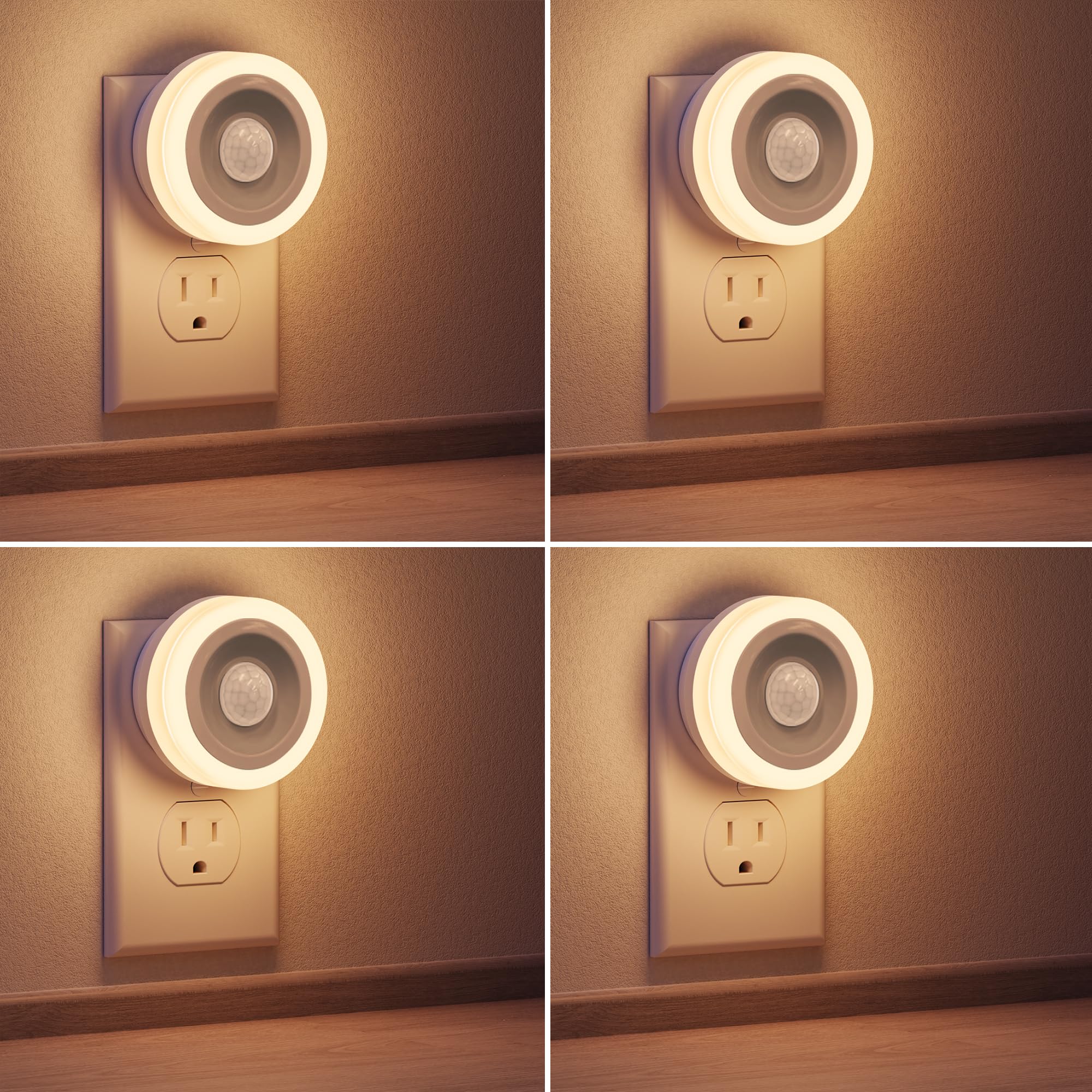
Image: Four Briignite Motion Sensor Night Lights in Warm White packaging.
3. Product Features
The Briignite Motion Sensor Night Light is designed for convenience and energy efficiency.
- Motion Sensor: Automatically activates the light when movement is detected in low-light conditions.
- Light Sensor (Dusk to Dawn): Ensures the light only operates when ambient light is low, saving energy during daylight hours.
- Energy-Saving LED: Utilizes a 0.6W LED chip, providing 60 lumens of warm white light (3000K) with a long lifespan of over 50,000 hours.
- Compact Design: Plug-in design that does not obstruct the second outlet, allowing other devices to be used simultaneously.
- Automatic On/Off: Light turns on with motion and automatically turns off after 30 seconds of no detected movement.
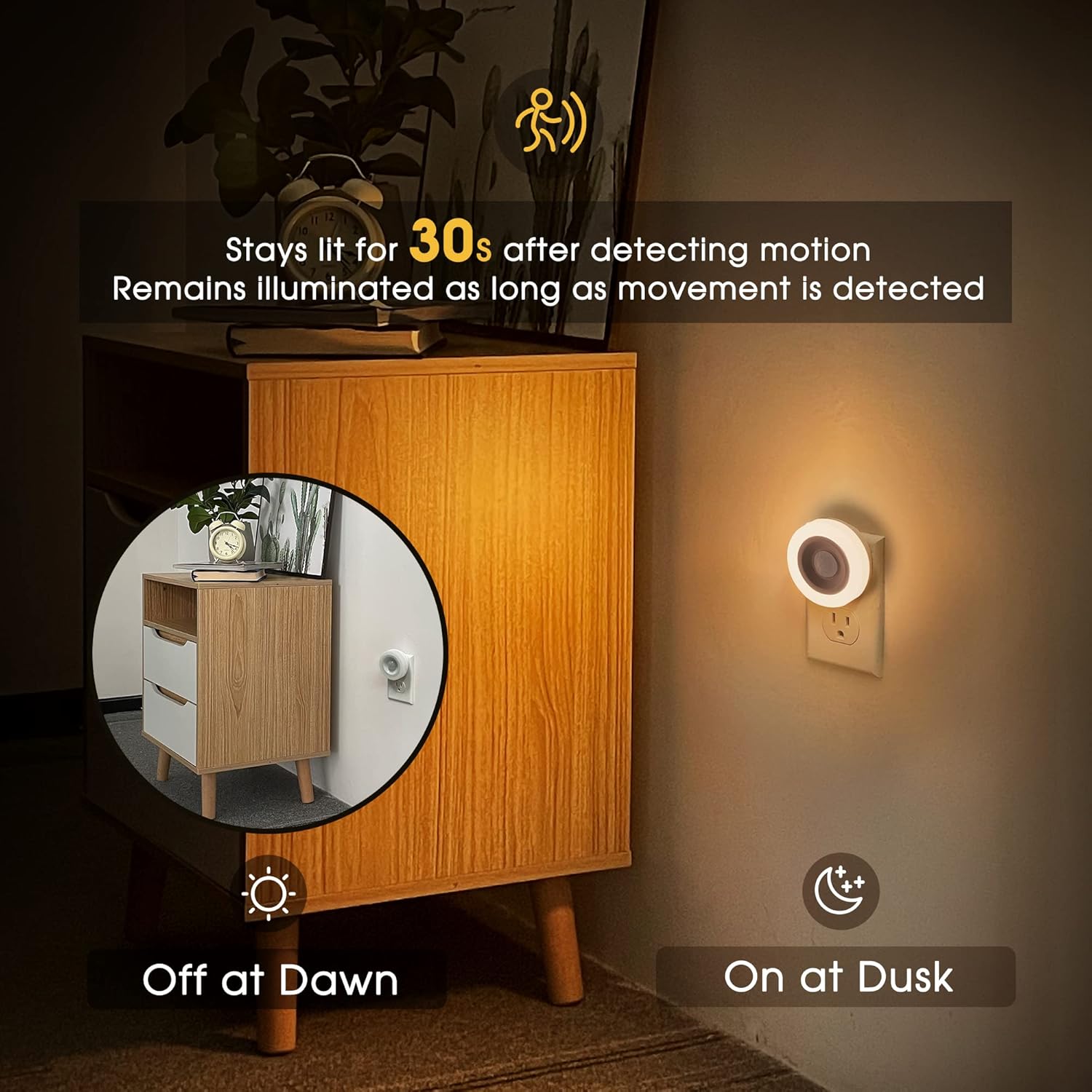
Image: Diagram illustrating the motion sensor's 13.1 ft (5m) detection range and 120-degree detection angle.

Image: A hand plugging in the compact night light, demonstrating that it does not block the second outlet.
4. Setup
Setting up your Briignite Motion Sensor Night Light is simple:
- Unpack: Carefully remove the night light from its packaging.
- Choose Location: Select a standard wall outlet in an indoor, dry location where you desire automatic illumination. Consider areas like hallways, bedrooms, bathrooms, or kitchens.
- Plug In: Insert the night light directly into the wall outlet. Ensure it is securely plugged in.
- Positioning: For optimal motion detection, ensure the sensor is not obstructed and faces the area where movement is expected. Avoid placing it near heat sources or direct sunlight, which can interfere with sensor operation.

Image: Examples of the night light installed in a bedroom next to a bed and in a kitchen above a countertop, providing soft illumination.
5. Operating Instructions
The night light operates automatically based on ambient light and motion detection.
- Automatic Activation: The built-in light sensor detects ambient light levels. When the room darkens (dusk), the night light enters standby mode, ready to detect motion.
- Motion Detection: Upon detecting movement within its 4-meter range and 120-degree angle, the night light will automatically turn on.
- Continuous Illumination: The light remains on as long as continuous motion is detected within its range.
- Automatic Deactivation: If no motion is detected for approximately 30 seconds, the night light will automatically turn off.
- Daylight Deactivation: When the ambient light increases (dawn), the light sensor will deactivate the night light, preventing it from turning on even if motion is detected, thus conserving energy.

Image: Visual representation of the night light turning on at dusk and off at dawn, and staying lit for 30 seconds after motion or as long as motion is detected.
Video: A demonstration of the Briignite Motion Sensor Night Light's automatic activation and deactivation based on motion detection in various settings.
6. Maintenance
The Briignite Motion Sensor Night Light requires minimal maintenance.
- Cleaning: To clean the night light, first unplug it from the wall outlet. Use a soft, dry cloth to wipe the surface. Do not use abrasive cleaners, solvents, or immerse the device in water.
- Sensor Care: Ensure the motion sensor and light sensor lenses are kept clean and free from dust or obstructions for optimal performance.
- Storage: If storing the night light for an extended period, unplug it and keep it in a cool, dry place.
7. Troubleshooting
If you encounter issues with your night light, refer to the following common problems and solutions:
| Problem | Possible Cause | Solution |
|---|---|---|
| Light does not turn on. | 1. Sufficient ambient light. 2. No motion detected. 3. Power outage or loose connection. | 1. Ensure the room is dark enough for the light sensor to activate. 2. Move within the sensor's detection range (4 meters, 120 degrees). 3. Check the power outlet and ensure the night light is securely plugged in. |
| Light stays on continuously. | 1. Continuous motion detected. 2. Sensor obstructed or dirty. 3. Interference from heat sources. | 1. Ensure there is no continuous movement within the sensor's range. The light should turn off after 30 seconds of no motion. 2. Clean the sensor lens with a soft, dry cloth. Ensure no objects are blocking the sensor. 3. Relocate the night light away from heat sources like vents or radiators. |
| Light flickers or is dim. | 1. Unstable power supply. 2. Product malfunction. | 1. Try plugging the night light into a different outlet. 2. If the issue persists, contact customer support. |
8. Specifications
| Feature | Detail |
|---|---|
| Brand | Briignite |
| Model Number | Motion Sensor Night Light Warm White |
| Light Source Type | LED |
| Power Consumption | 0.6W |
| Color Temperature | 3000K (Warm White) |
| Luminous Flux | 60 Lumens |
| Motion Sensor Range | Up to 4 meters (13.1 ft) |
| Motion Sensor Angle | 120 degrees |
| Auto-Off Delay | 30 seconds (after no motion) |
| Power Source | Plug-in (120 Volts) |
| Material | Plastic |
| Dimensions (D x W x H) | 2.56" x 2.56" x 1.81" |
| Indoor/Outdoor Usage | Indoor |
9. Warranty and Support
Briignite products are manufactured with quality and reliability in mind. This product is covered by a manufacturer's warranty against defects in materials and workmanship. For specific warranty details, please refer to the documentation included with your purchase or visit the official Briignite website.
If you require technical assistance or have questions regarding your product, please contact Briignite customer support through the retailer where the product was purchased or via the contact information provided on the Briignite website.