1. Introduction
Thank you for choosing the DVKNM AP7 Magnetic Solar Wireless Backup Camera System. This manual provides comprehensive instructions for the proper installation, operation, and maintenance of your new device. Please read this manual thoroughly before use to ensure optimal performance and safety. This system is designed to enhance your visibility and safety when operating vehicles such as RVs, campers, trailers, and trucks.
2. What's in the Box
Carefully unpack all components and verify that you have received the following items:
- 7 Inch FHD Monitor x1
- Solar Magnetic Camera x1
- 32GB SD Card x1
- Car Charger x1
- Suction Cup Bracket x1
- Standard Antenna x3
- Enhance Signal Antenna x3
- Sunshade x1
- U-Shaped Bracket x1
- Type-C Cable x1
- Power Cord x1
- User Manual x1
- Installation Kit

Image: All components included in the DVKNM AP7 package.
3. Product Features
- 3-Minute DIY Installation: No drilling or wiring required. The 7-inch Full HD IPS panel monitor offers plug-and-play functionality, and the magnetic wireless backup camera easily attaches to any metal surface.
- Super Magnetic Base: The solar magnetic wireless reverse camera features a strong magnet for secure attachment to any metal surface. It allows for easy attachment and removal without concerns of the camera dislodging during vehicle motion.
- Rechargeable Portable Camera: The rear view camera supports both solar and Type-C charging, featuring a 9600 mAh battery capacity. It charges while driving in sunny weather and boasts IP69 commercial-grade waterproofing for durability.
- Upgraded 1080P CMOS Image Sensor: Equipped with a 1080P HD color CMOS sensor and a 7-inch Full HD IPS panel monitor for ultra-high-definition monitoring images. Includes 9 infrared night vision LED lights for clear visibility in total darkness.
- Stable Digital Signal & Wide Transmission Range: Features a built-in signal booster receiver for fast and stable digital signal transmission without image freezing. The transmission distance can reach 328 feet (without obstacles), ensuring normal operation even on highways. An enhanced signal antenna is included.
- DVR Loop Recording: The built-in recording system automatically overwrites old footage to keep recordings refreshed. In case of an accident or impact, the system automatically protects that video segment. A 32GB memory card is included.
- IP69 Waterproof: The solar wireless backup camera adopts a unique sealing technology, making it resistant to rain and snow.

Image: Simple three-step installation process.

Image: Demonstrating the strong magnetic base of the camera.

Image: Solar and Type-C charging capabilities of the camera.
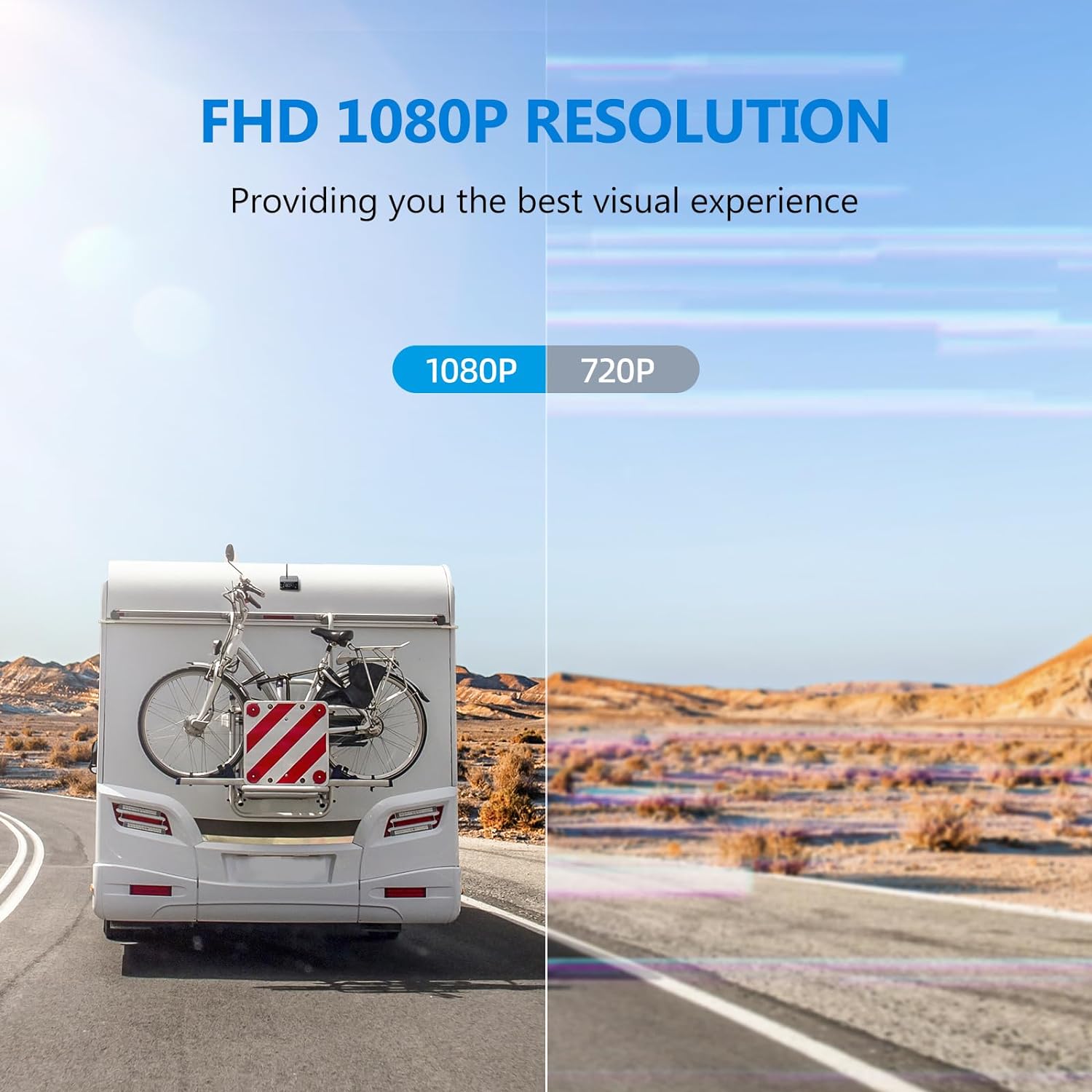
Image: Visual comparison highlighting the 1080P resolution.

Image: Full HD Super Night Vision capability.

Image: Strong signal transmission up to 328 feet.

Image: Loop recording functionality.

Image: IP69 Waterproof design.
4. Setup Guide
4.1 Camera Installation
- Choose a Mounting Location: Select a metal surface at the rear of your vehicle (RV, trailer, truck, etc.) that provides a clear view of the area you wish to monitor. Ensure the surface is clean and dry.
- Attach the Camera: Place the magnetic base of the Solar Magnetic Camera firmly onto the chosen metal surface. The strong magnet will secure it in place.
- Adjust Camera Angle: Adjust the camera's angle to achieve the desired viewing perspective. The camera can be rotated to optimize the field of view.
- Install Antenna: Screw one of the provided antennas (standard or enhanced signal) onto the camera's antenna port. For optimal signal, use the enhanced signal antenna, especially for longer vehicles.
Image: Visual guide for camera installation.
4.2 Monitor Installation
- Mount the Monitor: Attach the suction cup bracket to the monitor and then secure it to your vehicle's windshield or dashboard. Alternatively, use the U-shaped bracket for a more permanent installation.
- Connect Power: Plug the car charger into your vehicle's 12V power outlet (cigarette lighter socket). Connect the other end to the monitor's power input.
- Install Antenna: Screw one of the provided antennas onto the monitor's antenna port.
4.3 System Pairing (Automatic)
The DVKNM AP7 system is designed for automatic pairing. Once both the camera and monitor are powered on, they should automatically connect and display the camera's view on the monitor within a few seconds. No manual pairing is typically required.
5. Operating Instructions
5.1 Monitor Functions
The 7-inch IPS monitor provides various functions to enhance your viewing experience:
- FHD 1080P Resolution: Provides clear and detailed images.
- 7-inch Screen: Large display for easy viewing.
- Split Screen: Supports full screen and dual split screen modes if an additional camera is connected.
- Parking Line: Adjustable parking guidelines for precise maneuvering.
- Loop Recording: Continuously records footage, overwriting the oldest files.
- Flip Image: Allows you to flip the image horizontally or vertically.

Image: Overview of monitor features.
5.2 DVR Loop Recording
The system includes a DVR function that records video footage onto the included 32GB SD card. The loop recording feature ensures continuous recording by automatically overwriting the oldest files when the card is full. In the event of an impact or sudden braking, the system will automatically lock and protect the current video segment from being overwritten.
Image: Loop recording functionality.
5.3 Split Screen Settings
The monitor supports both full-screen display and dual split-screen display. If you have purchased an additional camera, you can utilize the split-screen feature to view both camera feeds simultaneously.

Image: Split screen display options.
5.4 Night Vision
The camera is equipped with 9 infrared LED lights, providing clear night vision even in low-light or total darkness conditions, ensuring safety during nighttime operations.
Image: Full HD Super Night Vision capability.
6. Maintenance
6.1 Cleaning
To maintain optimal performance, regularly clean the camera lens and monitor screen with a soft, damp cloth. Avoid using abrasive cleaners or solvents that could damage the surfaces.
6.2 Battery Charging
The camera's 9600 mAh battery can be charged in two ways:
- Solar Charging: When exposed to sunlight, the integrated solar panel will automatically charge the camera's battery. This is ideal for continuous charging during daytime use.
- Type-C Charging: For faster charging or when solar charging is not feasible, use the provided Type-C cable to connect the camera to a power source.
Image: Solar and Type-C charging methods.
6.3 Weather Resistance
The camera is IP69 waterproof, designed to withstand harsh weather conditions including rain, snow, and extreme temperatures ranging from -22°F to 149°F.

Image: IP69 Waterproof icon.
7. Troubleshooting
| Problem | Possible Cause | Solution |
|---|---|---|
| No image on monitor | Monitor not powered on; Camera not powered on; Signal interference; Camera out of range; Camera battery low. | Ensure monitor is plugged in and turned on. Check camera power (solar or Type-C charge). Reduce distance between camera and monitor. Use enhanced signal antenna. Charge camera battery. |
| Image freezing or flickering | Weak signal; Interference from other wireless devices. | Ensure antennas are securely attached. Try repositioning the camera or monitor to minimize obstructions. Use the enhanced signal antenna. |
| Camera not charging via solar | Insufficient sunlight; Solar panel obstructed or dirty. | Ensure solar panel is exposed to direct sunlight. Clean the solar panel regularly. Use Type-C charging if solar conditions are poor. |
| DVR not recording | SD card full; SD card not inserted correctly; SD card corrupted. | Check if the 32GB SD card is properly inserted. Format the SD card (refer to monitor settings). Replace SD card if corrupted. |
8. Specifications
| Feature | Specification |
|---|---|
| Product Dimensions | 9 x 6.3 x 6.1 inches |
| Item Weight | 4.38 pounds |
| Model Number | AP7 |
| Batteries | 3 Lithium Ion batteries required (included) |
| Screen Size | 7 Inches |
| Video Capture Resolution | 1080p |
| Voltage | 12 Volts |
| Optical Sensor Technology | CMOS |
| Real Angle of View | 140 Degrees |
| Waterproof Rating | IP69 |
| Battery Capacity | 9600 mAh |
| Wireless Transmission Range | Up to 328 feet (without obstacles) |
9. Warranty and Support
Your DVKNM AP7 system comes with an ironclad 3 Years Warranty and 24 Hour Support to ensure your complete satisfaction. If you experience any problems or have questions regarding your product, please contact DVKNM customer service immediately. Refer to the product packaging or the included user manual for specific contact details.
DVKNM is committed to providing high-quality products and services, and our customer service team is always available to assist you and quickly replace any damaged parts to ensure your system works normally.
10. Product Video
Watch the official product video for a visual guide on the DVKNM AP7 Magnetic Solar Wireless Backup Camera System's features and operation.
Video: Official product overview and demonstration.


