
1. Introduction
Thank you for choosing DONGFXK Motorized Blinds. This manual provides detailed instructions for the installation, operation, and maintenance of your new blackout roller shades. Please read this manual thoroughly before use to ensure proper function and longevity of your product.
These smart roller shades feature a no-drill, cordless design for easy installation and are controlled via remote. They are designed to provide 100% blackout, effective UV protection, and noise reduction, making them suitable for various rooms including bedrooms, living rooms, bathrooms, and offices.
2. What's Included
Upon unboxing, please verify that all components are present:
- Motorized Roller Shade (S2-grey, 30" W x 72" H)
- Single-channel Remote Control
- Mounting Hardware (brackets, screws, silicone pads)
- Hex Key (for safety lock)
- 6 AA Batteries (pre-installed or included separately)
- User Manual


3. Installation
3.1. Measuring Your Window
Accurate measurements are crucial for proper fit and function. Refer to the diagrams below for inside and outside mount measurements.


3.2. No-Drill Installation (Inside Mount)
The DONGFXK motorized roller shades feature a no-drill design, ideal for quick installation without damaging walls. This method is primarily for inside mounts.
- Place the end of the blind with the no-drill device against the left side of the window frame.
- If there is a gap between the top rail and the window frame, use a silicone pad to secure it to the right side of the top rail. Then, push the right side of the smart blind into place.
- After installation, fasten the non-drill device using the provided hex key to ensure the blind is securely in place.

3.3. Video Installation Guide
For a visual demonstration of the installation process, please watch the official video below:
Video: Official installation guide for DONGFXK No Drill Motorized Blinds with Remote Control. This video demonstrates the quick and easy setup process.
4. Operation
4.1. Remote Control
Your smart blinds come with a single-channel remote control for basic up/down operation. An optional 15-channel remote (not included) can control multiple blinds simultaneously.

4.2. Smart Control (Optional Hub Required)
To enable app control and voice commands via smart devices (e.g., smartphone, smart speaker), an optional hub (not included) is required. Connect the hub to your smart home system to integrate the blinds.

4.3. Operation Demonstration Video
See the motorized blinds in action, demonstrating their quiet operation and blackout capabilities:
Video: Animation demonstrating the quiet operation and blackout function of the motorized blinds in a living room setting.
5. Battery Replacement
The blinds are powered by 6 AA batteries (included). Batteries typically last 4-6 months. The top-mounted battery compartment allows for easy, hassle-free replacement.
- Roll up the blinds completely and lay them flat on a stable surface.
- Slide the protruding board aside to reveal the battery compartment.
- Pull out the battery box and replace the 6 AA dry batteries.
- Install the battery box back into the valance, ensuring it clicks into place.

6. Care and Maintenance
To maintain the appearance and functionality of your DONGFXK Motorized Blinds:
- Spot Clean Only: For cleaning, use a soft, damp cloth to gently spot clean any soiled areas. Do not immerse the blinds in water or use harsh chemical cleaners.
- Regularly check the battery compartment and replace batteries as needed (approximately every 4-6 months).
- Ensure the blinds operate smoothly and are free from obstructions.
7. Safety Information
Your DONGFXK Motorized Blinds are designed with safety in mind:
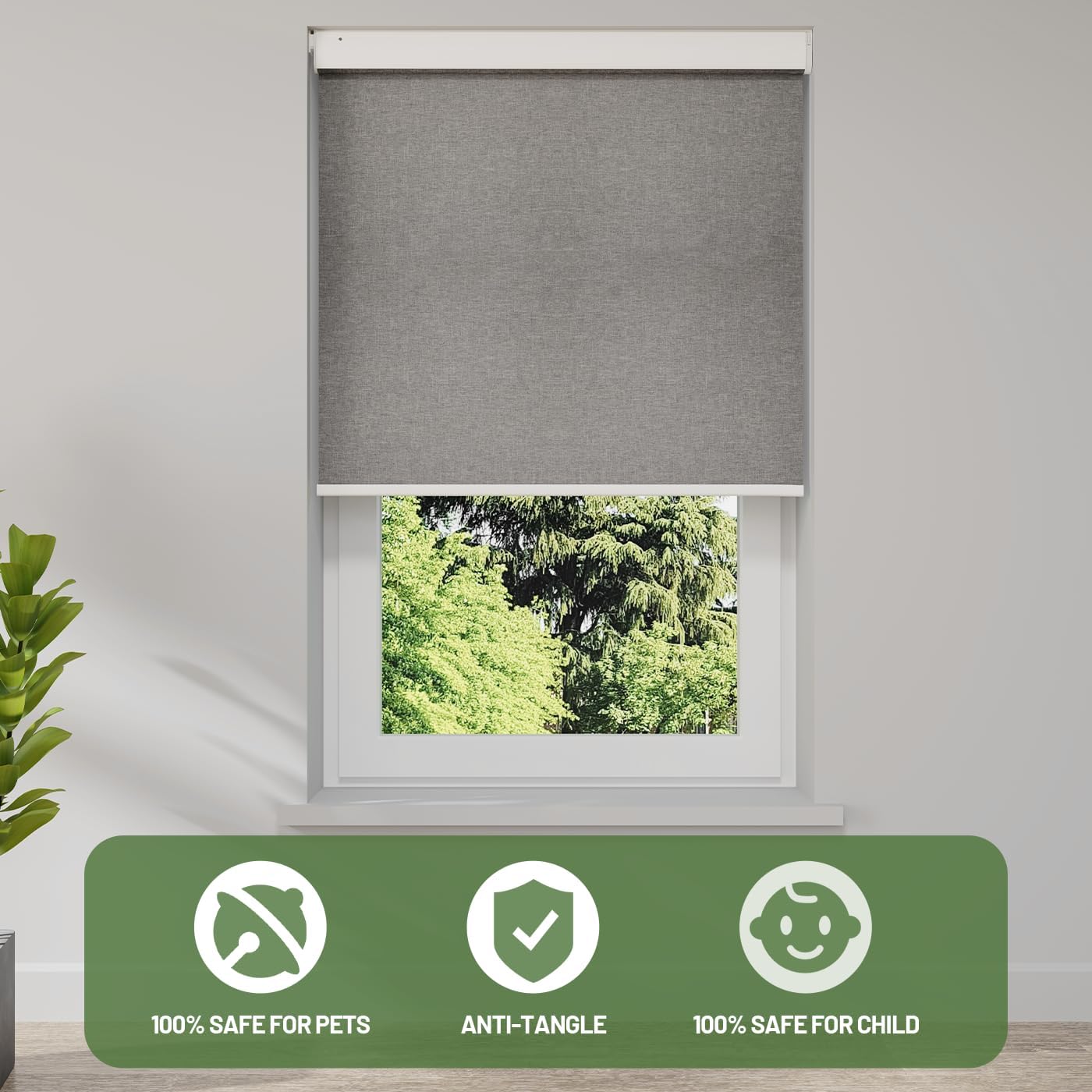
- Cordless Design: The cordless operation ensures safety for children and pets by eliminating hazardous cords.
- Anti-Tangle Mechanism: Designed to prevent tangling during operation.
- Always ensure the safety lock is tightened after installation.
- Keep the remote control out of reach of small children to prevent unintended operation.
8. Specifications
| Feature | Detail |
|---|---|
| Brand | DONGFXK |
| Model Number | e01abcf6-1809-427e-83a5-9f85d2f2ee19 |
| Product Dimensions | 72"L x 30"W |
| Size | 30" W x 72" H |
| Color | S2-grey |
| Material | Polyester |
| Opacity | Blackout |
| Operation Mode | Automatic |
| Special Feature | Motorized |
| Control Type | Remote |
| Mounting Type | Inside Mount, Outside Mount |
| Batteries | 6 AA batteries required (included) |
| Item Weight | 3.99 pounds (1.81 Kilograms) |
| Product Care Instructions | Spot Clean Only |
| Recommended Uses | Indoor (Bedroom, Living Room, Bathroom, Office, Children's Room, Study Room) |
9. Troubleshooting
If you encounter issues with your motorized blinds, please refer to the following common solutions:
- Blinds not responding to remote:
- Check if the remote control batteries need replacement.
- Ensure the remote is within range and pointed towards the blind's receiver.
- Verify that the blind's batteries are correctly installed and charged.
- Blinds not moving smoothly:
- Check for any obstructions in the window frame or along the blind's path.
- Ensure the blind is properly installed and level.
- Difficulty setting upper/lower limits:
- Refer to the detailed programming instructions in the included user manual for remote limit setting.
- Noise during operation:
- A silent wave motor is designed for quiet operation (Noise < 40dB). If excessive noise occurs, check for obstructions or loose components.
If problems persist, please contact customer support for assistance.
10. Warranty and Support
DONGFXK is committed to providing quality products and excellent customer service.
- Warranty: Your DONGFXK automatic blinds come with a 2-year warranty.
- Repair & Replacement Policy: A 60-day repair and replacement policy is included.
- Custom Service: We offer custom selection based on different window sizes.
- Contact Support: For any questions, issues, or custom service requests, please contact DONGFXK customer support. Refer to the contact information provided in your product packaging or on the official DONGFXK website.
