Introduction
Thank you for choosing the HOCO X75 3-in-1 Retractable Charging Cable. This manual provides essential information for the safe and efficient use of your product. Please read it thoroughly before use and retain it for future reference.
Product Overview
The HOCO X75 is a versatile 3-in-1 retractable charging cable designed for convenience and compatibility. It features a USB-A input and three output connectors: Type-C, Micro USB, and Lightning, making it compatible with a wide range of devices. The retractable design allows for adjustable length and easy storage.

Image: The HOCO X75 cable connected to a power adapter and charging three different mobile devices simultaneously, demonstrating its 3-in-1 compatibility.
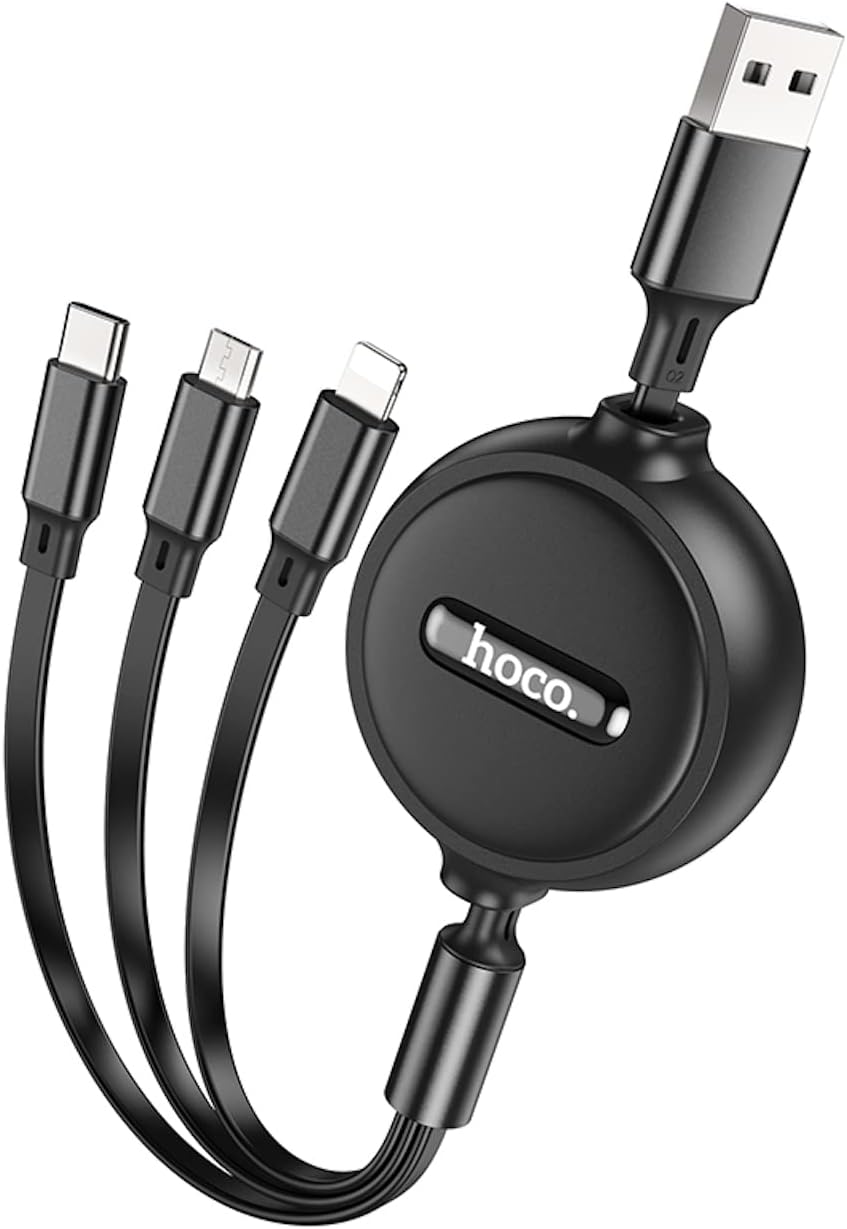
Image: A close-up view of the HOCO X75 retractable charging cable in its compact, retracted state, showing the USB-A connector and the three output connectors (Type-C, Micro USB, Lightning) neatly stored.
Setup
- Connect to Power Source: Insert the USB-A end of the cable into a compatible USB wall charger, power bank, or computer USB port.
- Extend the Cable: Gently pull both ends of the cable simultaneously to extend it to the desired length. Avoid pulling only one side, as this may damage the retraction mechanism.
- Connect to Device: Select the appropriate connector (Type-C, Micro USB, or Lightning) for your device and plug it into the device's charging port.
- Begin Charging: Once connected, your device should begin charging.
Operating Instructions
- Retracting the Cable: To retract the cable, gently pull both ends again until they lock into place, then release to allow the cable to retract smoothly into the housing. Ensure the cable retracts fully for proper storage.
- Charging Multiple Devices: The 3-in-1 design allows for charging up to three devices simultaneously. Note that the total current output is shared, and charging speed may vary depending on the number of devices connected and the power source.
- Charging Only: This cable is designed for charging purposes only. It does not support data transfer.
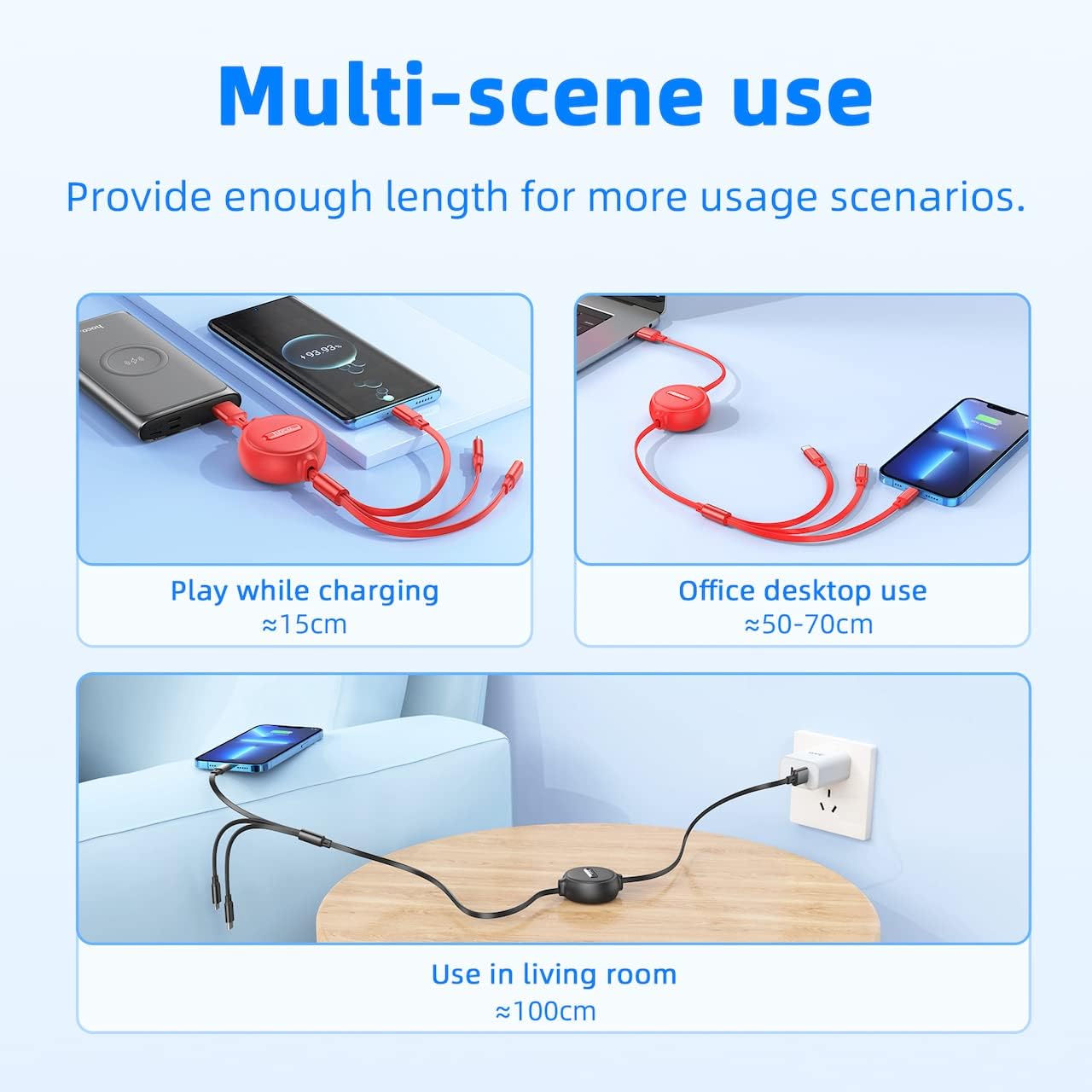
Image: Demonstrates the HOCO X75 cable being used in different environments: playing while charging (short length), office desktop use (medium length), and living room use (full length), highlighting its multi-scene applicability.
Maintenance
- Cleaning: Wipe the cable and connectors with a soft, dry cloth. Do not use liquid cleaners or abrasive materials.
- Storage: When not in use, ensure the cable is fully retracted to prevent tangling and damage. Store in a cool, dry place away from direct sunlight.
- Handling: Avoid excessive force when extending or retracting the cable. Do not bend the cable sharply or pull it forcefully from the connectors. The cable is designed to be break-resistant and stretch-resistant, but proper handling prolongs its lifespan.
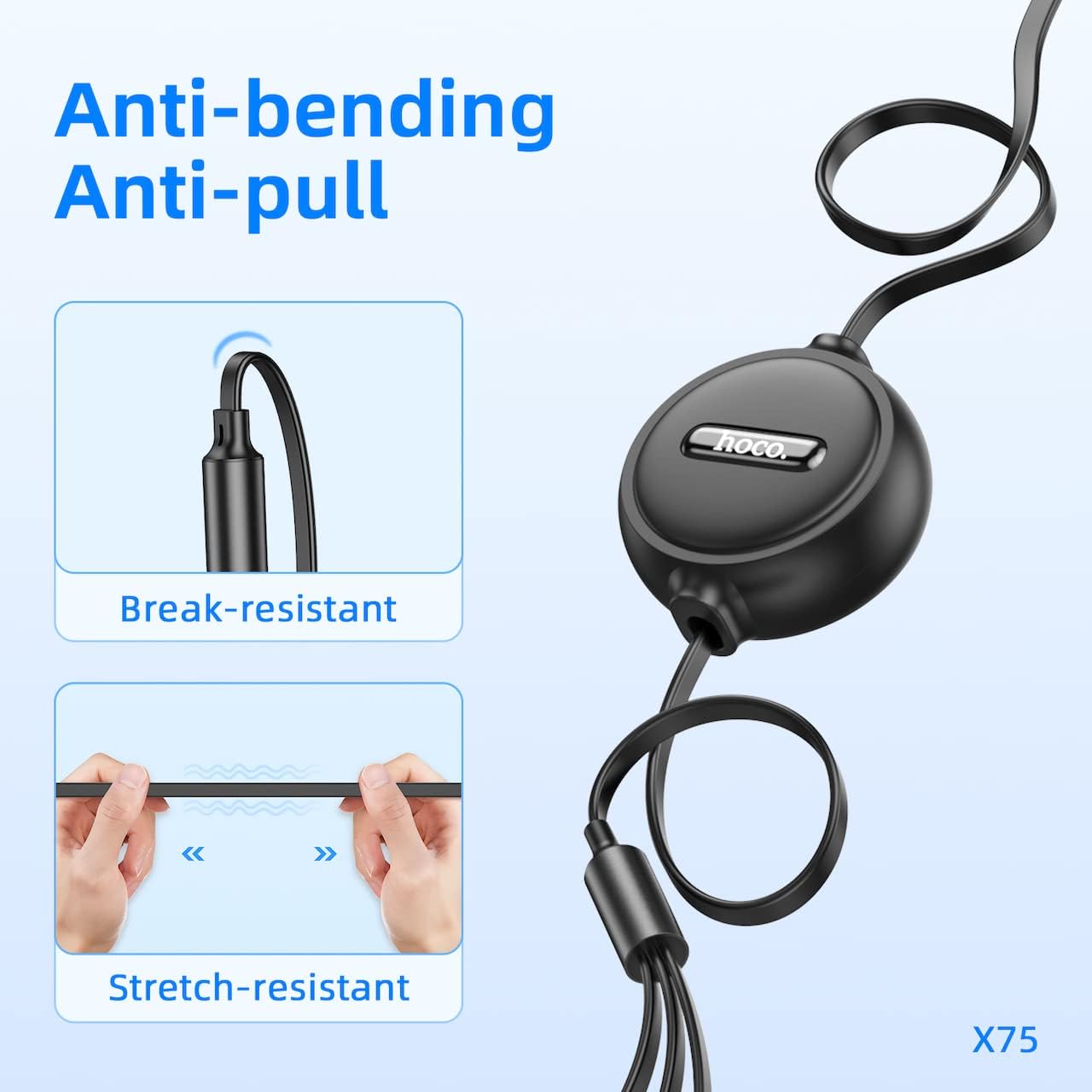
Image: Illustrates the cable's durability features, showing its resistance to bending near the connector and its stretch-resistant properties along the cable length.
Troubleshooting
- Device not charging:
- Ensure the USB-A end is securely connected to a working power source.
- Verify that the correct connector (Type-C, Micro USB, or Lightning) is firmly plugged into your device.
- Try using a different power source or USB port.
- Check if your device's charging port is clean and free of debris.
- Cable not retracting smoothly:
- Gently pull both ends of the cable out to their maximum extension, then release them simultaneously. This often resets the retraction mechanism.
- Avoid twisting the cable during retraction.
- Slow charging:
- Ensure your power source provides sufficient current (e.g., a 2A wall adapter for optimal speed).
- Charging multiple devices simultaneously will distribute the available current, potentially slowing down charging for each device.
Specifications
| Model | HOCO X75 |
| Length | 1 Meter (3.3 feet) |
| Weight | 53 grams |
| Input Connector | USB-A |
| Output Connectors | Type-C, Micro USB, Lightning |
| Maximum Current | 2 Amperes (shared) |
| Data Transfer | Not Supported |
| Outer Cover Material | PVC + ABS |
| Connector Material | Aluminum Alloy |
| Product Dimensions | 20.7 x 6.5 x 2.5 cm |
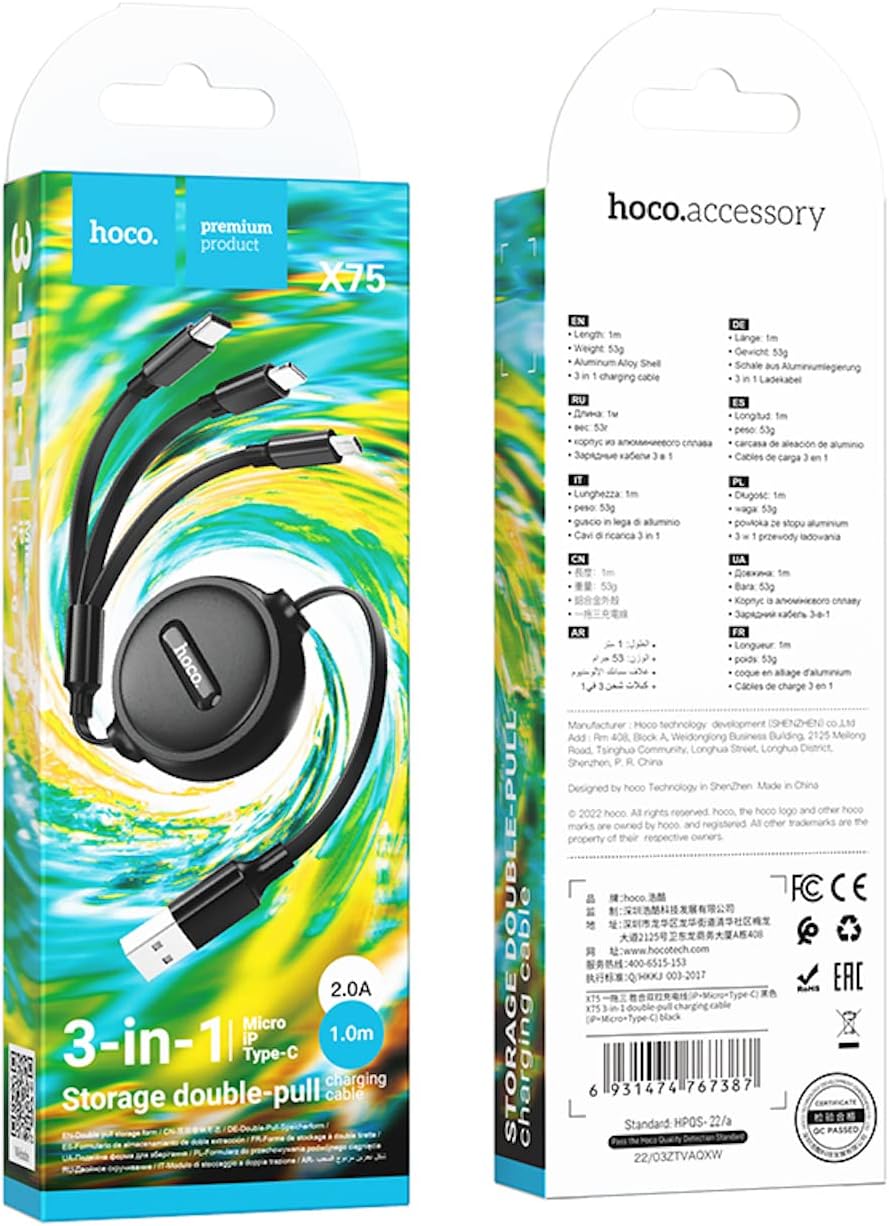
Image: The product packaging for the HOCO X75, displaying key specifications and features in multiple languages, including length, weight, and material composition.
Safety Information
- Do not expose the cable to extreme temperatures, direct sunlight, or moisture.
- Keep out of reach of children.
- Do not attempt to disassemble or modify the cable.
- Avoid using the cable if it shows signs of damage, such as frayed wires or bent connectors.
- Use only with compatible power sources and devices.
Warranty and Support
For warranty information or technical support, please refer to the documentation provided with your purchase or contact HOCO customer service directly through their official website or authorized retailers. Please have your product model (X75) and purchase details ready when contacting support.


