
Braun MGK7470
Contents
Braun All-in-One Style Kit Series 7 MGK7470 User Manual
Model: MGK7470
1. Introduction
Welcome to the Braun All-in-One Style Kit Series 7 MGK7470. This manual provides essential information for the safe and effective use of your grooming device. Please read all instructions carefully before first use and retain for future reference.
2. Important Safety Information
Always keep the trimmer away from water sources to prevent damage. Do not submerge the trimmer in water. Keep the trimmer away from children and use it only on adult body hair. Always use the trimmer with caution, as the blades are sharp and can cause injury if not handled properly. Follow the recommended cleaning and maintenance procedures to ensure the trimmer's longevity and safety.
3. Package Contents
Verify that all items listed below are present in your package:
- 1x Trimmer device
- 1x Metal trimmer head
- 1x Body groomer head
- 1x Detail trimmer head
- 1x Ear & nose trimmer head
- 1x Sliding beard comb (3 – 11 mm)
- 1x Sliding hair comb (13 – 21 mm)
- 1x Standard fix comb (1 mm)
- 1x Standard Fix comb (2 mm)
- 1x Beard fading comb
- 1x Hair fading comb
- 1x Sensitive comb
- 1x Eyebrow comb
- 1x Gillette Proglide razor
- 1x Gillette Proglide cartridge
- 1x Cleaning brush
- 1x Charging stand
- 1x Organizer case

Image: The Braun All-in-One Style Kit Series 7 MGK7470 with all 16 included attachments, including various combs, trimmer heads, a Gillette Proglide razor, charging stand, and organizer case.
4. Setup
4.1 Initial Charging
Before first use, fully charge the device. Connect the charging cable to the trimmer and plug it into a power outlet. The charging indicator light will show the charging status. A full charge provides approximately 100 minutes of cordless runtime.

Image: The Braun All-in-One Style Kit Series 7 MGK7470 trimmer standing upright on its charging base, with a green indicator light illuminated, signifying charging or full battery.
4.2 Attaching Trimmer Heads and Combs
To attach a trimmer head, align it with the trimmer body and press until it clicks into place. To remove, pull the head away from the body. For combs, slide them onto the desired trimmer head until secure.
5. Operating Instructions
5.1 Power On/Off
Press the power button to turn the device on or off.
5.2 Beard Trimming
Use the metal trimmer head with the sliding beard comb (3-11 mm) or standard fix combs (1 mm, 2 mm) to achieve desired beard length. For precise lines, use the metal trimmer head without a comb.
5.3 Hair Clipping
Attach the sliding hair comb (13-21 mm) or hair fading comb to the metal trimmer head for hair cutting. Move the trimmer against the direction of hair growth.

Image: A person demonstrating the use of the Braun All-in-One Style Kit Series 7 MGK7470 for both beard trimming and hair clipping, illustrating proper technique for each application.
5.4 Body Grooming
Use the body groomer head with the sensitive comb for manscaping. Always use caution in sensitive areas.
5.5 Detail Trimming
The detail trimmer head is designed for precise styling and intricate lines.
5.6 Ear & Nose Trimming
Gently insert the ear & nose trimmer head into the nostril or ear canal. Do not insert too deeply.
6. Maintenance
6.1 Cleaning
The device is 100% waterproof. After each use, remove the trimmer head and rinse it under running water. Use the cleaning brush to remove any trapped hairs. Ensure the device is dry before storing or recharging.
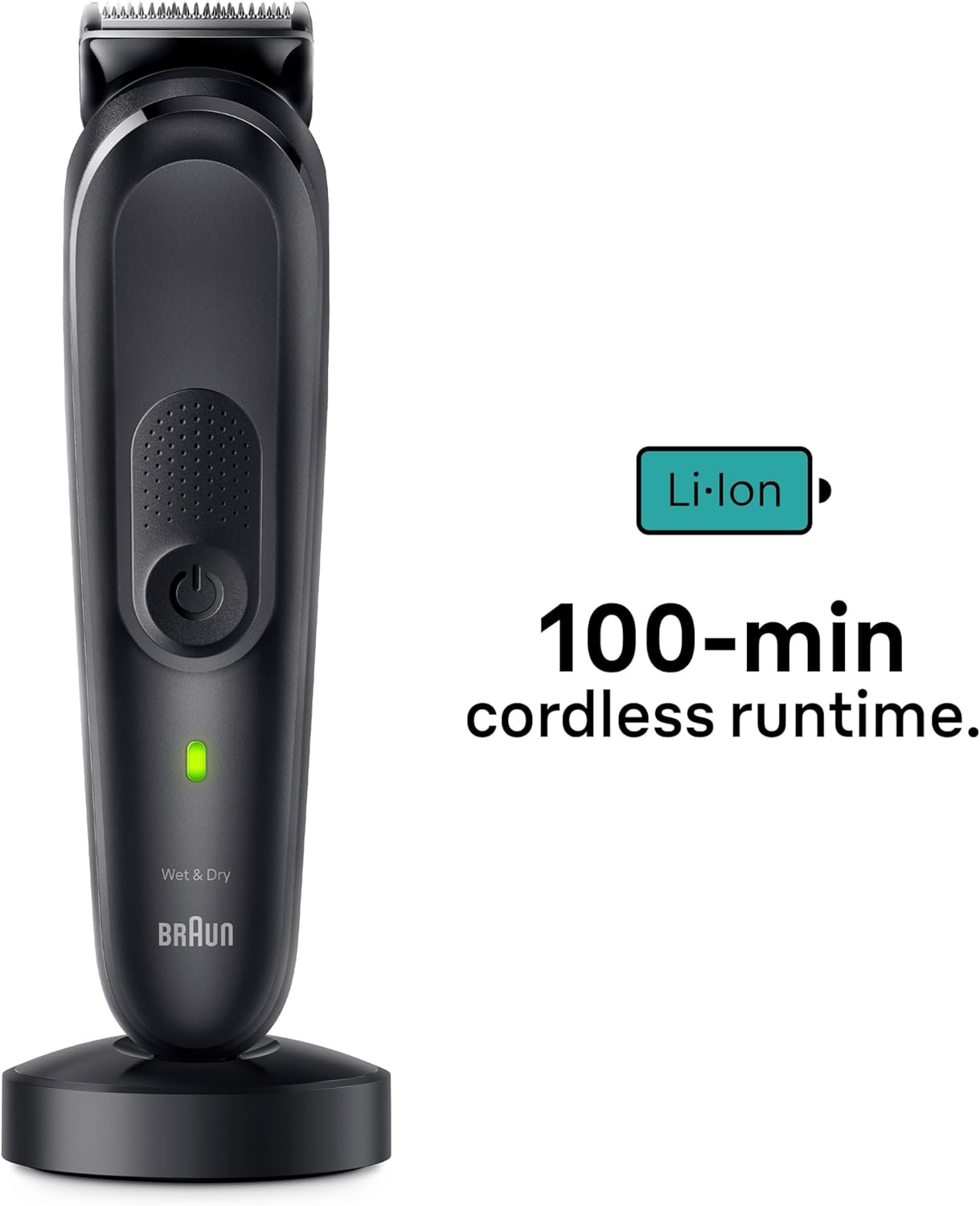
Image: A hand holding the Braun All-in-One Style Kit Series 7 MGK7470 trimmer under running water, demonstrating its waterproof feature for easy cleaning.
6.2 Storage
Store the trimmer and its attachments in the provided organizer case in a dry place, away from direct sunlight and extreme temperatures.
7. Troubleshooting
7.1 Device Not Turning On
- Ensure the device is fully charged.
- Check if the power button is pressed firmly.
7.2 Poor Trimming Performance
- Ensure the trimmer head is clean and free of hair.
- Check if the blades are damaged. Replace if necessary.
- Ensure the device is adequately charged.
8. Specifications
| Feature | Detail |
|---|---|
| Model | MGK7470 |
| Brand | Braun |
| Power Source | Battery Powered (Lithium Ion) |
| Runtime | Up to 100 minutes cordless |
| Waterproof | Yes, 100% waterproof |
| Blade Material | Metal |
| Item Weight | 0.8 Kilograms |
| Product Dimensions | 1 x 1 x 1 cm |
| Manufacturer | Procter & Gamble |
9. Warranty and Support
For warranty information and customer support, please refer to the warranty card included in your package or visit the official Braun website. Keep your proof of purchase for warranty claims.
Documents and downloads
Ask a question about this manual
Ask about setup, troubleshooting, compatibility, parts, safety, or missing instructions. Manuals+ will review the question and use this page’s manual context to help answer it.