
1. Introduction
Thank you for choosing the QZT C10 Wireless WI-FI Camera. This manual provides detailed instructions for the safe and effective setup, operation, maintenance, and troubleshooting of your camera. Please read this manual thoroughly before using the product and retain it for future reference.
2. Product Overview
The QZT C10 is a compact wireless WI-FI camera designed for versatile surveillance. It features full HD 1920 x 1080p resolution at 30 frames per second, motion detection, loop recording, and night vision capabilities. Its flexible lens cable allows for discreet and adaptable placement.
2.1 Components and Features
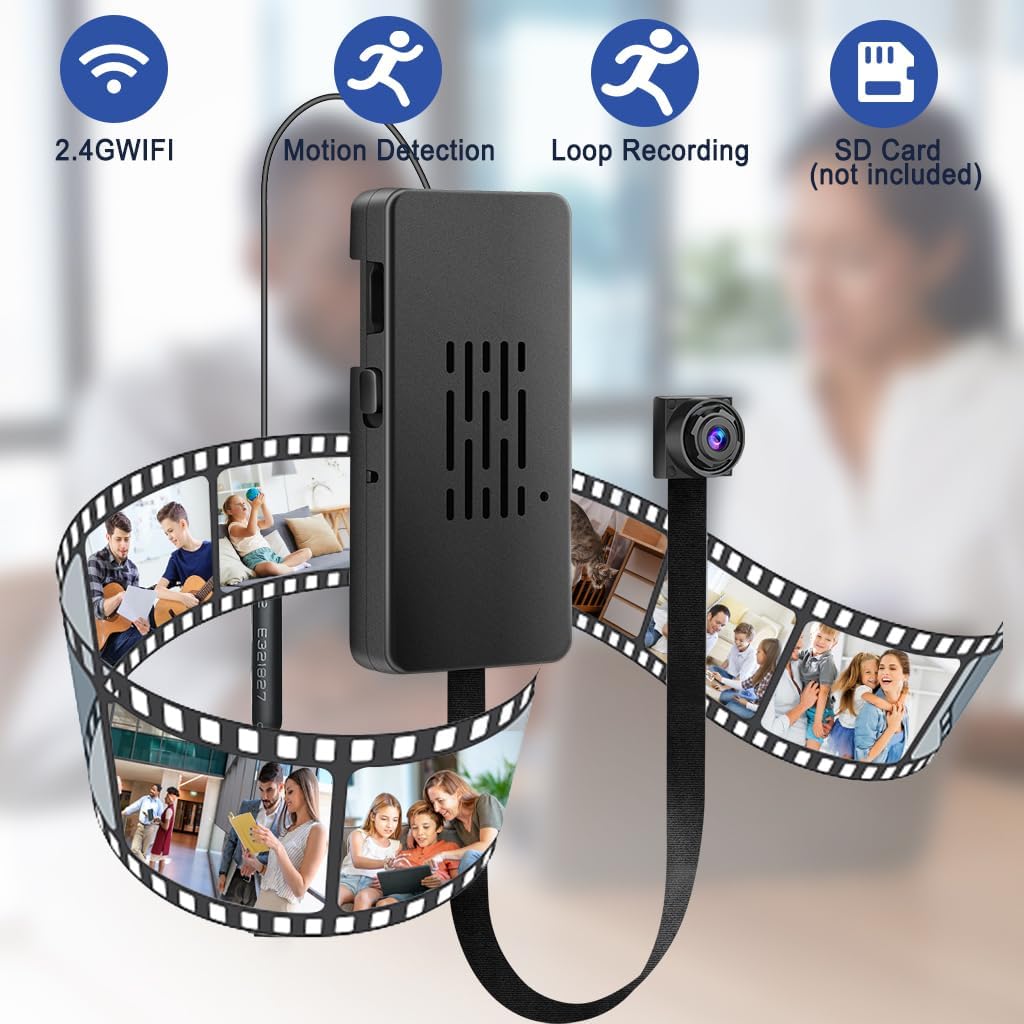
Image 1: Overview of the QZT C10 camera highlighting 2.4G WiFi, Motion Detection, Loop Recording, and SD Card slot.
- 2.4G WiFi Connectivity: For remote access and control.
- Motion Detection: Triggers recording and alerts upon detecting movement.
- Loop Recording: Automatically overwrites oldest footage when storage is full.
- Micro SD Card Slot: Supports local storage (card not included, up to 128GB recommended).

Image 2: Close-up of the camera's main body showing the reset hole, Micro SD card slot, ON/OFF switch, and USB port.
- Reset Hole: Used to reset the device to factory settings.
- ON/OFF Switch: Powers the camera on or off.
- USB Port: For power supply and data connection.
- Antenna: For wireless signal reception.
- QR Code: Contains device identification for app pairing (e.g., V002K009XAB).

Image 3: Physical dimensions of the QZT C10 camera's main unit, battery, and lens cable.
The compact design allows for discreet placement. The main unit measures approximately 2.1 inches (5.4 cm) by 0.8 inches (2 cm), with a flexible lens cable extending approximately 5.5 inches (14 cm). The detachable battery is about 3.0 inches (7.7 cm) by 1.5 inches (3.8 cm).
3. Setup Instructions
3.1 Powering the Camera
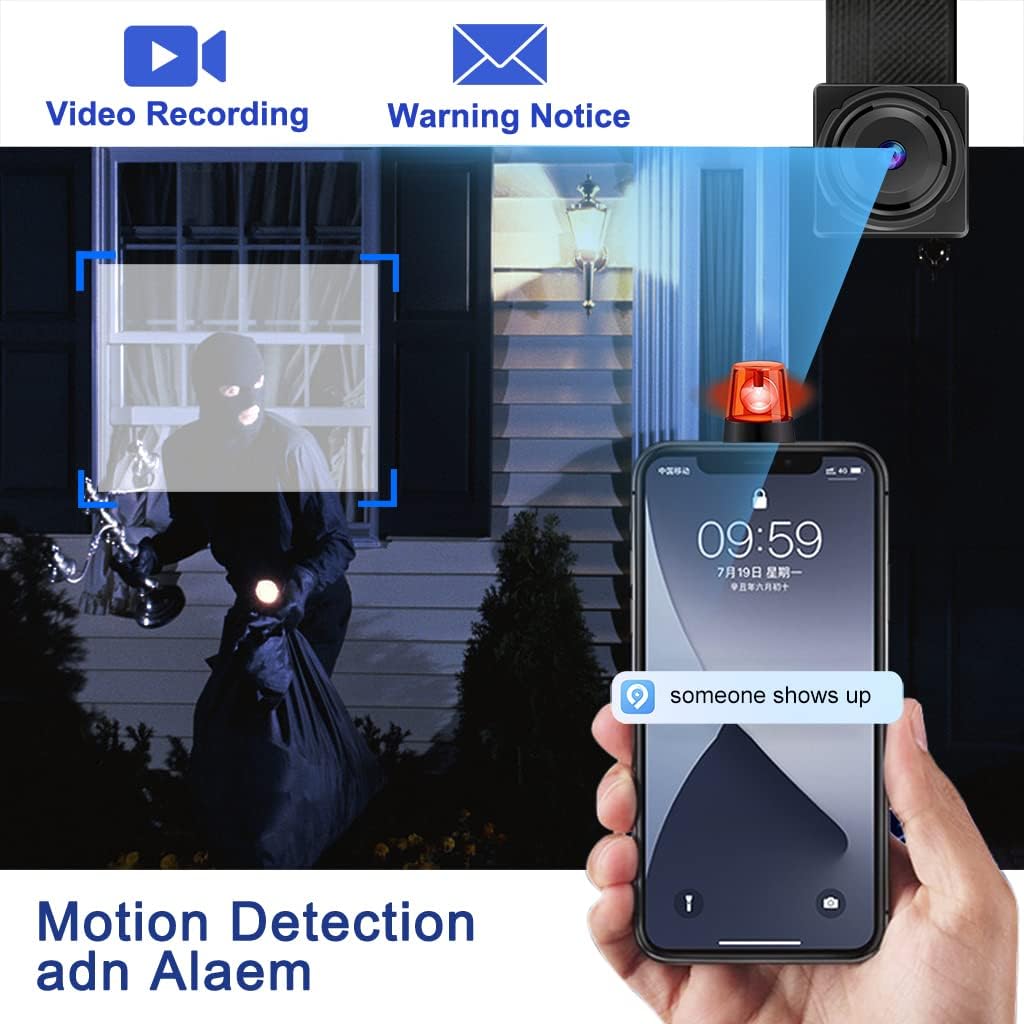
Image 4: The camera can be powered by a wall charger, a power bank, or its internal battery.
The QZT C10 camera can operate using its internal battery or by connecting to an external power source via its USB charging port. For continuous operation, it is recommended to connect the camera to a permanent power supply such as a USB wall charger (not supplied) or a power bank.
- Internal Battery: Provides portable power for a limited duration.
- USB Wall Charger: Connect the camera's USB port to a standard 5V USB charger for continuous power.
- Power Bank: Use a portable power bank for extended operation without a wall outlet.
3.2 Inserting a Micro SD Card
A Micro SD card (not included) is required for recording and storing footage. The camera supports cards up to 128GB. Locate the Micro SD card slot on the side of the main unit (refer to Image 2). Gently insert the card with the gold contacts facing down until it clicks into place.
3.3 App Installation and Wi-Fi Connection
- Download the App: Search for "HDlivecam" in your smartphone's app store (e.g., Apple App Store for iPhone, Google Play Store for Android) and install it.
- Power On: Slide the ON/OFF switch to the 'ON' position.
- Connect to Camera Wi-Fi: On your smartphone, go to Wi-Fi settings and connect to the camera's Wi-Fi hotspot (usually starts with a unique identifier).
- Add Device in App: Open the HDlivecam app, follow the on-screen instructions to add your camera. You may need to scan the QR code located on the camera's body (refer to Image 2) or manually enter the device ID.
- Connect to Home Wi-Fi: Within the app, navigate to the camera settings and select your home 2.4GHz Wi-Fi network. Enter your Wi-Fi password to connect the camera to your network for remote access.
Note: Ensure your Wi-Fi network is 2.4GHz, as the camera does not support 5GHz networks. If you experience difficulty connecting, try resetting the camera using the reset pin (refer to Image 2) and repeat the steps.
4. Operating Instructions
4.1 Basic Operation
- Power On/Off: Use the ON/OFF switch on the camera body.
- Live View: Once connected to the app, you can view live footage from your camera.
- Recording: The camera supports continuous loop recording to the Micro SD card. You can also manually initiate recording through the app.
4.2 Motion Detection and Alarms

Image 5: The camera detects motion and sends a warning notice to your smartphone.
The QZT C10 camera features motion detection capabilities. When motion is detected, the camera can:
- Automatically begin recording.
- Send push notifications to your smartphone via the app.
To enable and configure motion detection settings, navigate to the camera settings within the HDlivecam app.
4.3 Night Vision
The camera is equipped with night vision functionality, allowing it to capture clear video footage even in low-light or dark conditions. This feature activates automatically or can be controlled via the app settings.
4.4 Applicable Scenes

Image 6: Examples of where the QZT C10 camera can be used, such as for meetings, home security, monitoring children, or observing pets.
The QZT C10 camera is versatile and suitable for various monitoring needs, including:
- Office meetings and presentations.
- Home security and surveillance.
- Monitoring children or elderly family members.
- Observing pets.
- General indoor and outdoor monitoring (ensure proper weather protection for outdoor use).
5. Maintenance
- Cleaning: Use a soft, dry cloth to clean the camera lens and body. Avoid using harsh chemicals or abrasive materials.
- Software Updates: Periodically check the HDlivecam app for any available firmware updates for your camera to ensure optimal performance and security.
- Battery Care: If using the internal battery, avoid extreme temperatures and fully charge it before long periods of inactivity.
- SD Card Management: Regularly back up important footage from your Micro SD card. Format the SD card periodically through the app to maintain performance.
6. Troubleshooting
| Problem | Possible Cause | Solution |
|---|---|---|
| Camera fails to connect to Wi-Fi. | Incorrect Wi-Fi password, 5GHz network, camera too far from router, temporary network issue. |
|
| Camera settings are not saved after power cycle. | Possible app or firmware issue, or improper shutdown. |
|
| Recorded footage is inaccessible or corrupted. | SD card issue, incorrect file format, app compatibility. |
|
| Incorrect time displayed on recordings. | Time zone not synchronized, app setting issue. |
|
| App crashes frequently. | App compatibility, software bugs, insufficient phone resources. |
|
7. Specifications
| Feature | Detail |
|---|---|
| Model Number | C10 |
| Brand | QZT |
| Video Resolution | 1080p (1920 x 1080 Pixels) |
| Frame Rate | 30fps |
| Wireless Technology | Wi-Fi (2.4GHz only) |
| Storage | Micro SD Card (up to 128GB, not included) |
| Special Features | HD Resolution, Motion Detection, Night Vision, Loop Recording |
| Item Dimensions (L x W x H) | 22.86 x 2.79 x 1.02 cm (approx. 9 x 1.1 x 0.4 inches) |
| Item Weight | 160 g (approx. 5.6 oz) |
| Power Source | USB (5V), Internal Battery |
| Indoor/Outdoor Usage | Versatile (suitable for both, but ensure weather protection for outdoor use) |
8. Warranty Information
The QZT C10 Wireless WI-FI Camera comes with a 1-Year Manufacturer's Warranty. This warranty covers defects in materials and workmanship under normal use. It does not cover damage caused by misuse, accidents, unauthorized modifications, or natural disasters. Please retain your proof of purchase for warranty claims.
9. Support
For technical assistance, troubleshooting not covered in this manual, or warranty inquiries, please contact QZT customer support. Refer to the product packaging or the official QZT website for the most current contact information.
Please note: Customer reviews indicate that support communication may vary. For critical issues, ensure you provide detailed information about your problem and steps taken.
