
Introduction
This manual provides detailed instructions for the safe and efficient installation, operation, and maintenance of your HUMHOLD 24-inch Bladeless Smart LED Ceiling Fan with Light. Please read this manual thoroughly before use and retain it for future reference.
Safety Information
Always follow basic safety precautions when installing and operating electrical appliances. Ensure power is disconnected at the circuit breaker before installation or maintenance. Installation should be performed by a qualified electrician. Do not operate the fan with damaged wiring or if it is not securely mounted. Keep hands and foreign objects away from the fan during operation.
Package Contents
Carefully unpack all components and ensure all items are present before beginning installation. The package should include:
- Bladeless Ceiling Fan with Integrated LED Light
- Remote Control
- Mounting Bracket
- Installation Hardware (screws, wire nuts, safety hook)
- Owner's Manual
- Gloves (for handling during installation)

Image: Main components of the HUMHOLD Bladeless Ceiling Fan, including the fan unit and remote control.
Video: An overview of the 24-inch Gold Bladeless Ceiling Fan with Lights, demonstrating its design and features.
Setup and Installation
The ceiling fan is designed for flush mount installation. Ensure the mounting surface can support the weight of the fan. The components are pre-assembled for ease of installation. Refer to the included owner's manual for detailed wiring diagrams and step-by-step instructions.
- Prepare for Installation: Turn off power at the main circuit breaker.
- Mount the Bracket: Secure the mounting bracket to the ceiling junction box using appropriate screws.
- Wire Connections: Connect the fan's electrical wires (live, neutral, ground) to the corresponding household wires. The fan includes a safety hook to assist during wiring, allowing the fan to hang while connections are made.
- Attach the Fan: Lift the fan and align it with the mounting bracket. Secure the fan to the bracket using the provided screws.
- Restore Power: Once installation is complete and all connections are secure, restore power at the circuit breaker.

Image: Product dimensions of the 24-inch Bladeless Ceiling Fan.
Operating Instructions
Your ceiling fan can be controlled via the included remote control or a dedicated smartphone application ("Enjoy home" app).
Fan Control
- Speed Settings: The fan offers 6 wind speeds, adjustable via the remote or app.
- Quiet DC Motor: The high-quality DC motor ensures smooth operation with minimal noise.
- Reversible Function: The fan features a reversible DC motor. Use forward mode for cooling in summer and reverse mode for air circulation in winter.
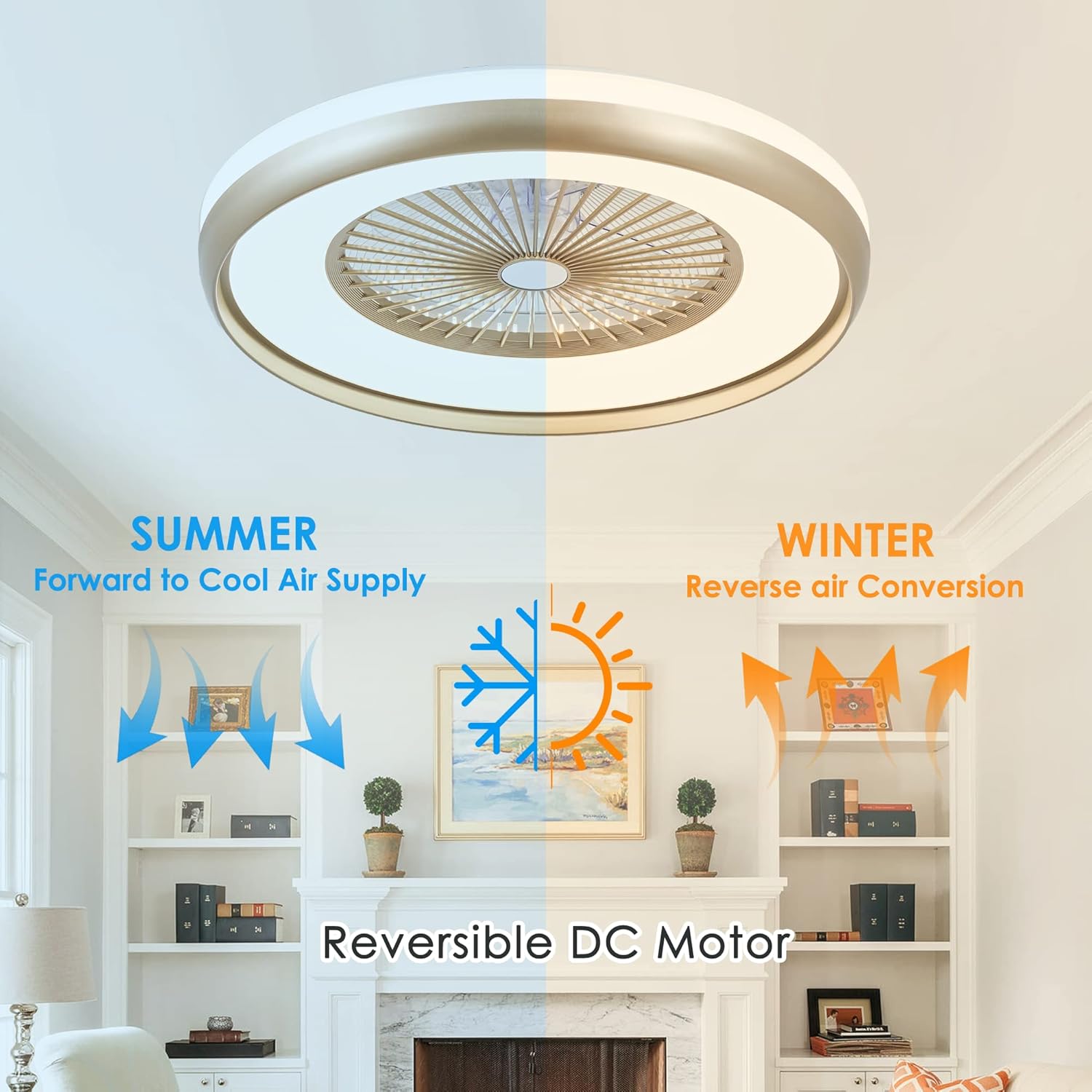
Image: Visual representation of the 6 wind speed settings.
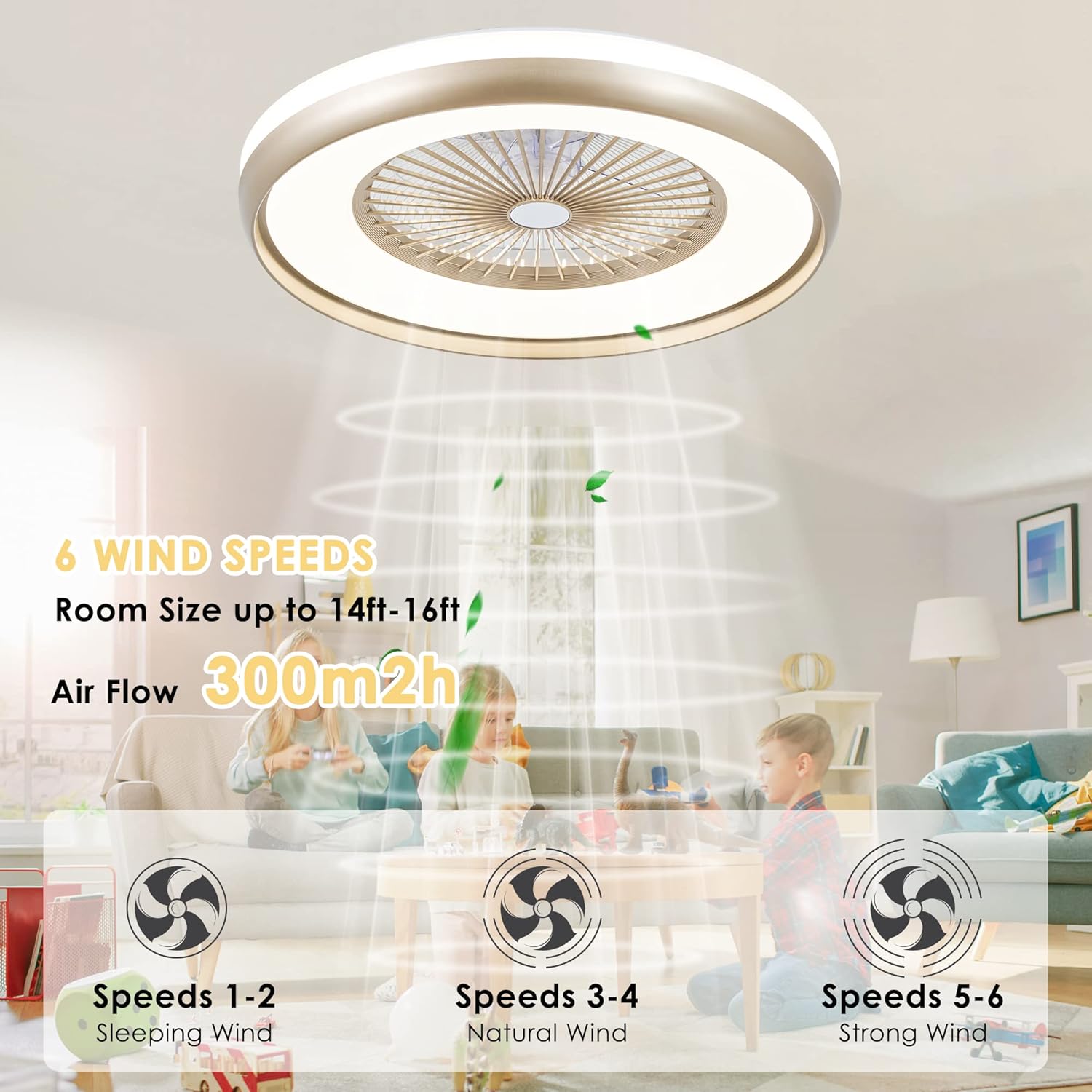
Image: Explanation of the fan's reversible function for seasonal use.
Light Control
- 3-Dimmable LED Light: Choose from three light colors (white, warm, neutral) and adjust brightness with the stepless dimming feature.
- Energy-Saving: The integrated LED lights are energy-efficient, providing ample illumination while protecting your eyes with gentle, non-glaring light.
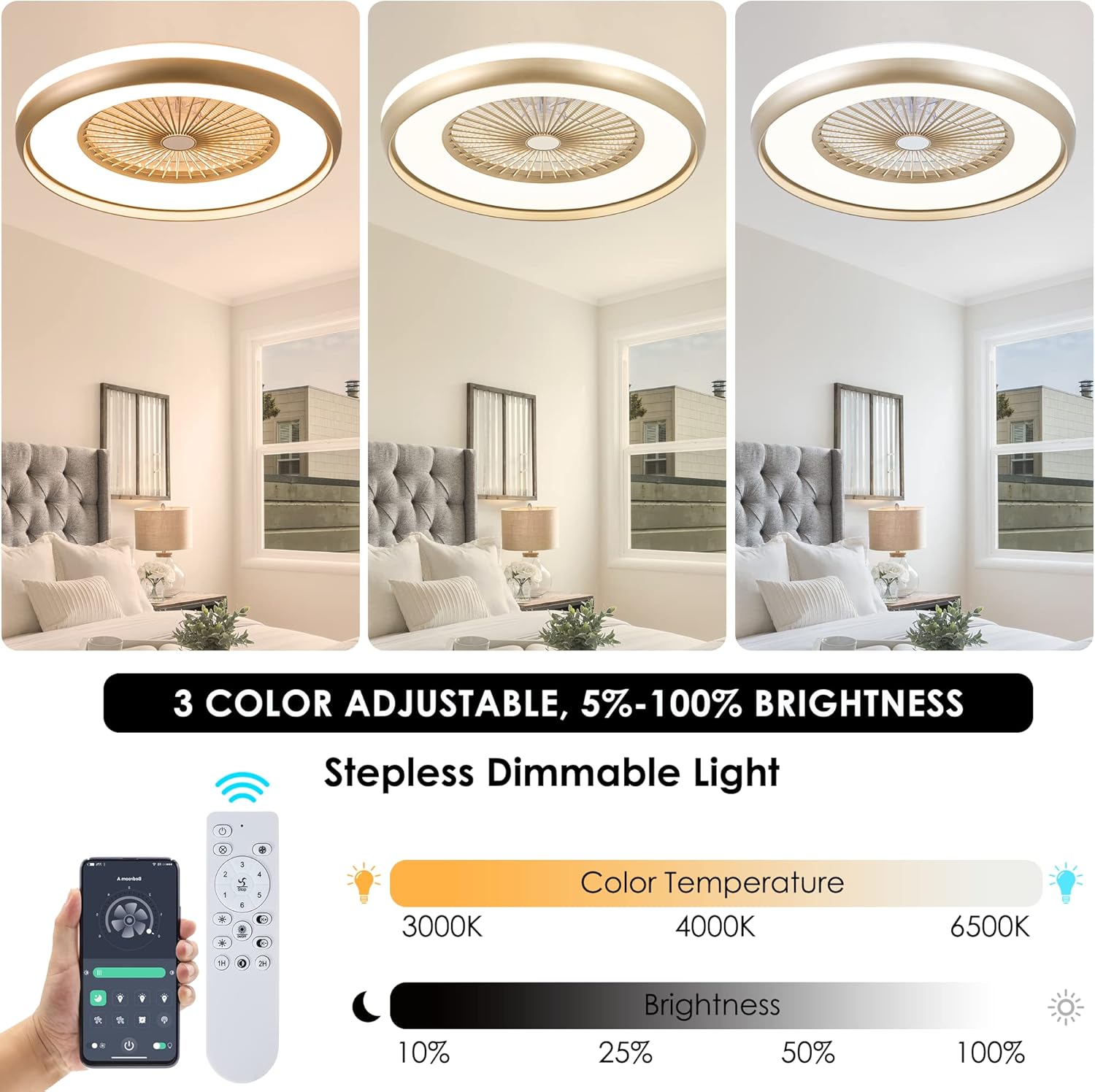
Image: Demonstrating the 3-dimmable LED light and brightness control.
Remote and App Control
- Control fan speed, light color, brightness, and timer settings using the remote control or the "Enjoy home" app.

Image: Overview of app and remote control functionalities.
Timer Setting
- Set the fan and light to turn off automatically after 1 or 2 hours using the timer function on the remote or app.

Image: Silent DC motor and timer settings.
Maintenance and Cleaning
To maintain optimal performance and appearance, regular cleaning is recommended. The wind deflector is removable for easy cleaning without needing to remove the entire ceiling fan from the ceiling. Always ensure the power is off before cleaning.
- General Cleaning: Use a soft, damp cloth to wipe down the exterior surfaces of the fan and light. Avoid abrasive cleaners.
- Dust Removal: For the internal fan blades, carefully remove the wind deflector as per the instructions in the full manual and gently clean the blades with a soft brush or cloth.
Troubleshooting
If you encounter any issues with your ceiling fan, please refer to the following common troubleshooting steps:
- Fan Not Operating: Check the power supply at the circuit breaker. Ensure all wiring connections are secure. Verify the remote control batteries are functional.
- Light Not Working: Check power supply. Ensure light settings are correctly adjusted via remote or app.
- Remote/App Issues: Ensure the remote batteries are fresh. For app control, verify Bluetooth connectivity and that the "Enjoy home" app is correctly paired with the fan.
- Unusual Noise: Ensure all mounting screws are tightened. Check for any obstructions around the fan.
If problems persist, contact customer support for assistance.
Specifications
| Brand | HUMHOLD |
| Model Name | HDFSD-B01-GD |
| Color | Gold |
| Size | 24 Inch |
| Product Dimensions | 24"L x 24"W x 7.6"H |
| Item Weight | 10.73 pounds |
| Material | Acrylonitrile Butadiene Styrene, Acrylic |
| Power Source | DC |
| Voltage | 110 Volts |
| Wattage | 48 watts |
| Light Source Type | LED |
| Brightness | 1600 lm (Max 4200 Lumens) |
| Color Temperature | 3000 Kelvin (Adjustable 2700K-6500K) |
| Control Method | App, Remote Control |
| Connectivity Protocol | Bluetooth |
| Special Features | Adjustable Color Temperature, Color Changing, Dimmable, Energy Efficient, Timer, Reversible |
Warranty Information
This HUMHOLD ceiling fan comes with a 2-year manufacturer's limited warranty. Please retain your proof of purchase for warranty claims. The warranty covers defects in materials and workmanship under normal use.
Customer Support
For any questions, technical support, or warranty inquiries, please refer to the contact information provided in your original product packaging or visit the official HUMHOLD website.

