1. Introduction
Thank you for choosing the ShockFlo S1 Level 2 EV Charger. This manual provides essential information for the safe and efficient operation of your new electric vehicle charging station. Please read all instructions carefully before installation and use.
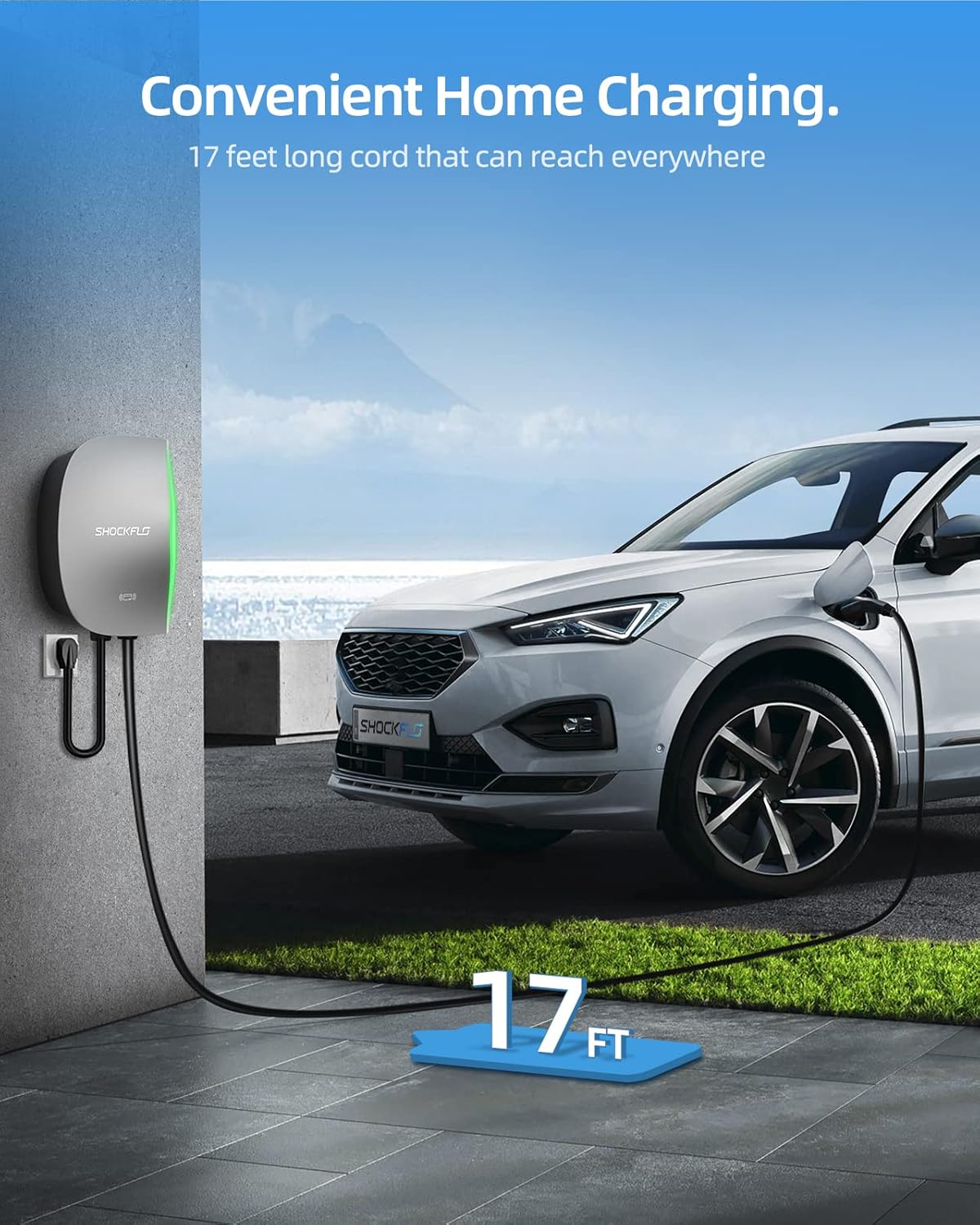
The ShockFlo S1 is a UL Certified, Energy Star rated Level 2 EV charger designed for both indoor and outdoor use. It offers flexible installation options (NEMA 14-50 plug or hardwired) and smart features including Wi-Fi, Bluetooth, and RFID card control for enhanced convenience and security.
Safety is paramount. Always follow local electrical codes and consult a qualified electrician for hardwired installations.
2. What's in the Box
Verify that all items are present in your package:
- 48A EV Charging Station
- SAE J1772 Connector
- NEMA 14-50 Plug (pre-attached for plug-in models)
- Installation Guide Manual
- APP User Guide
- 2 x RFID Cards
- Wall Bracket
- Installation Screws

Video: An unboxing showcase of the ShockFlo S1 EV Charger, detailing each component included in the package.
3. Setup and Installation
The ShockFlo S1 EV Charger offers two installation methods: NEMA 14-50 plug-in or hardwired. For hardwired installations, professional assistance is recommended to ensure compliance with electrical codes and safety standards.
3.1 Mounting the Charger
- Choose Location: Select a suitable indoor or outdoor location. The charger's NEMA Type 4 enclosure is watertight and designed to withstand various weather conditions.
- Attach Mounting Bracket: Securely attach the provided wall bracket to a sturdy surface using the installation screws. Ensure the bracket is level and firmly fixed.
- Mount Charger: Carefully align the charging station with the mounted bracket and slide it into place until it clicks securely.

3.2 Electrical Connection
- NEMA 14-50 Plug: If using the NEMA 14-50 plug, simply plug the charger into a compatible 240V NEMA 14-50 outlet.
- Hardwired Installation: For hardwired connections, disconnect power at the circuit breaker. A qualified electrician should connect the charger directly to your electrical panel according to local codes.
4. Operating Instructions
The ShockFlo S1 offers multiple ways to initiate and manage your charging sessions.
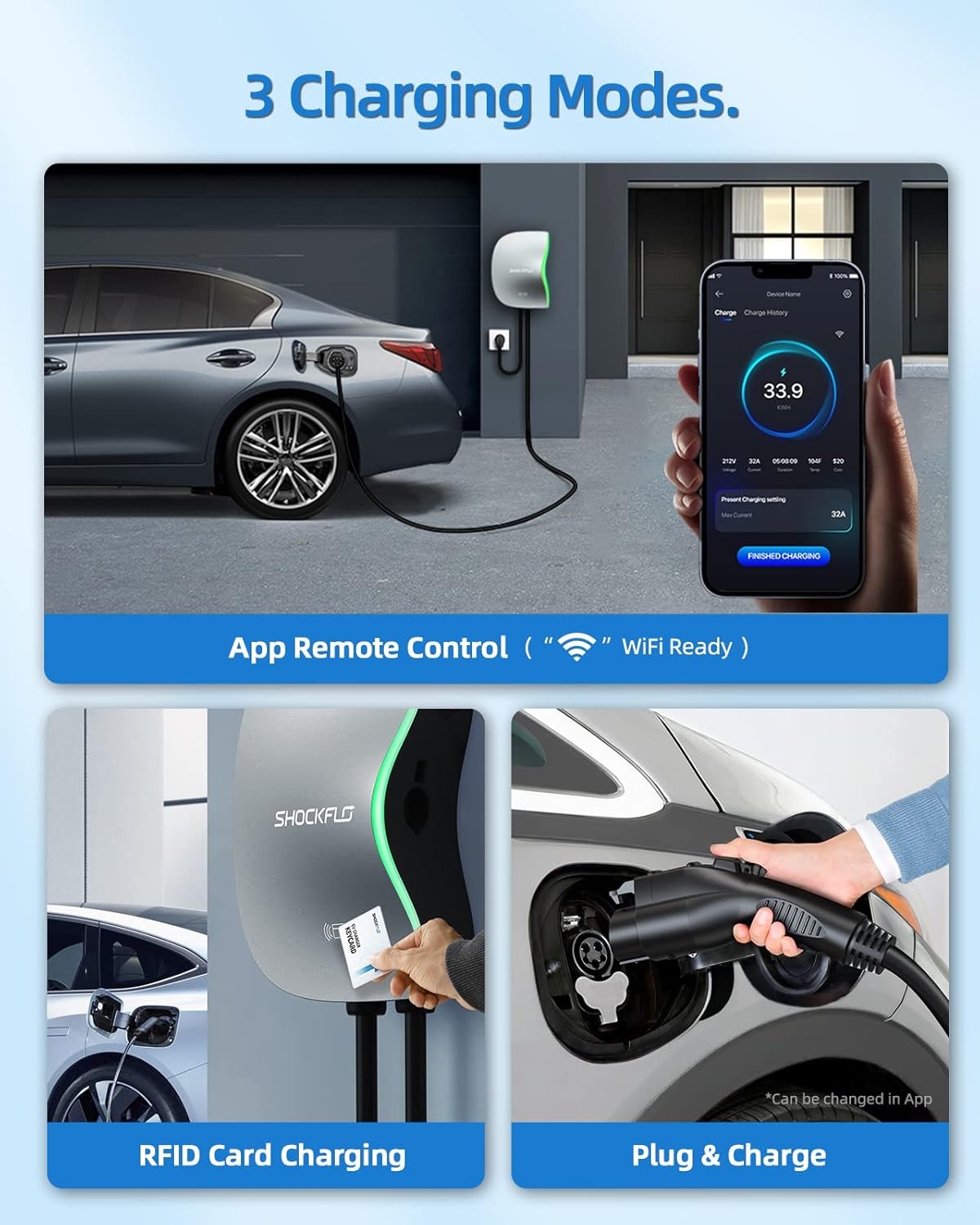
4.1 Charging Modes
- Plug & Charge: Simply plug the SAE J1772 connector into your EV's charging port to begin charging automatically.
- RFID Card Charging: Tap one of the provided RFID cards on the charger to authorize and start a charging session.
- App Remote Control: Use the ShockFlo mobile application to remotely start/stop charging, monitor status, and adjust settings.

4.2 Smart Features (via ShockFlo APP)
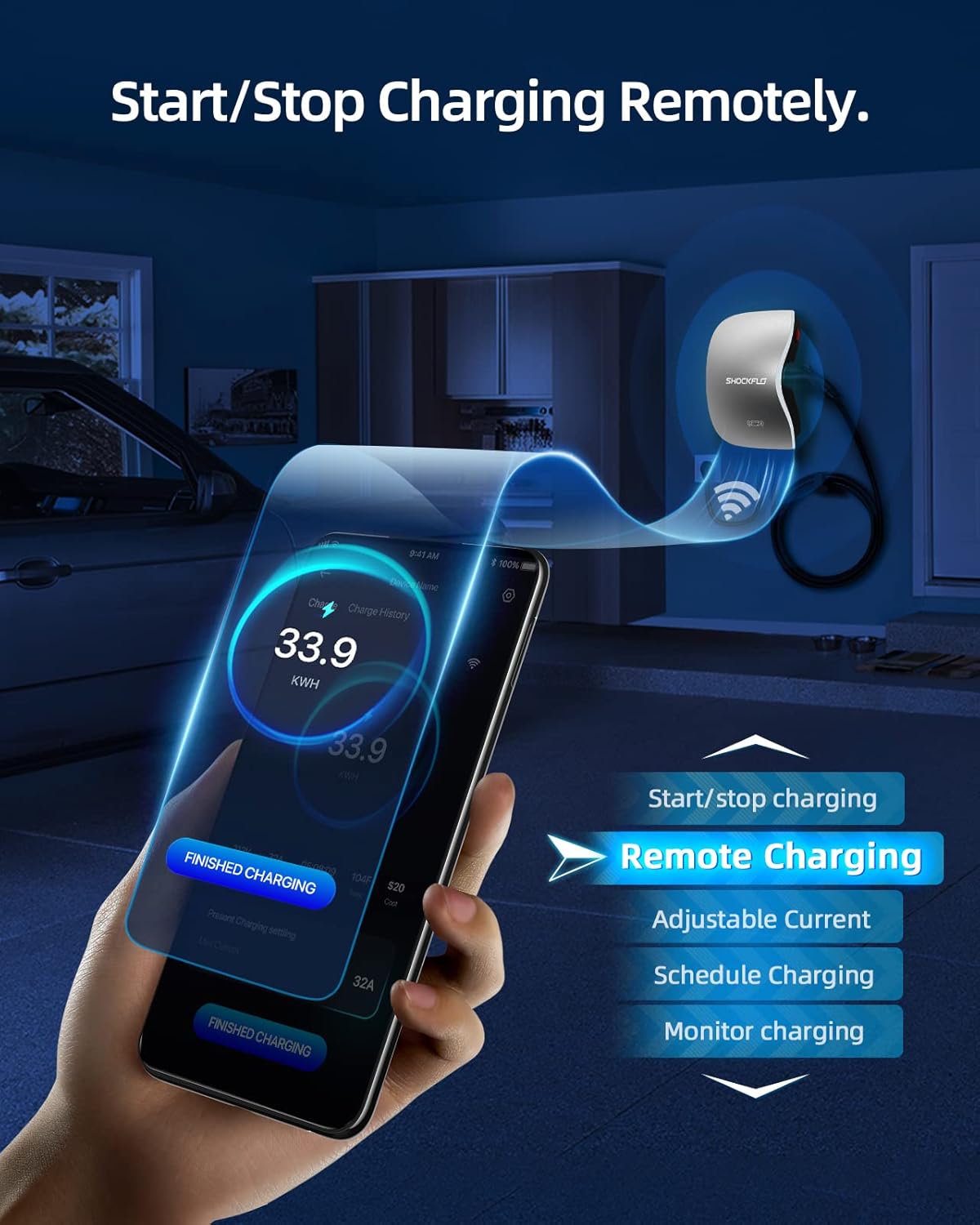
Connect your charger to the ShockFlo APP via Wi-Fi or Bluetooth to unlock advanced functionalities:
- Remote Control: Start or stop charging from anywhere.
- Monitor Charging: View real-time charging status, energy consumption, and charging history.
- Adjust Current: Modify the charging current (6A to 48A) to suit your needs.
- Schedule Charging: Set specific times for charging, ideal for off-peak electricity rates.
Video: A demonstration of how to use the ShockFlo APP to charge your electric vehicle, including connecting and managing charging sessions.
5. Maintenance
The ShockFlo S1 EV Charger is designed for durability and minimal maintenance. Its IP65 waterproof rating ensures protection against dust and water jets, making it suitable for various environmental conditions.
- Regular Cleaning: Wipe the exterior of the charger with a soft, damp cloth to remove dust and dirt. Do not use harsh chemicals or abrasive cleaners.
- Cable Inspection: Periodically inspect the charging cable and connector for any signs of wear, damage, or fraying. Replace if necessary.
- Firmware Updates: Ensure your ShockFlo APP is up-to-date to receive the latest firmware updates for your charger, enhancing performance and security.

6. Troubleshooting
If you encounter issues with your ShockFlo S1 EV Charger, refer to the following common solutions:
- Charger Not Starting: Ensure the charger is properly plugged in or hardwired, and the circuit breaker is on. Check the app for any error messages.
- Slow Charging: Verify the charging current setting in the ShockFlo APP. Ensure your vehicle supports the desired charging rate.
- App Connectivity Issues: Check your Wi-Fi or Bluetooth connection. Restart the app or the charger if necessary.
- Error Indicators: The charger features status indicator lights. Refer to the APP User Guide for a detailed explanation of light patterns and corresponding troubleshooting steps.


7. Specifications
| Feature | Specification |
|---|---|
| Brand | ShockFlo |
| Model Number | CS02 |
| Item Weight | 19.11 pounds |
| Product Dimensions | 15.74"D x 9.64"W x 3.34"H |
| Output Voltage | 36 Volts (240V AC input) |
| Charging Amperage | Adjustable 6 to 48 Amps |
| Cable Length | 17 feet |
| Connectivity | Wi-Fi, Bluetooth, RFID |
| Waterproof Rating | IP65 |
| Certifications | UL, Energy Star, FCC |

8. Warranty and Support
ShockFlo provides a 3-year warranty for the S1 Level 2 EV Charger, ensuring peace of mind for your investment.
For any questions, technical assistance, or warranty claims, our dedicated customer support team is available 24/7. Please refer to the contact information provided in your APP User Guide or visit the official ShockFlo website for support.


